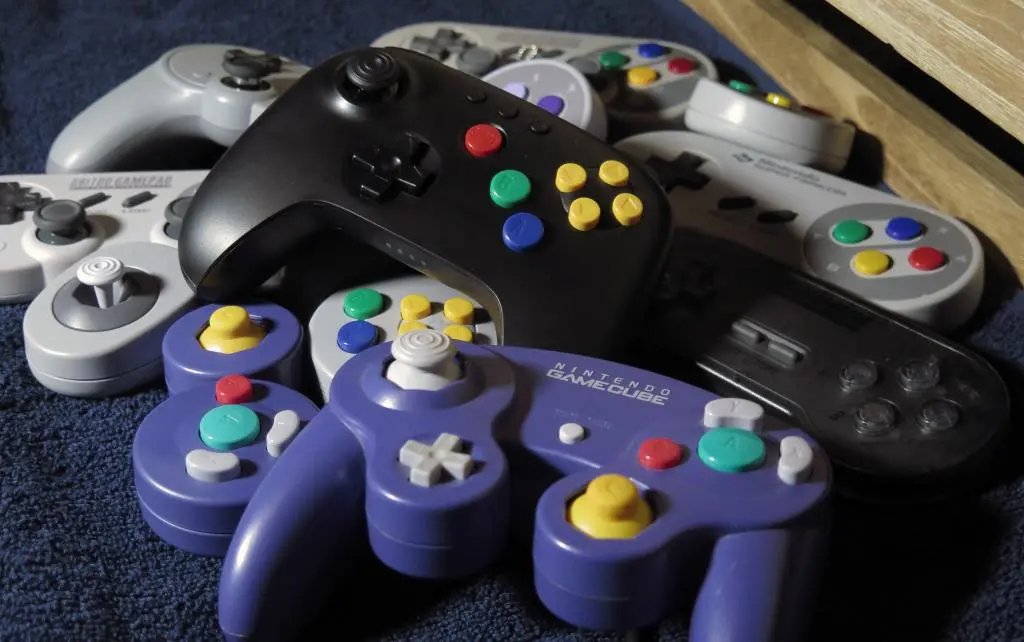
The Nintendo 64 Controller is an outlier. While developing a 3D console, Nintendo knew that they needed to have a joystick with 360 degree motion, but their ideas on how to incorporate that into controller design led them down a path that would create a 3-handled controller. A baffling choice at that time, but not so left field considering their further choices for controllers in the future. The Playstation digital controller and later analog controller felt like the real evolution of controller design coming from the Super Nintendo, and that design continues modern controllers.
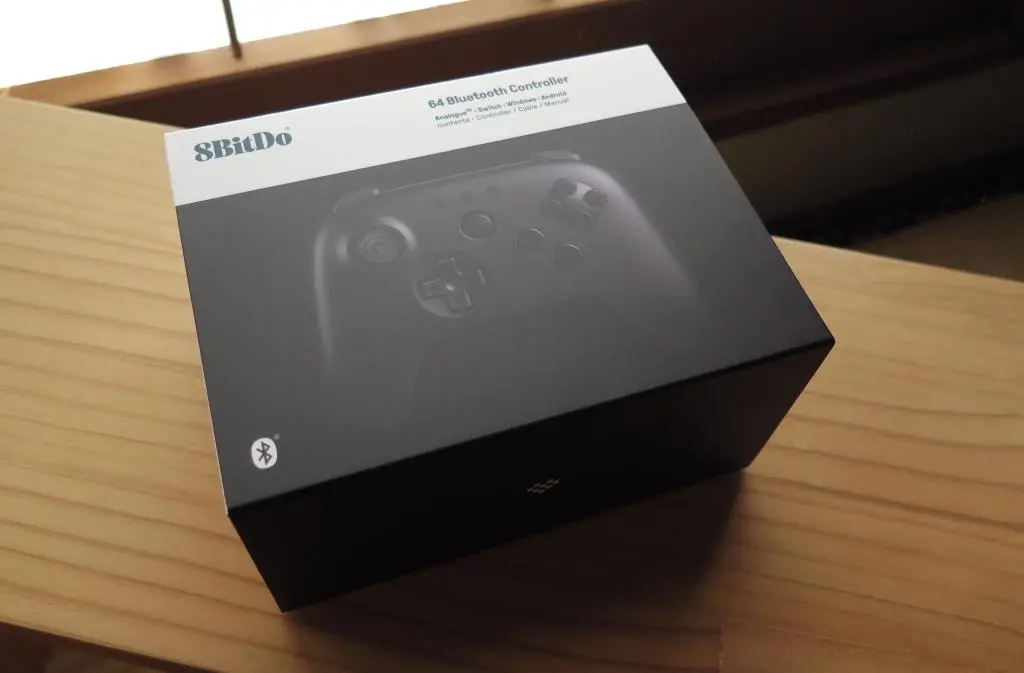
With Analogue's announcement of the Analogue 3D, an FPGA console emulating the hardware of a Nintendo 64, they wanted to have a modern take on the N64 controller. And with 8BitDo, they created their version of the controller.
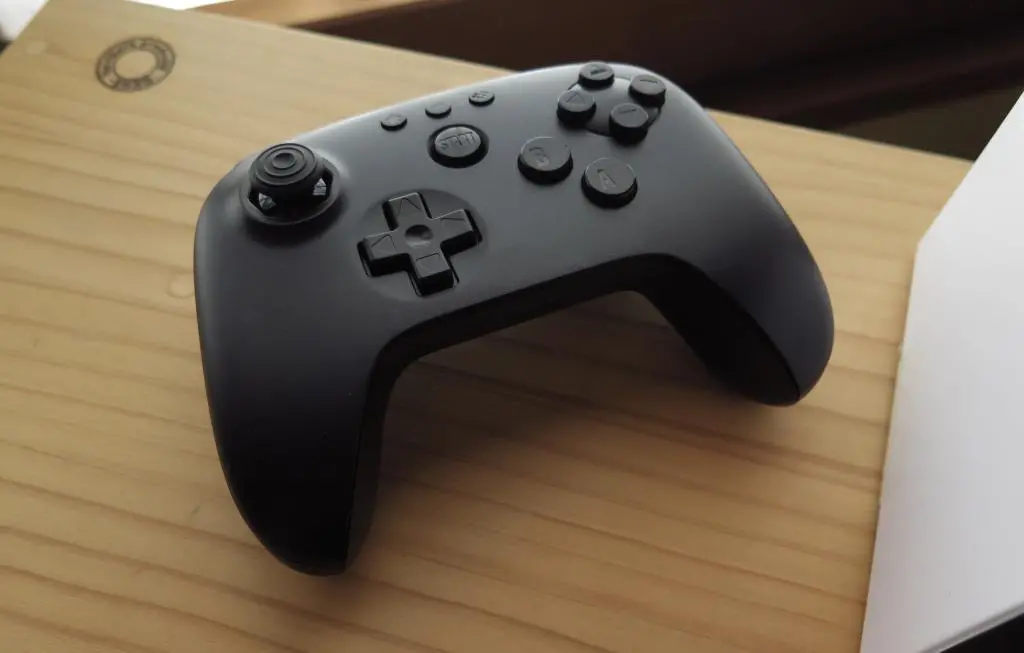
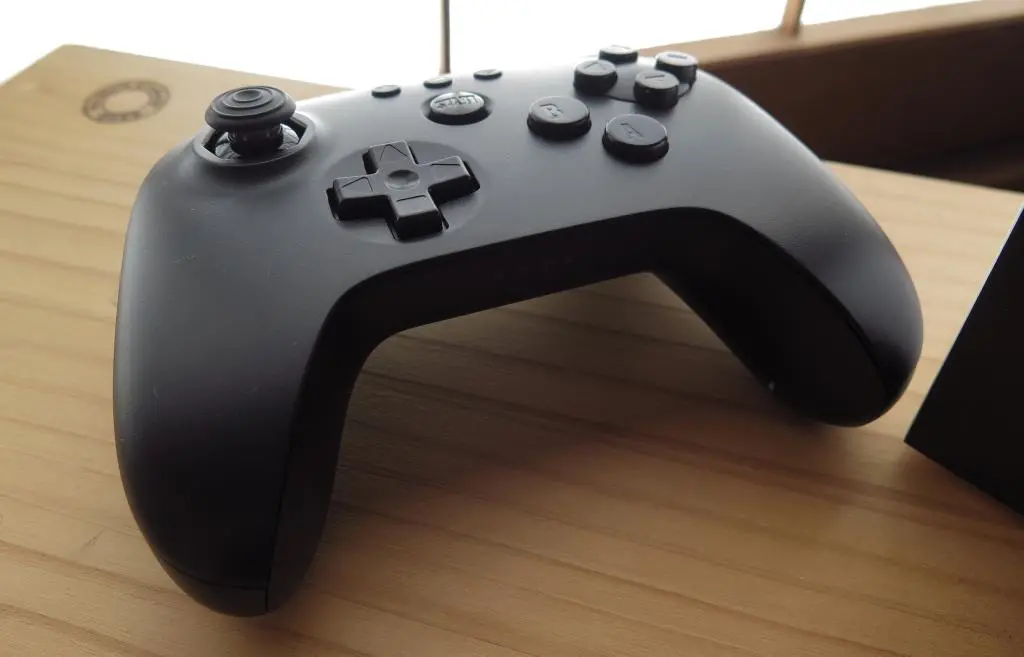
They kept the original button layout, but put the joystick and D-pad in their proper modern spots. On the top of the controller, there are R1/L1 and R2/L2 buttons, with the R2/L2 buttons acting as a Z-button. Additionally, there are accelerometers in the controller to handle rumbles and vibrations. Far more natural than a heavy Rumble pack weighing down the back of the original.
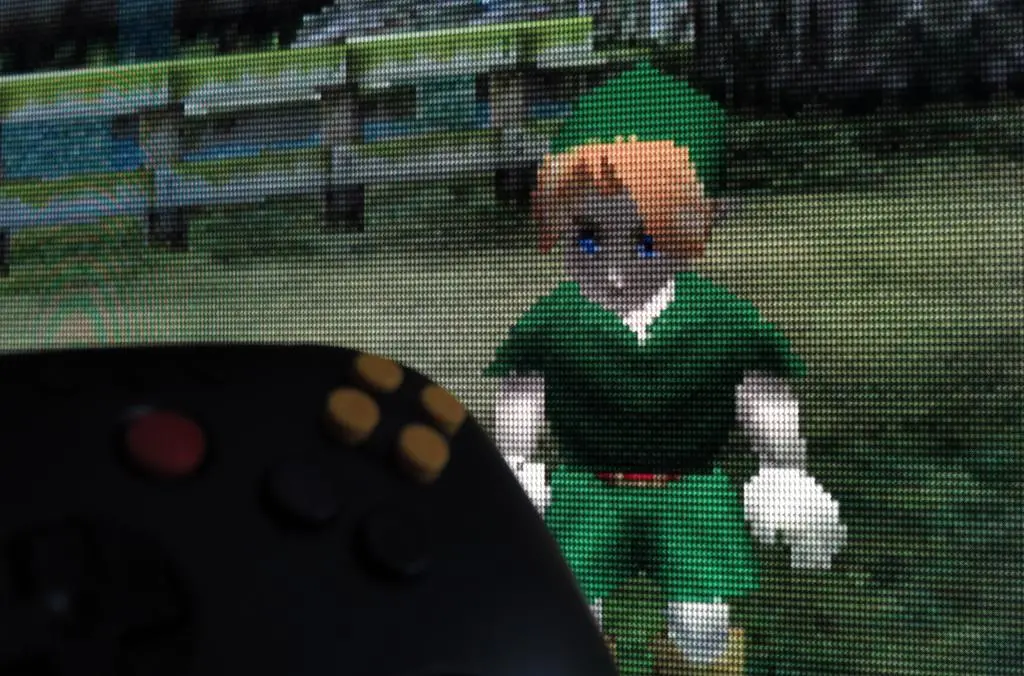
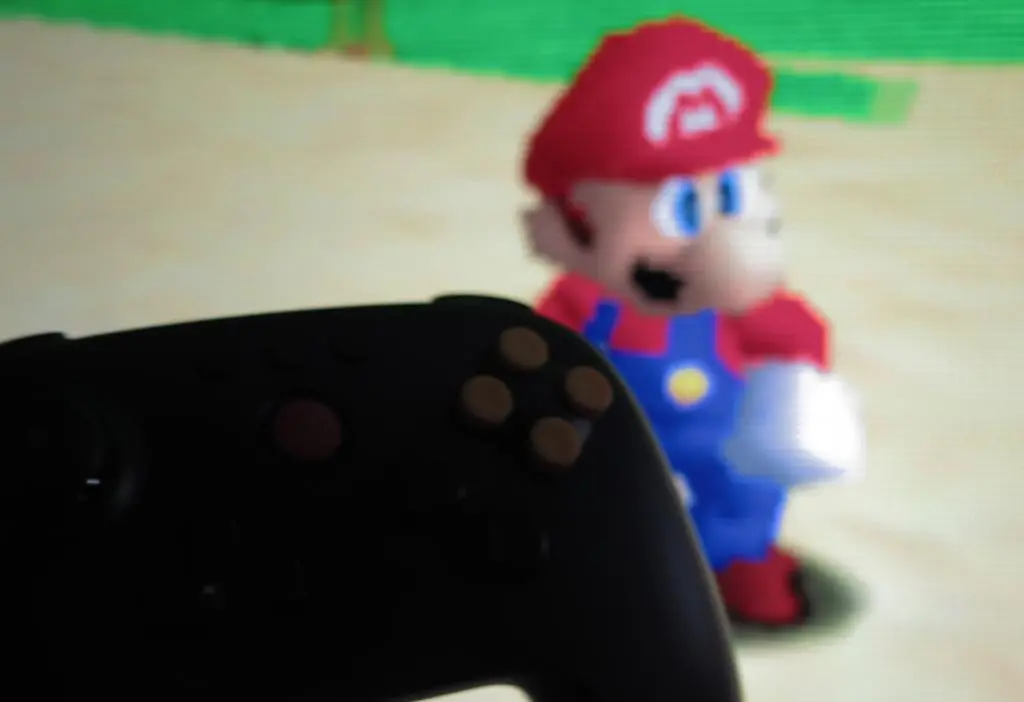
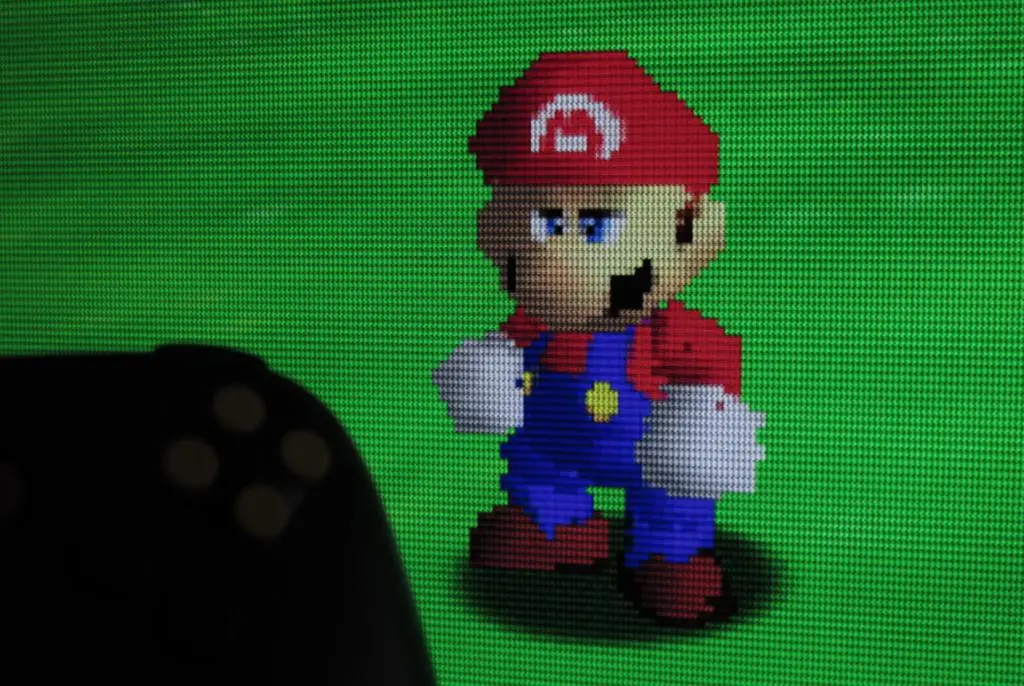
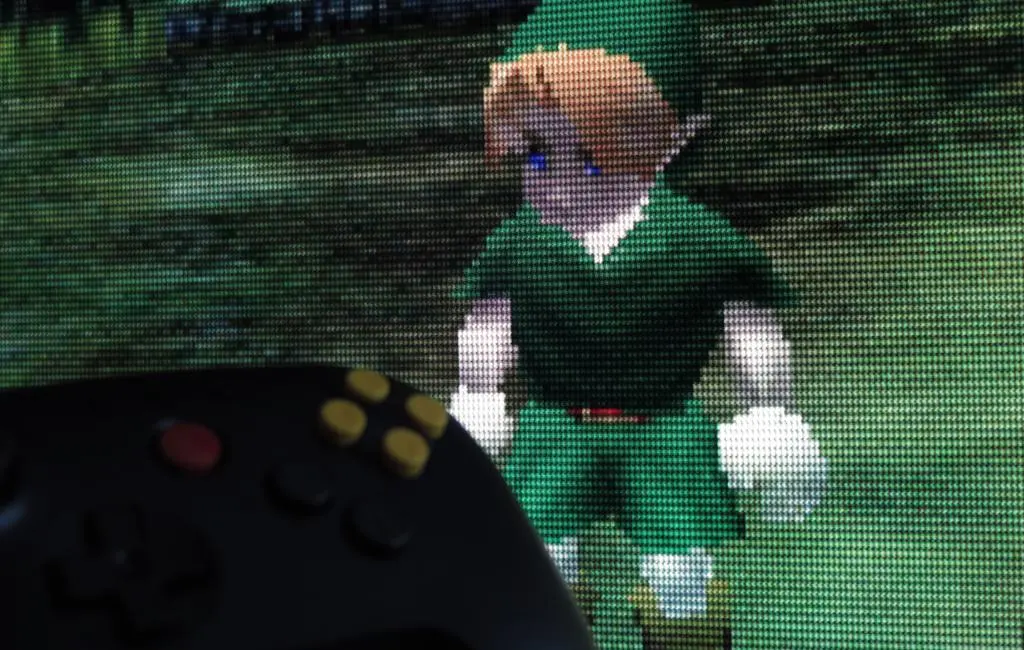
It does not support controller paks (memory cards), which is one of its biggest downfalls. Although, not many games had support for those. The controller is also not ideal for Sin & Punishment, which put your left hand on the d-pad and right hand on the joystick. But, after picking up this controller and playing around with Mario and Zelda, it feels amazing.
Ultimately, I bought the controller because there really aren't any great modern solutions for N64 controllers. It's a controller with 6 face buttons, an analog stick, d-pad, and 3 top buttons. All modern controllers have 4 face buttons. It's possible to map the four c-buttons to a right analog stick, but that makes games very awkward.
Even though I want to try to avoid buying single-use controllers, it's really the perfect modern solution to the N64. Also, I could probably reuse it for Sega Saturn and Dreamcast in a pinch.
I am primarily using the controller to play N64 games on the Mister FPGA. I have the Bluetooth version of the controller, but it does not play nice with my standard Wifi/Bluetooth adapter. It connects, but then the c-buttons don't work. I can switch the controller to S-mode, and then it works for a little while, but won't reconnect. After updating both the controller and my 8BitDo Wireless 2 adapter, it works perfectly in D-mode. So, be advised, if you buy the controller, you should also make that extra purchase.
On Amazon JP, I had the choice between Black and White. Rather boring choices. They did release a version with the original gray and colored buttons, but I felt it was too much? I love the colored skittle buttons on the Super Famicom controller because they seem like small drops of color on a mid-gray base. The buttons on the 64 controller are huge and have brighter colors, and I think the gray is too light. Really, I don't like the look and I don't have any nostalgia for it.
There are other colors, too, but they're on Amazon US. Between Black and White, I went with Black because I thought that White would get dirtier faster.
Perhaps ironic, but after looking at the blank black controller, I felt like it could use just a little bit of color. 8BitDo offers a pack of replacement buttons so you can do a swap.
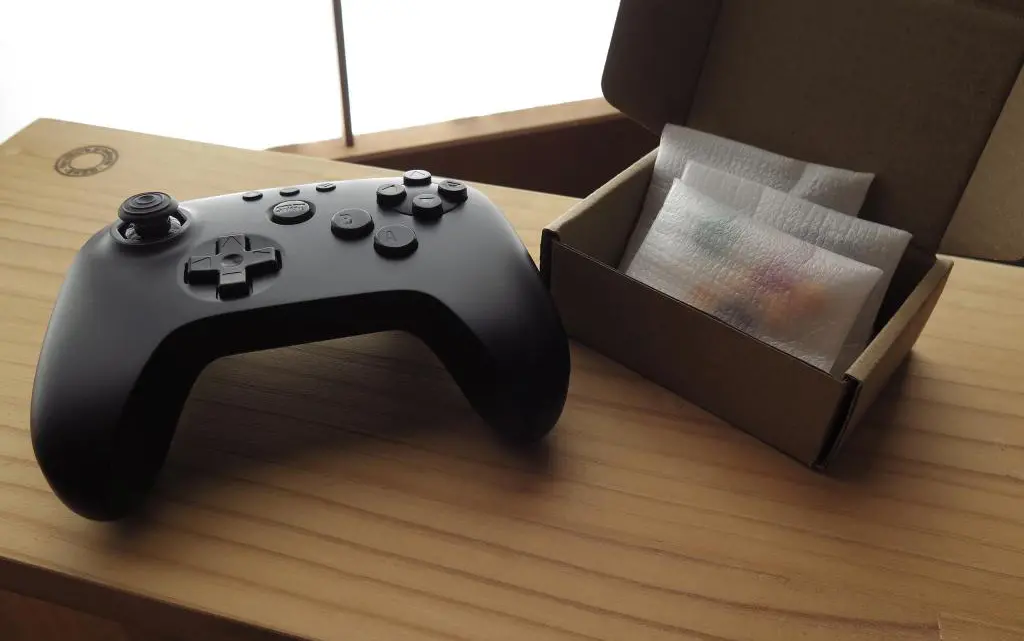
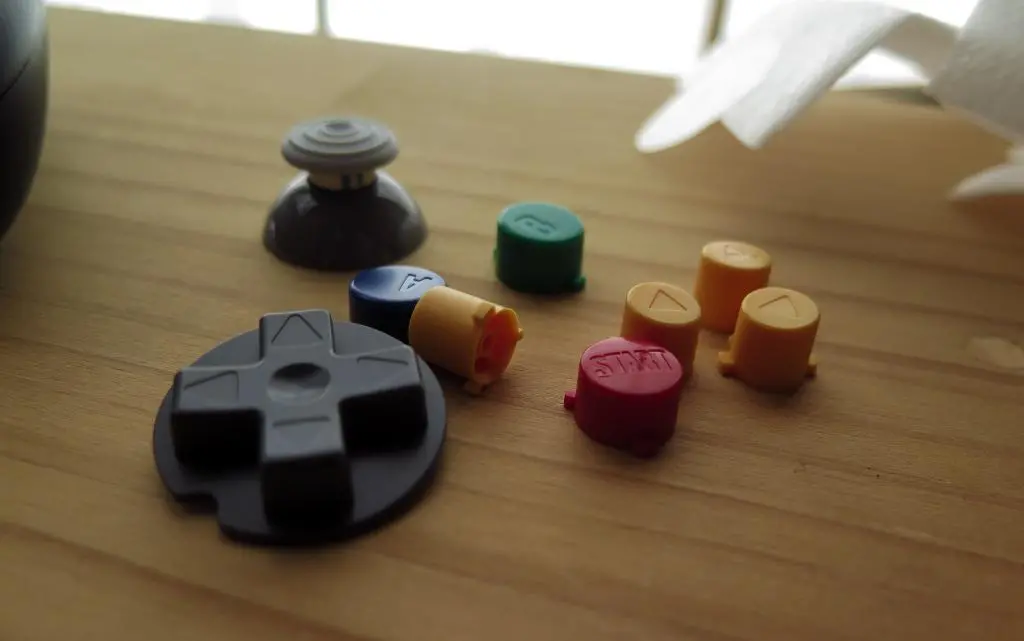
You can buy these on their website. Here's the link. However, it seems like they've been Sold Out since their posting, and probably won't get restocked? I found a listing on Mercari for the buttons, so I bought them there for 1000円.
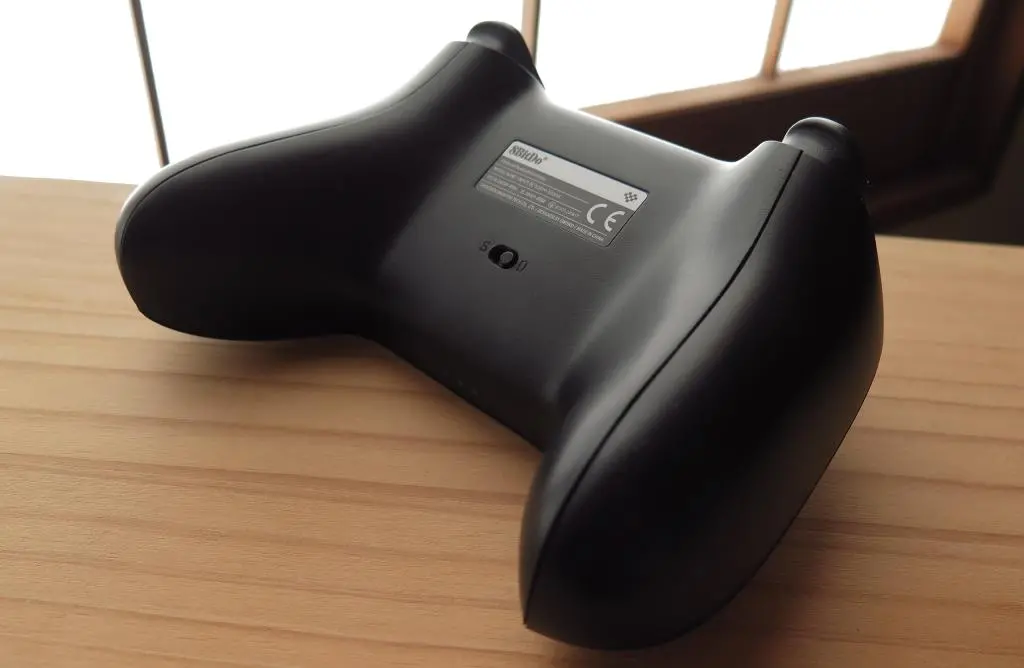
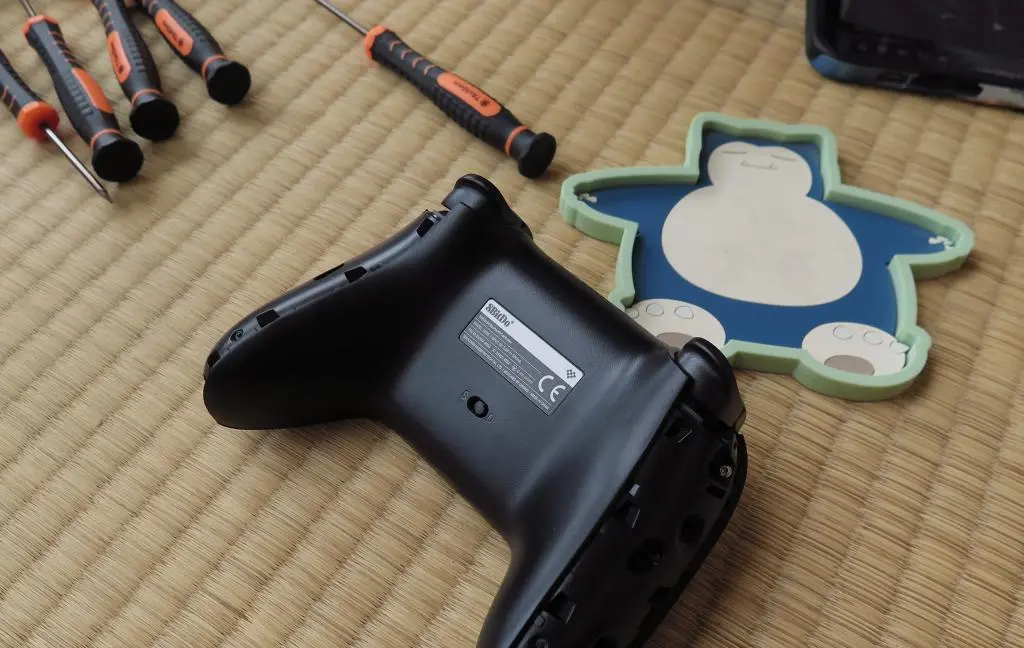
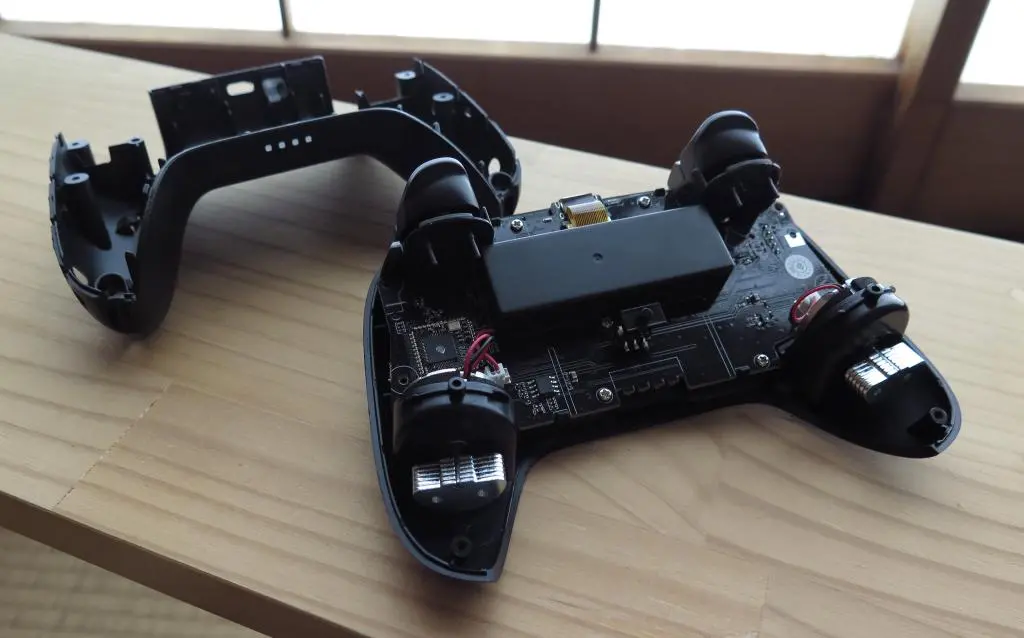
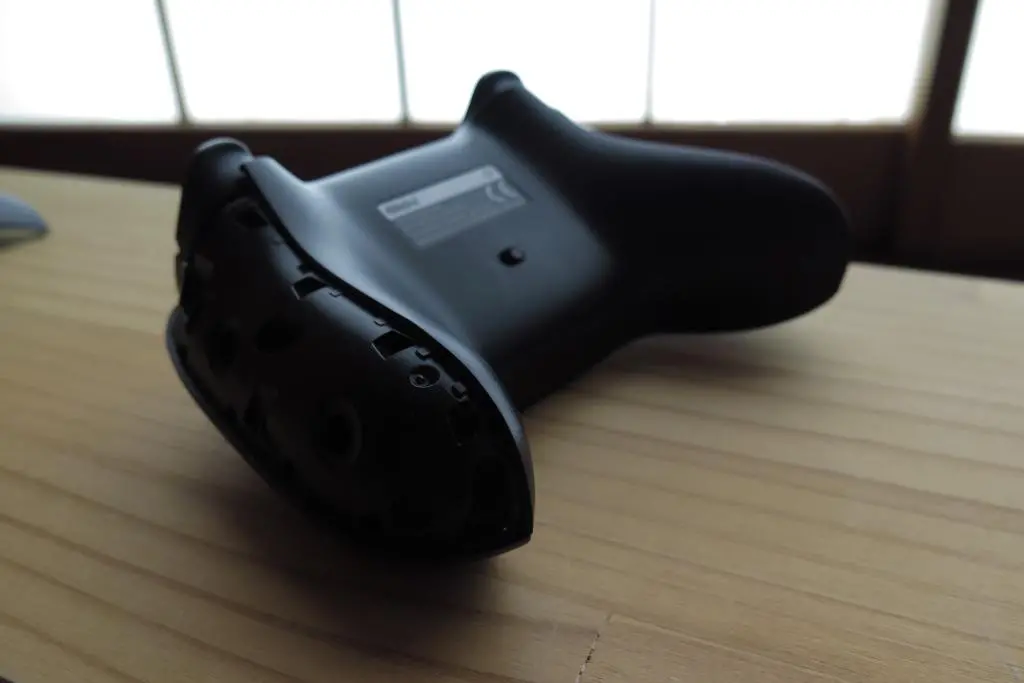
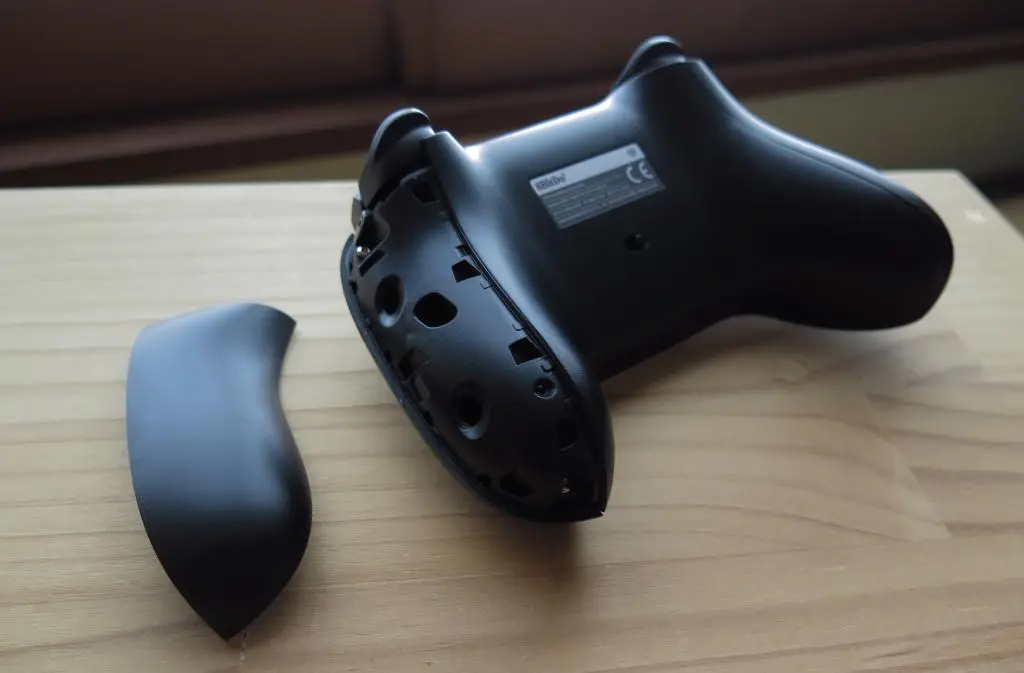
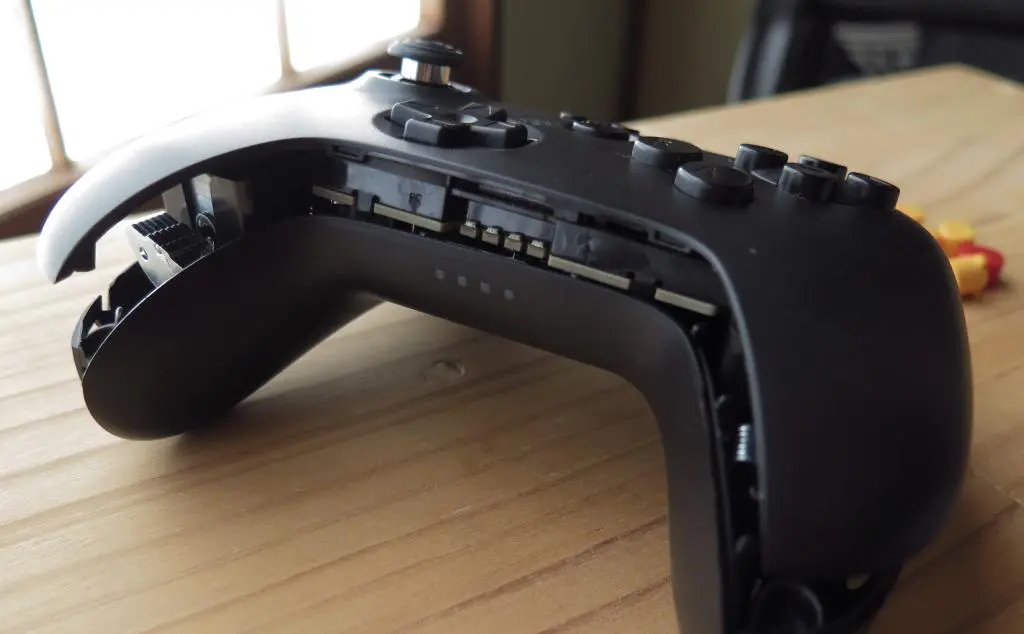
One of the first things I noticed about the controller is the lack of screw holes. The outside of the controller is completely flush. So, how are you supposed to open the thing if there are no screws? 8BitDo's product page has a YouTube video that explains the process.
You take a spudger tool (or a ruler), and wedge it between the top buttons and the side of the controller. With some pressure, you can pry off the outer shell to reveal the screws.
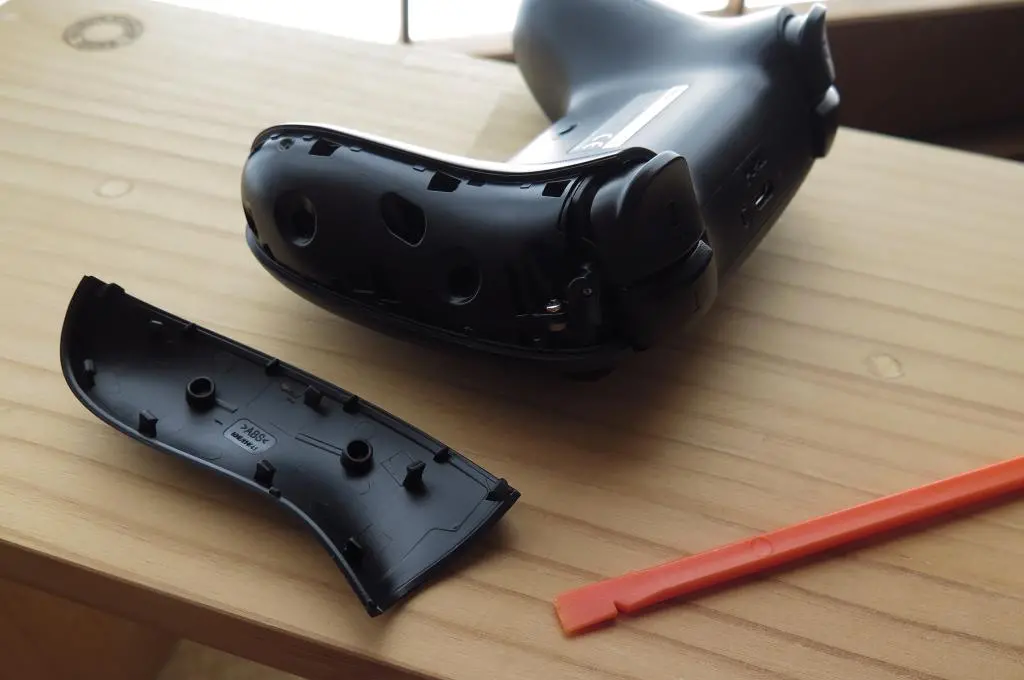
Most of the outer shell is just held in place with plastic tabs, and putting pressure in a certain direction dislodges it. Sometimes it feels like you're breaking the controller, but everything is fine.
Screws are then removed with a T6 Torx screwdriver. There are three screws on each side.
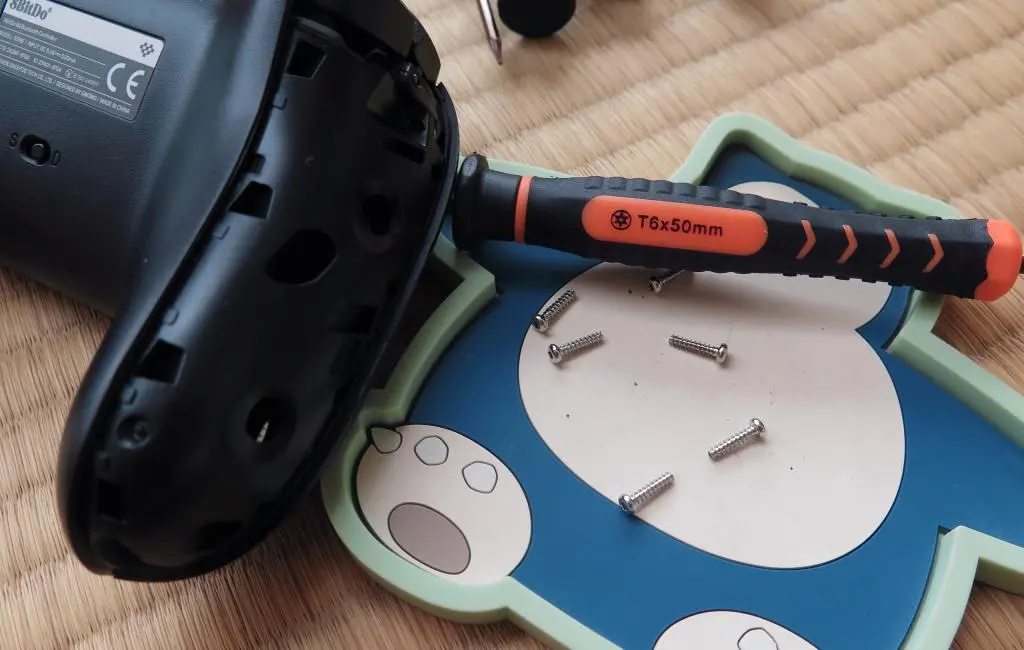
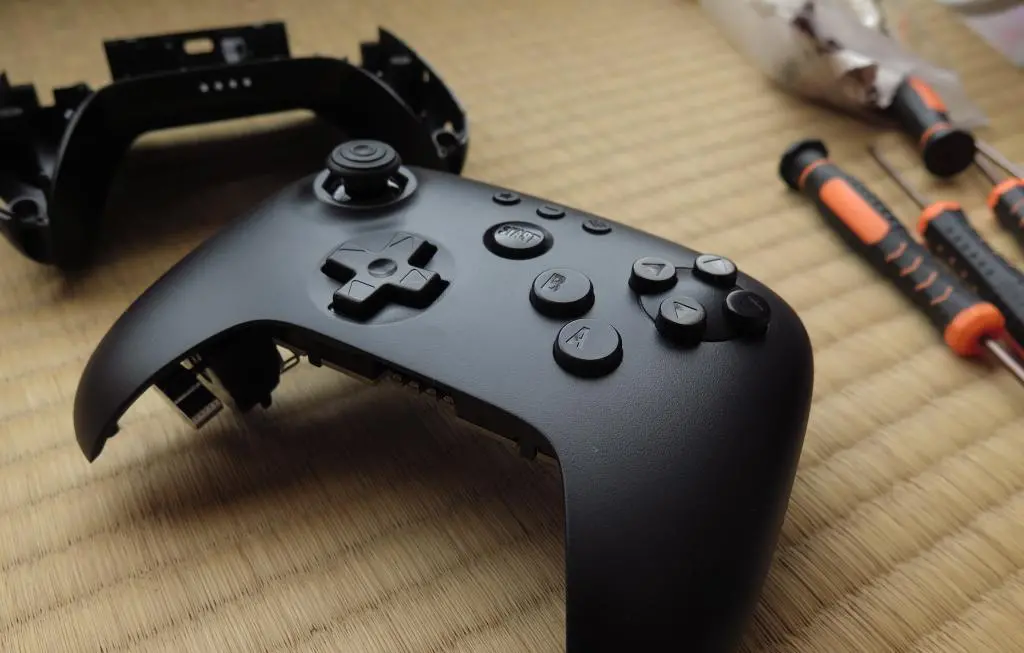
This next part feels even worse than prying off the side panels. You want to use the spudger tool again to pry apart the back shell from the front. Start on the bottom to create a wedge and start making space bit by bit. The top snaps have the greatest hold. When you have a large enough opening on the bottom, use a bit more force against the top to dislodge the snaps and the bottom shell should be free.
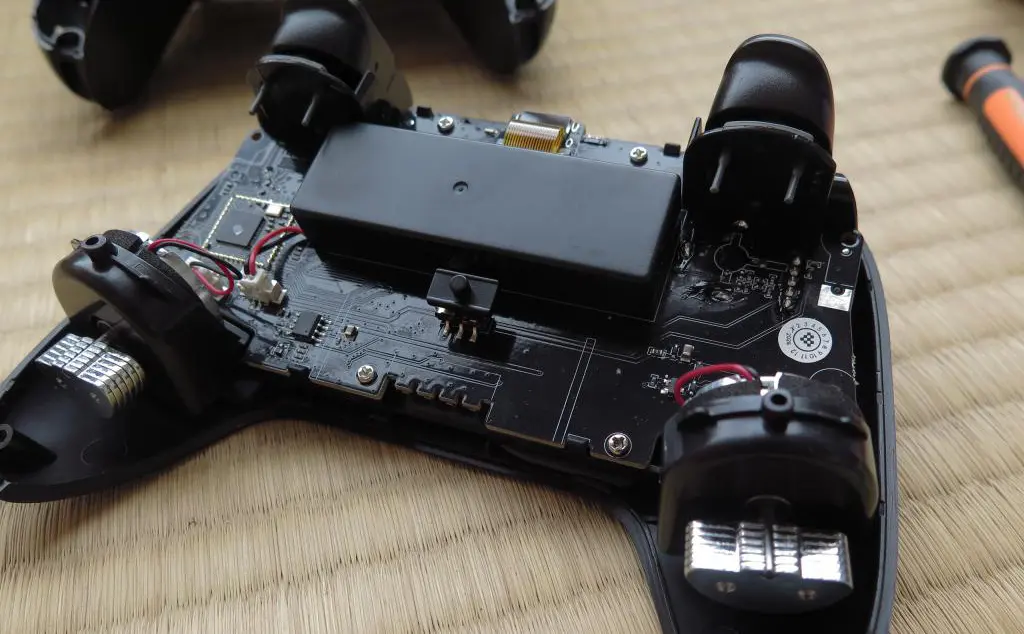
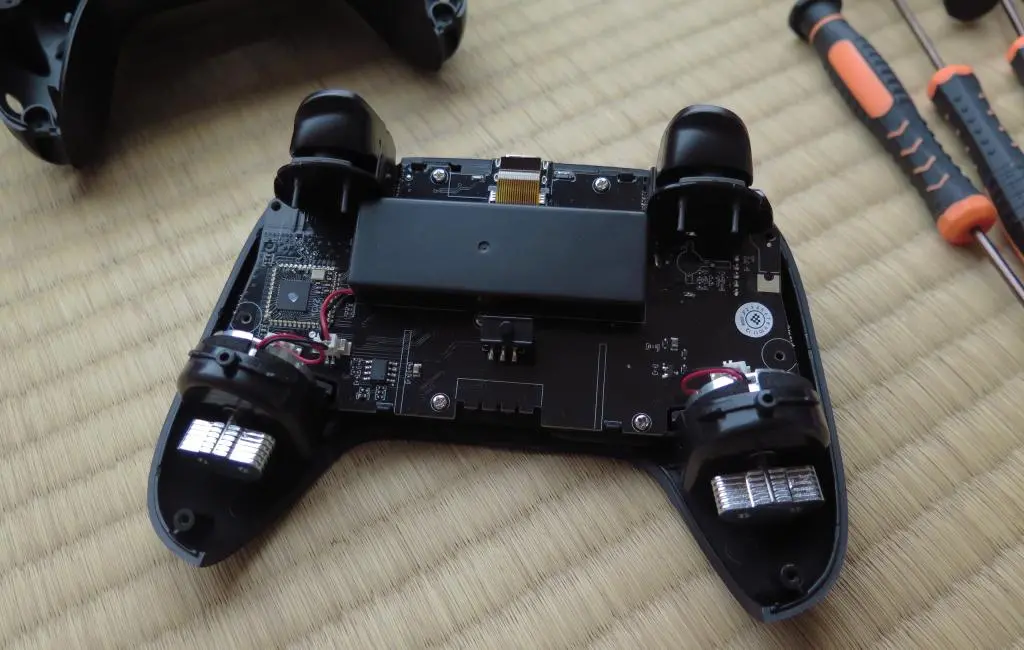
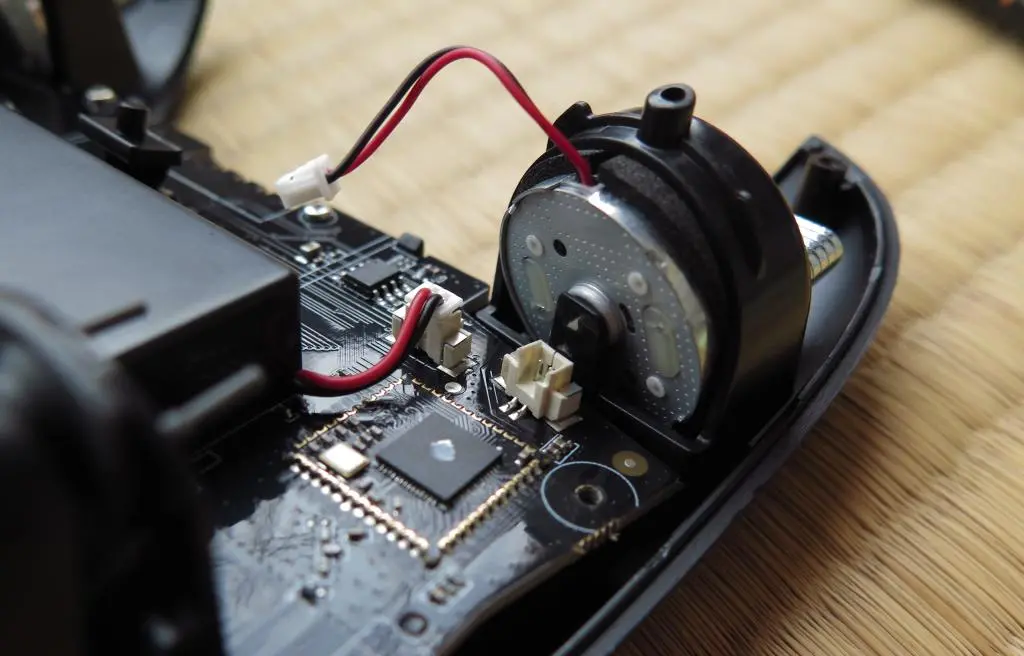
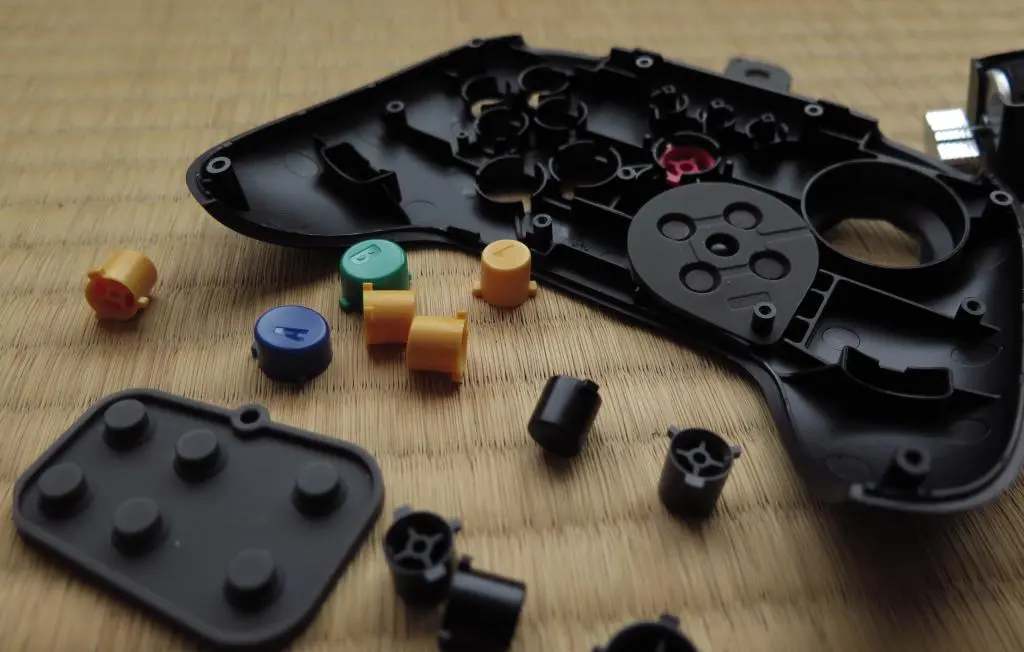
This exposes the back of the controller's PCB, which has five standard phillips screws. After removing them, the PCB will clearly release the front shell, which contains the buttons. The YouTube instructions say you should disconnect the accelerometers from the PCB, but it's not neccessary.
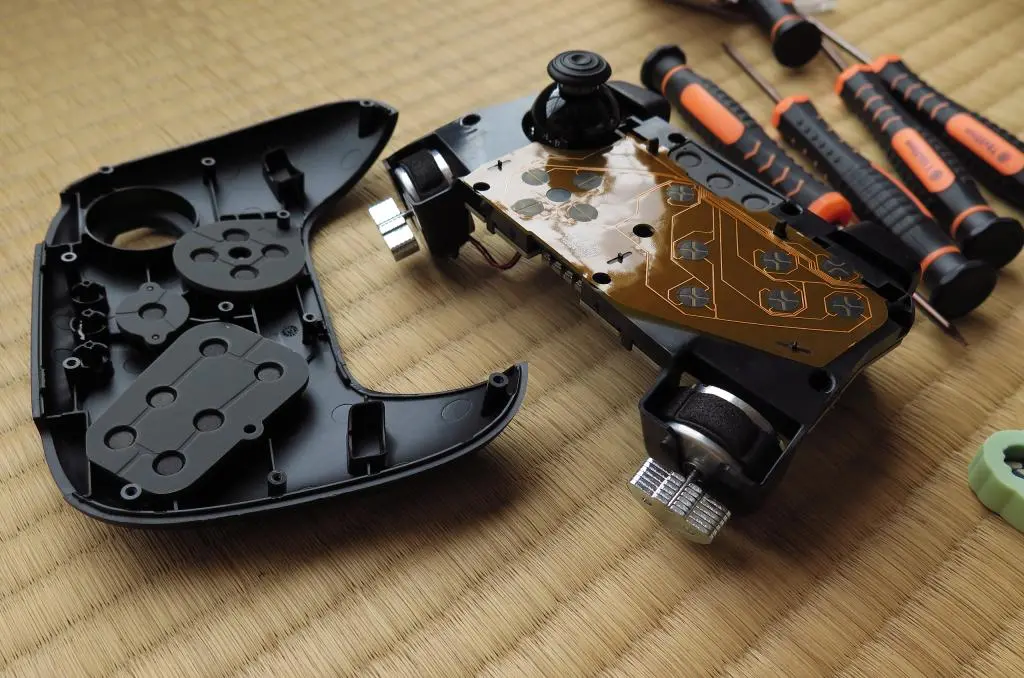
Now the buttons are free to be removed and replaced.
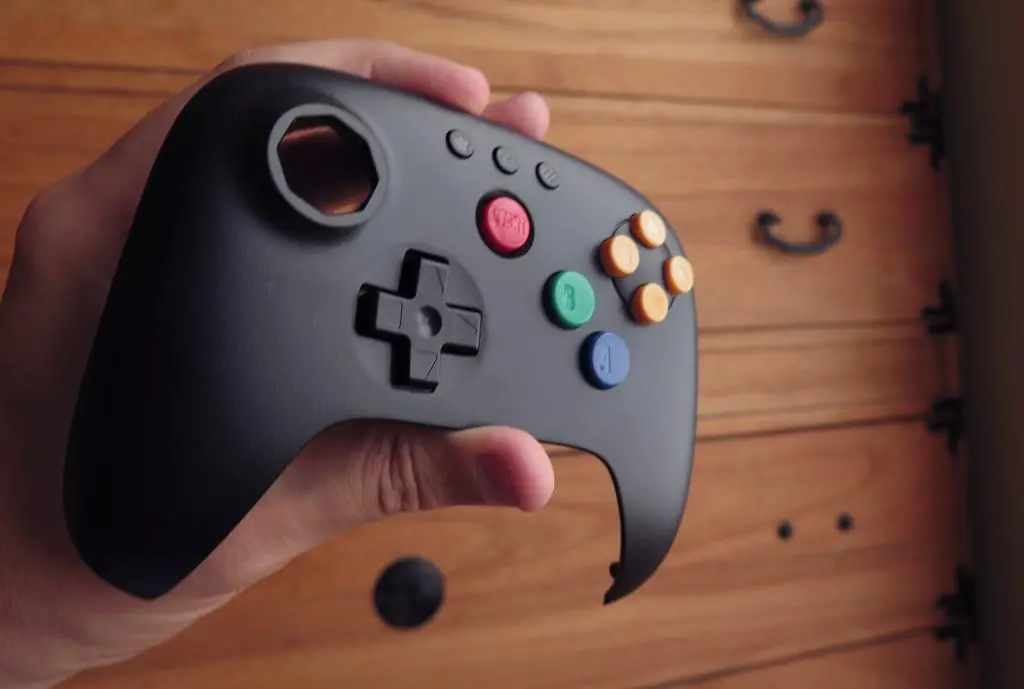
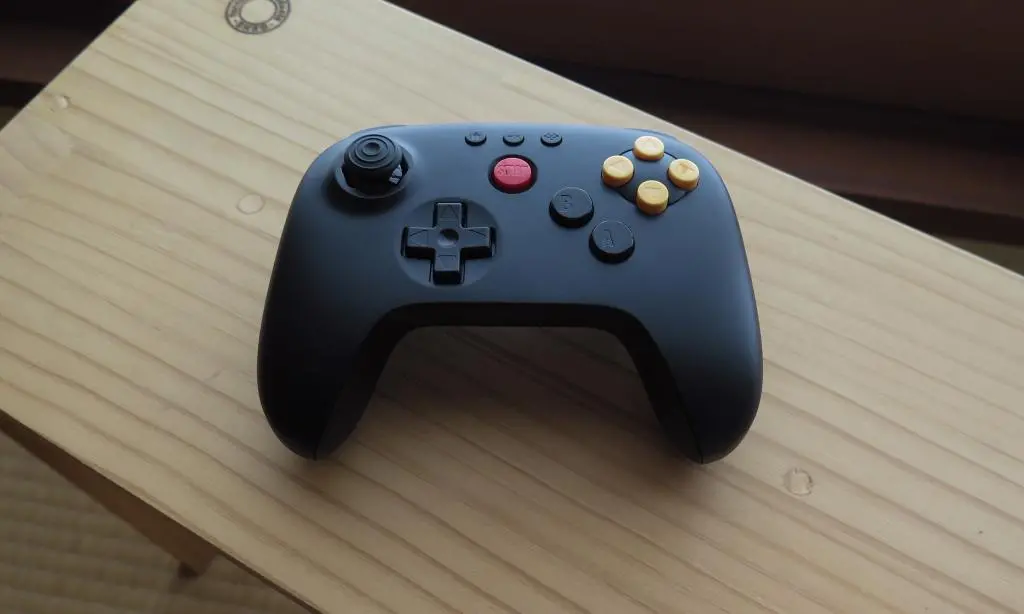
The button pack comes with colored buttons, a gray d-pad, and gray analog stick. I only wanted to exchange the buttons and give the controller a little splash of color. I wanted to keep the overall black sleakness. However, after putting all the buttons in, it looks too colorful.
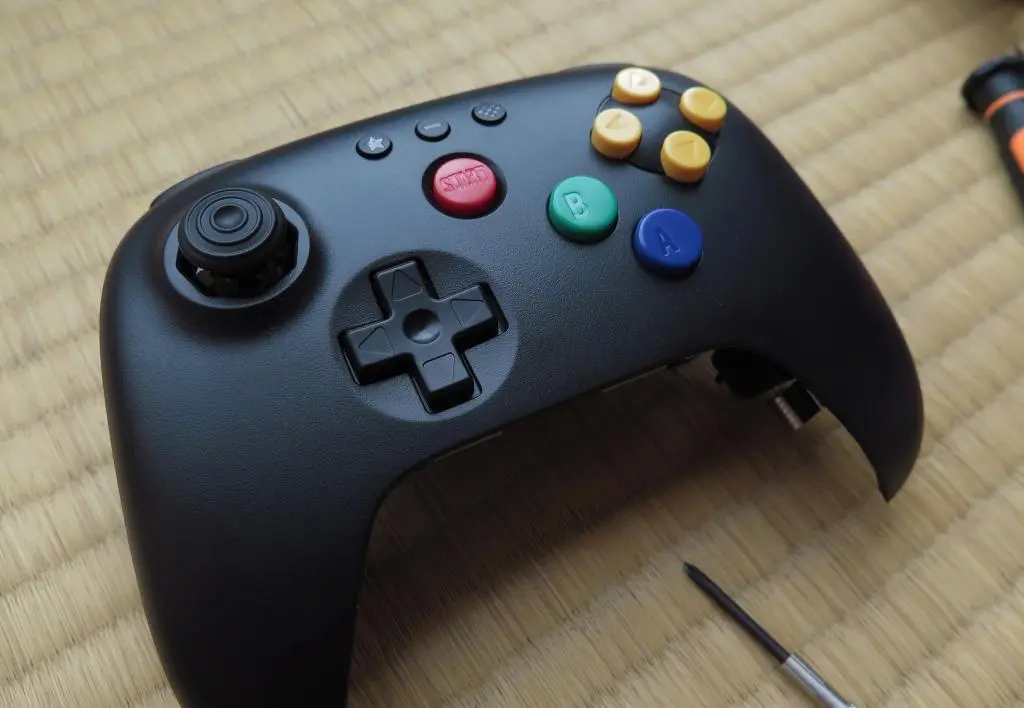
Actually now that I'm looking at it a day later, I think it looks perfectly fine. I was initially repulsed by the colors because it had the same color scheme as those terrible 3rd party controllers. While working at Toys R Us during the launch and hayday of the 64, those shitty controllers sat on shelves for years and looked terrible. However, I think these buttons would look WAYY better on a White controller. The yellow is too great a contrast with the black.
Dissatisfied, I tried a few different color combinations.
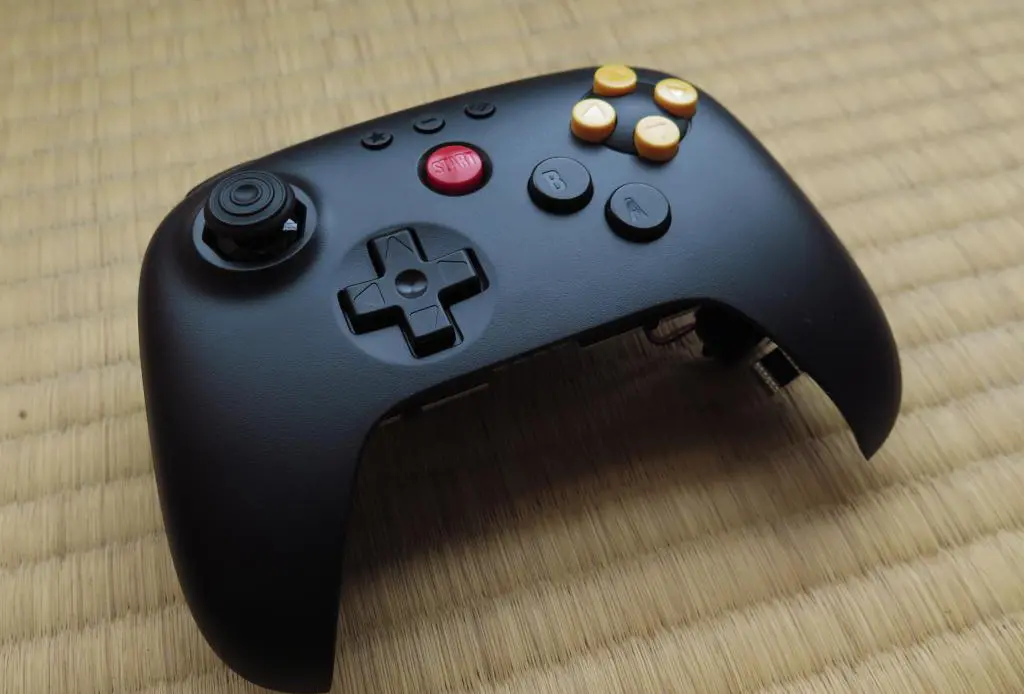
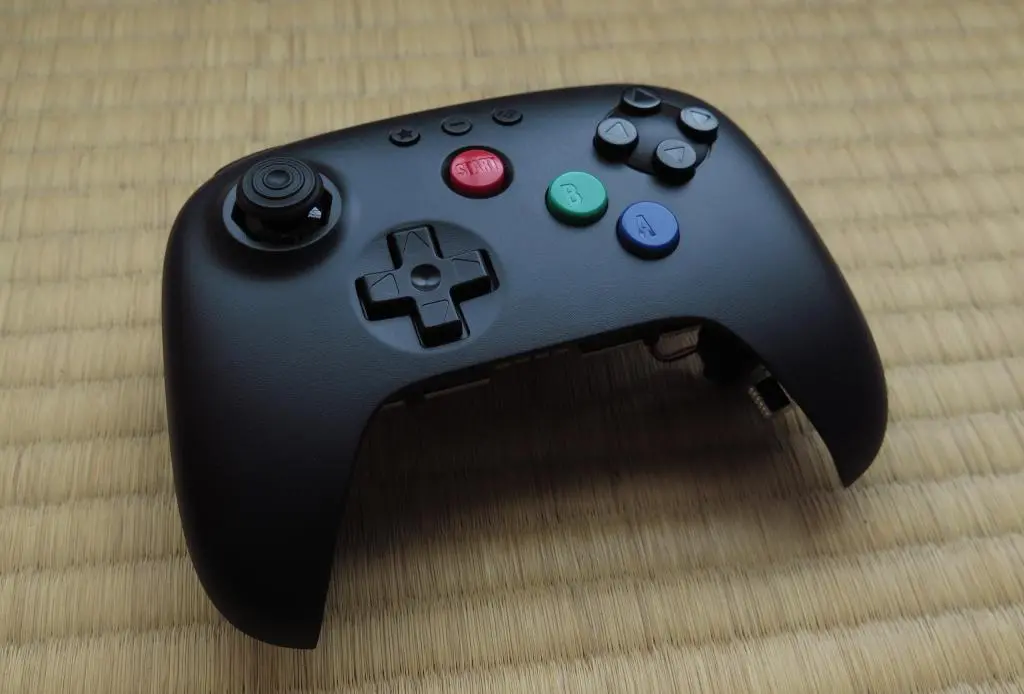
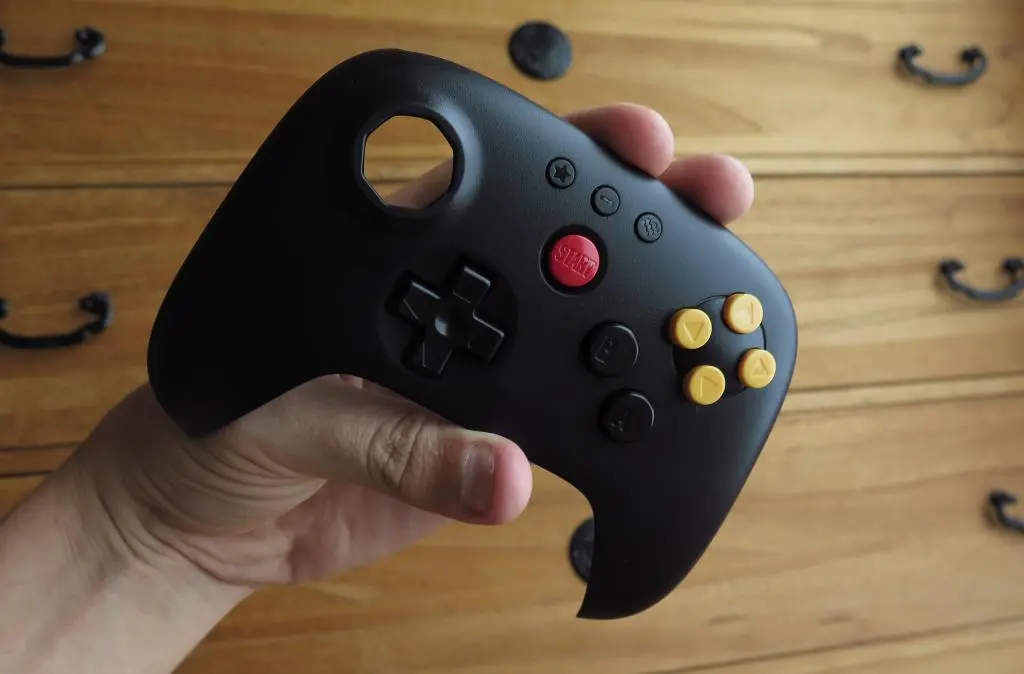
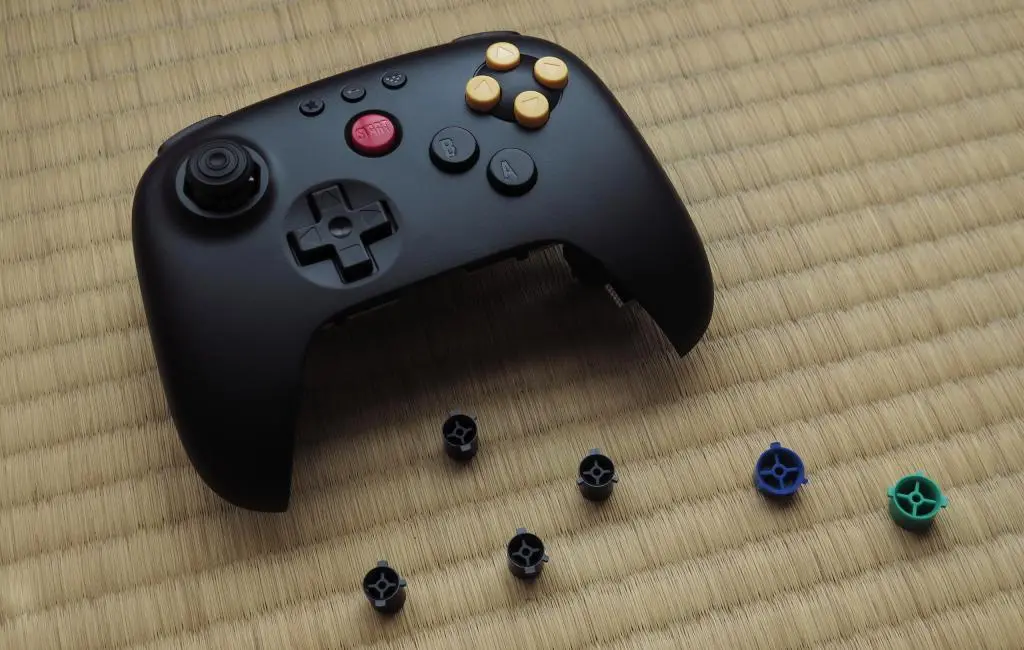
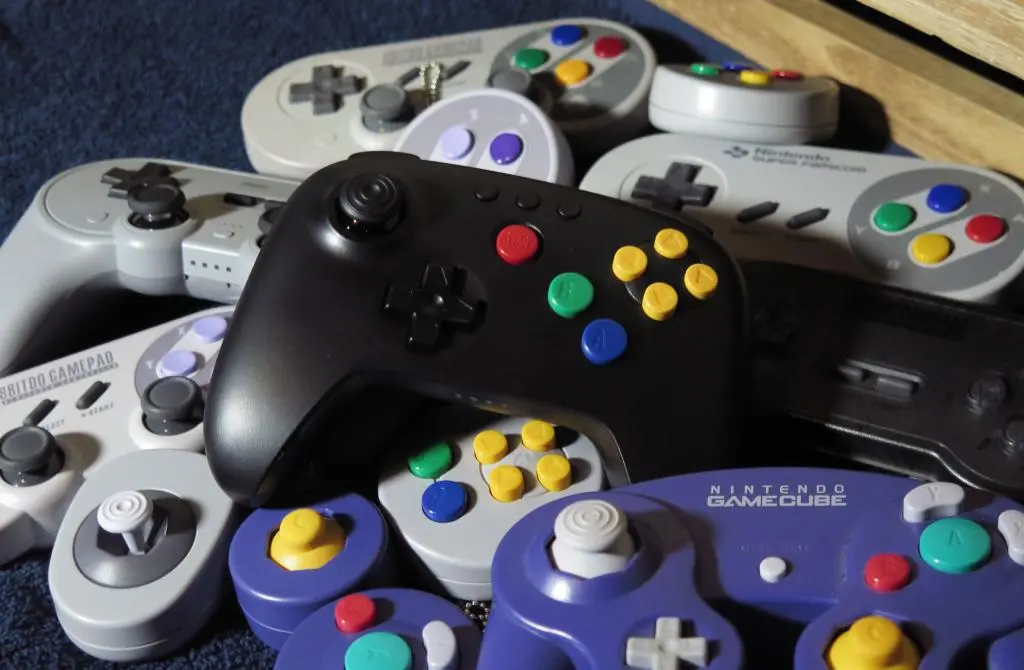
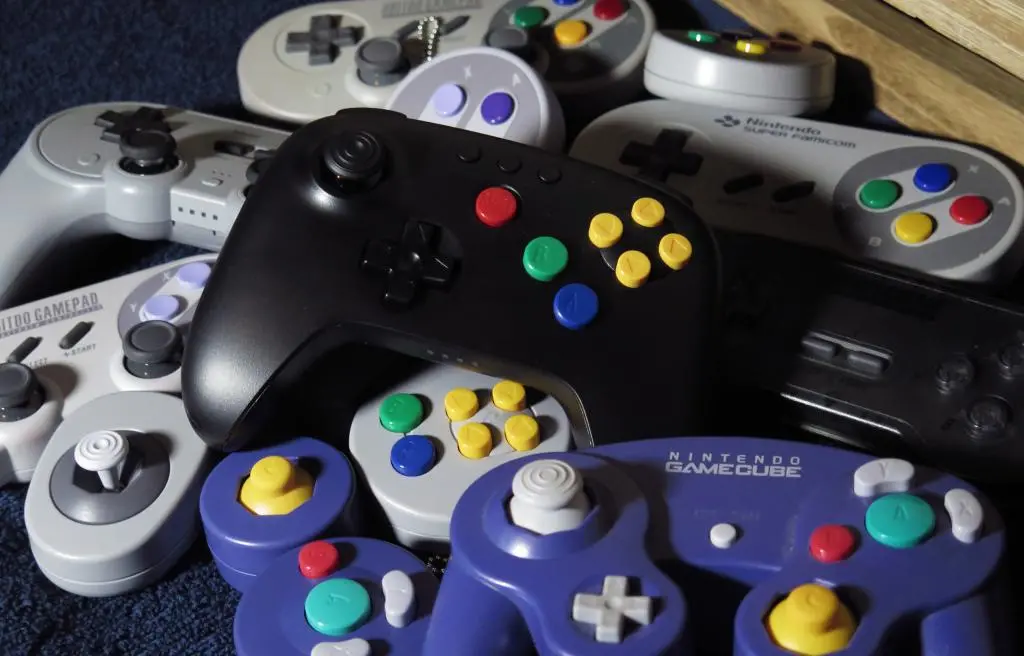
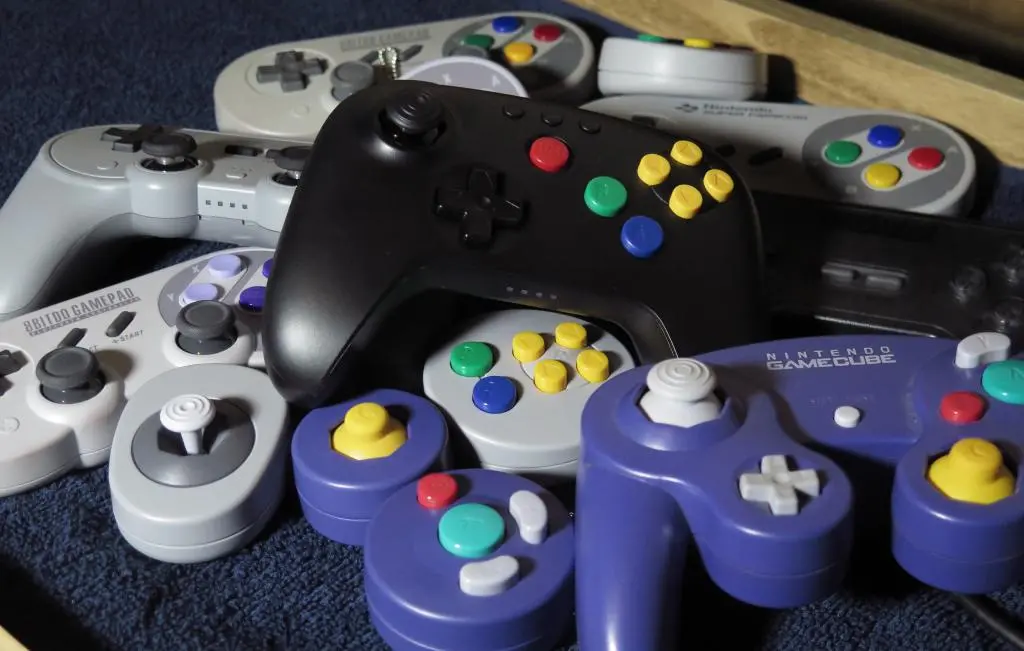
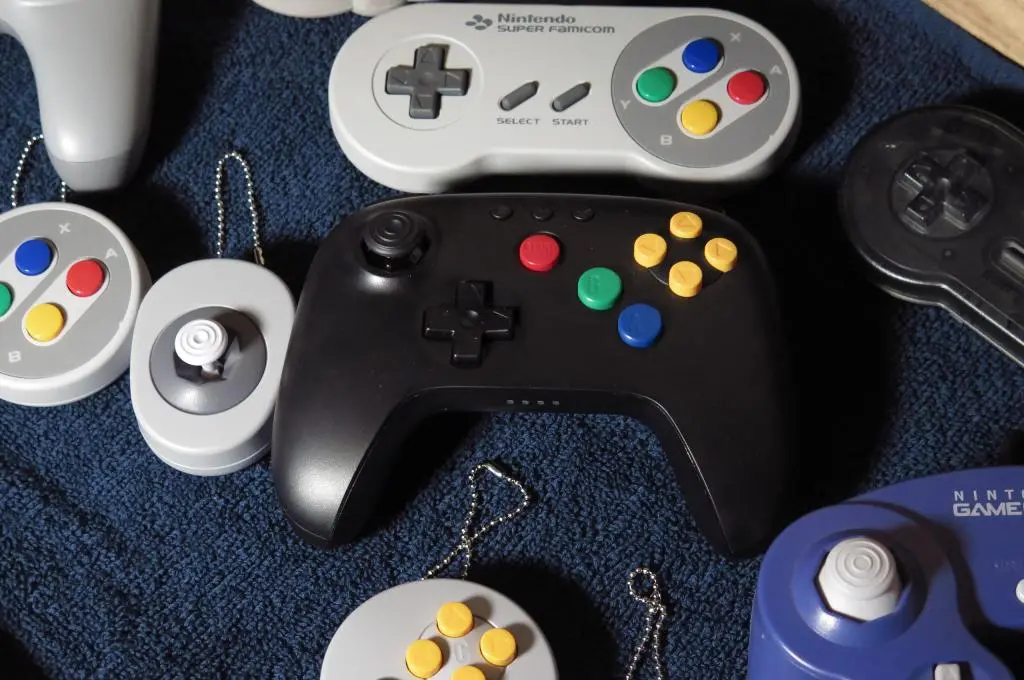
Ultimately, I thought the red start buttons and yellow c-buttons provided a nice horizontal contrast, so I went with that. But, looking at these photos, I went back and added the green and blue A and B buttons back into the shell. It looks incomplete without them, and especially weird when putting the controller together with all its bretherin.
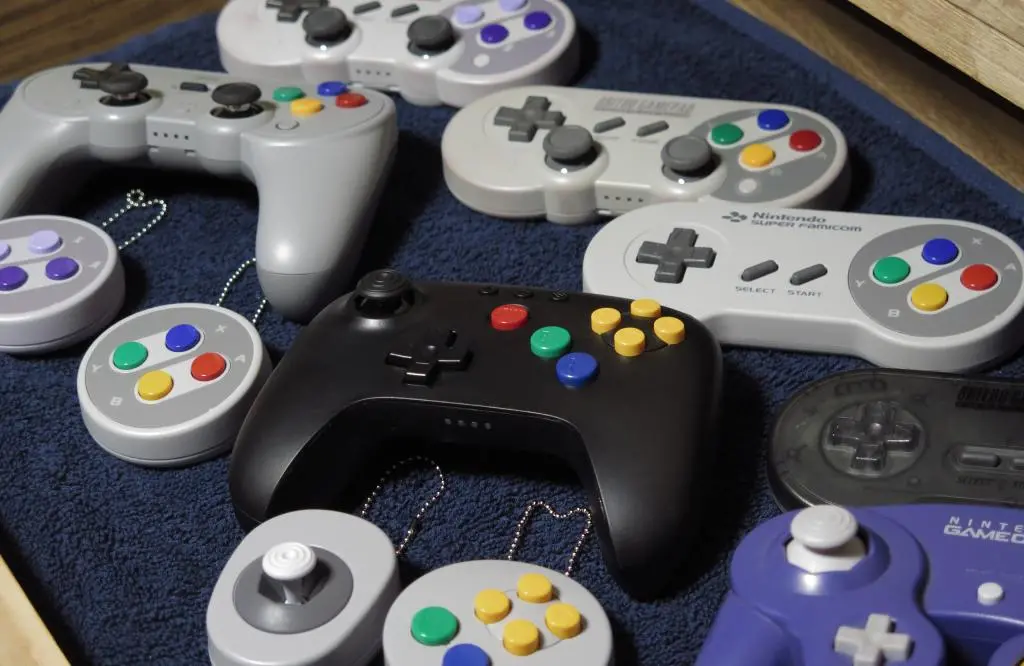
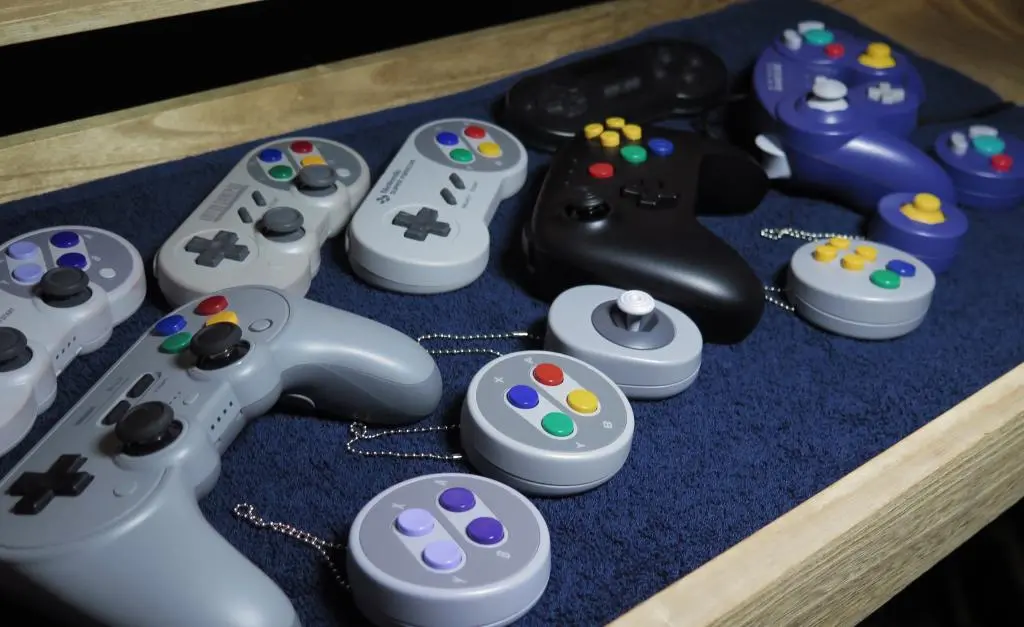
Here's a photo of the whole family together, along with the Controller Button Set capsules that were available at the Nintendo store.
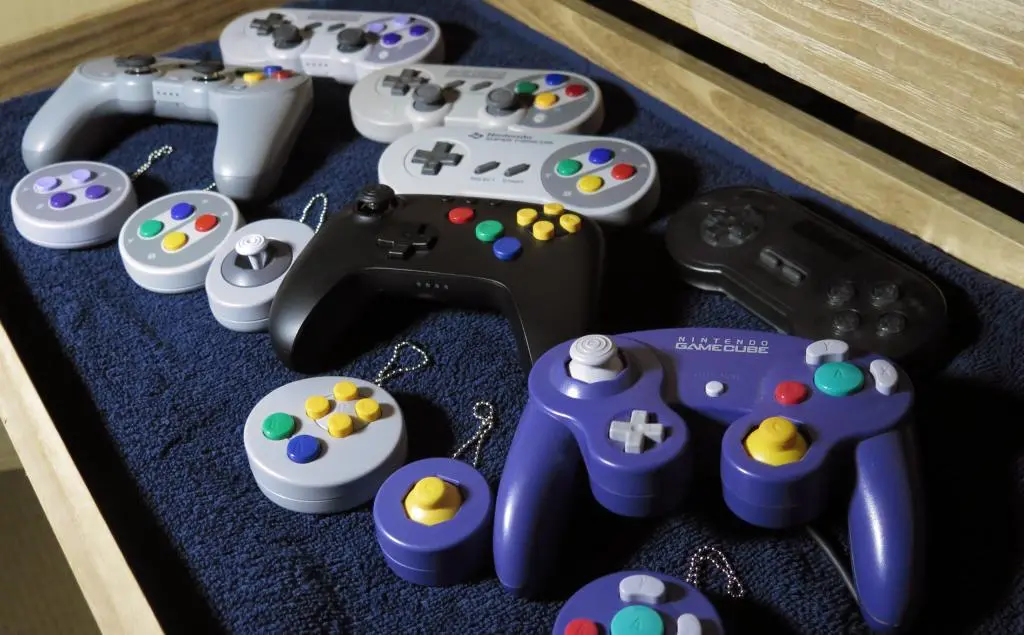
I dunno... maybe the White controller would look better? Eh, it's okay.
Anyways, the controller is excellent and even though I was initally turned off by the colors, I think they add some much needed life. I'm weirdly excited to play some Nintendo 64 games, especially with hardcore Retro Achievements coming soon, and with Jeff Gerstmann as he begins to rank all the games released in North America.
I'm really looking to playing through Ocarina of Time for the first time in nearly 30 years, too. :)