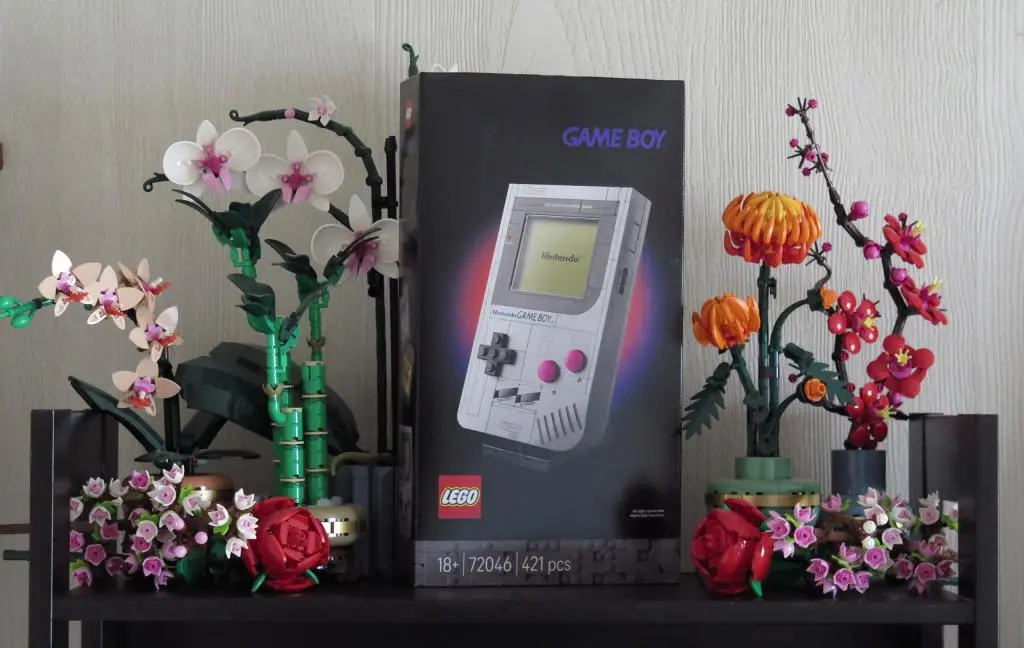
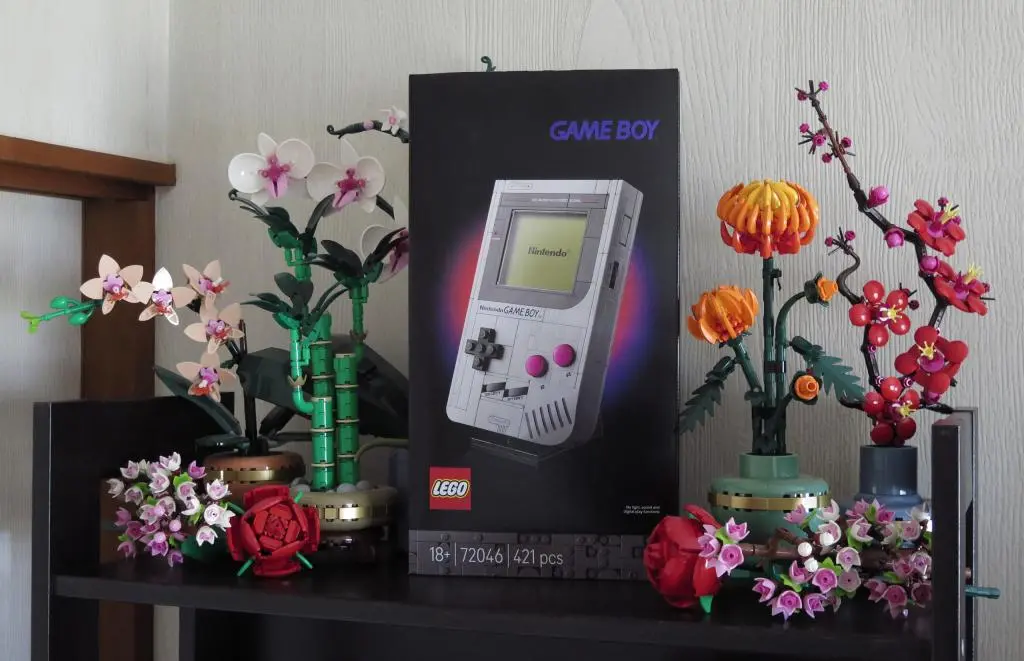
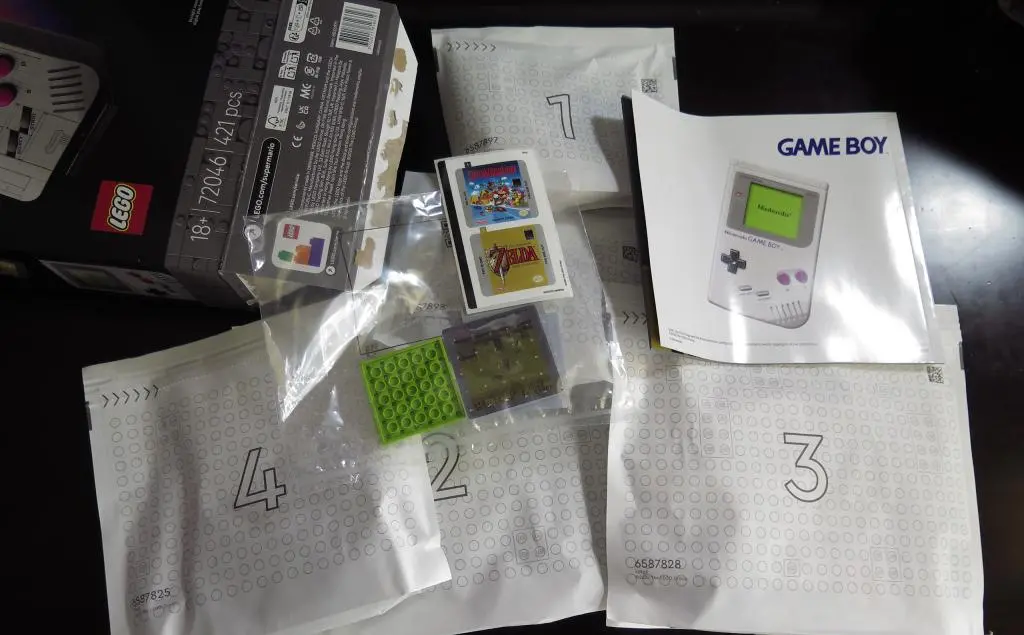
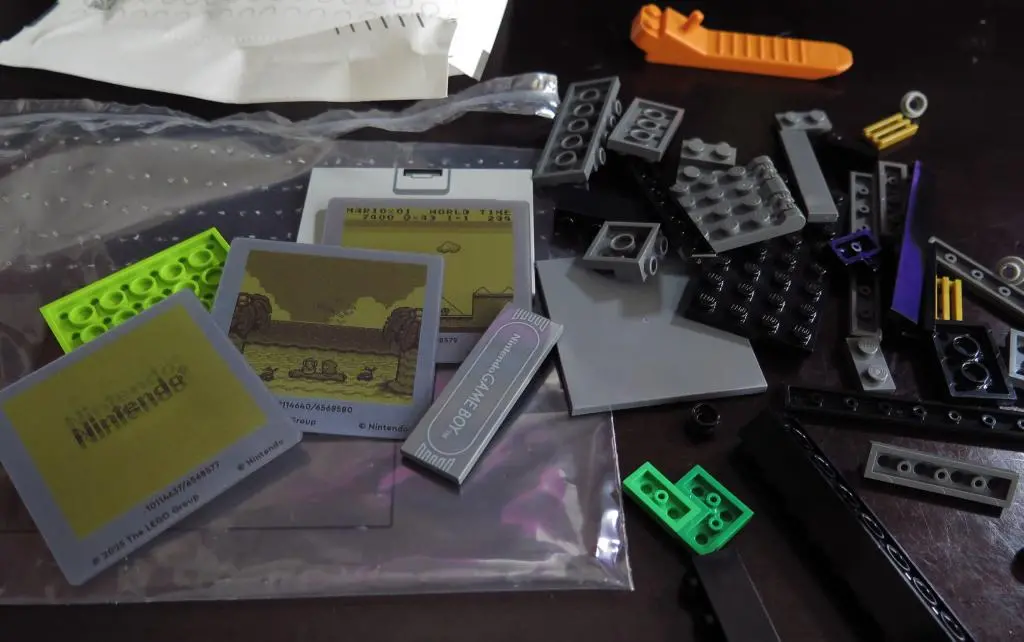
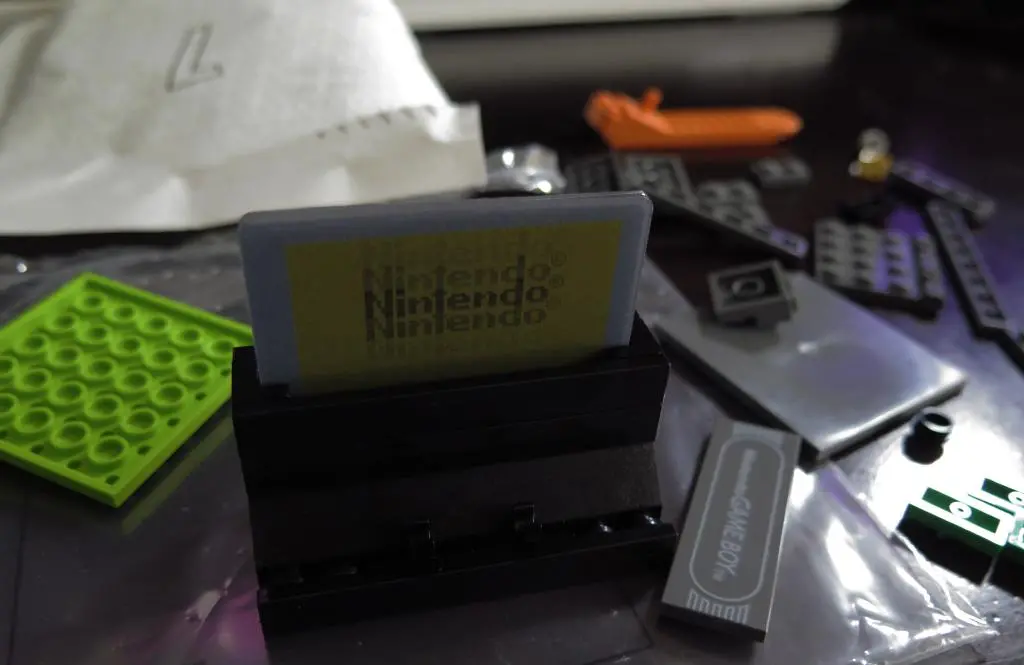
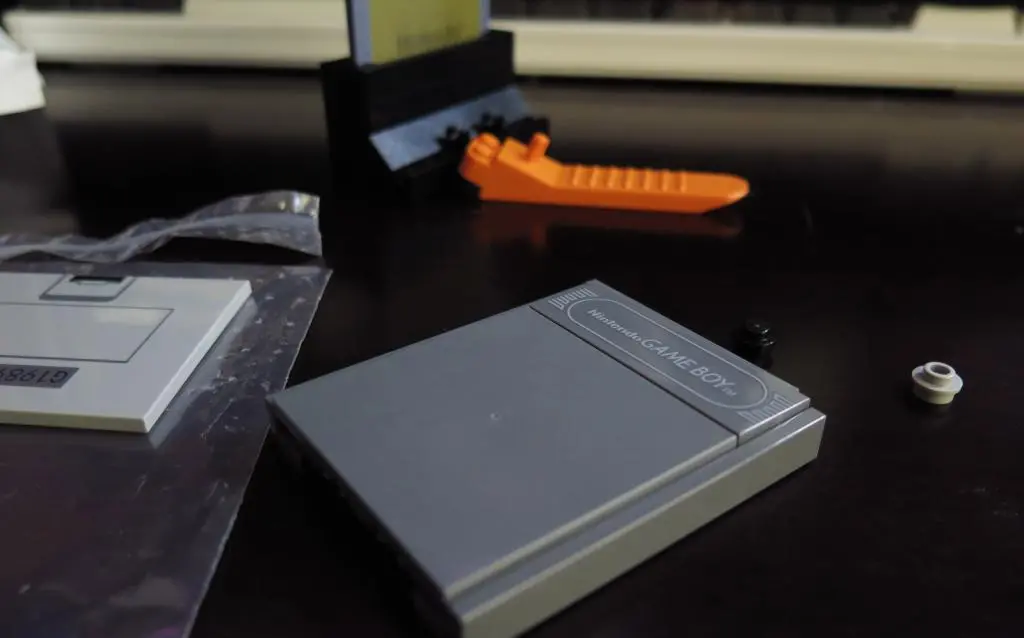
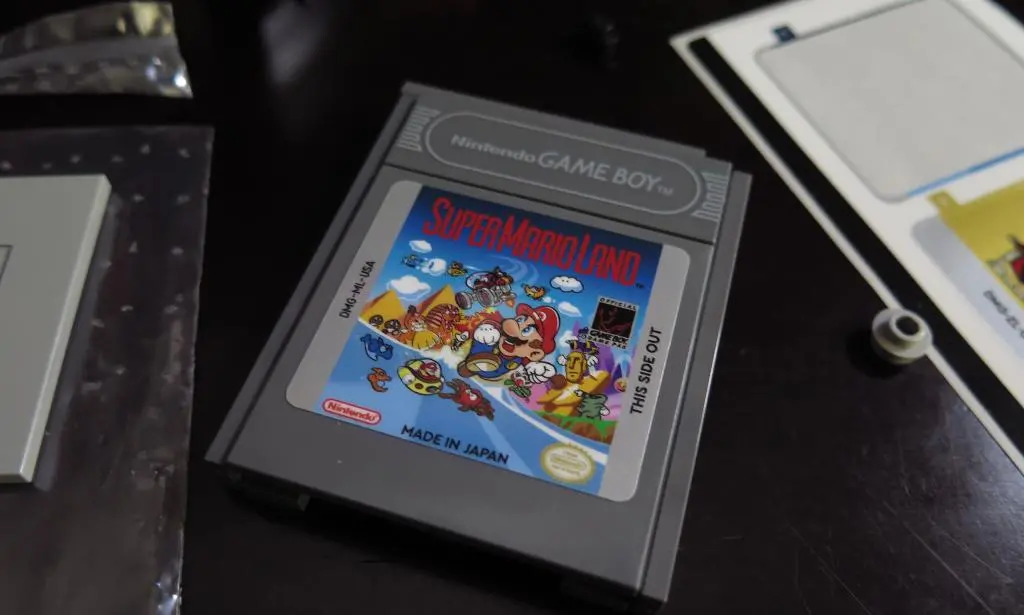
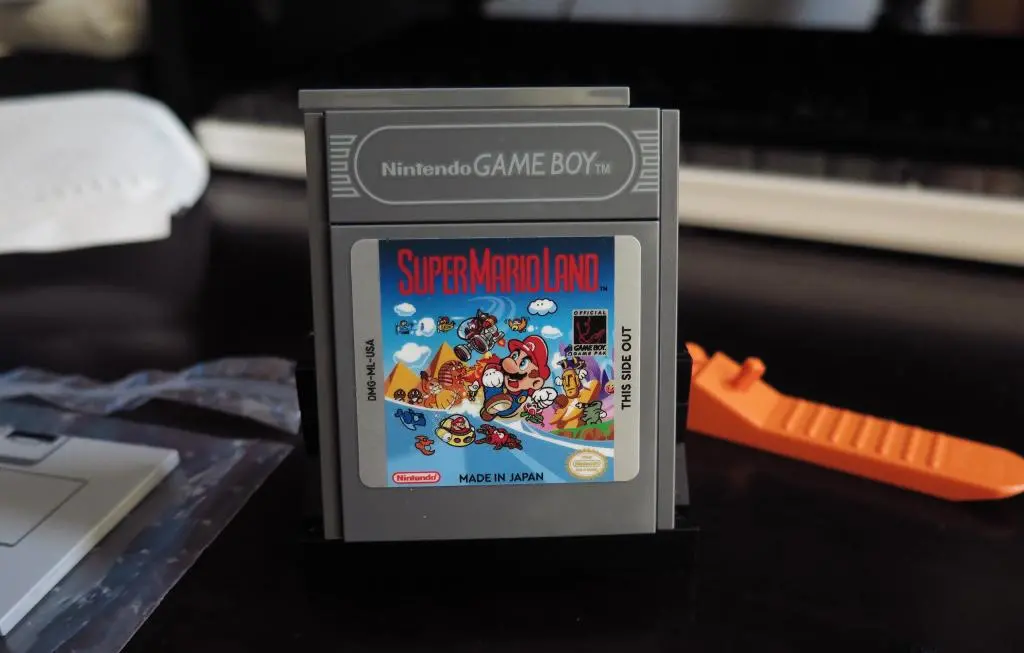
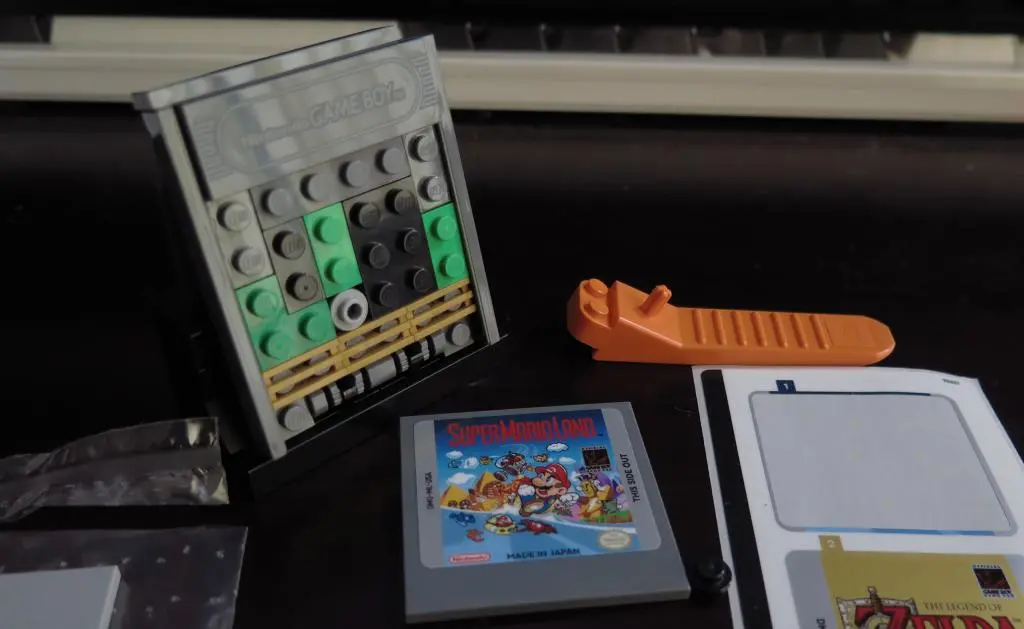
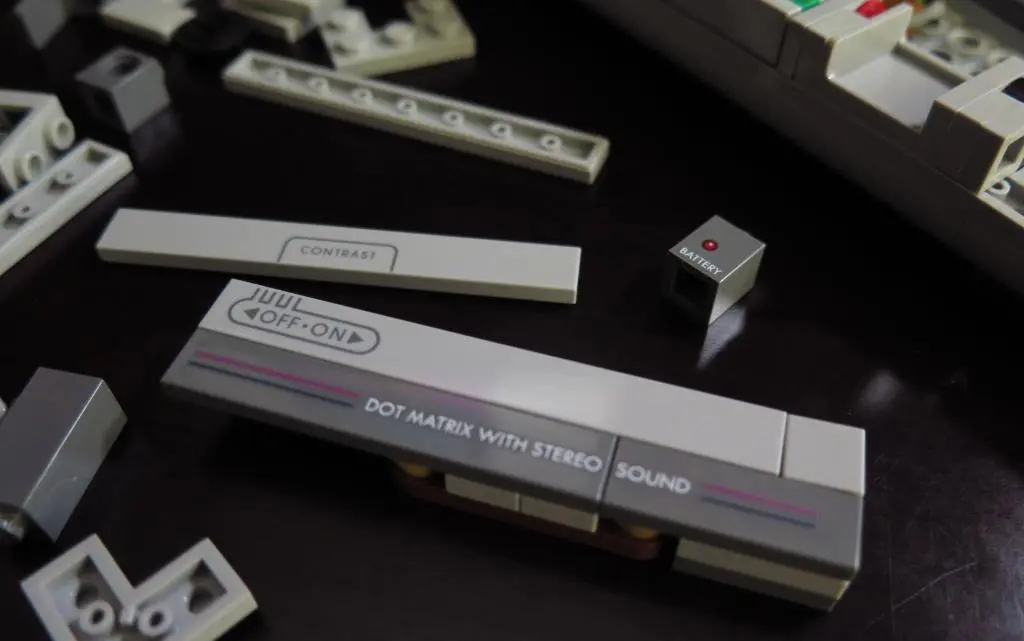
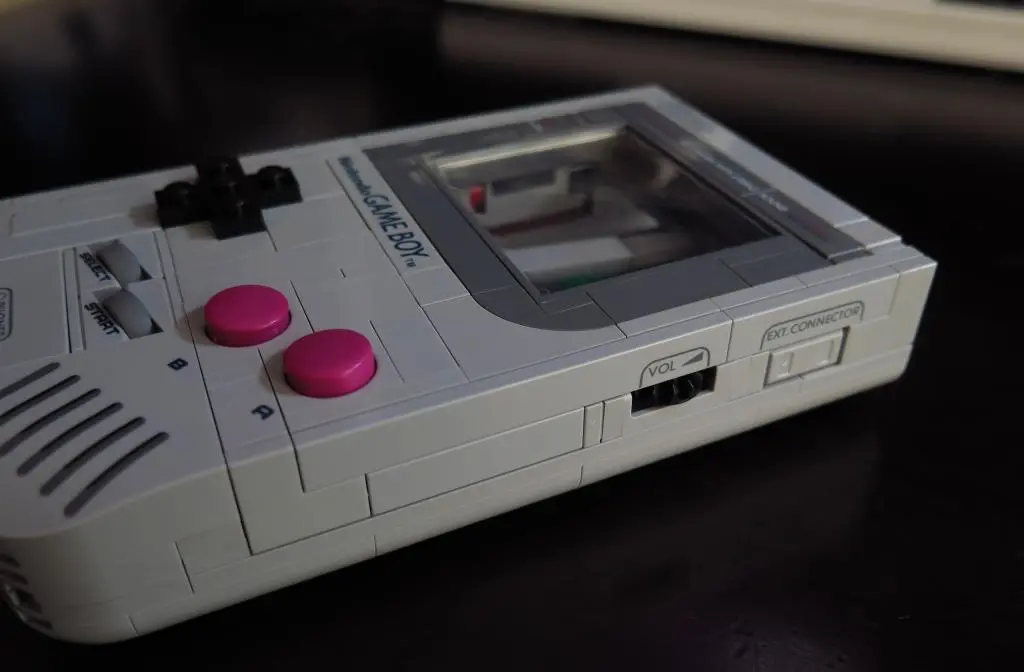
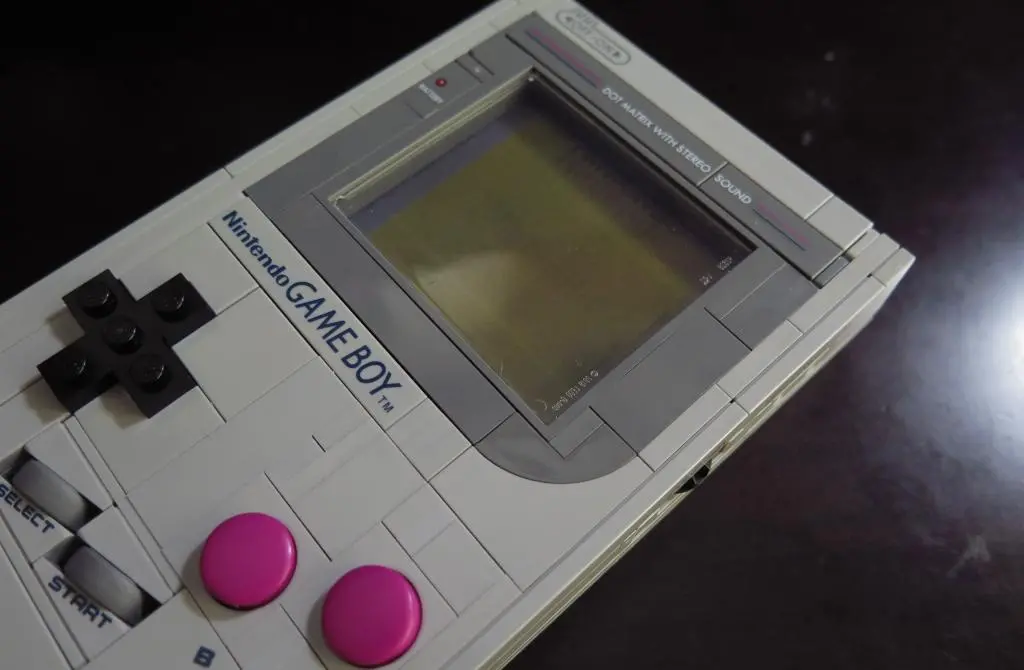
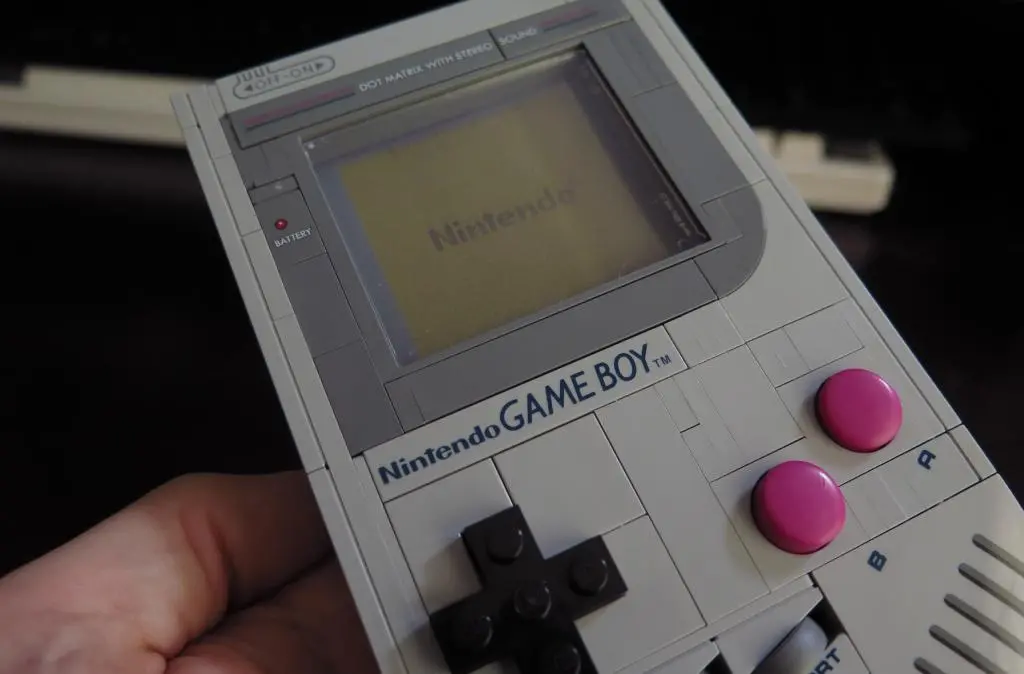
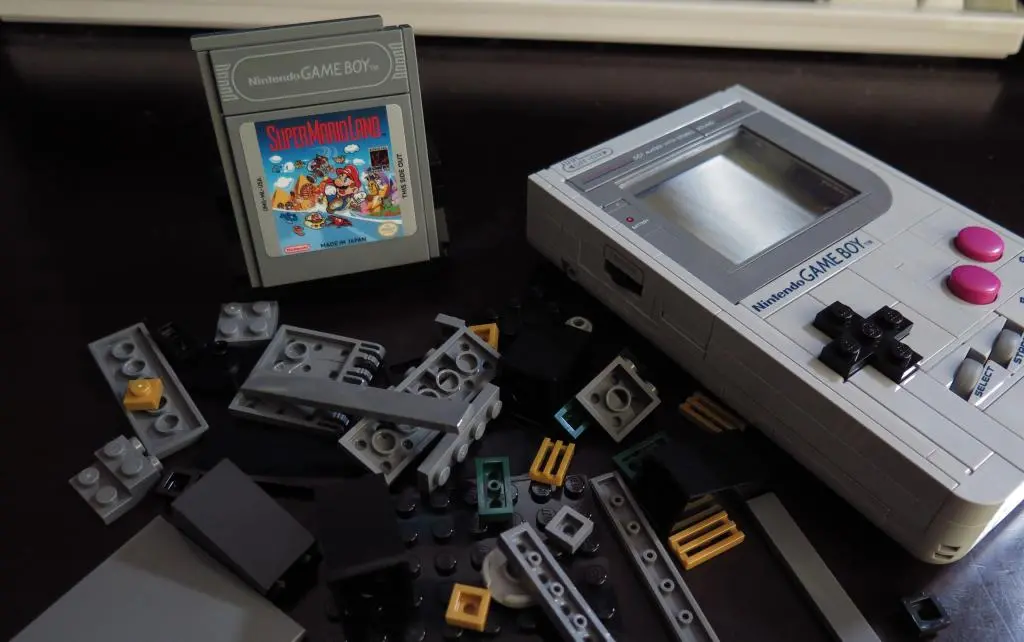
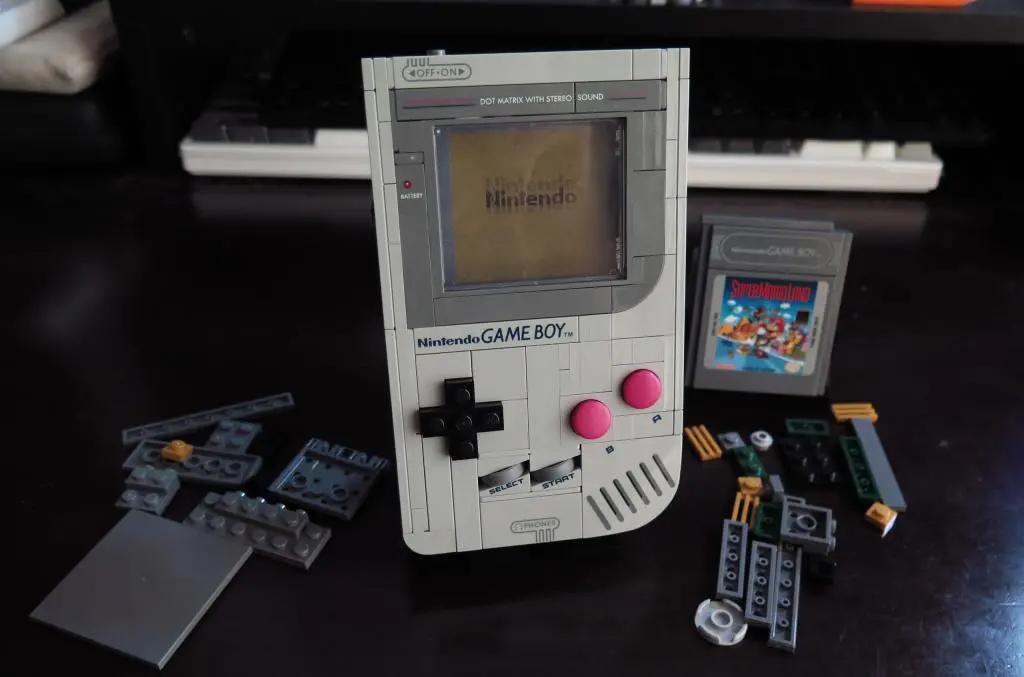
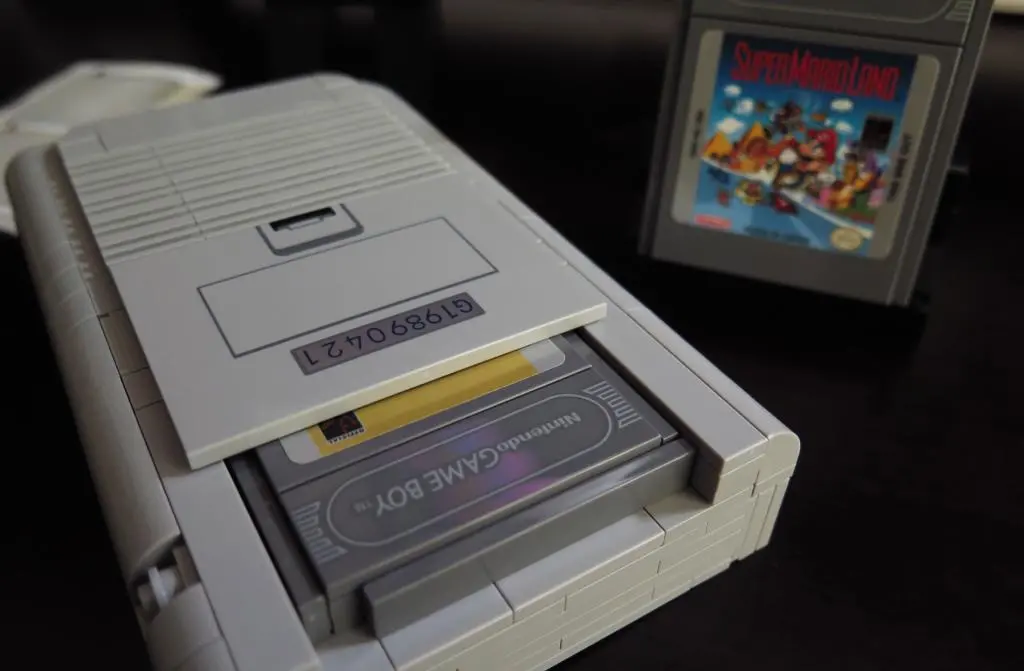
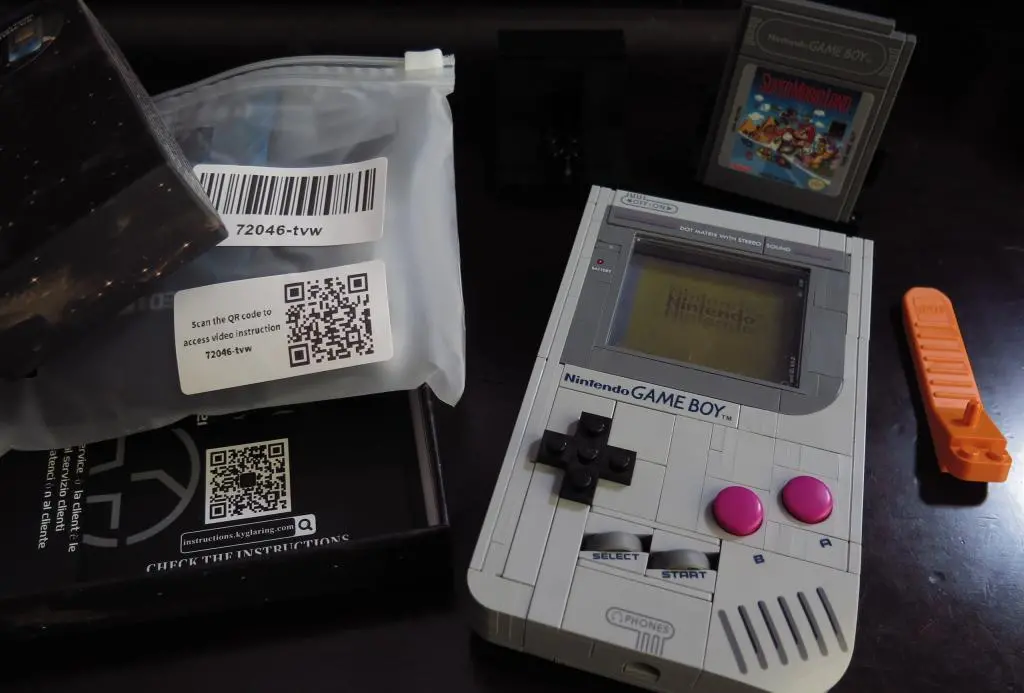
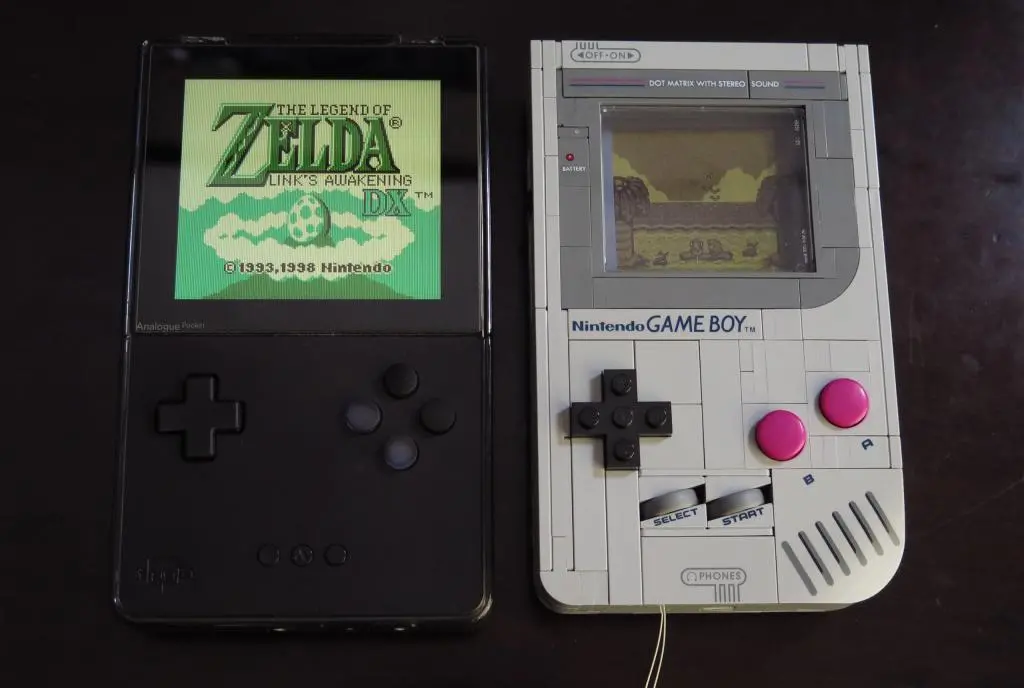
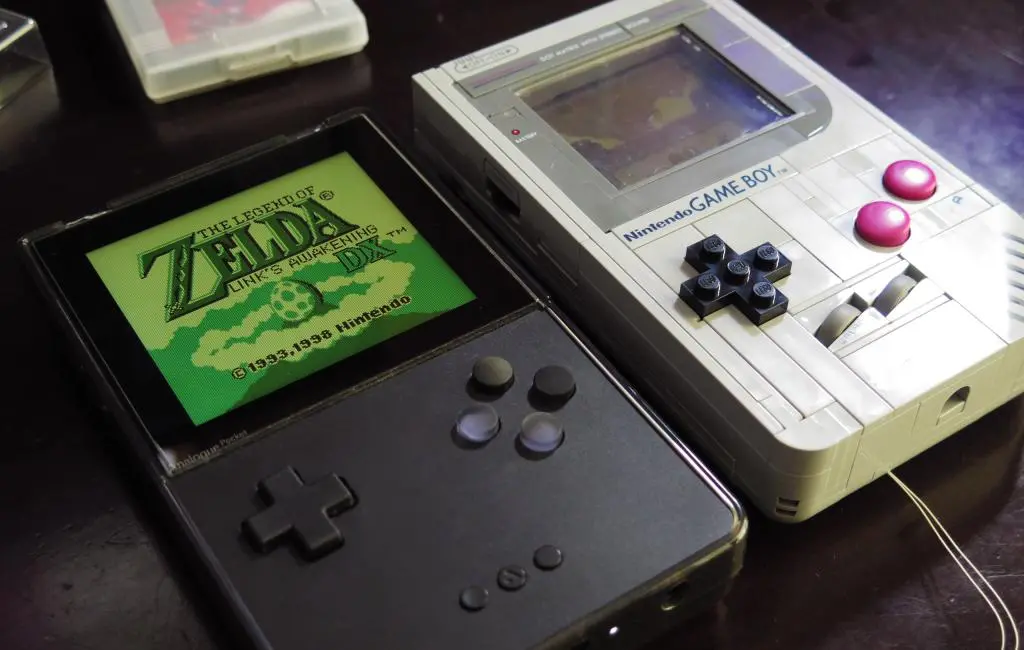
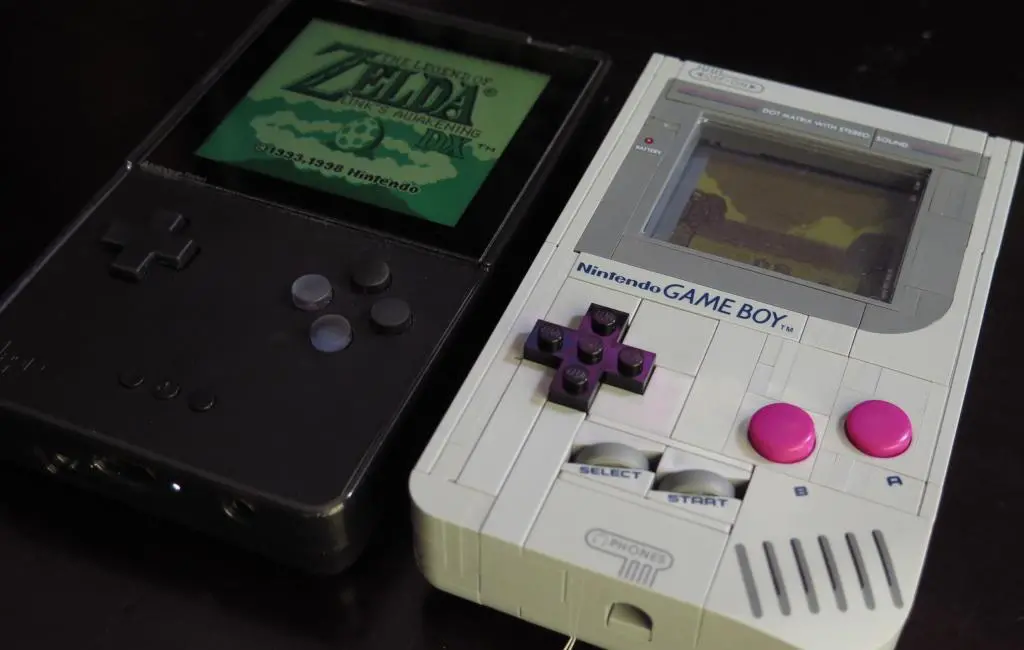
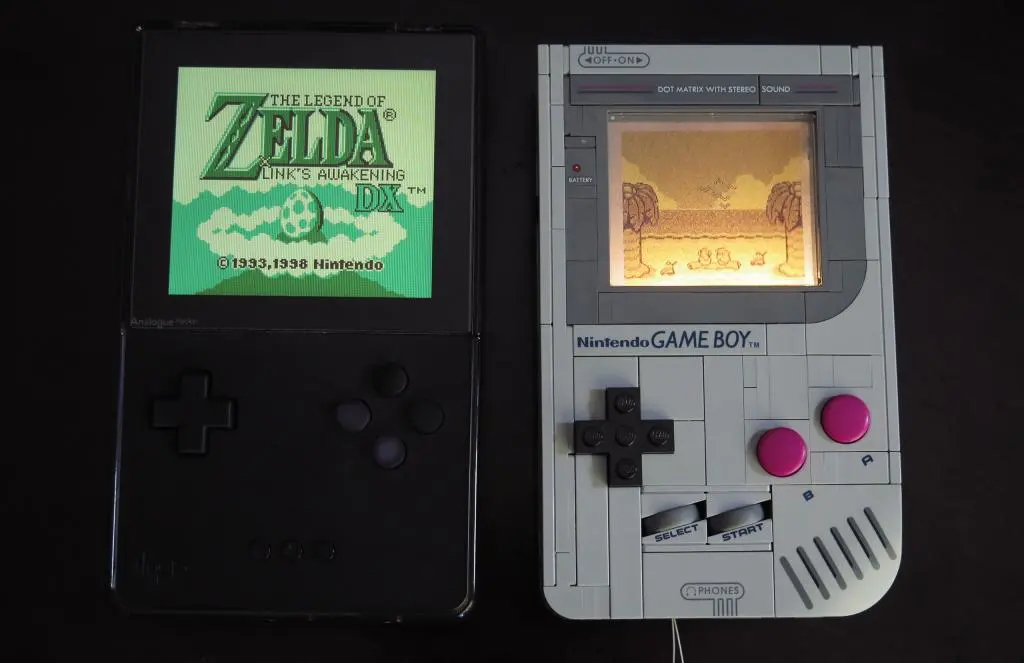
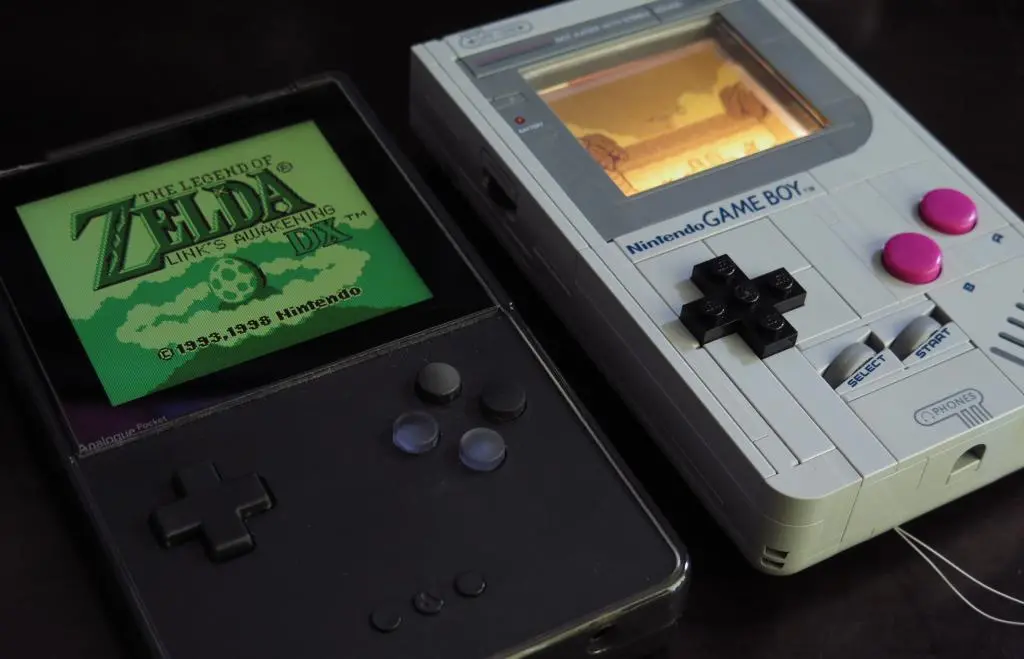
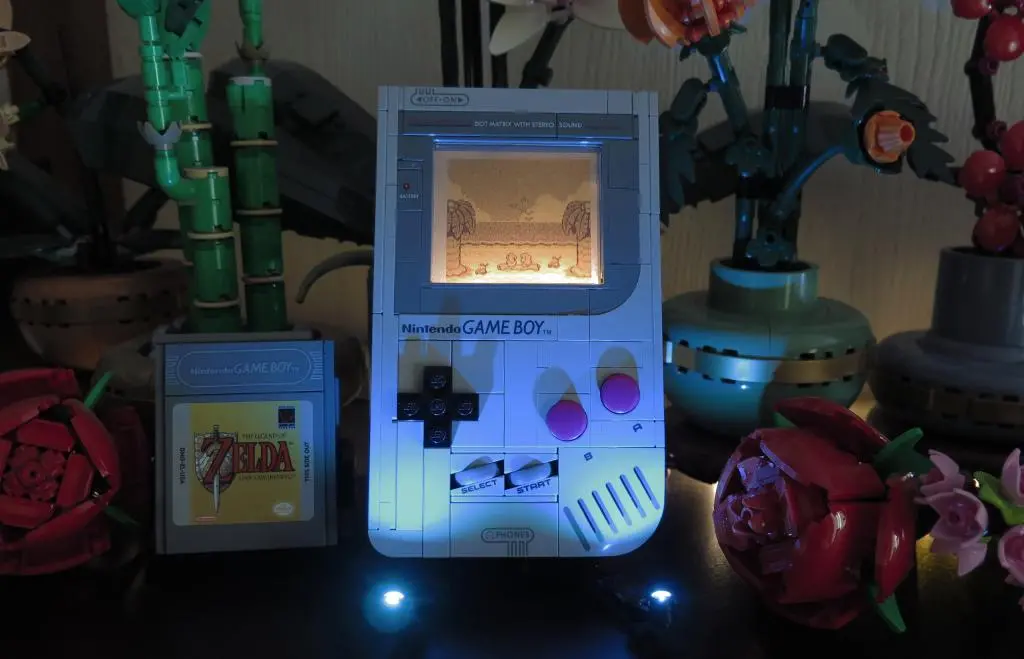
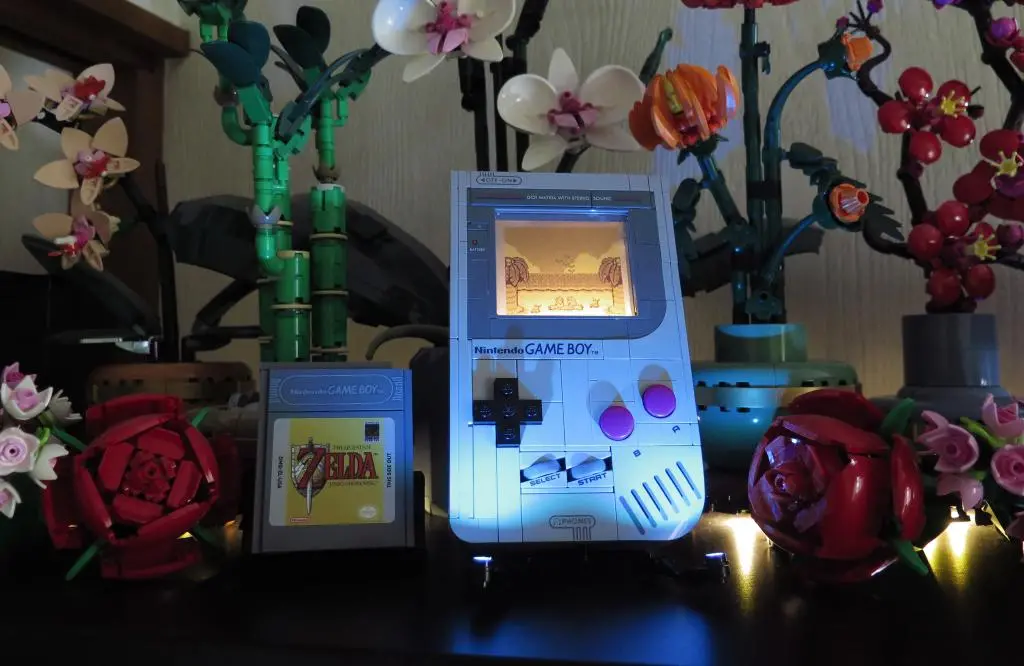
Earlier in the year, Lego announced its newest collaboration with Nintendo, a 1-to-1 scale replica of the original fat Gameboy. This goes in line with the NES replica released a few years ago, and a few other attempts at nostalic video game replicas, like the Atari 2600 and the Pac-man Arcade unit.
I was initially turned off by this announcement. I don't have a lot of nostalgia for the original Gameboy. And, while building Lego models is always fun, these larger models are expensive, take up space, and in this case, it doesn't really match the other Lego models on my shelf. It's a 60$ shelf piece, and that money would be better spent on actual video games.
Well, I changed my mind.
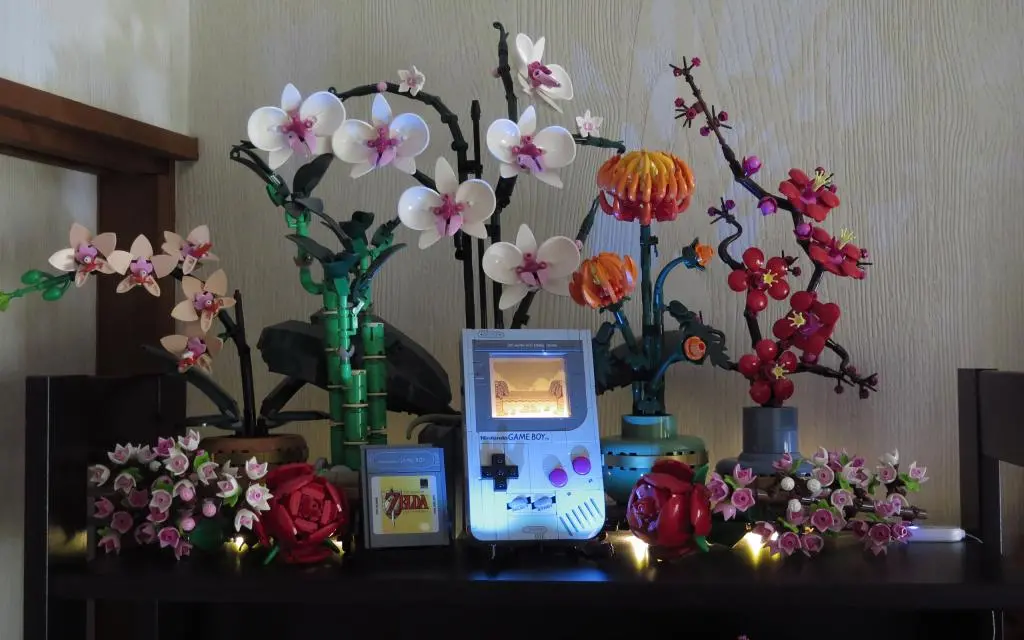
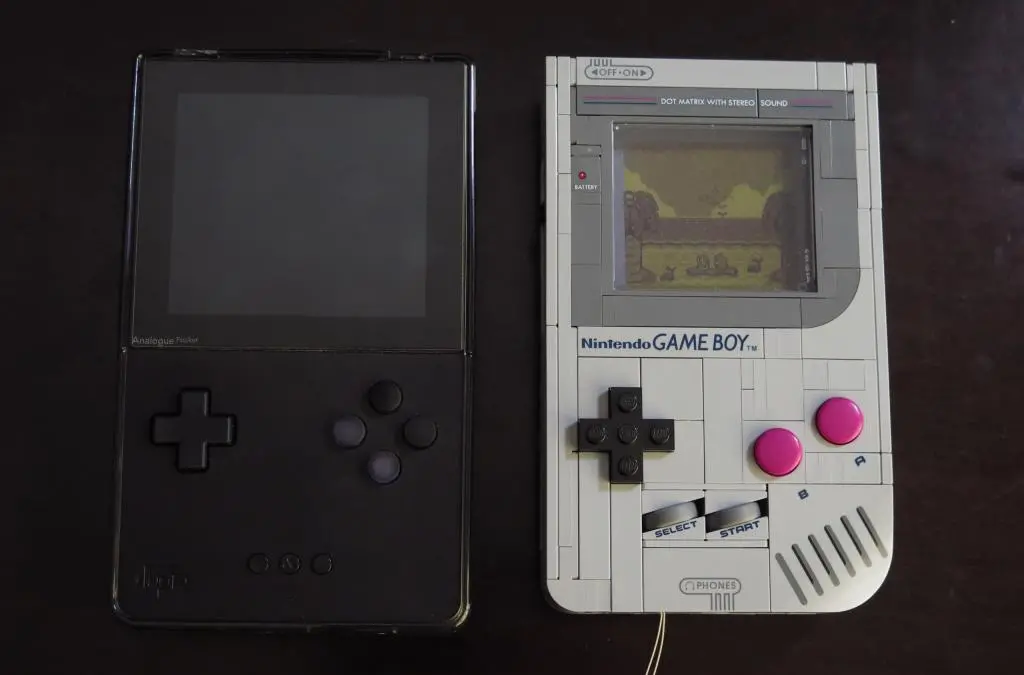
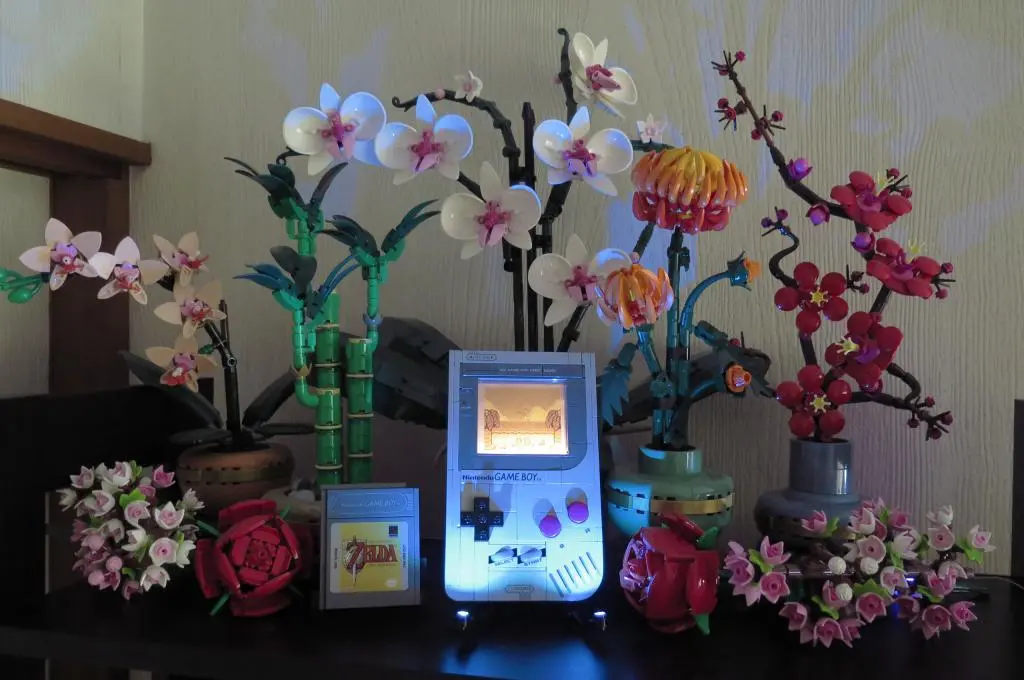
The price on the set came down leading into Black Friday. It actually does kinda fit with my botanical decour since it is another life-sized model. And Natalie the Nerd announced that she was making a conversion kit to turn the Lego model into an actual working Gameboy. Because of the Analogue Pocket, I don't need a working Gameboy, but the idea of putting it together sounds really interesting. I want to try it, even though it will be expensive and I'll never use it.
So, I bought the model. And I bought a light kit, going further away from my excuse of the cost. I also bought a few other things to make another modification on the model.
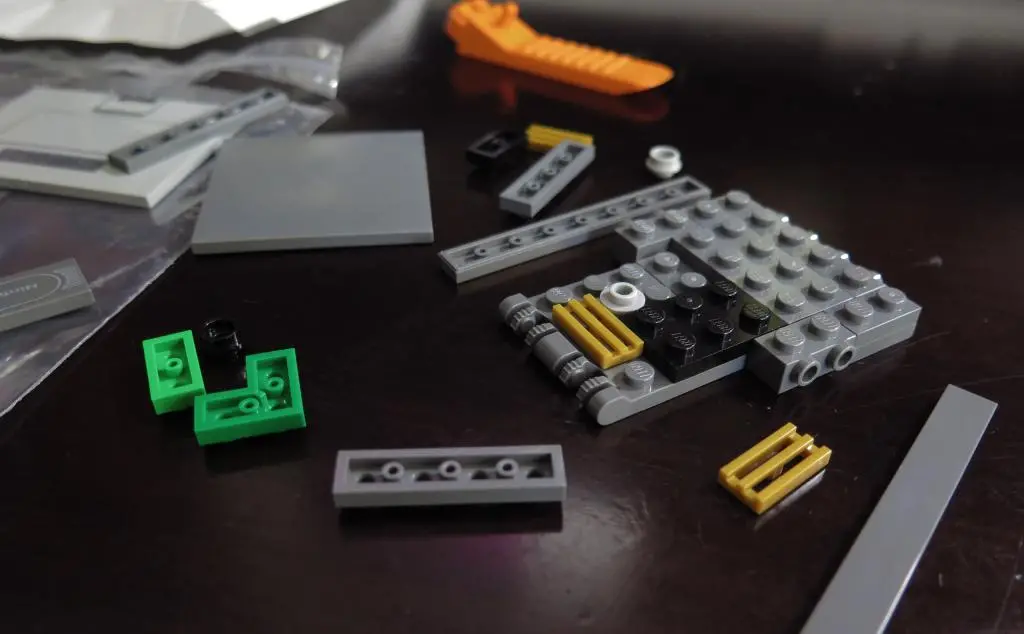
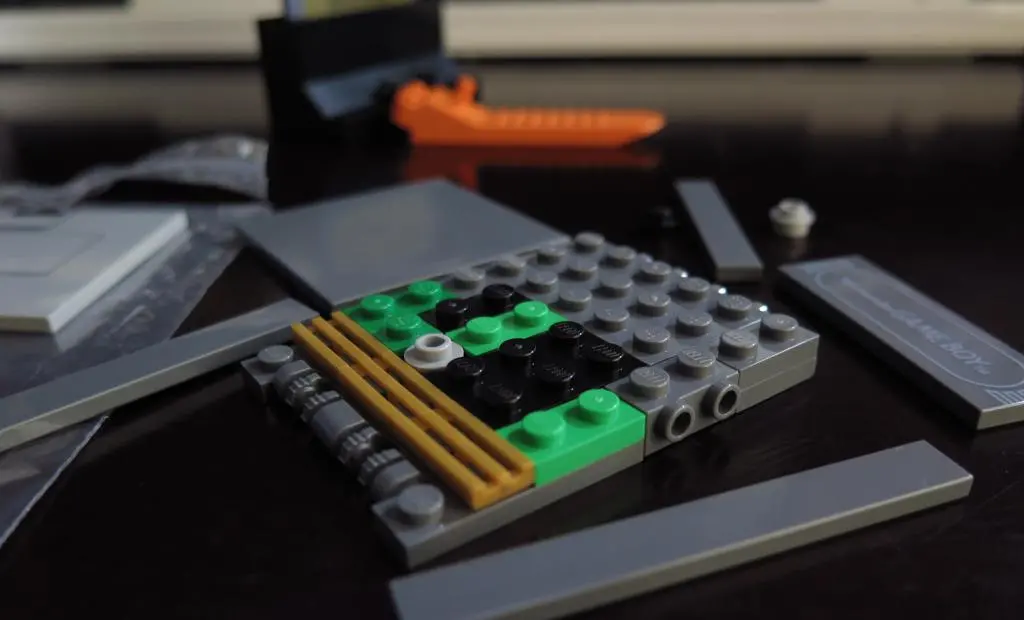
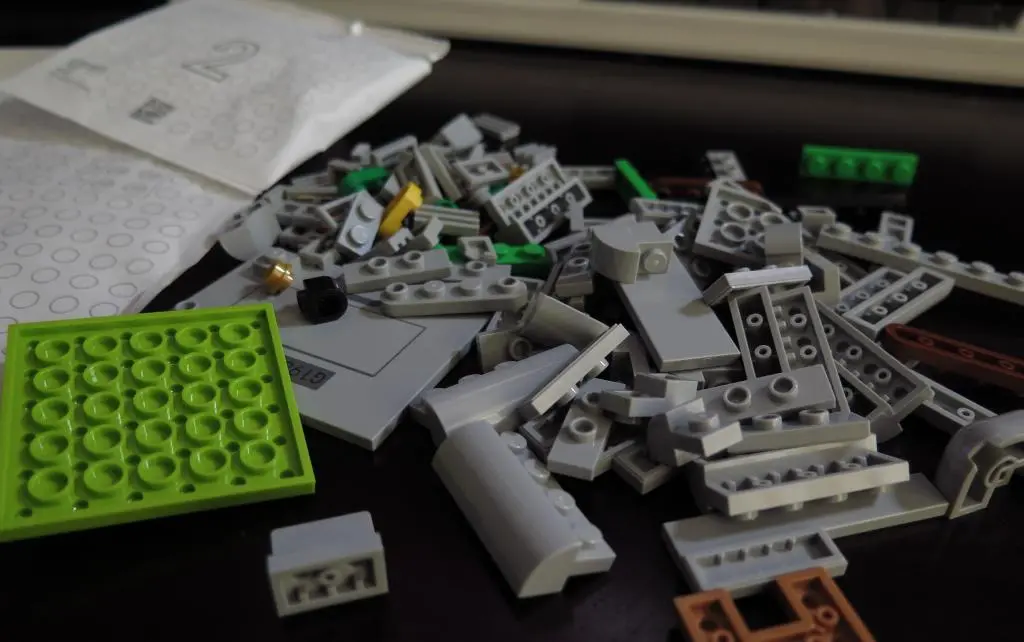
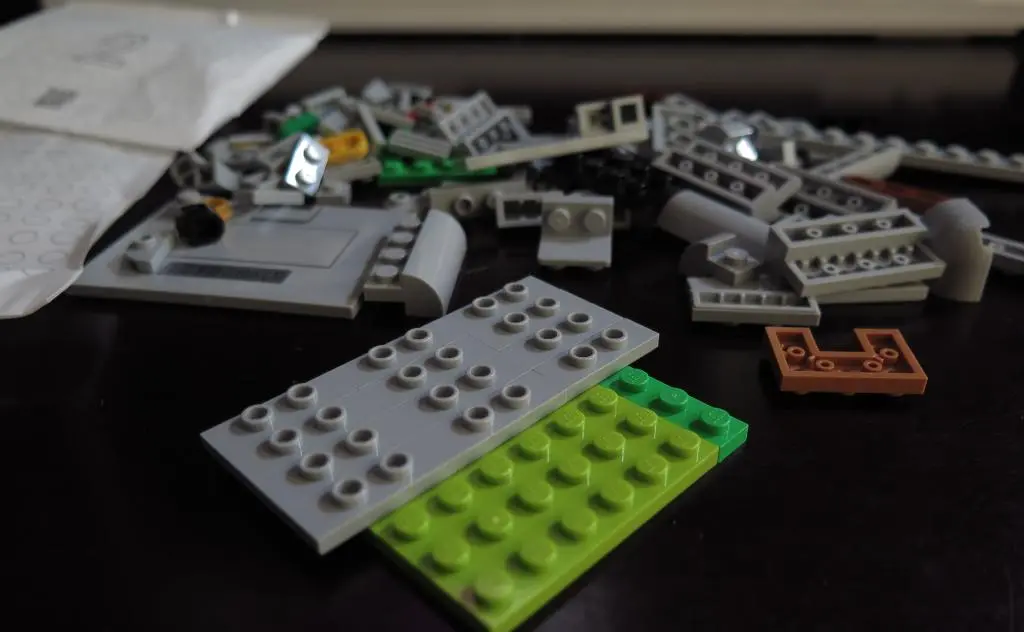
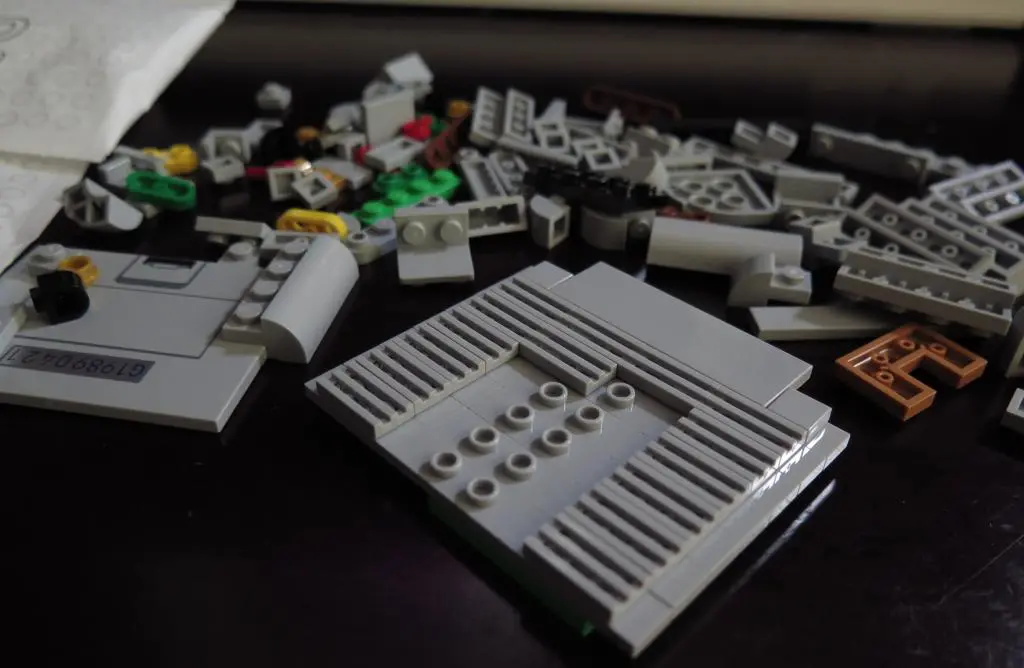
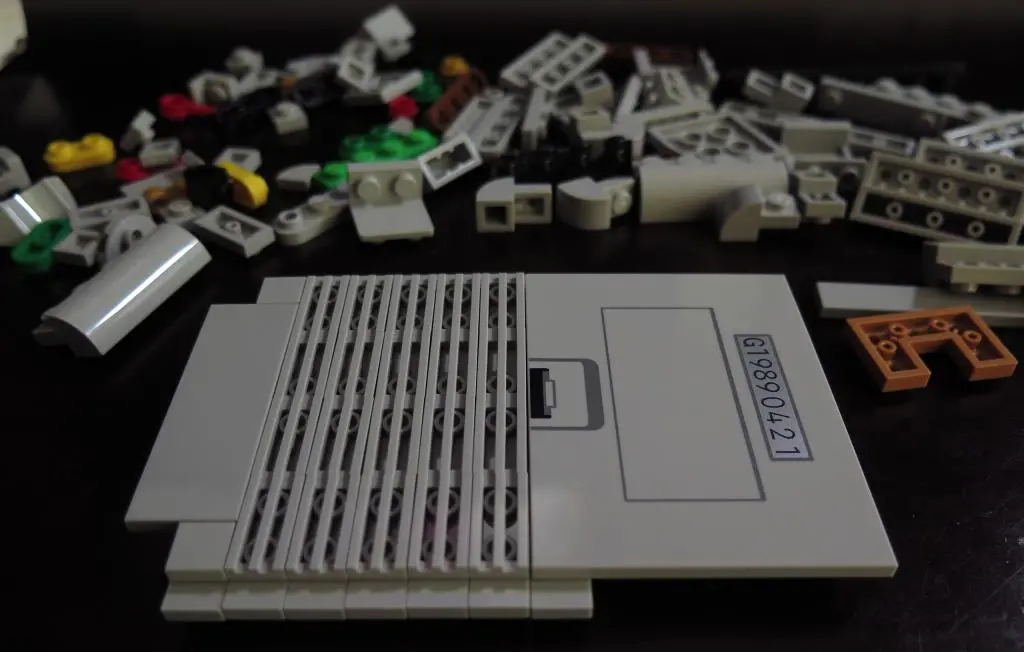
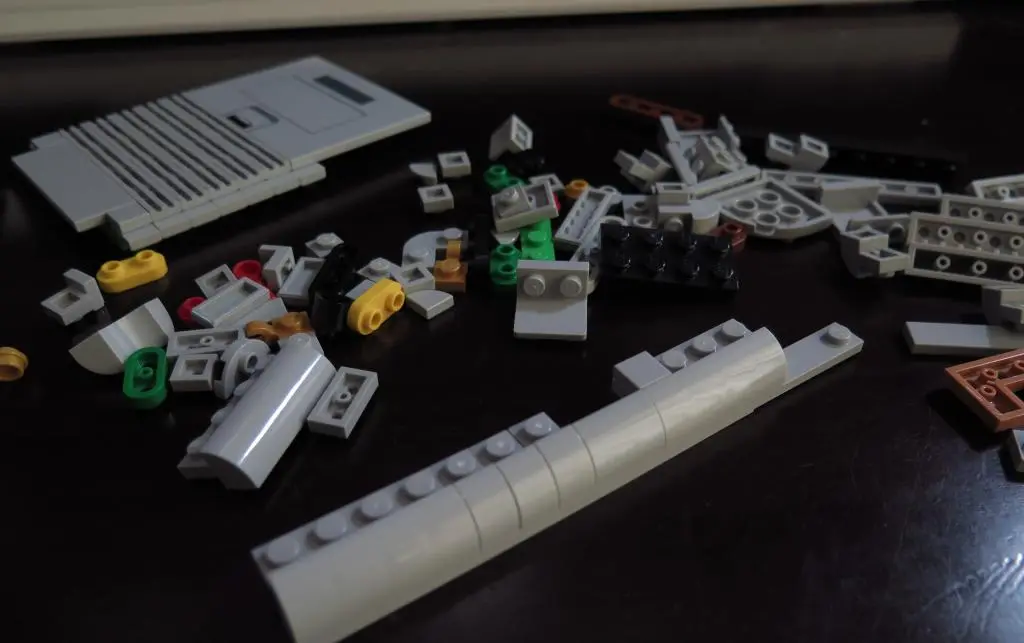
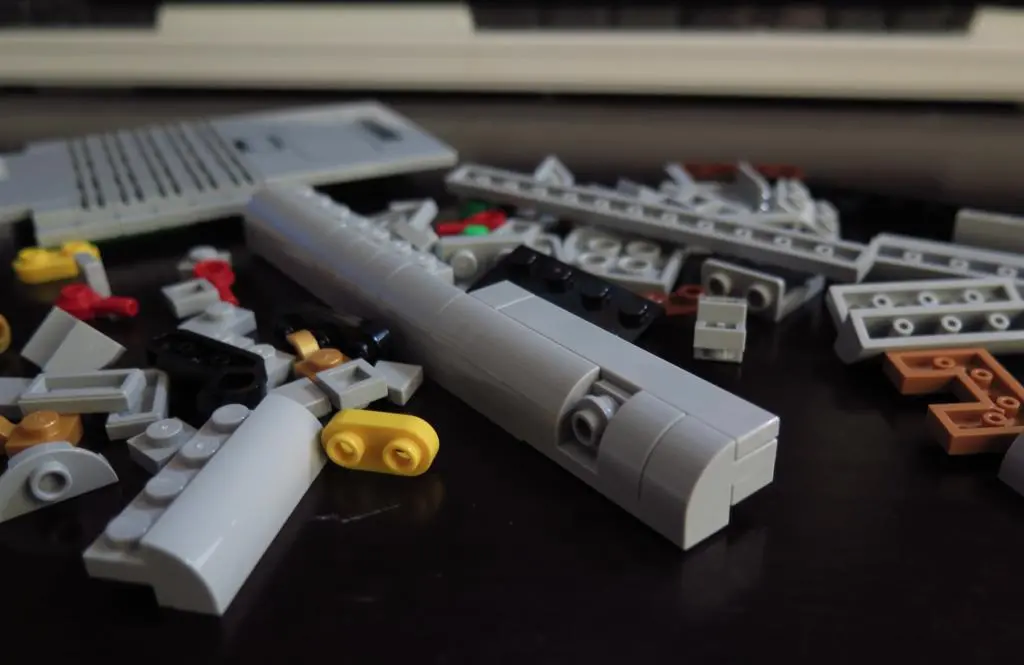
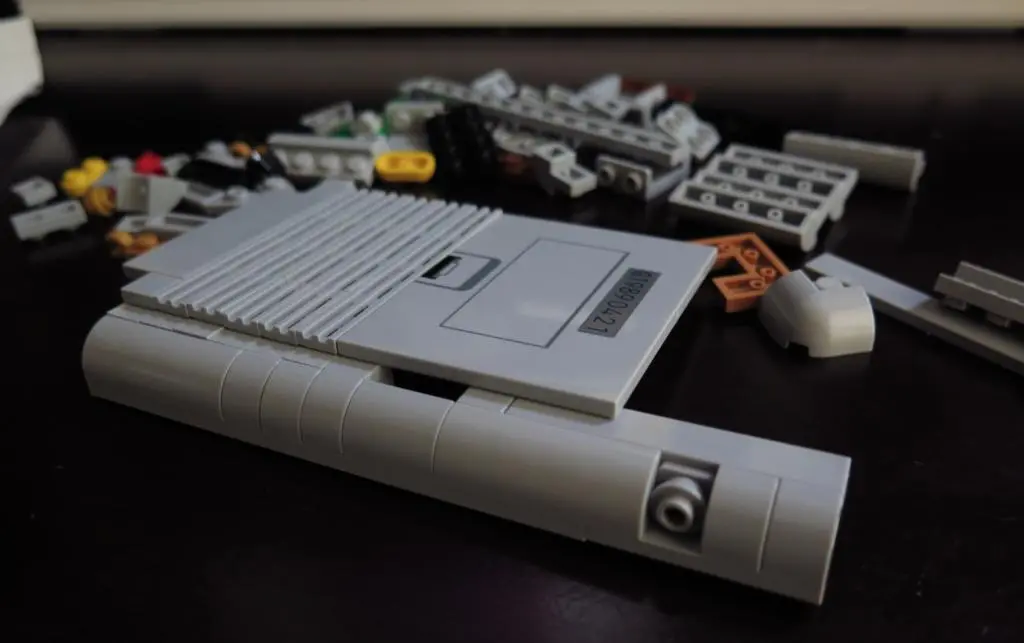
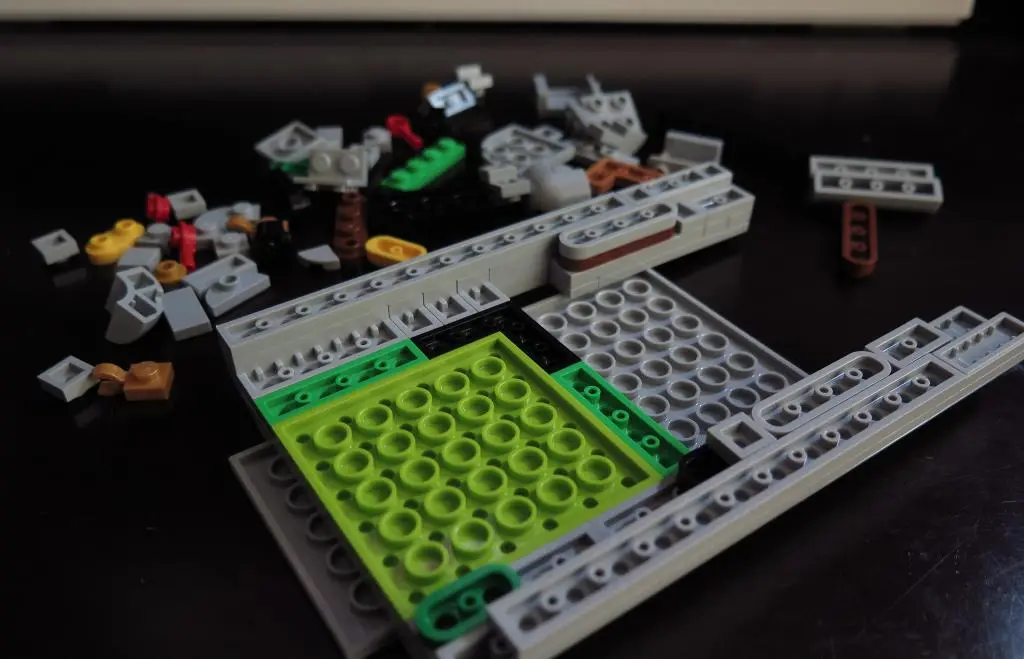
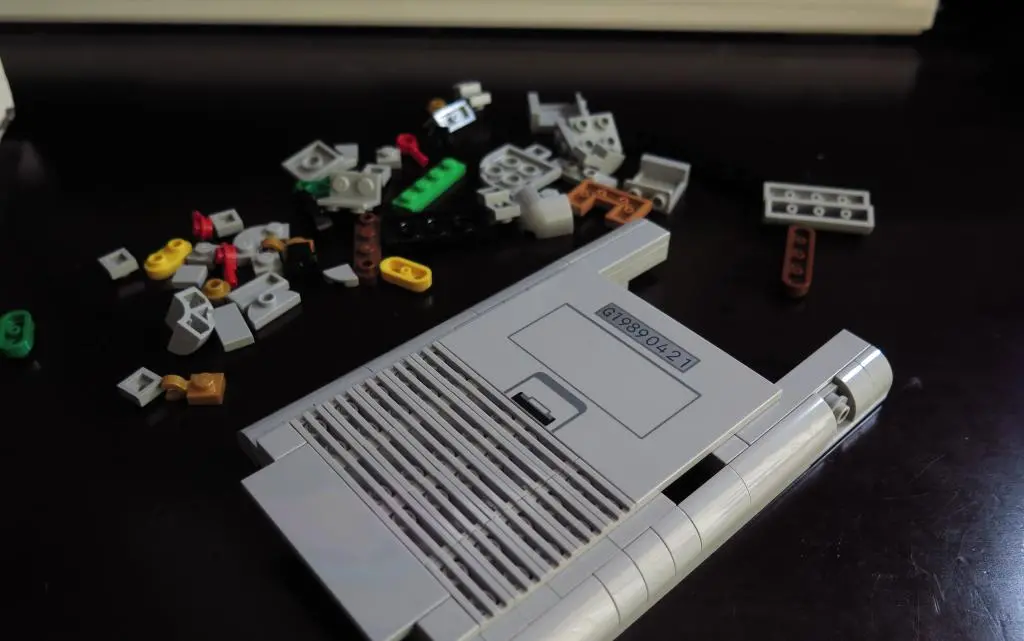
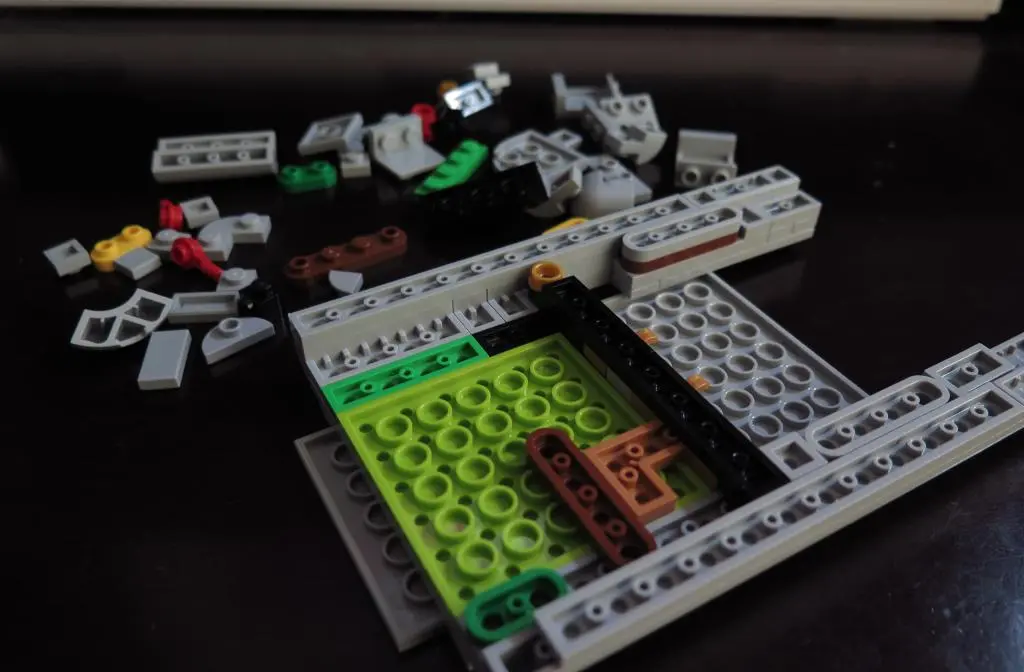
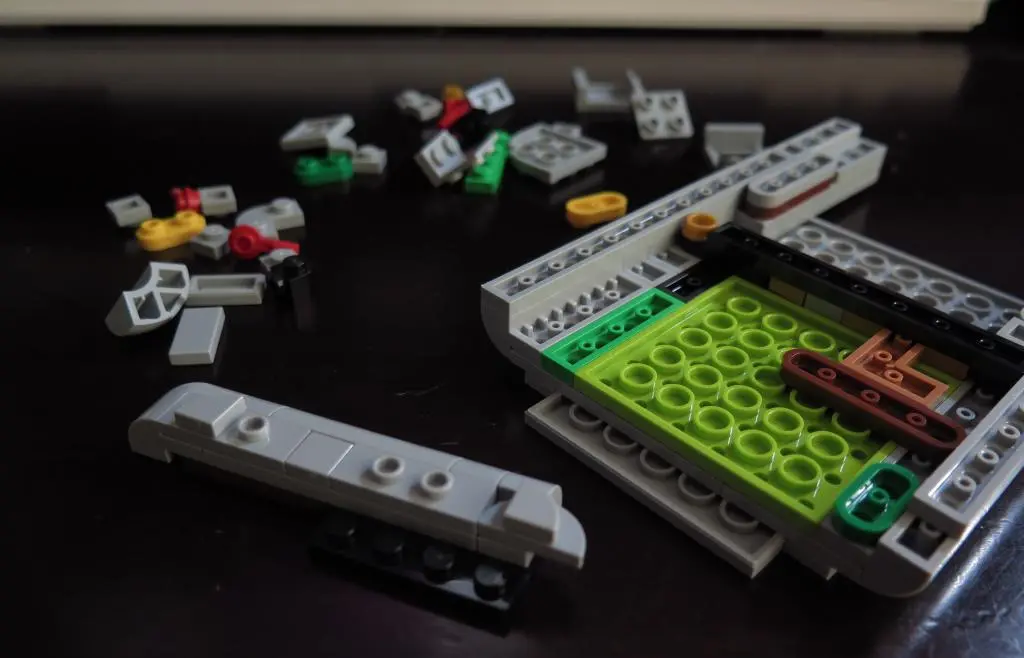
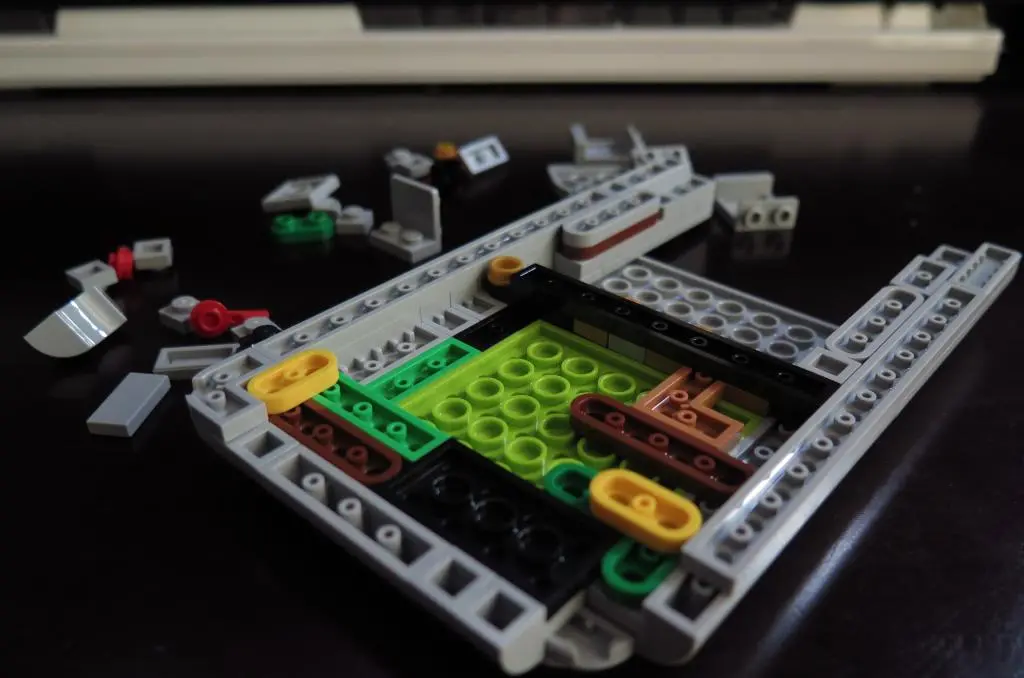
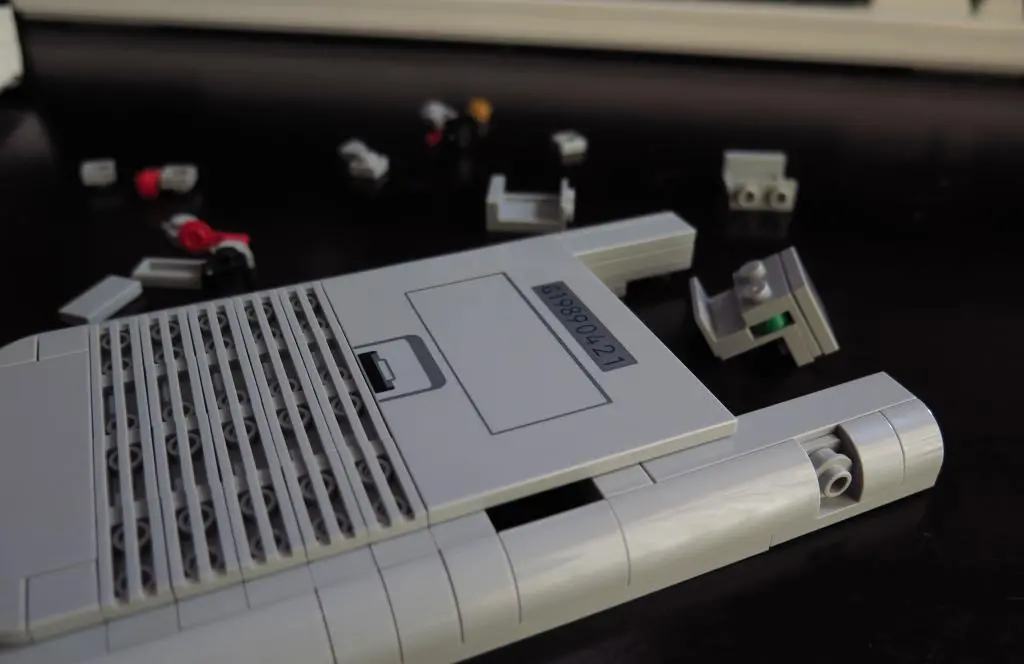
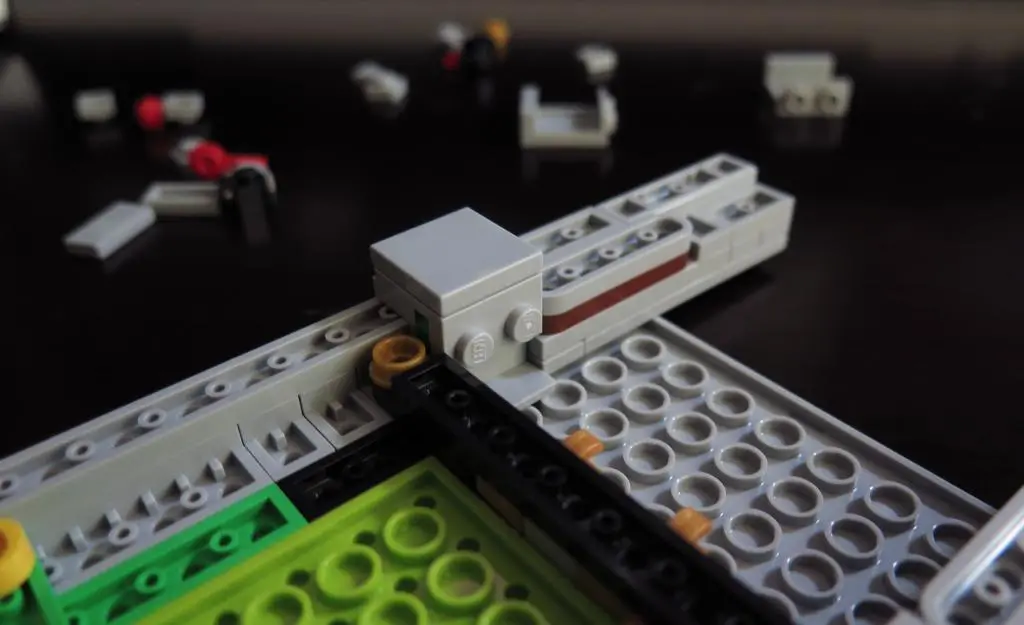
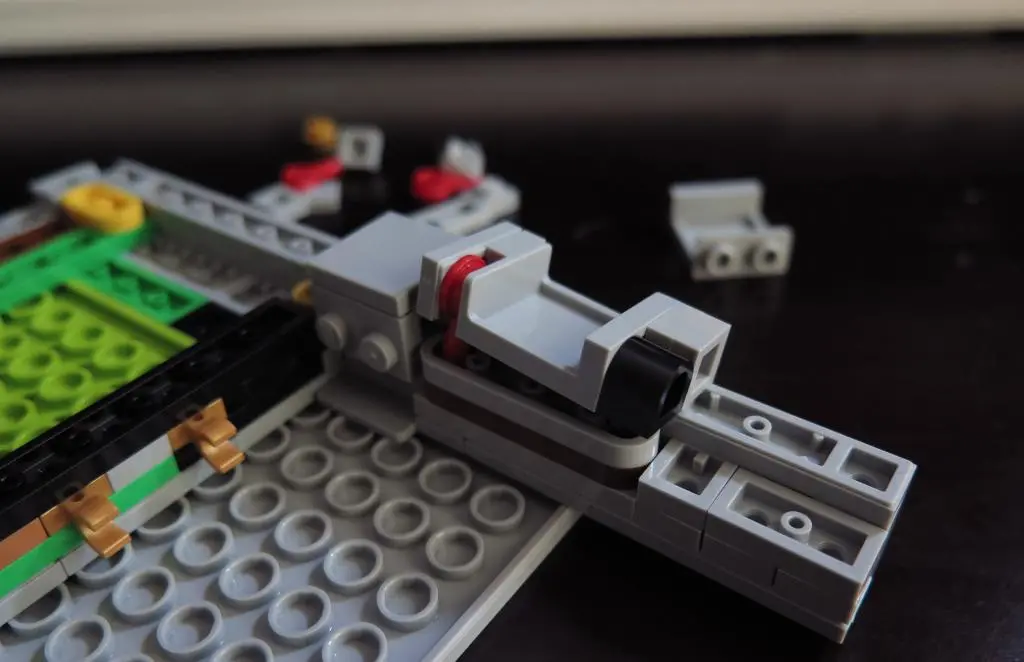
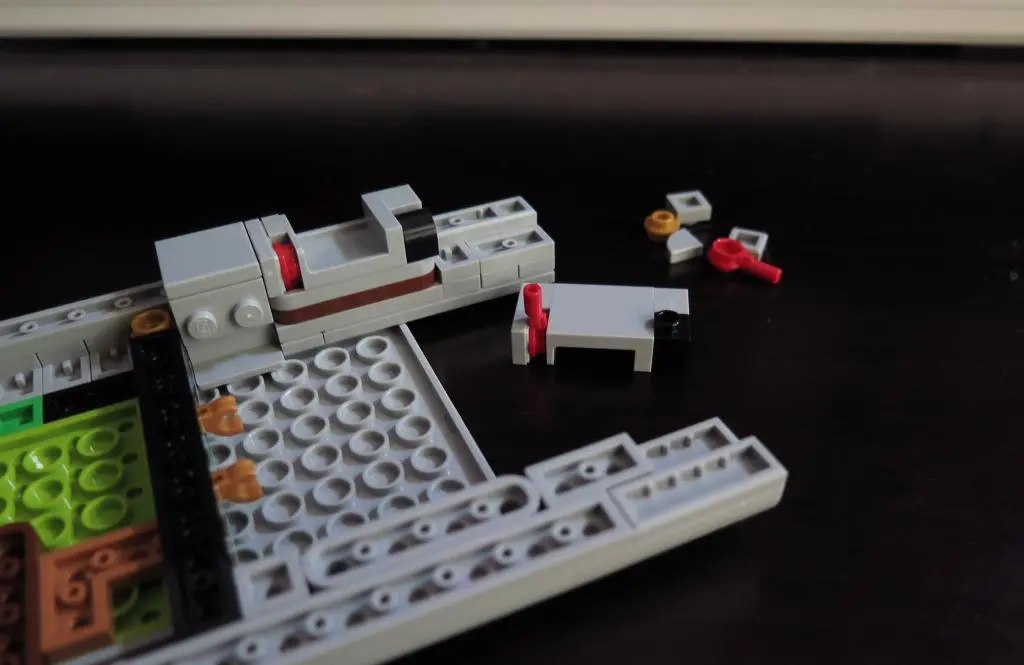
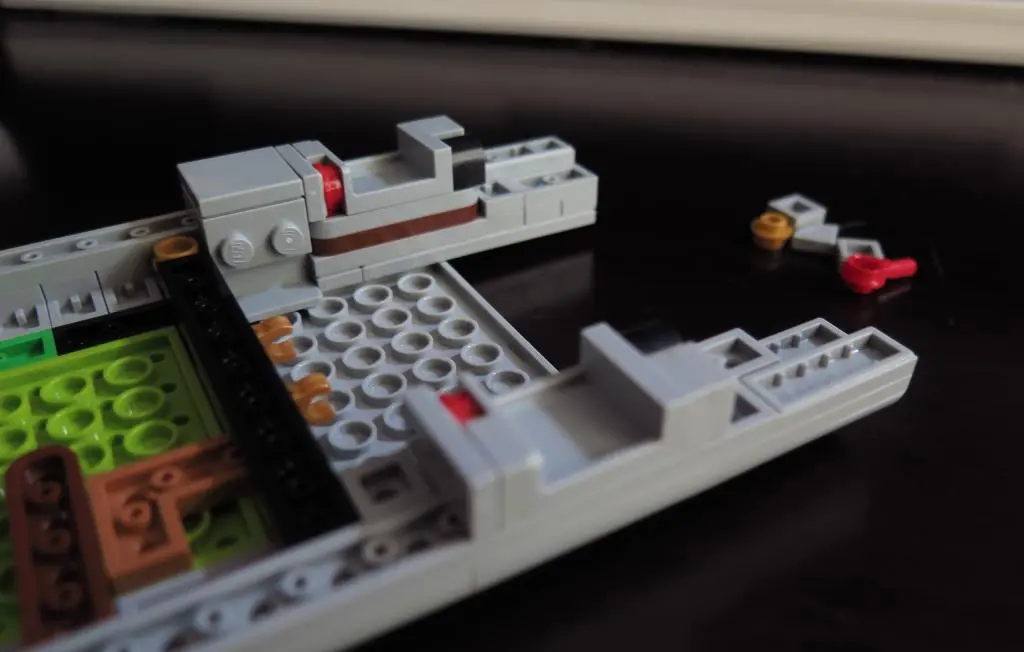
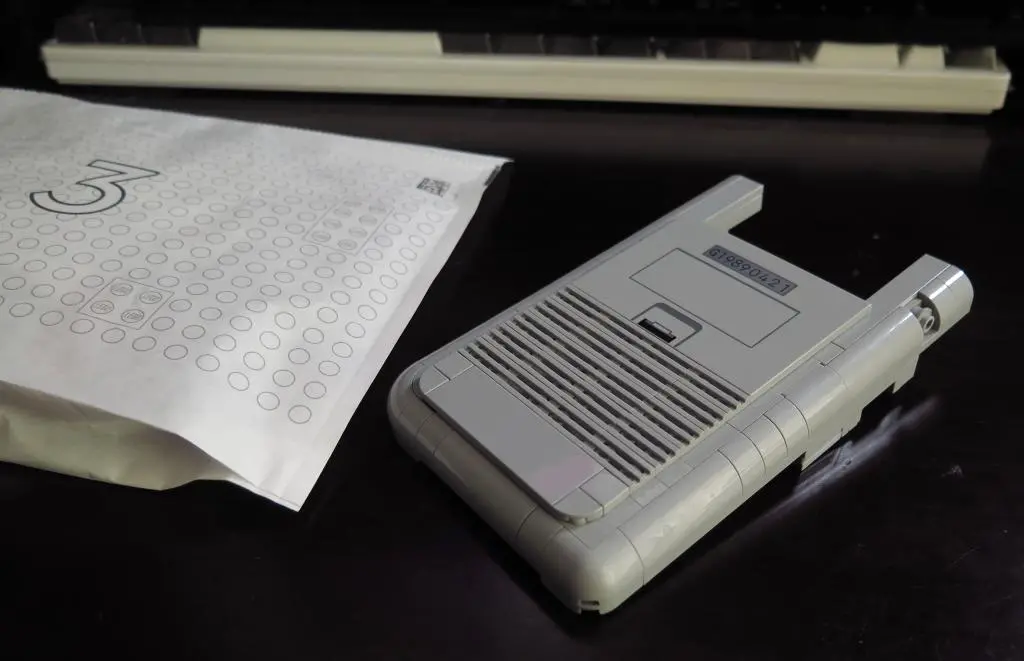
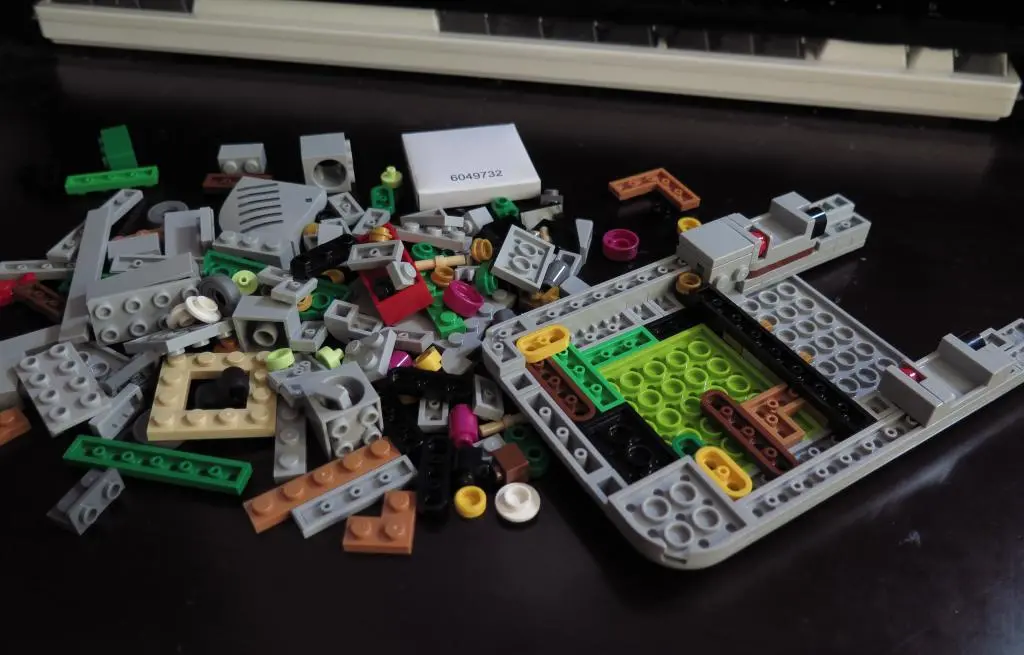
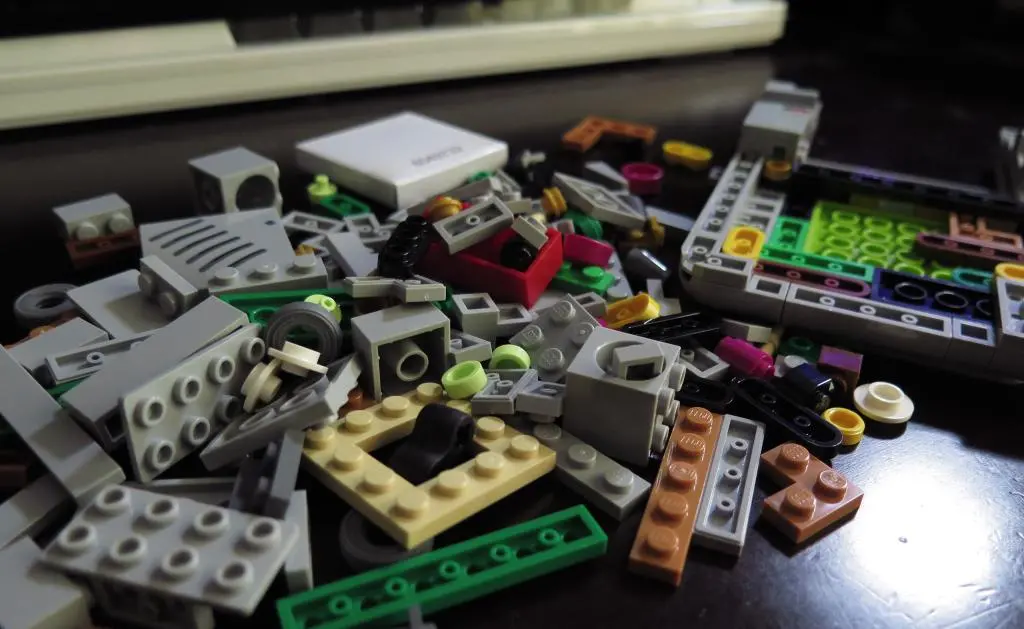
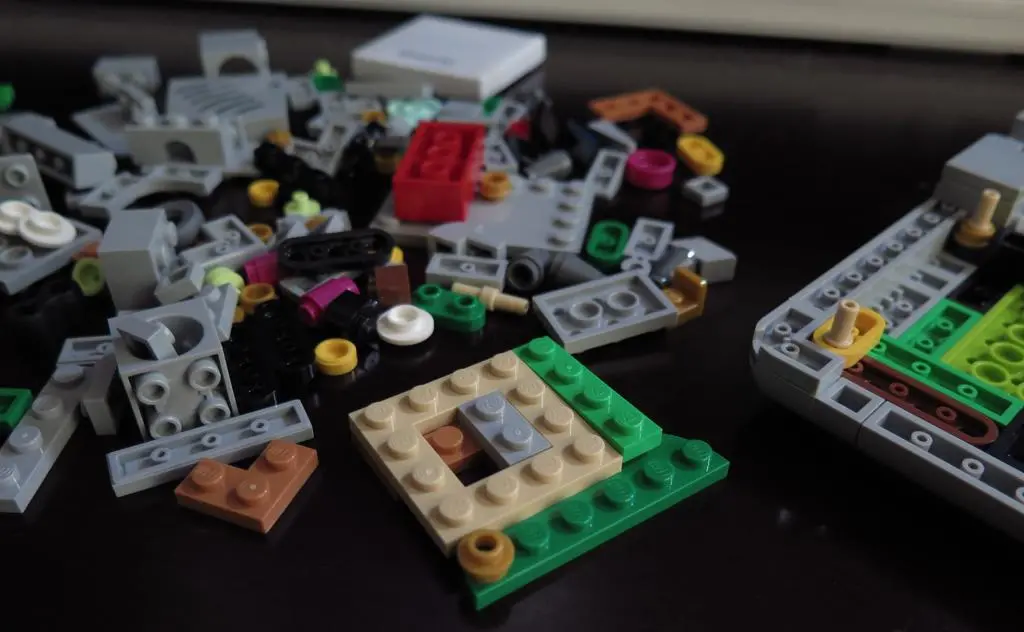
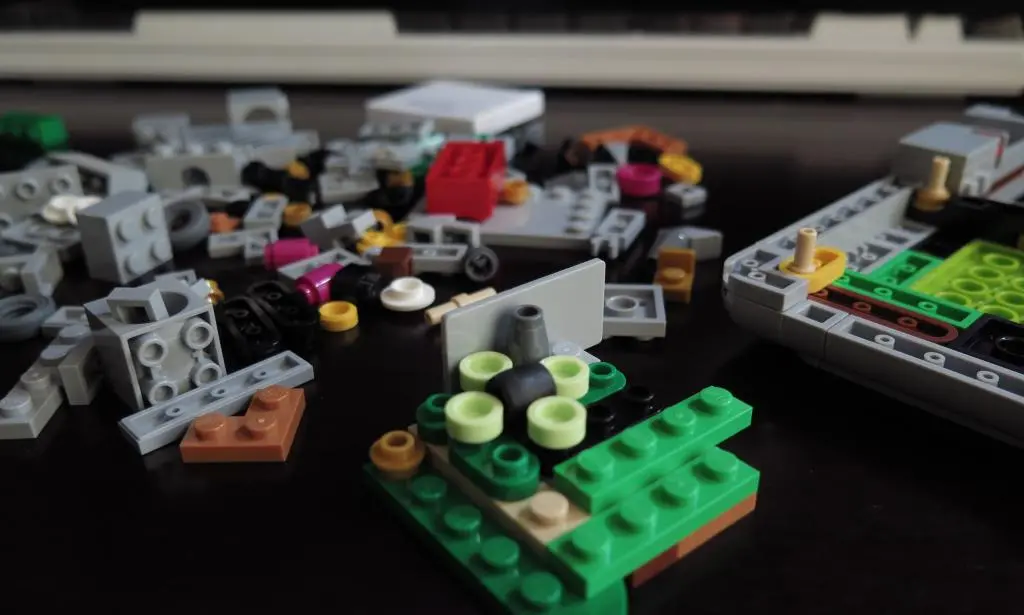
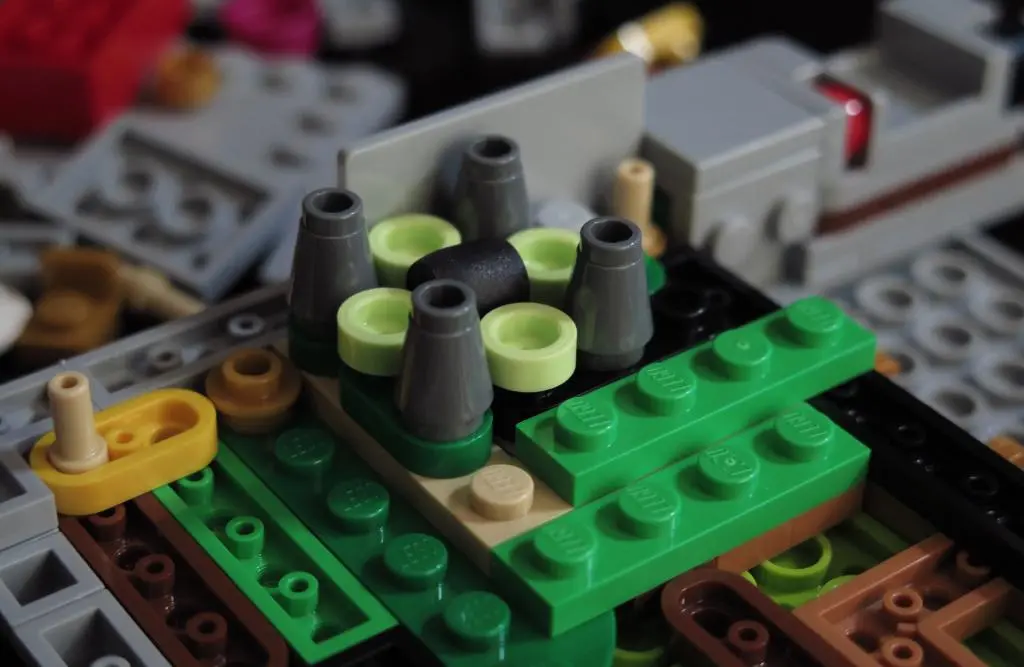
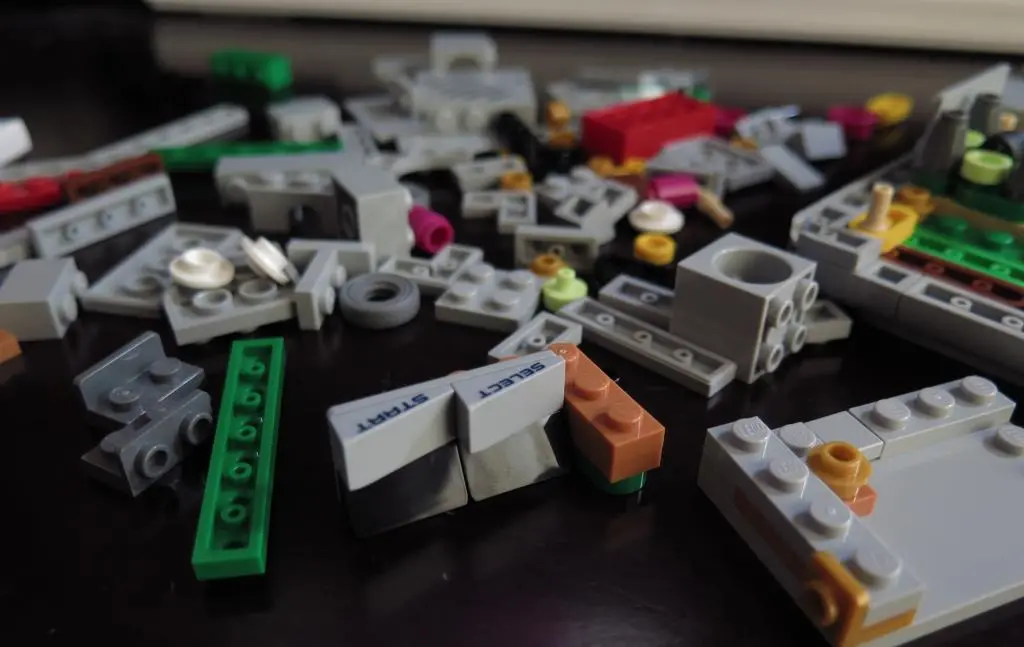
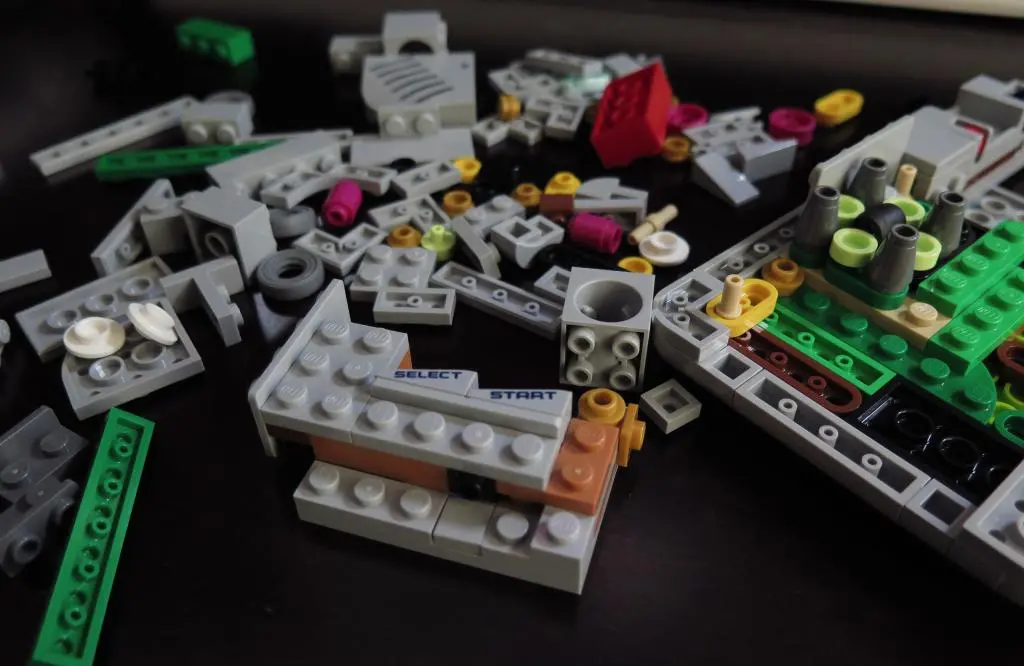
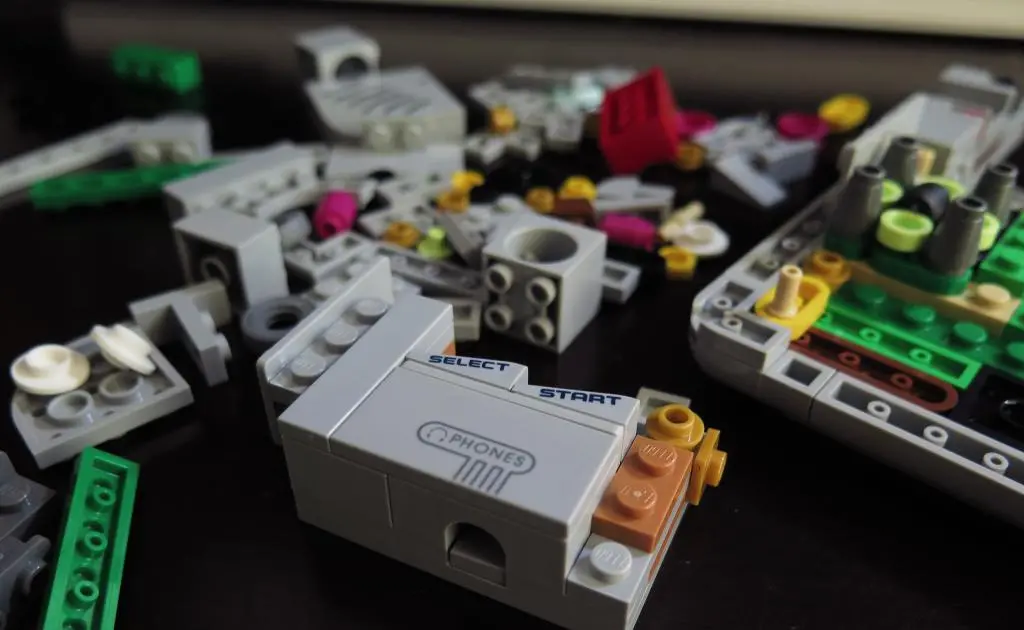
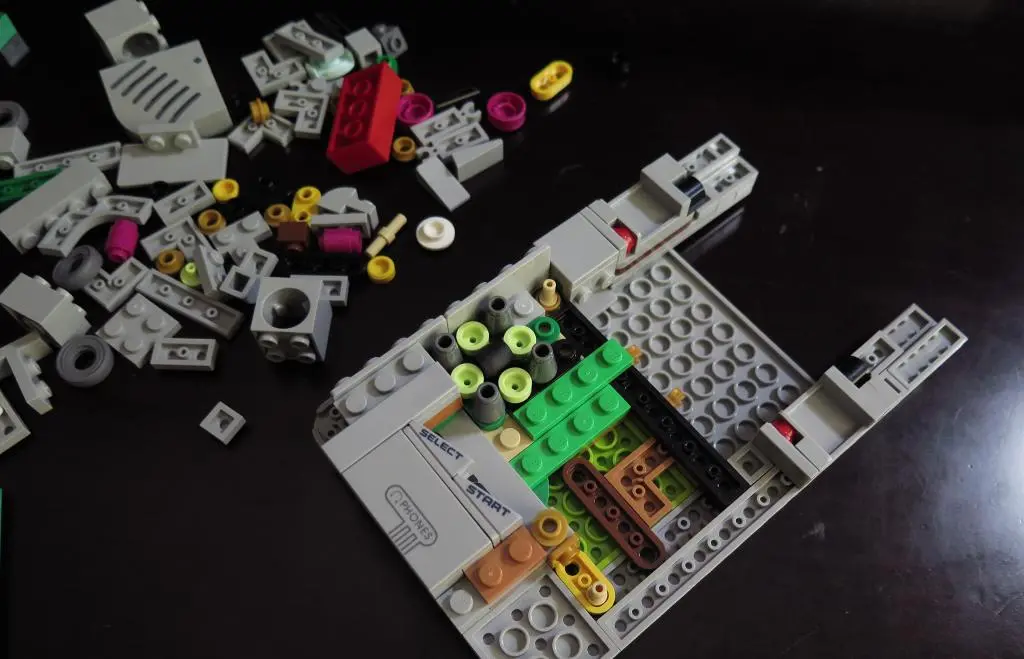
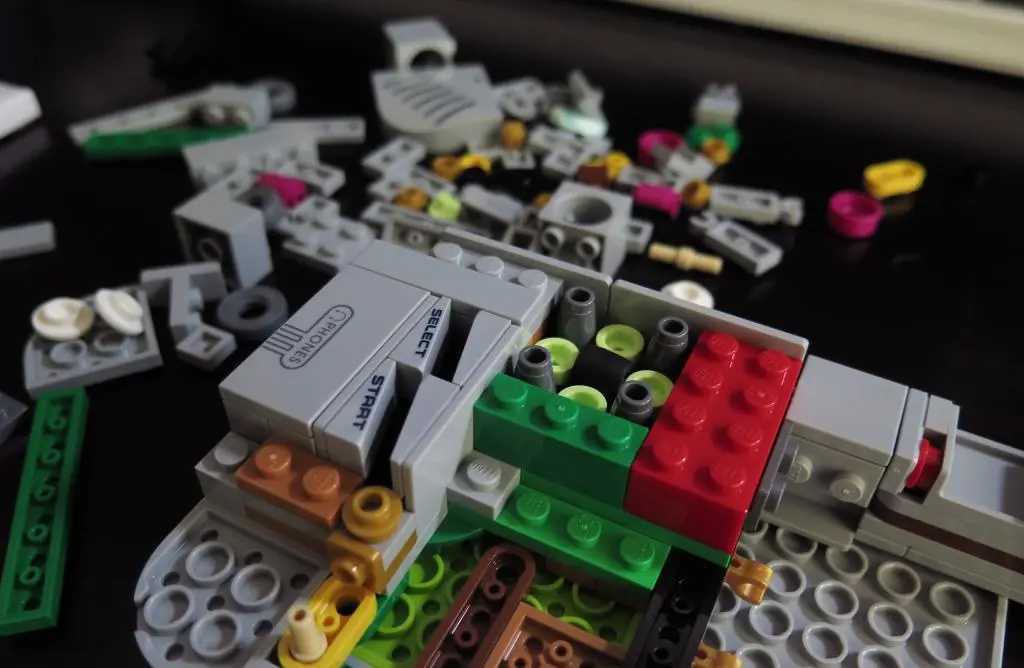
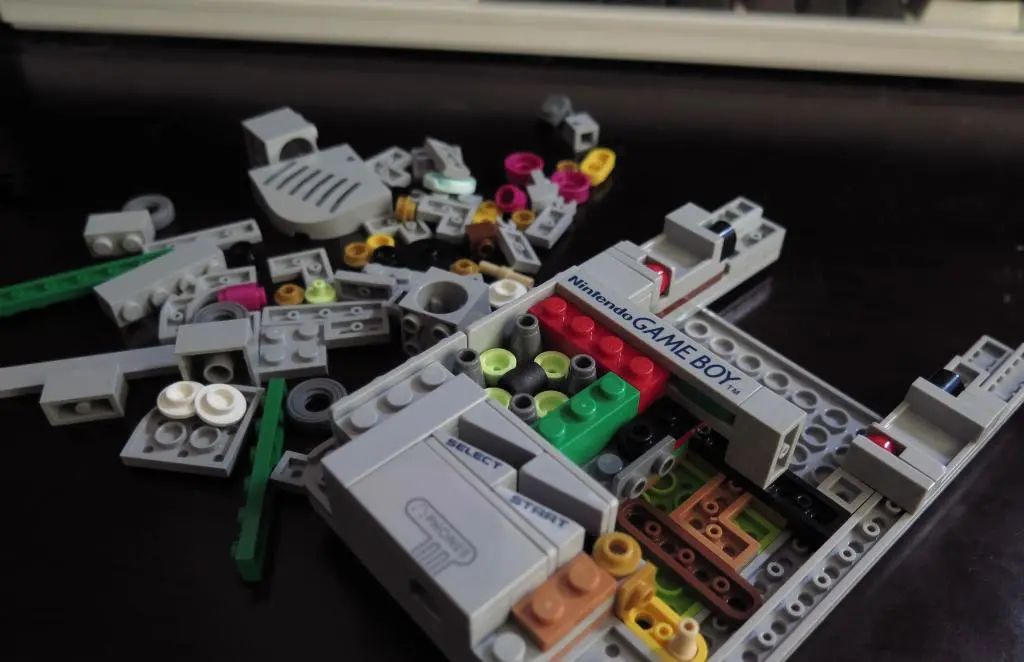
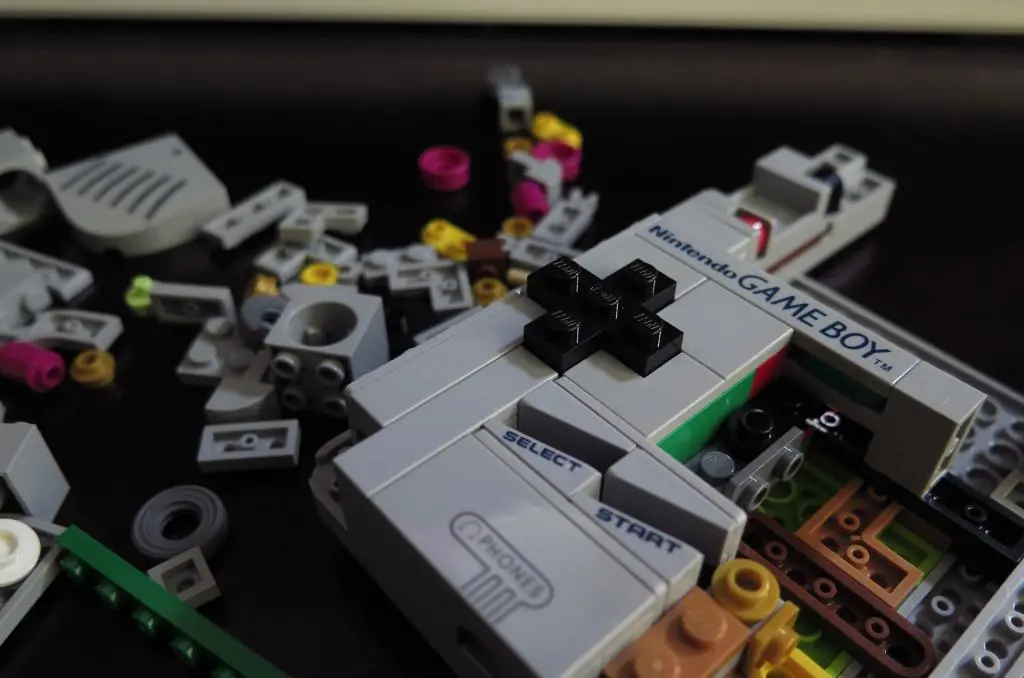
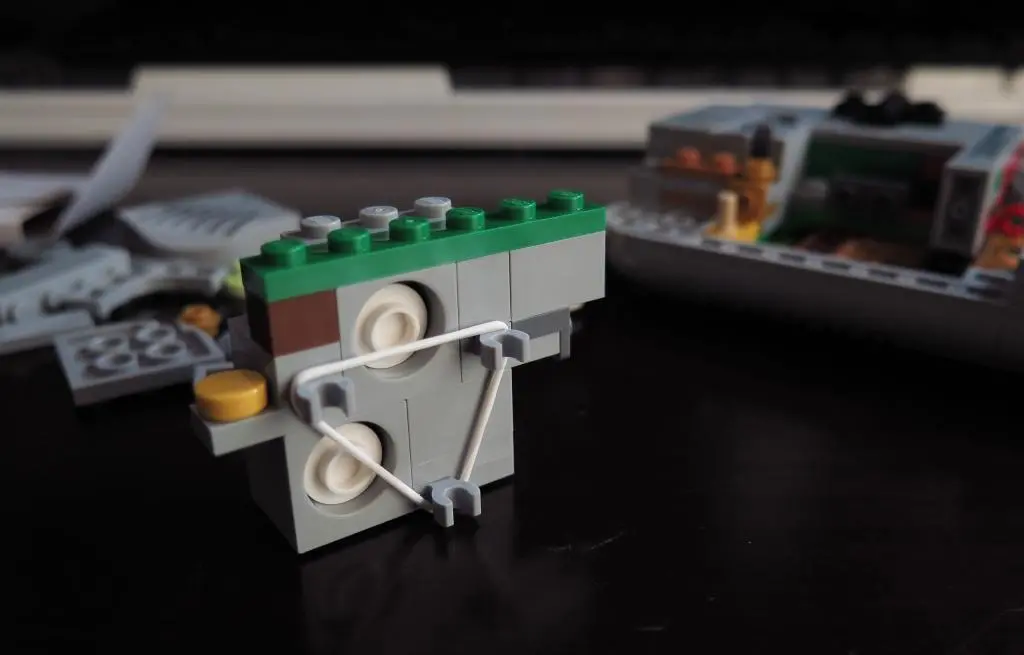
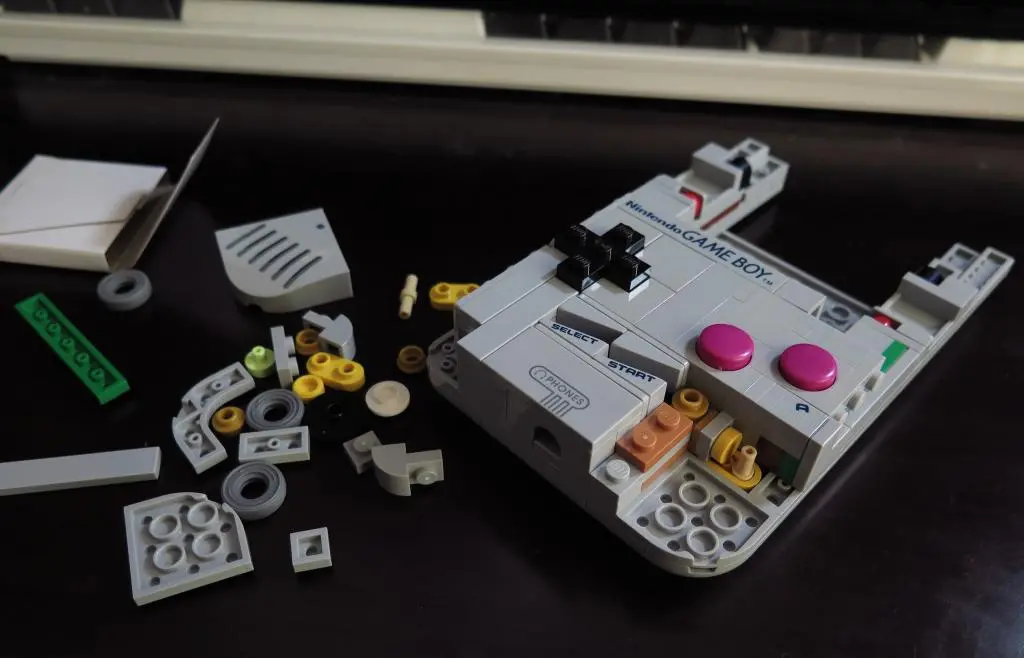
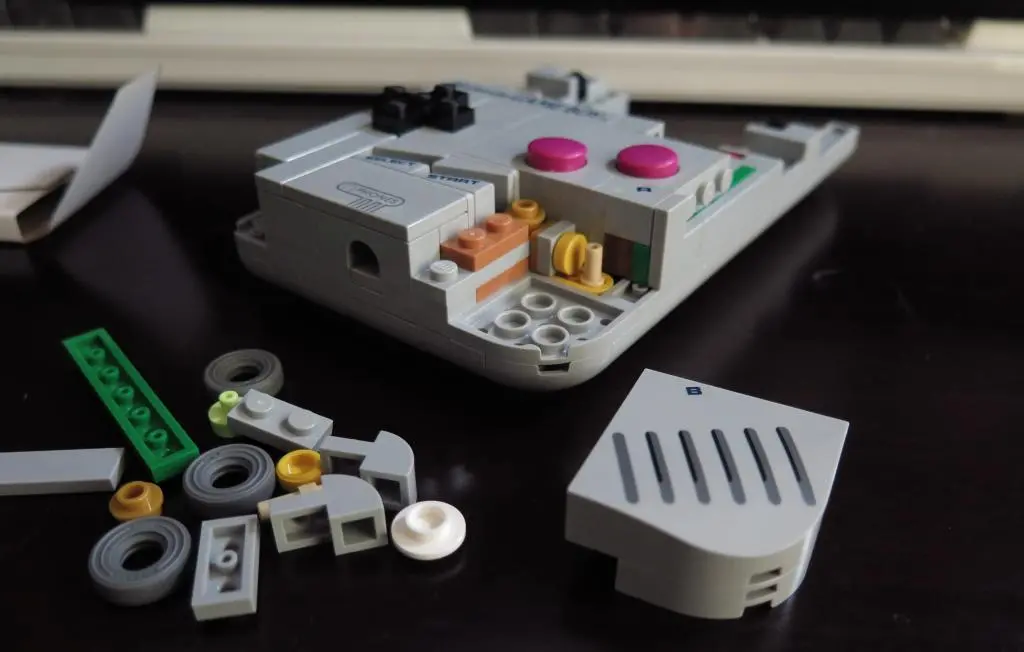
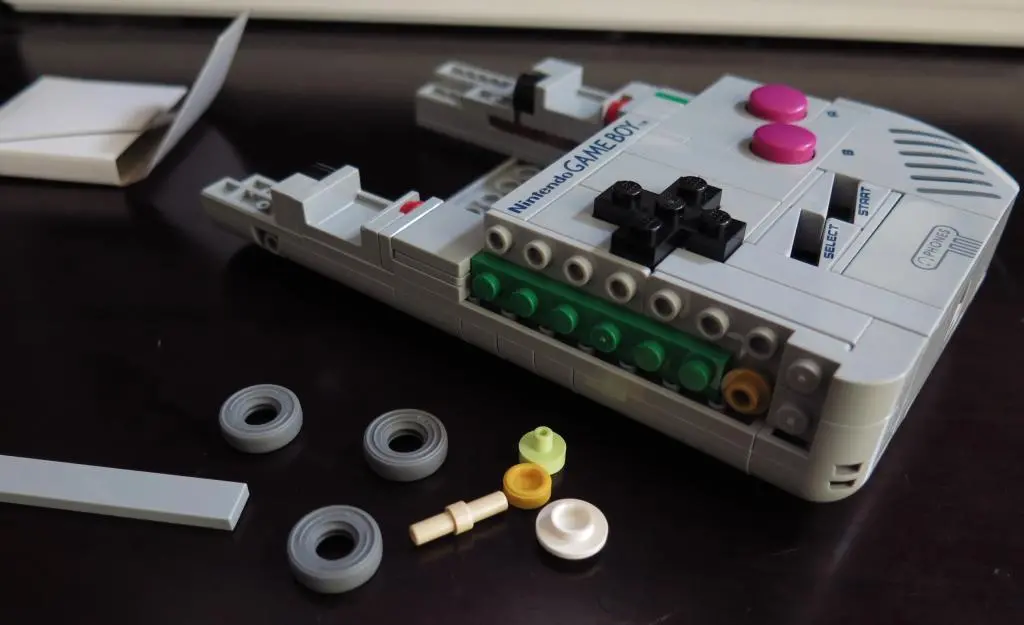
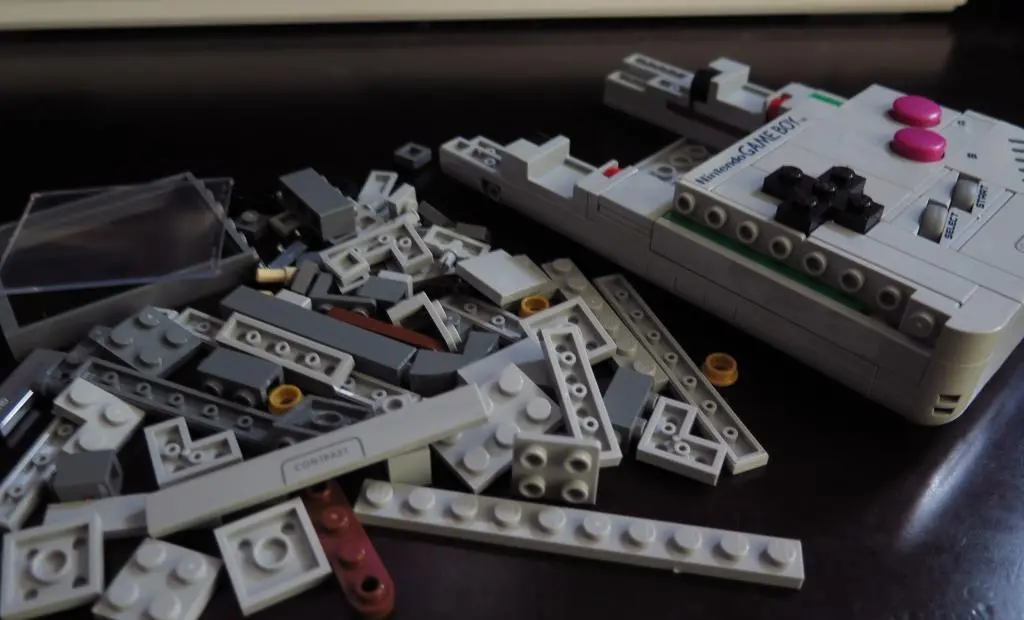
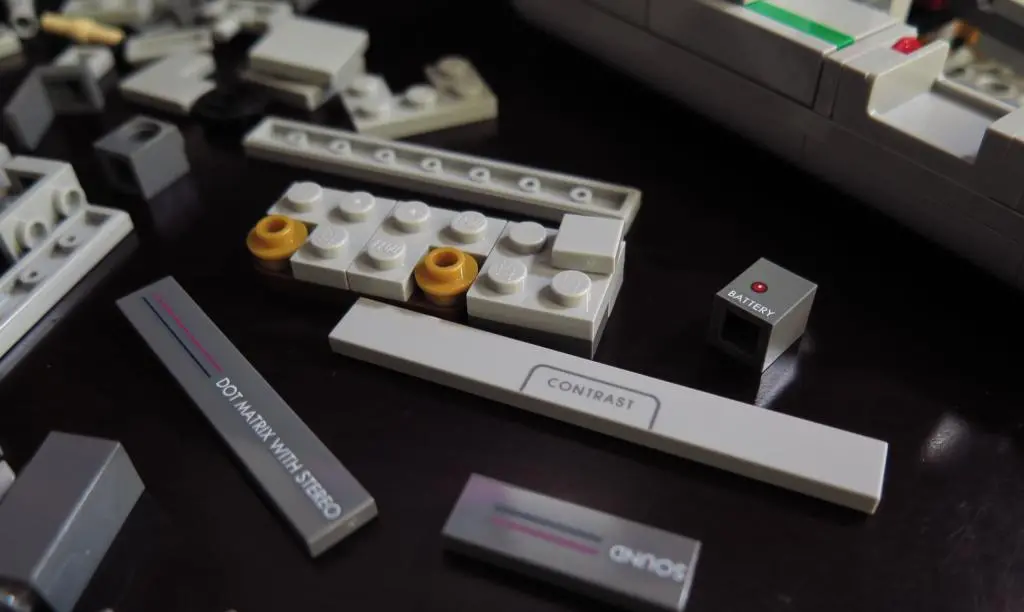
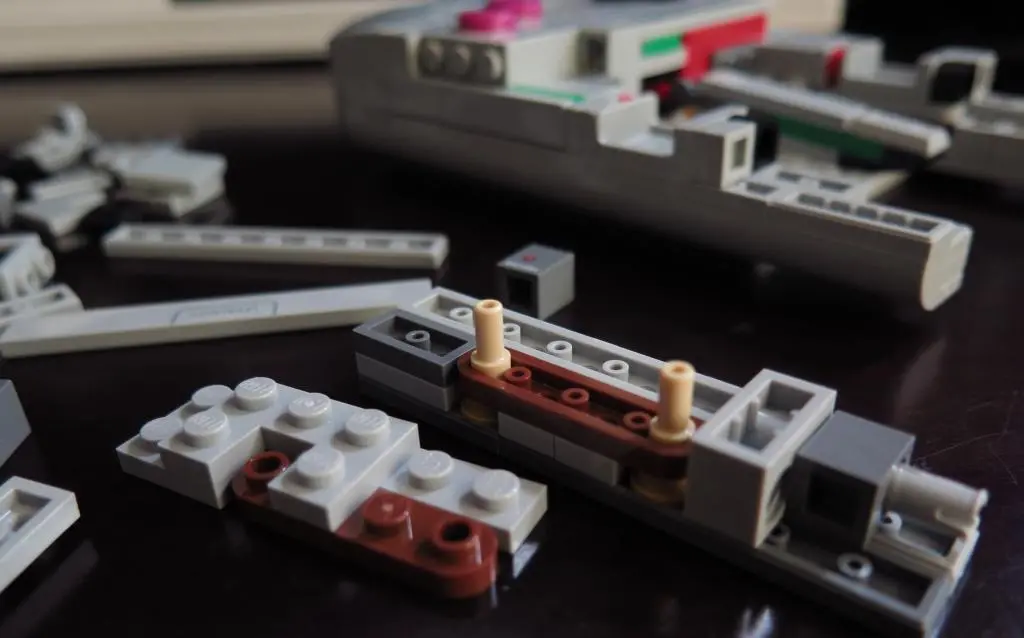
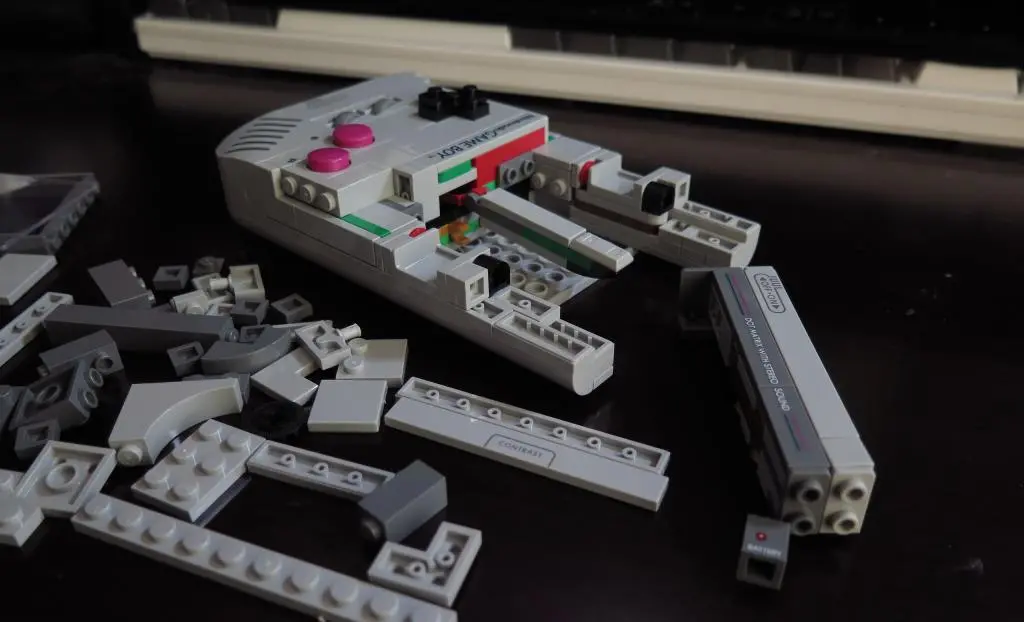
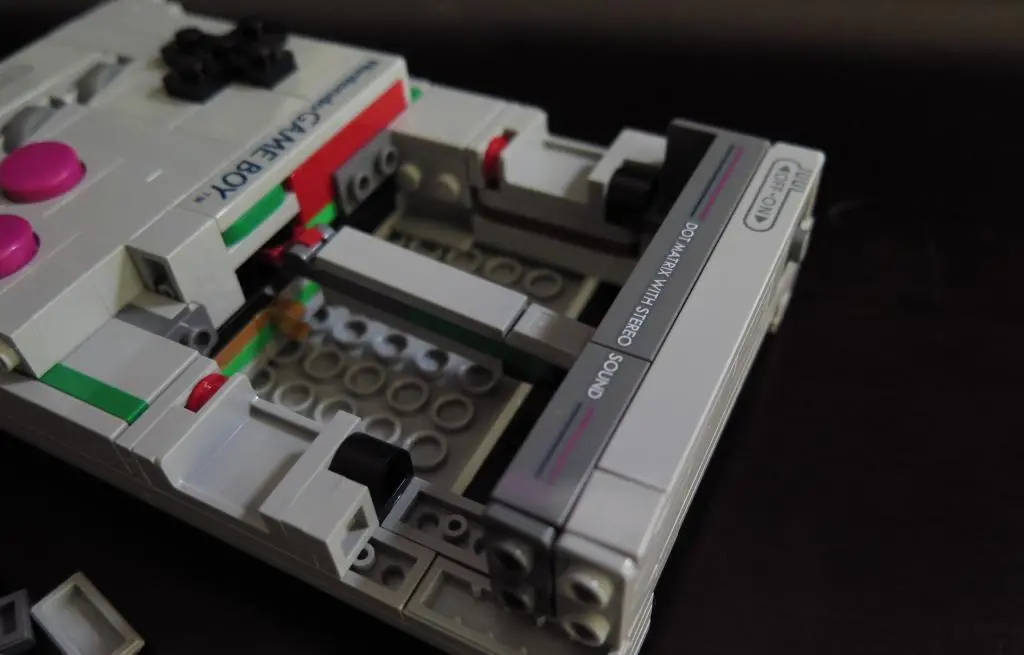
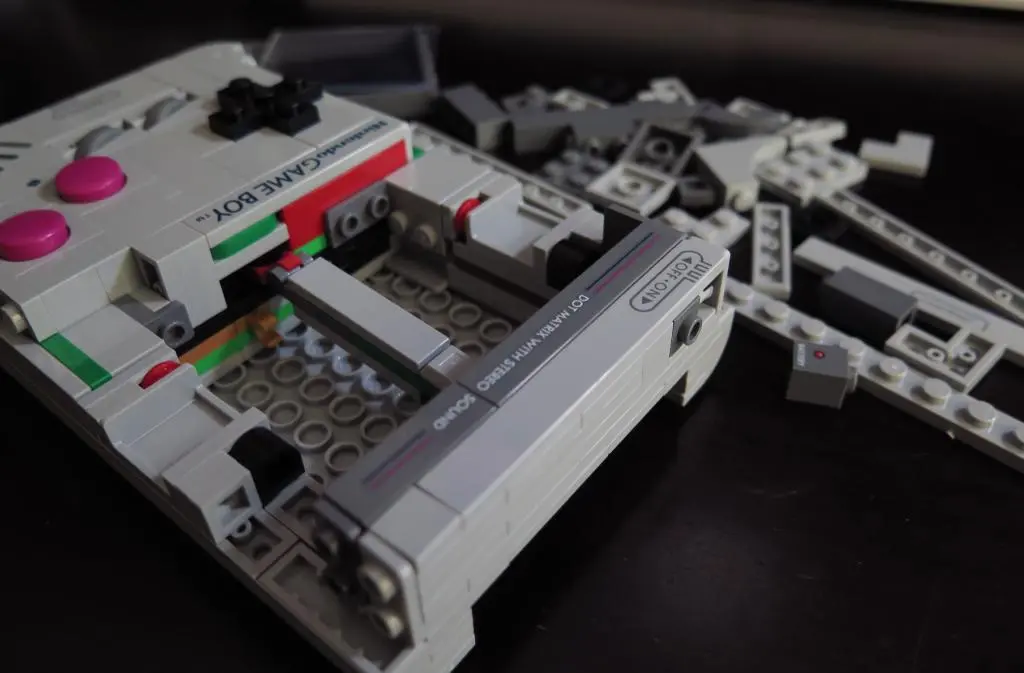
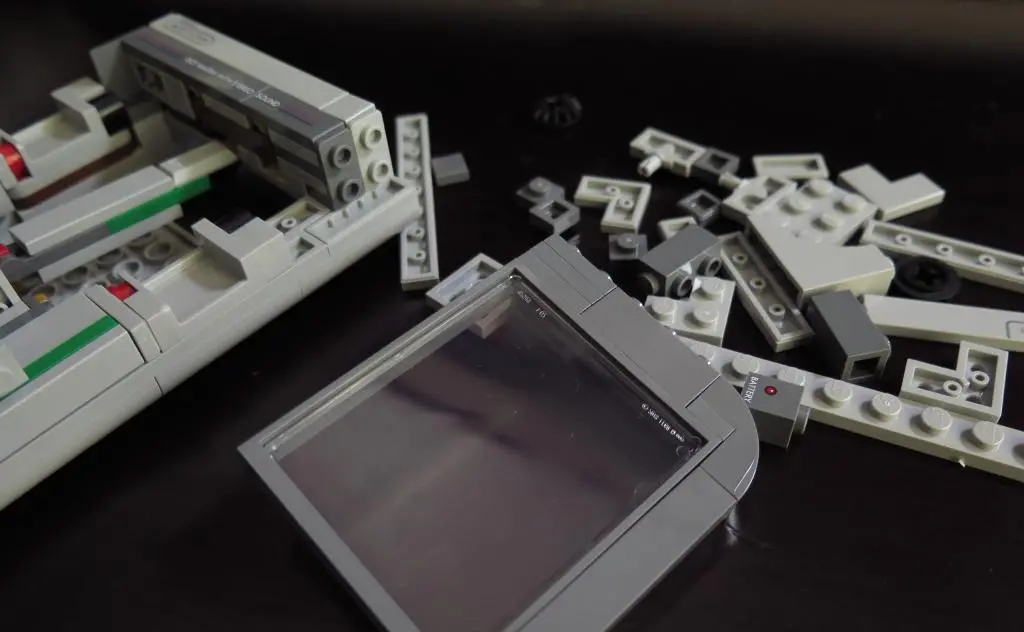
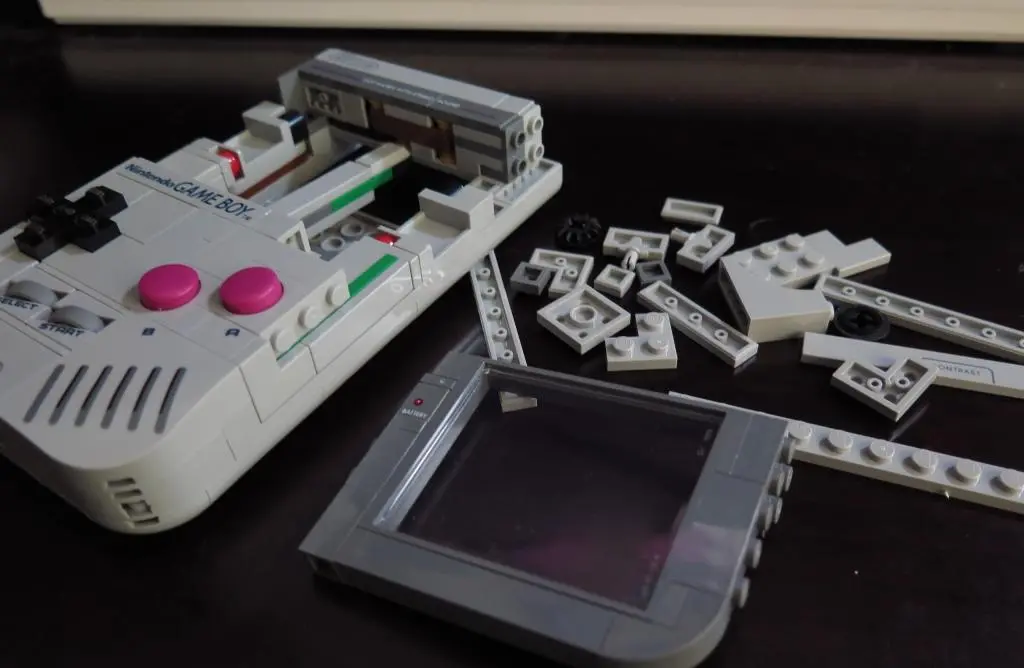
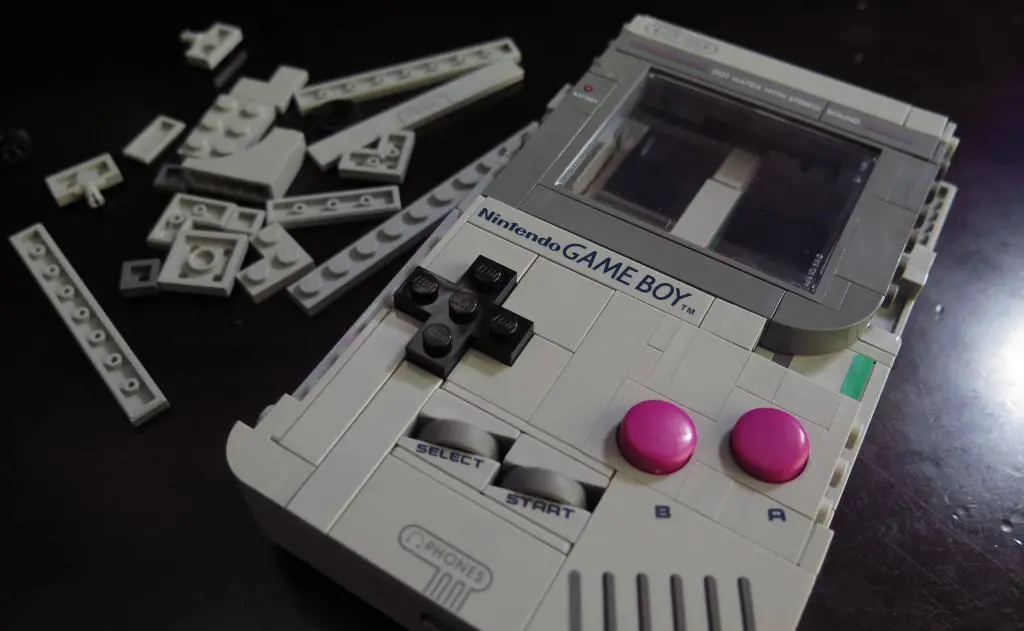
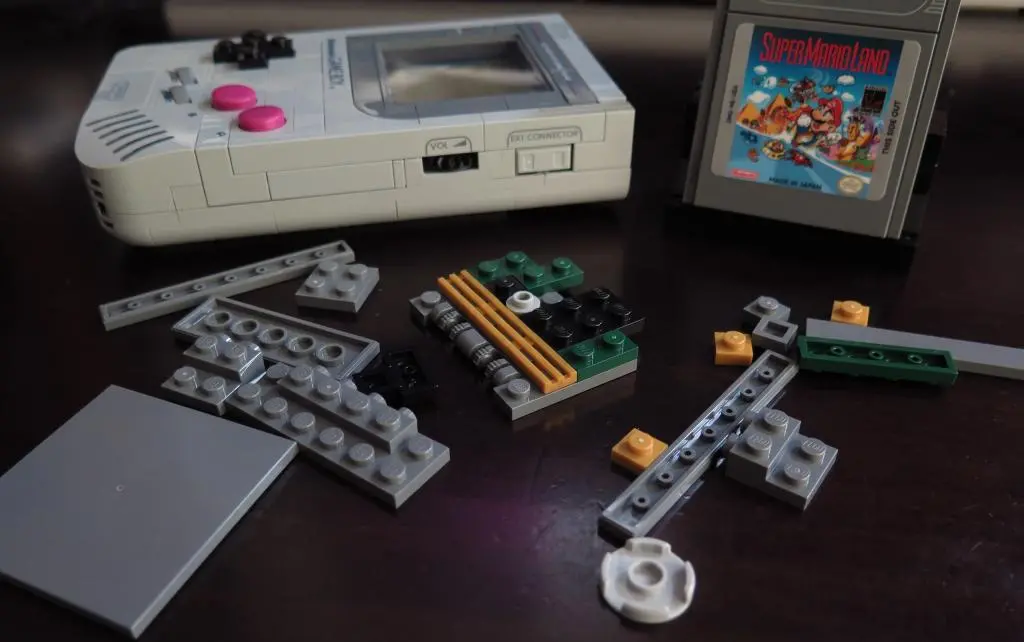
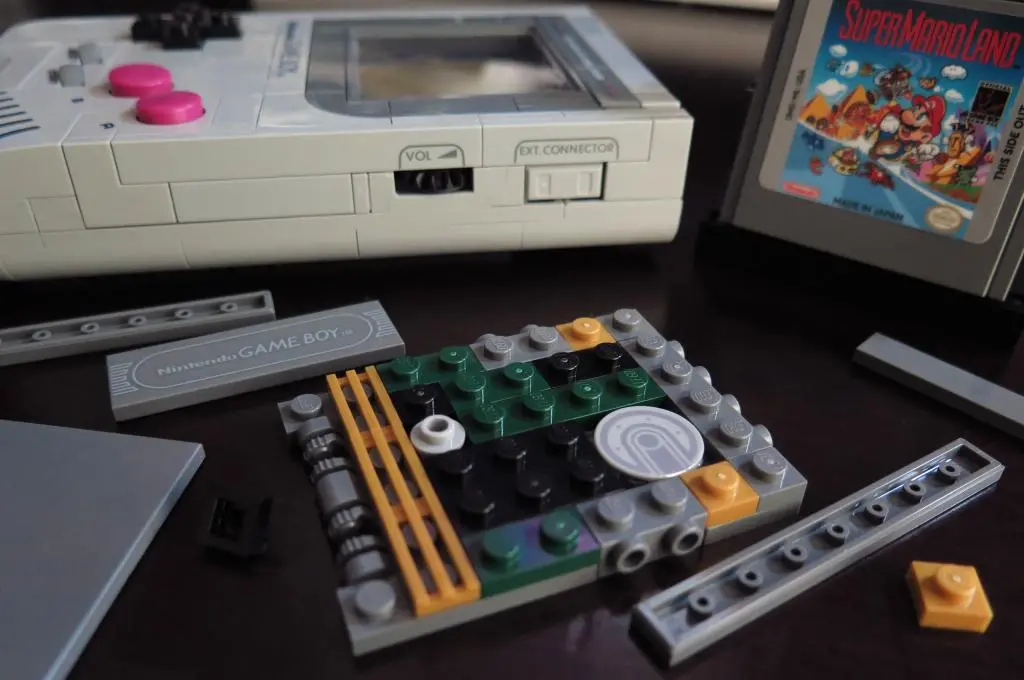
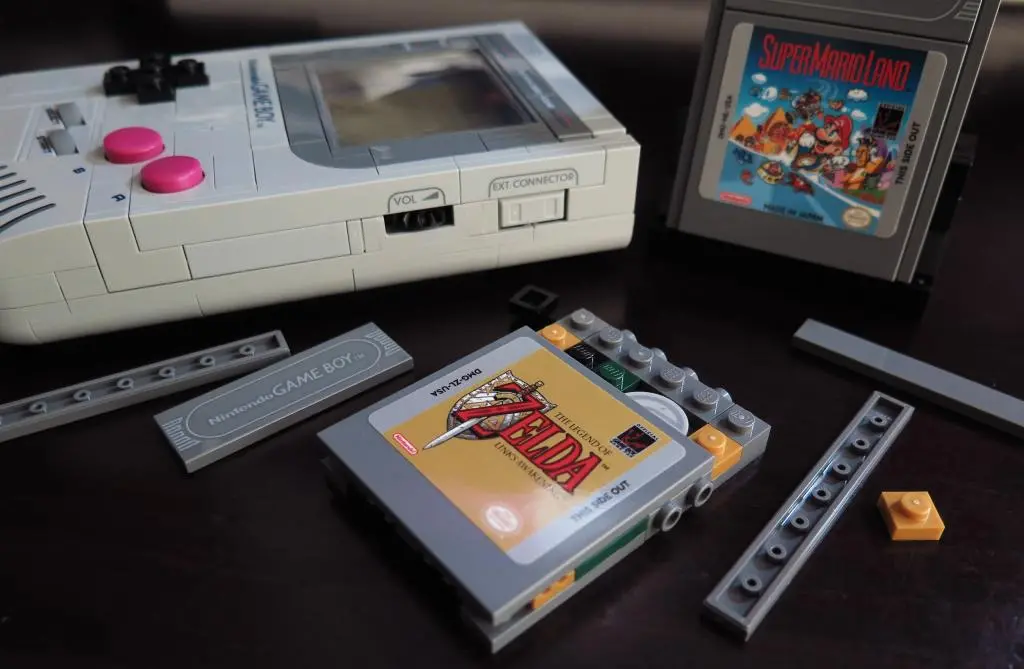
Building the Lego Gameboy is an incredible experience. So many of the components fit together sideways, backwards, and upside-down to create enough space inside the model for the buttons and D-pad to work, as well as match the near exact dimension of a real Gameboy. Various blocks also represent the PCB and other electrical internal components covered by the outer shell in the end.
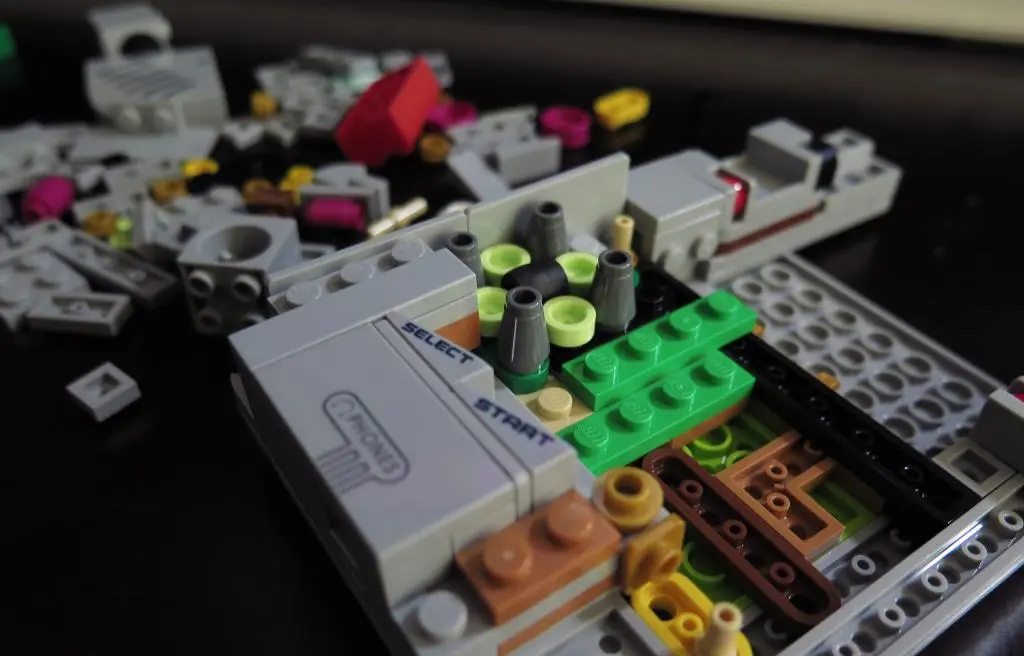
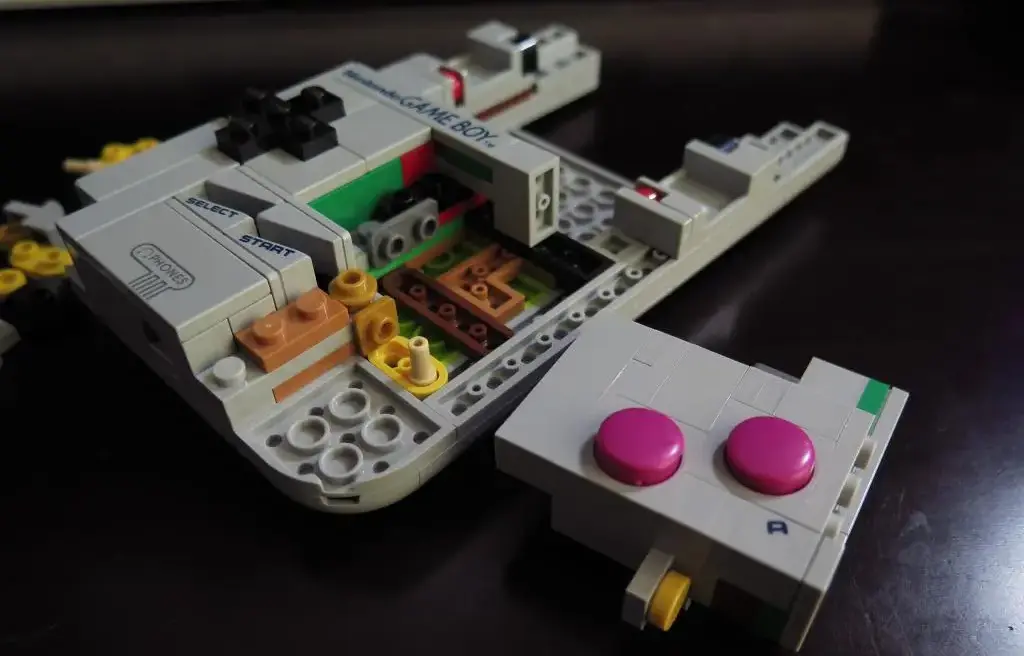
So much care is put into the building experience. I think its easy to look at a Lego model and judge it based on its appearance, but there is often so much more to a Lego model. Putting it together can often show how much care the designer took in their planning and understanding of the subject.
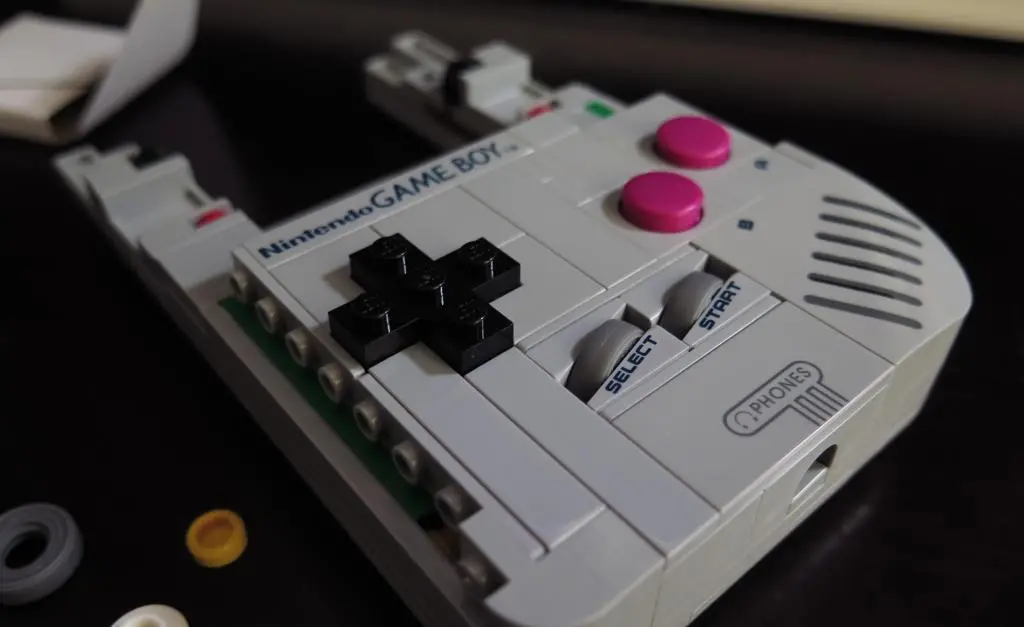
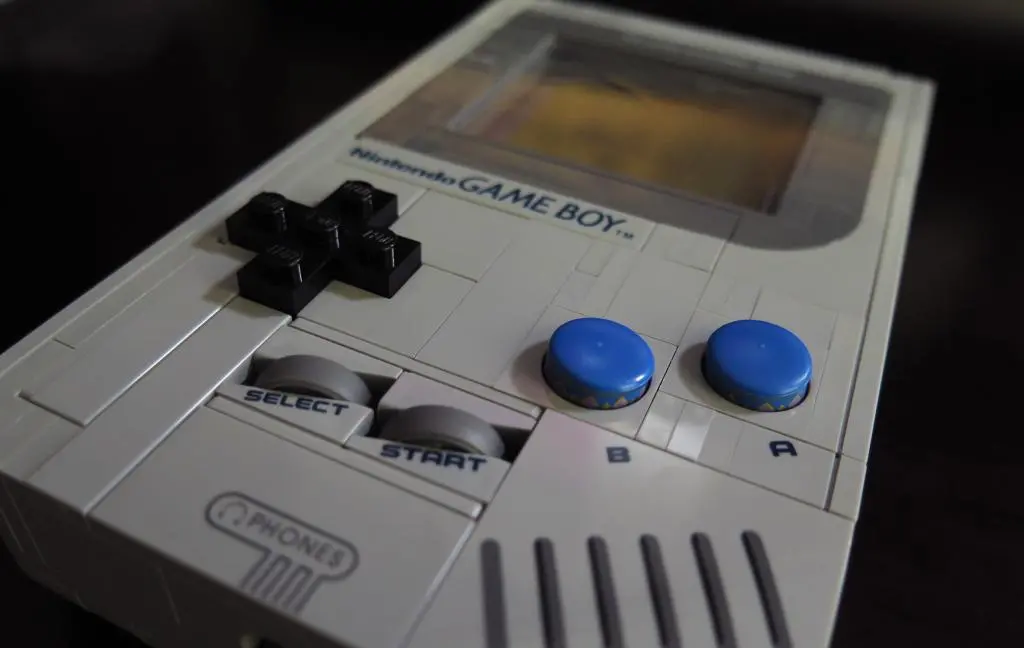
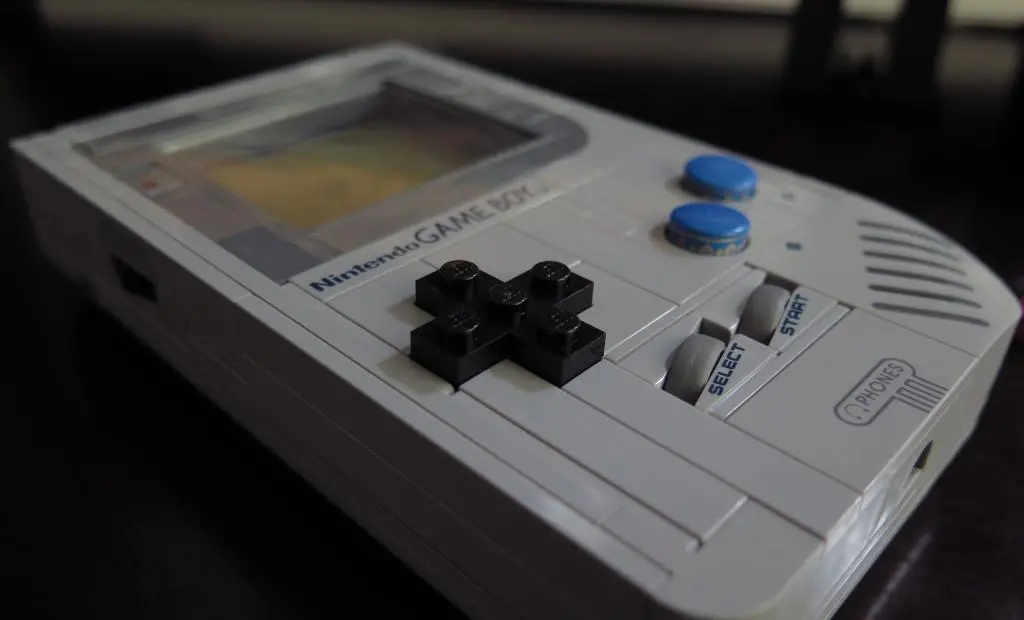
Beyond that, being able to hold the Lego Gameboy, touch the buttons, and play with it adds so much to the model. It's not as heavy as the original, and the studs on the D-pad are terrible, but after an incredible building experience, it feels like you've created something complete and workable.
Being to go a step further in the future to make it actually workable will bring further life to the experience.
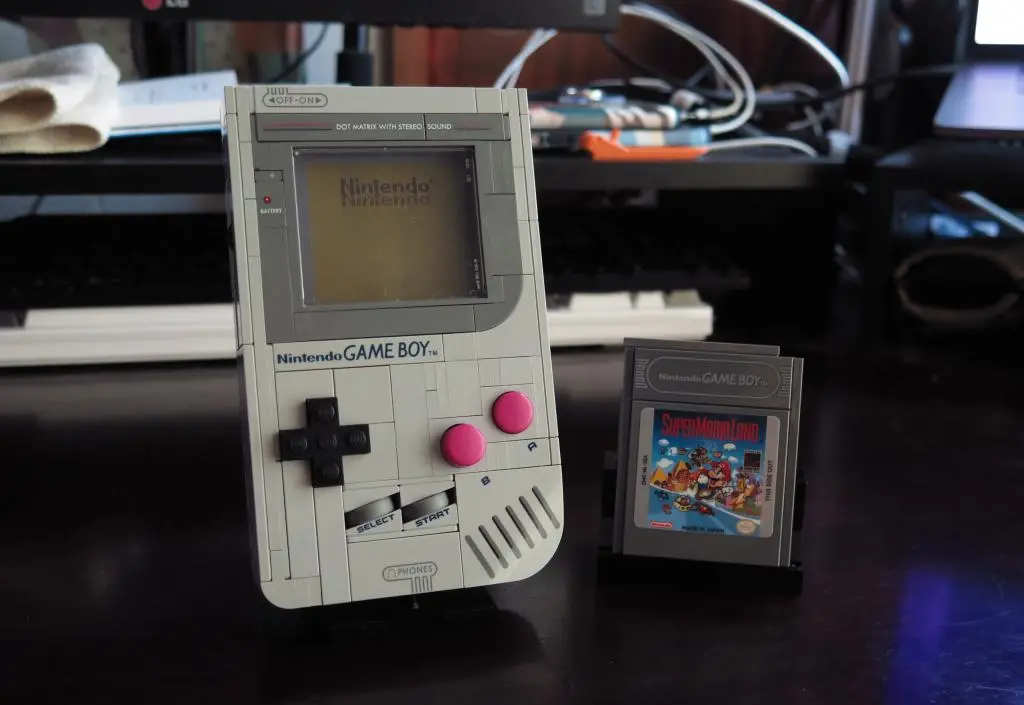
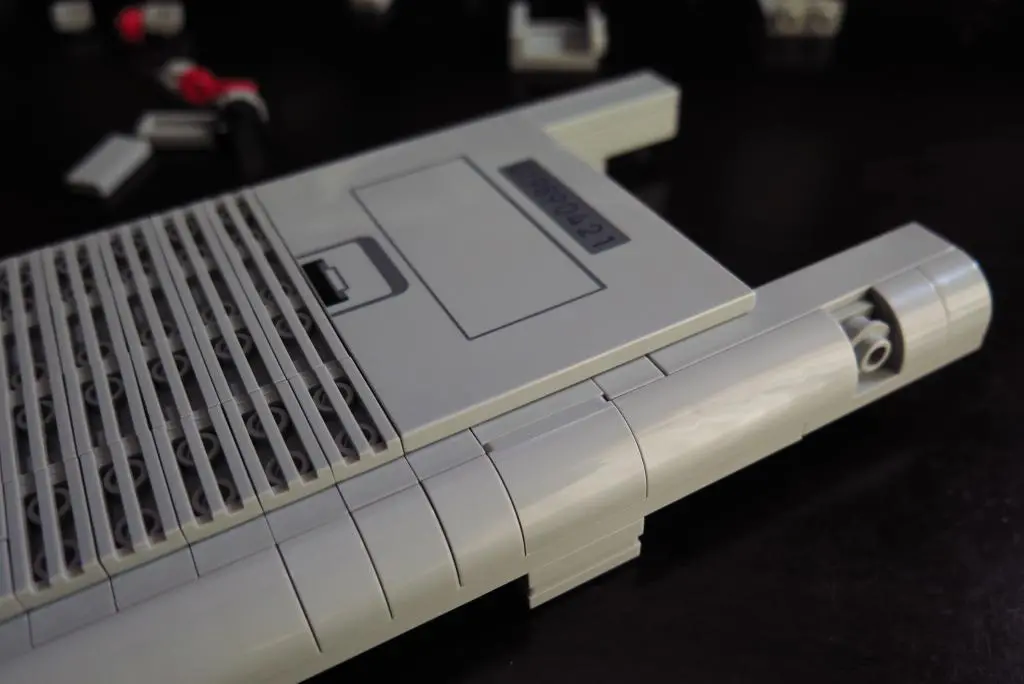
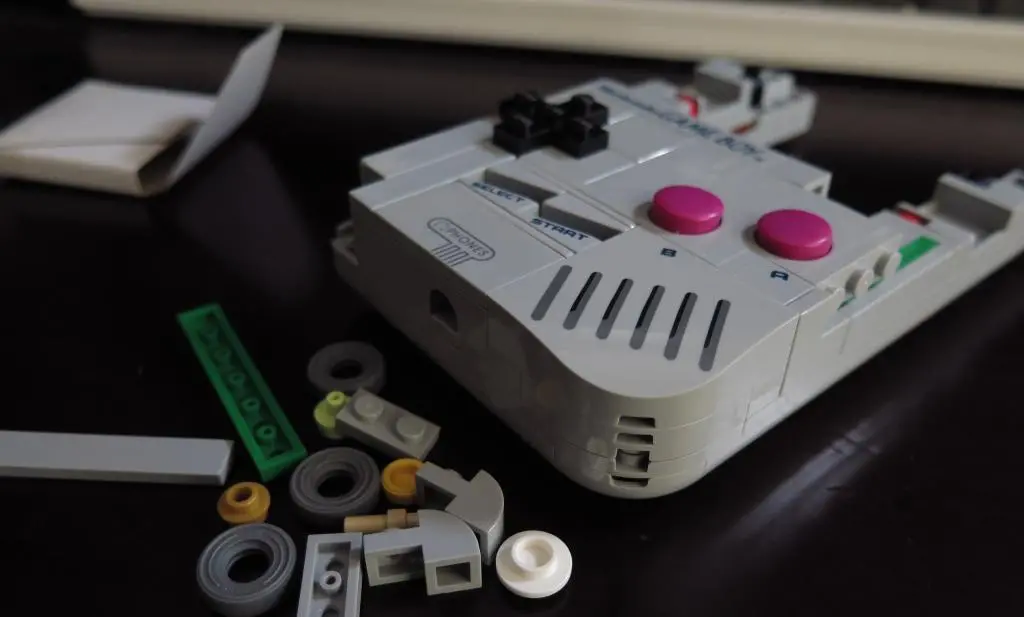
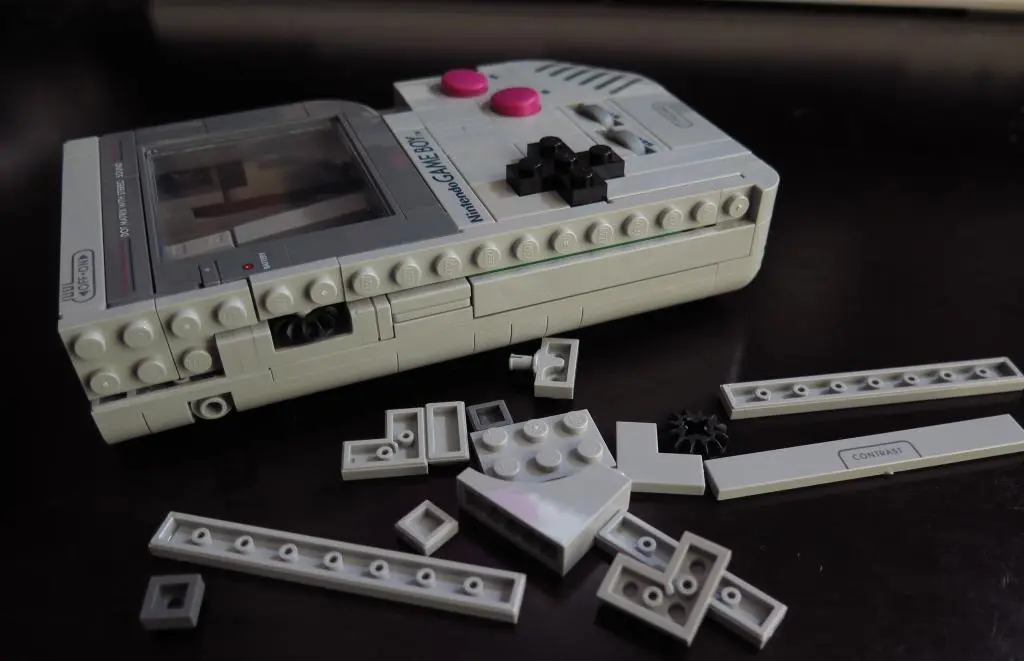
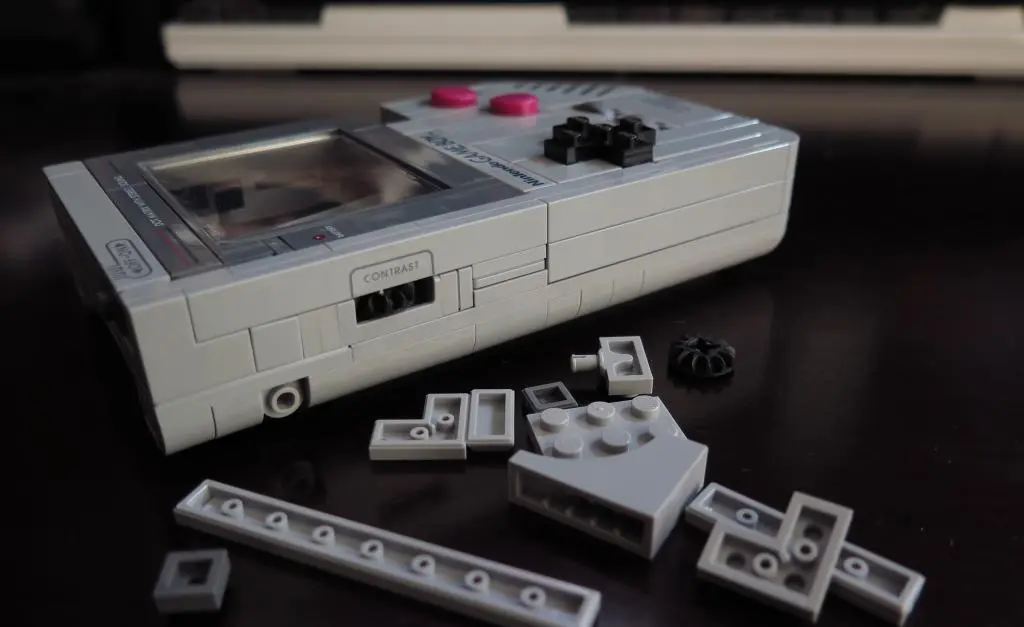
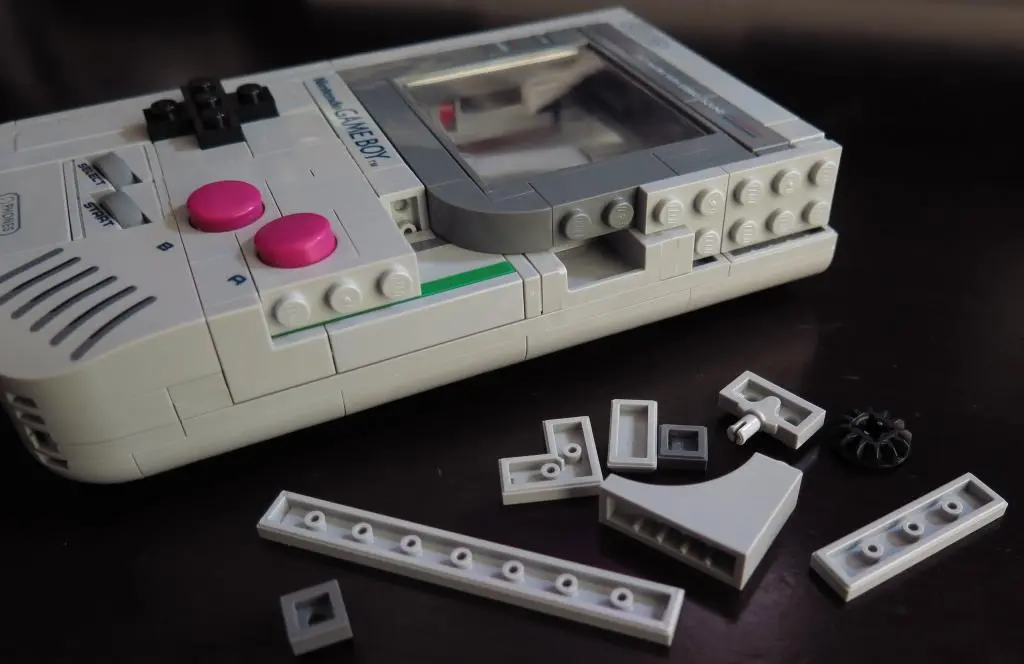
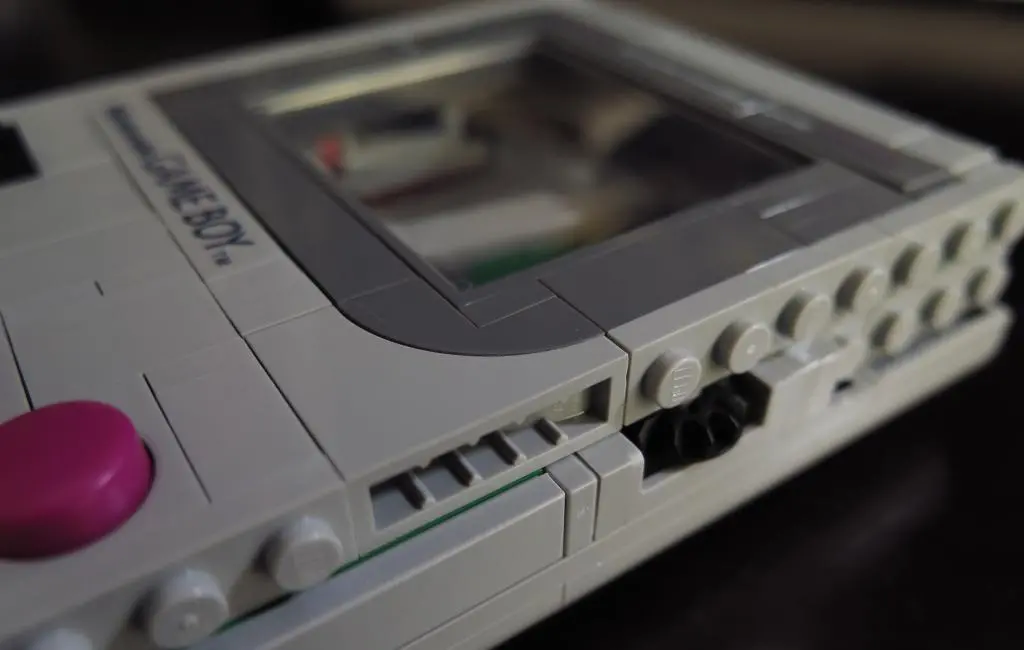
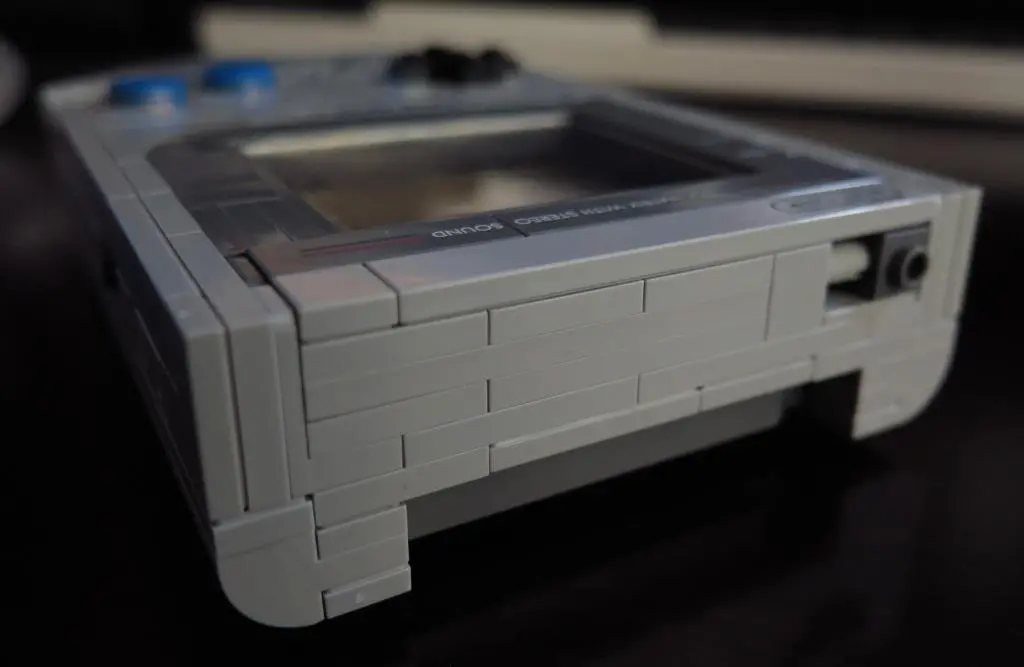
While it does its best to match the dimensions and size of the original Gameboy, it still looks like Lego in the end from all the seams. Unfortunately, there's no real way to fix any of this. And really, the design team already did their best to hide as many seams as possible. This set includes several new pieces and new colored pieces to make it as lifelike as possible. If you think they should have done more, may as well just buy a replacement shell at that point.
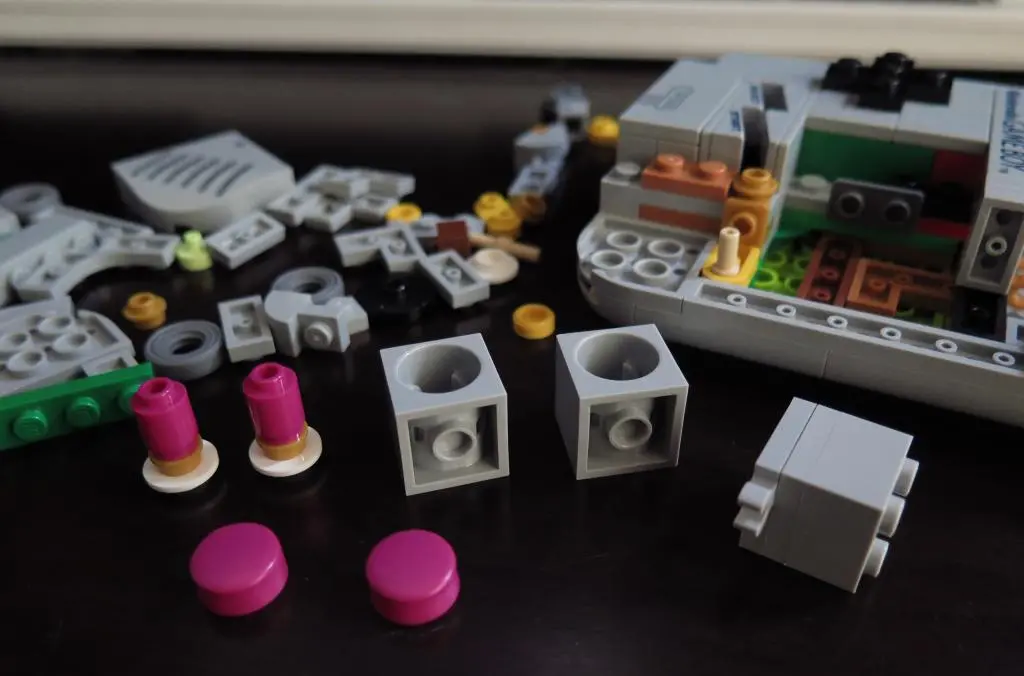
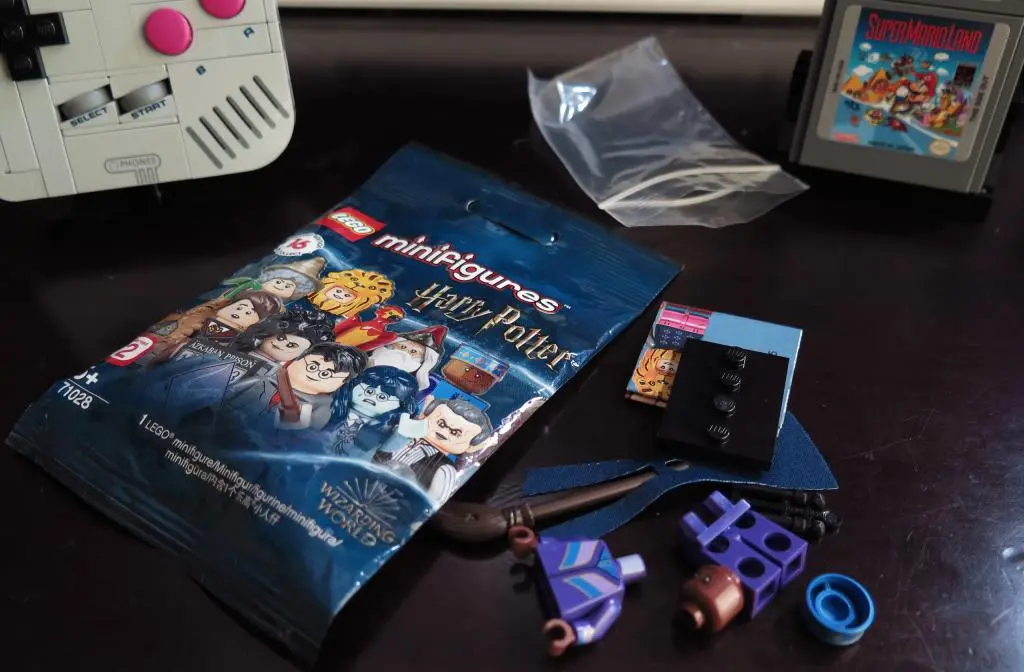
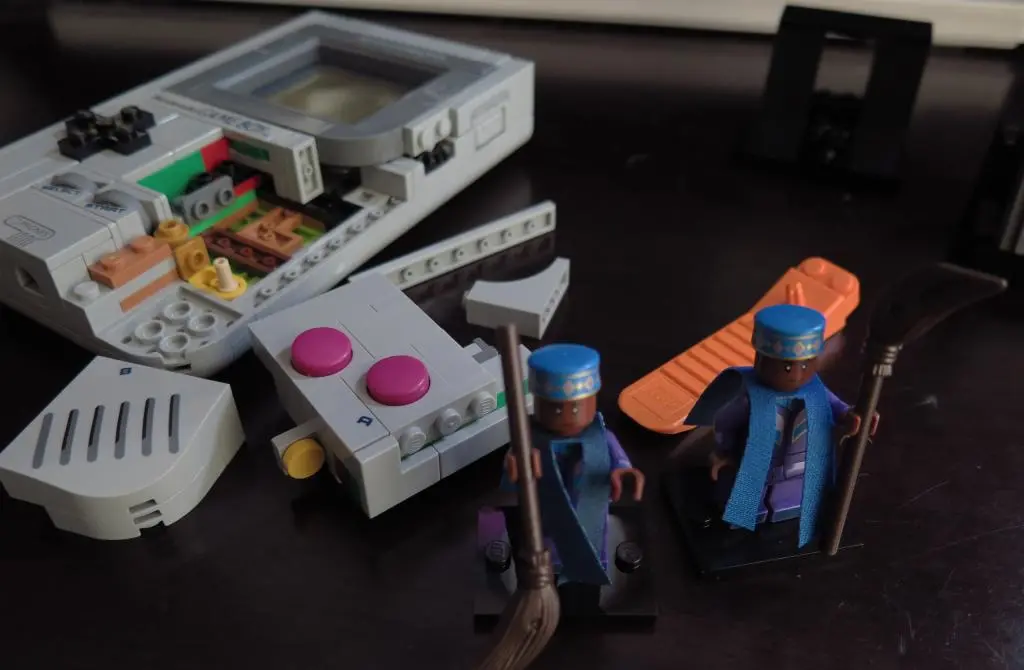
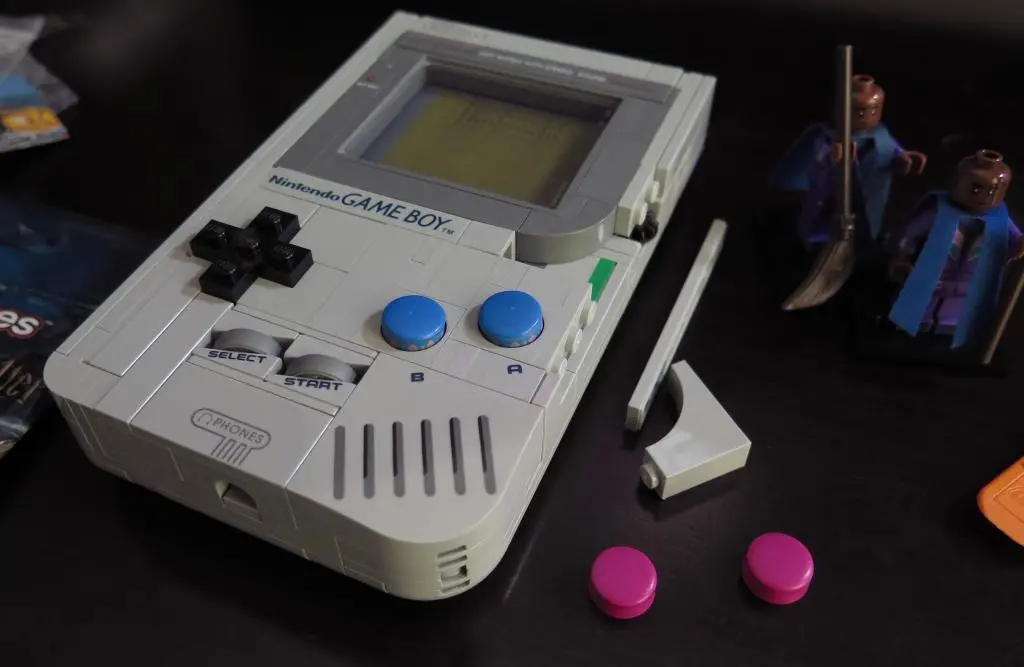
One of the new colored pieces were used for the buttons. It is a mini-figure hat element recolored in magenta. Since I've been doing a bunch of console modding recently, I wanted to try the buttons in different colors, and there's only one other color available.
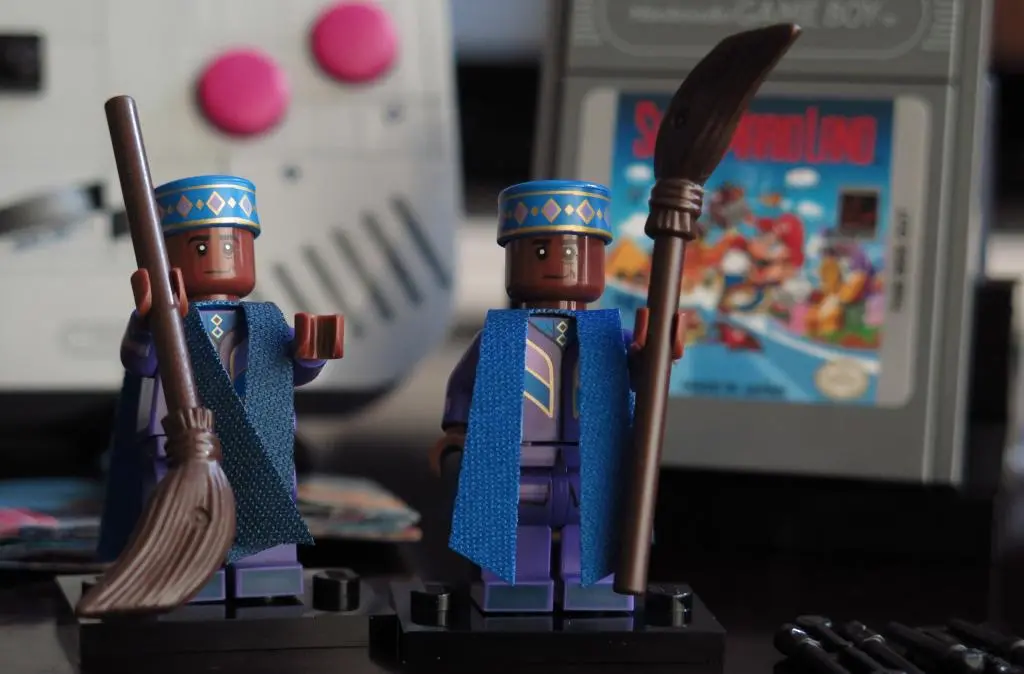
This is Kingsley Shacklebolt from Series 2 of the Harry Potter mini-figure series. Perhaps, it is an unremarkable figure of someone I have never heard of. Was he in the main series? Or Fantastic Beasts? Anyways, the Lego Gameboy buttons are a recolored version of his hat.
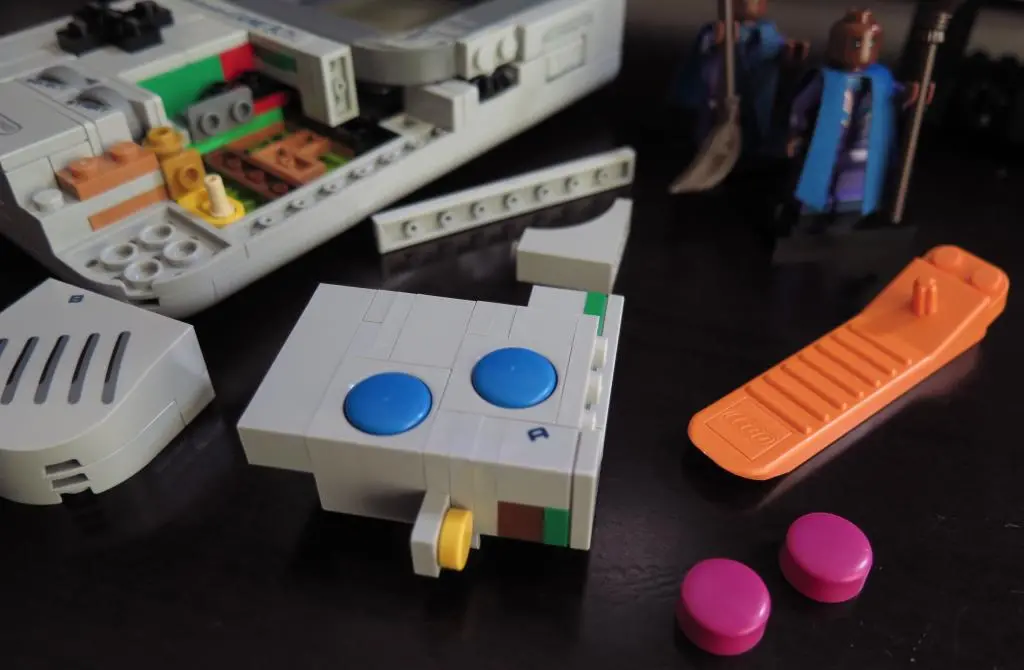
I took apart the model a little bit, and installed the blue buttons.
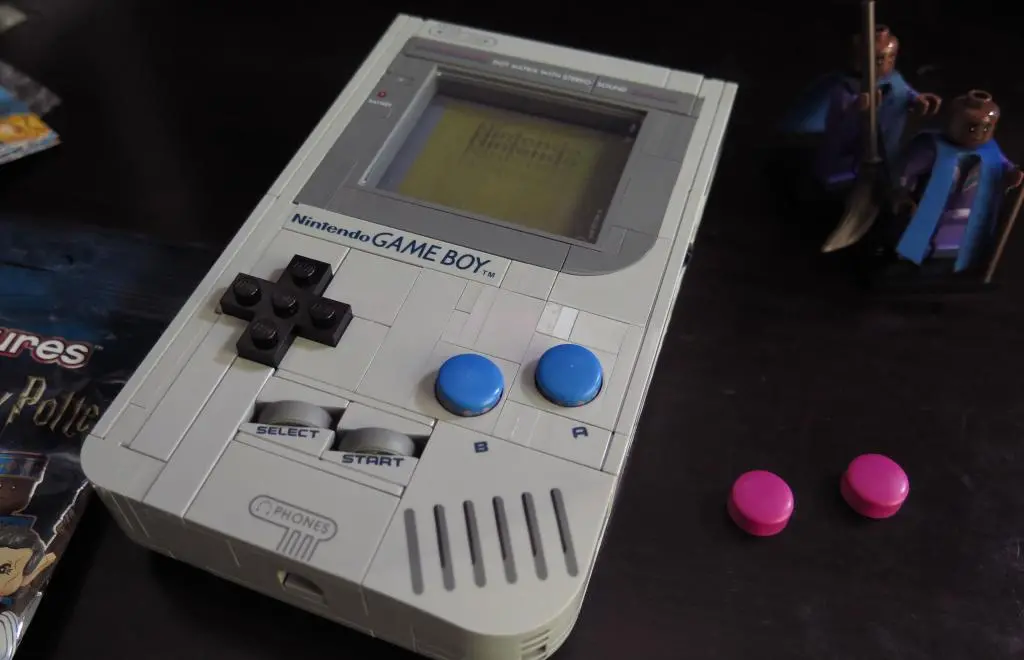
It looks okay. They feel and operate much smoother than the magenta buttons for some reason, but the look is off. As much as I wanted to make my Lego Gameboy unique, the colors make it look like a knockoff. It kinda looks like a Watara Supervision. So, I put the magenta buttons back in.
One of the best things about Lego is being able to customize your builds however you like. Unfortunately, because so many of these pieces are unique and have unique prints on them, this is really the best you can do. You could also change the D-pad to a different color and use black start and select buttons, but I don't think any of those would improve the model. If they release a cross piece without studs, that would be an excellent upgrade.
Because playing around with the buttons felt way better, when Natalie releases her conversion kit, I may end up using one or both of them.
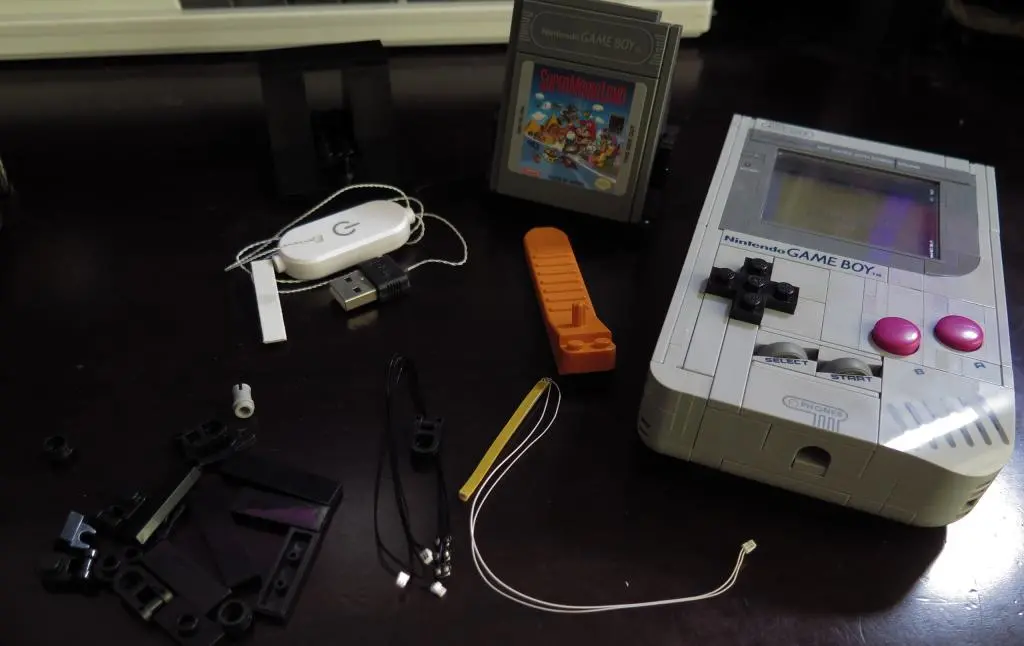
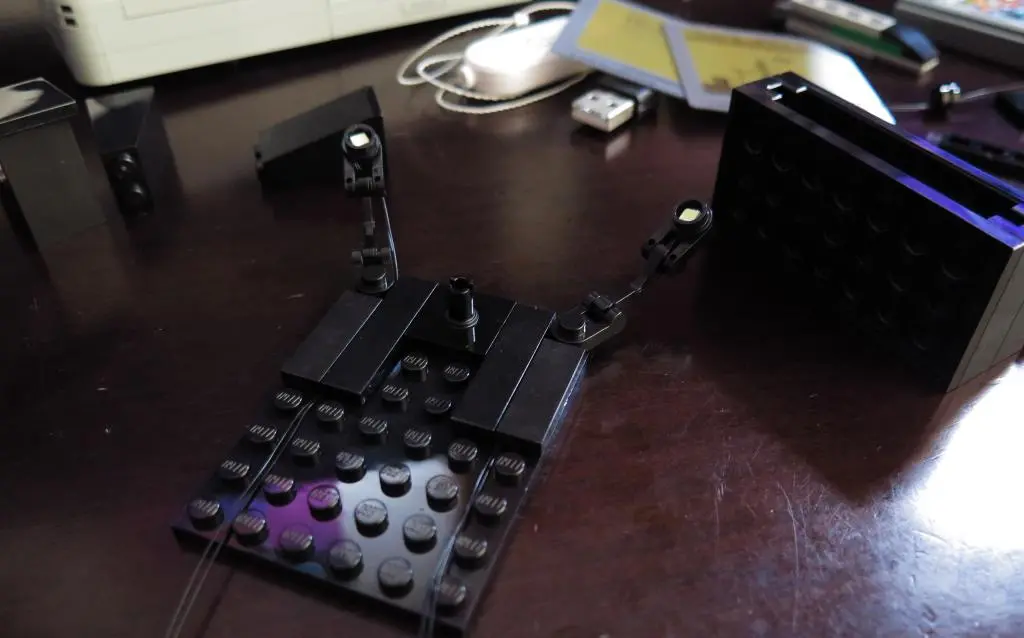
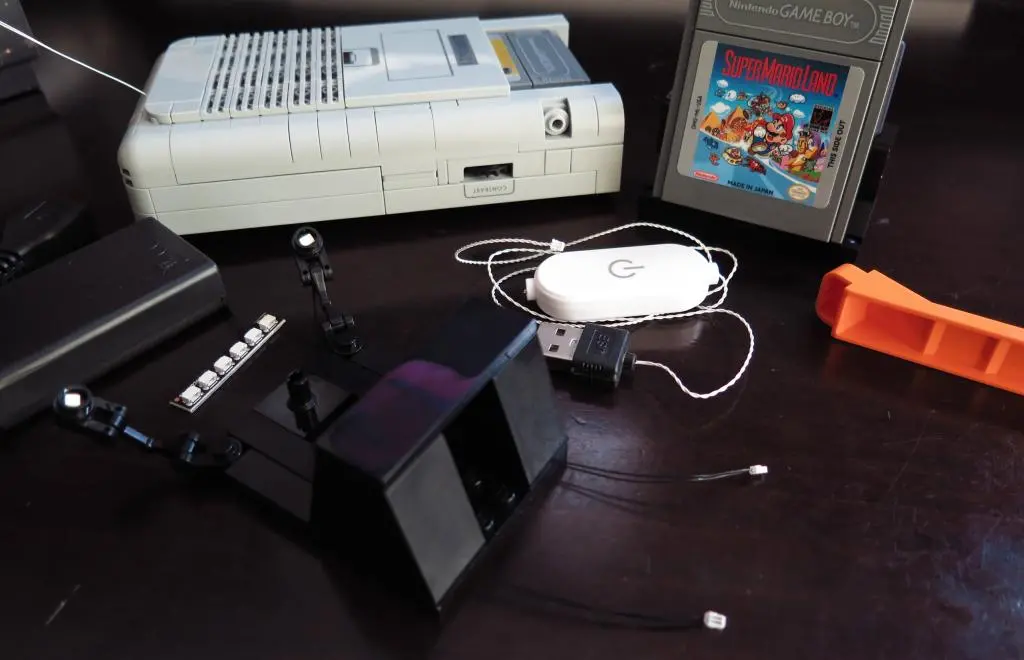
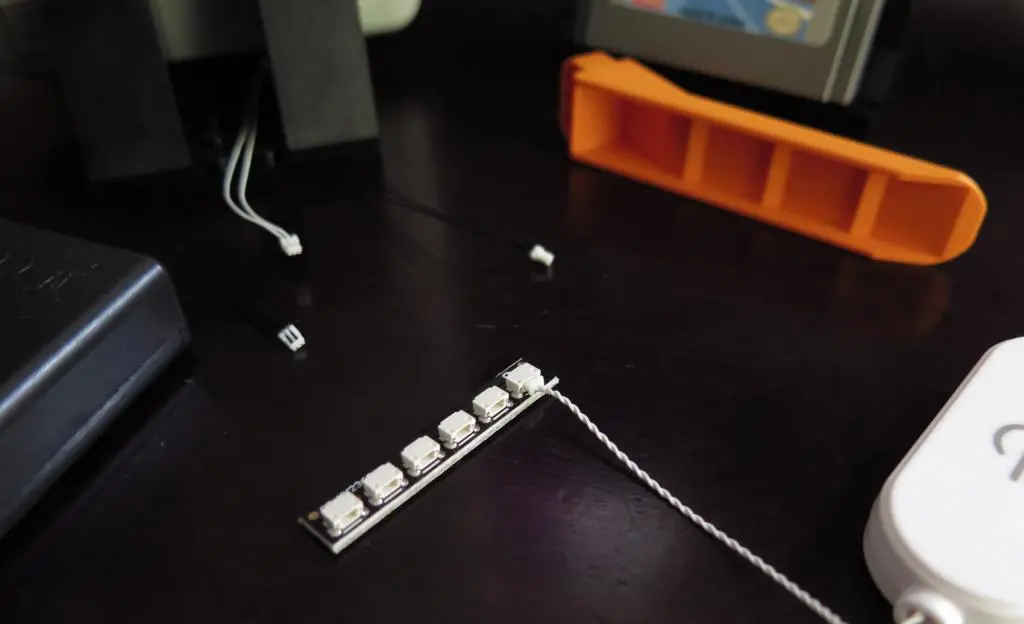
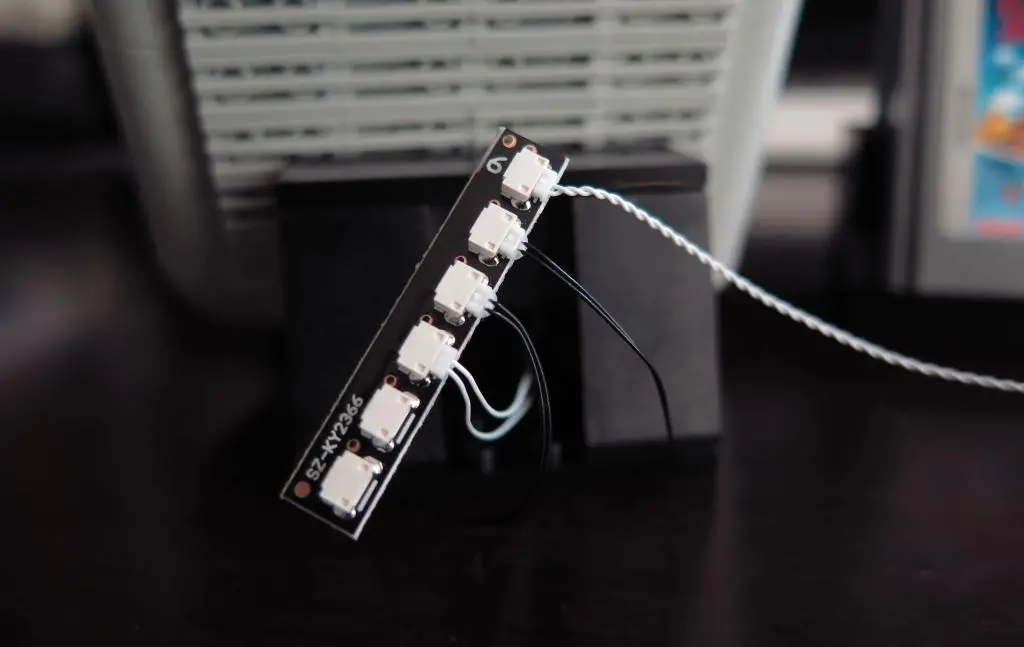
Aliexpress had a Lego Gameboy light kit for $3! Although that price was for new members only. The actual price ended up being 1700円. A bit expensive for a few LEDs, but I thought that I could use the light later with Natalie's LCD screen. (probably not)
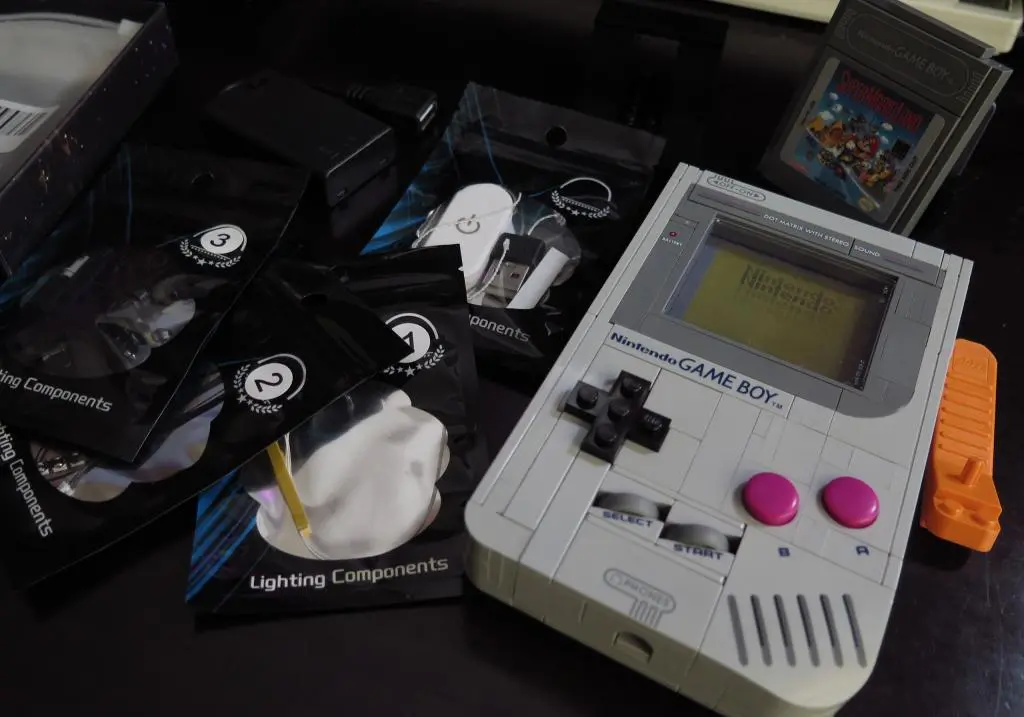
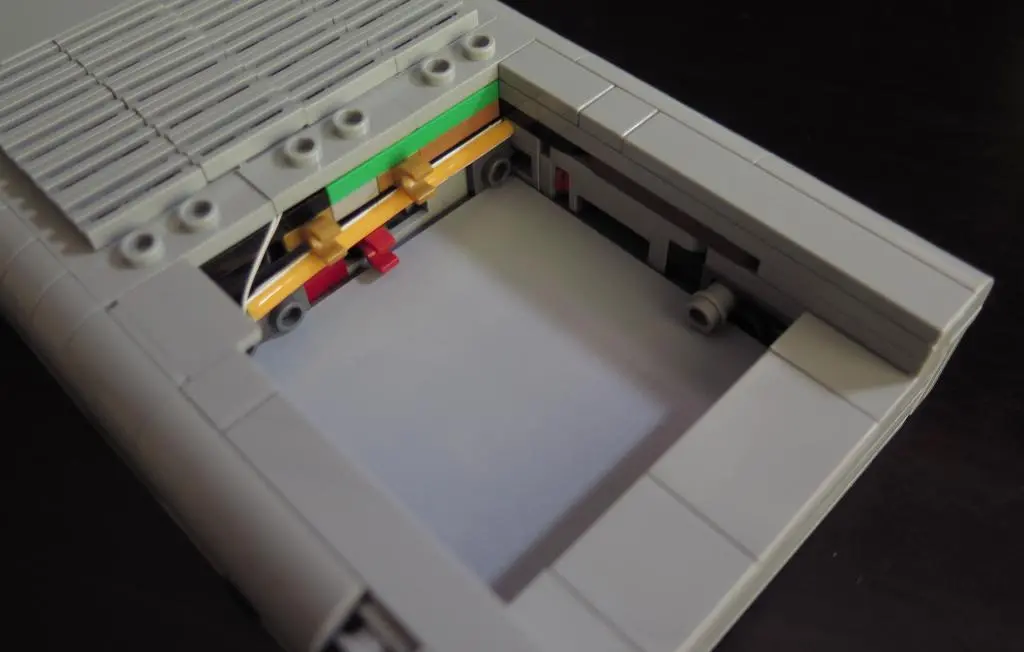
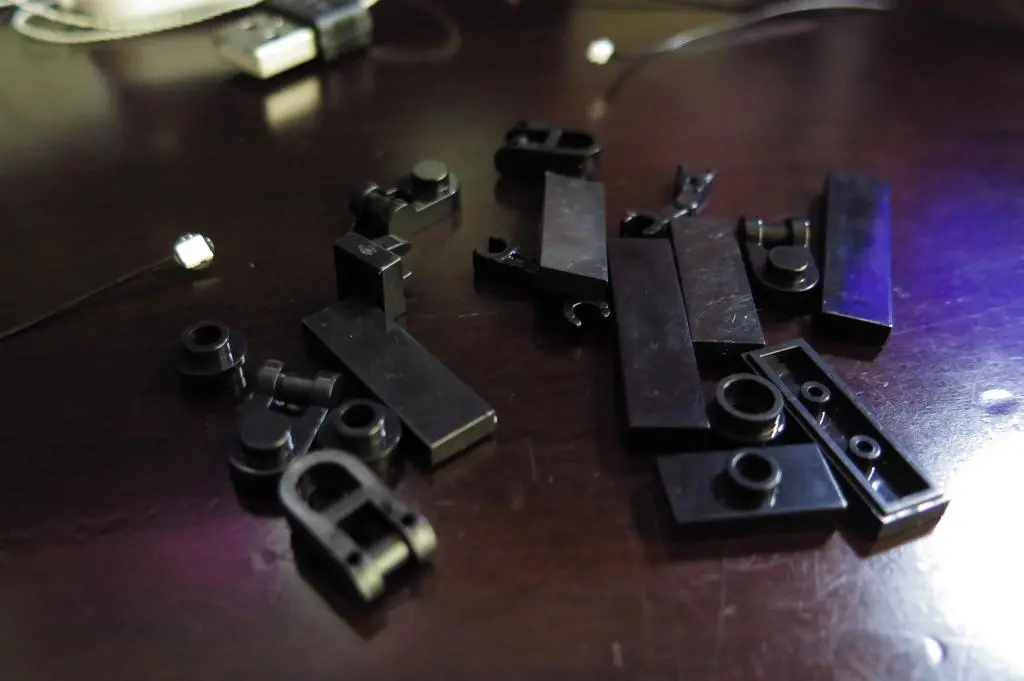
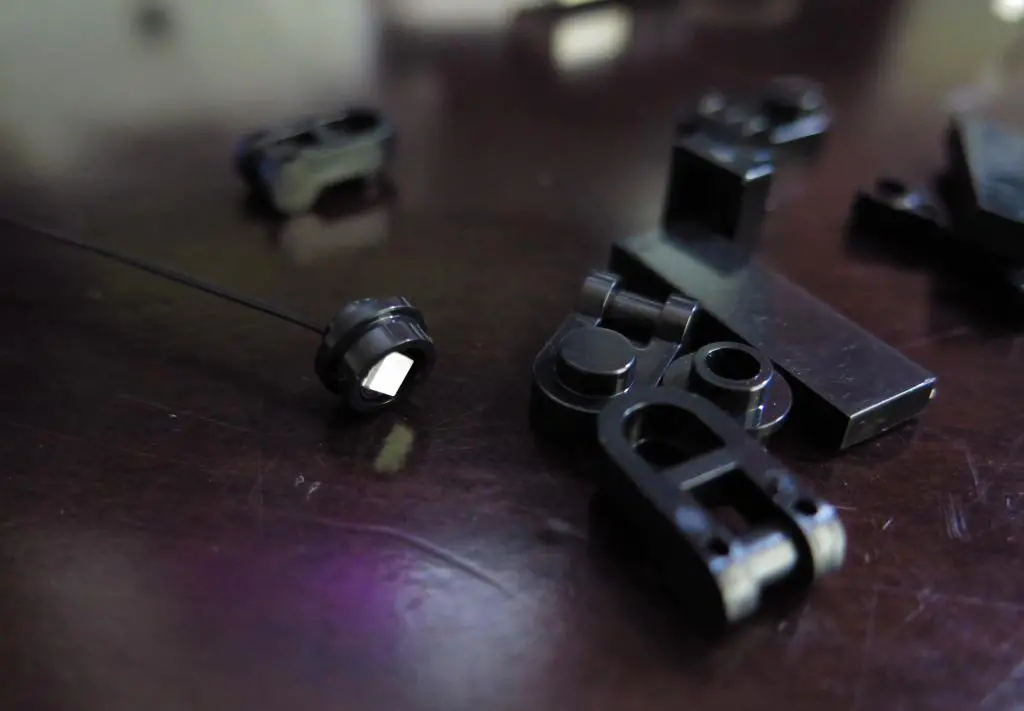
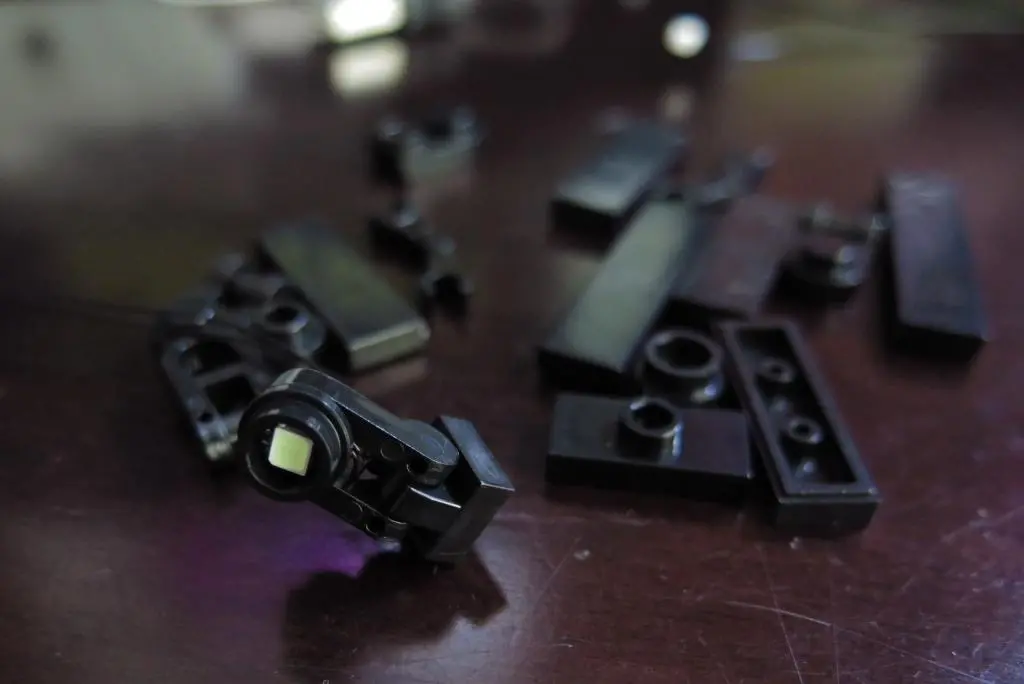
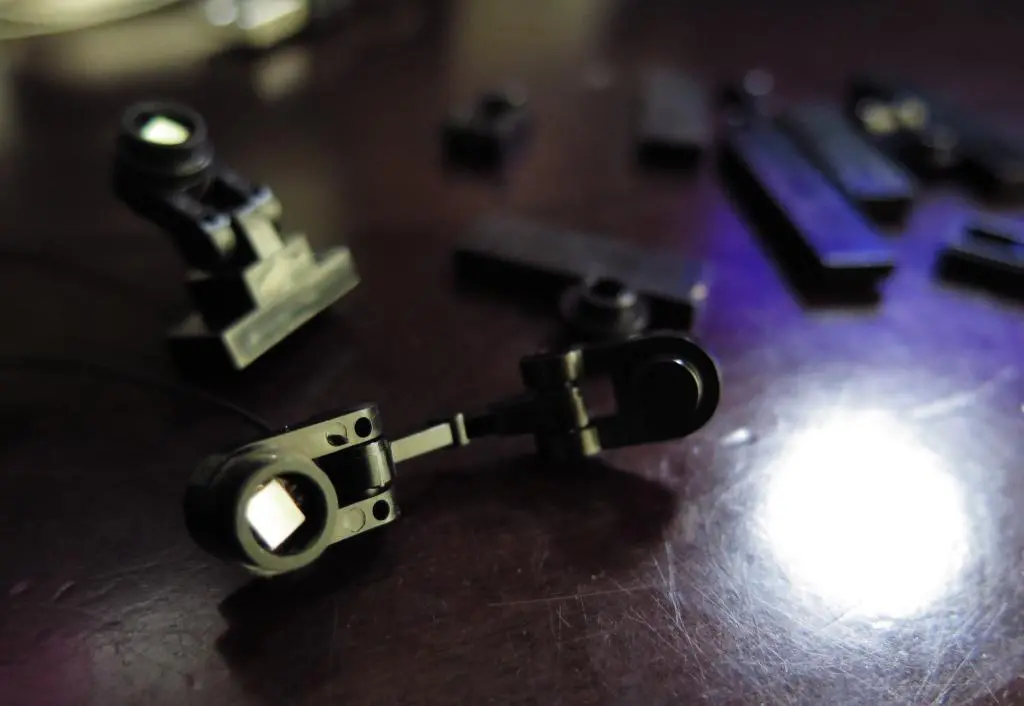
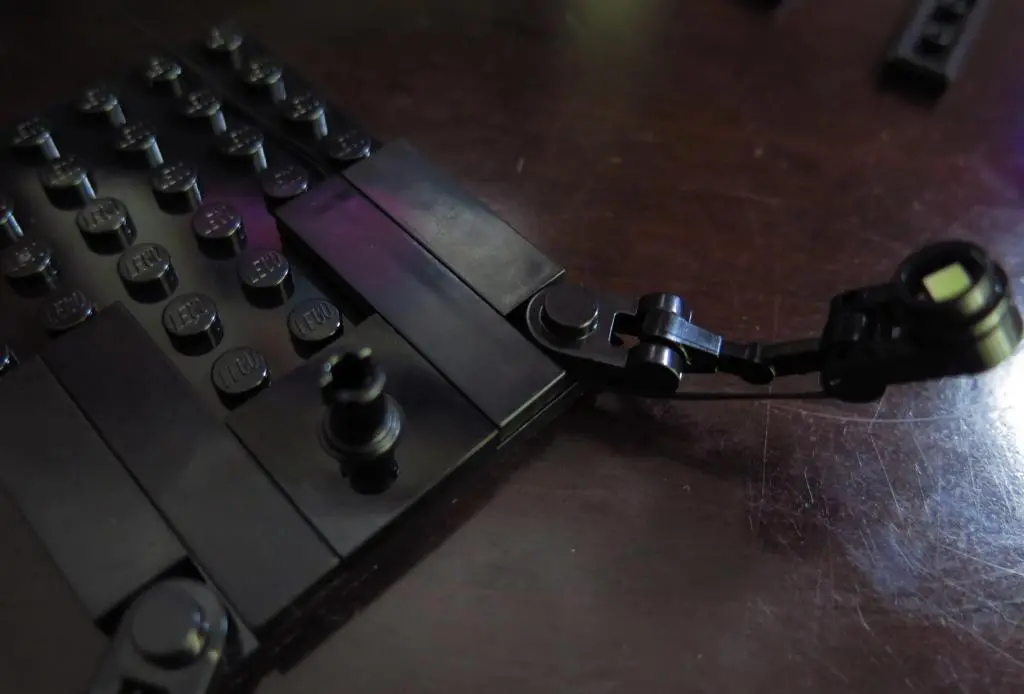
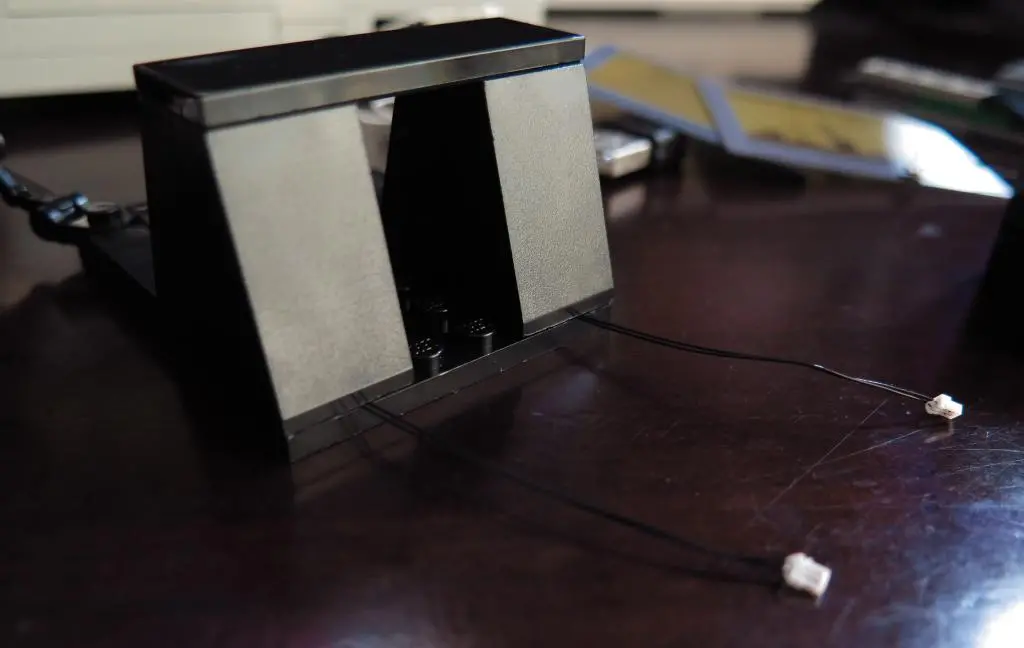
The kit came with some Legos to modify the stands and a few raw LEDs. It also came with no instructions. You are meant to go to YouTube and watch a video of someone putting it together. This is the video. It is often difficult to see exactly what it going on because of the black pieces.
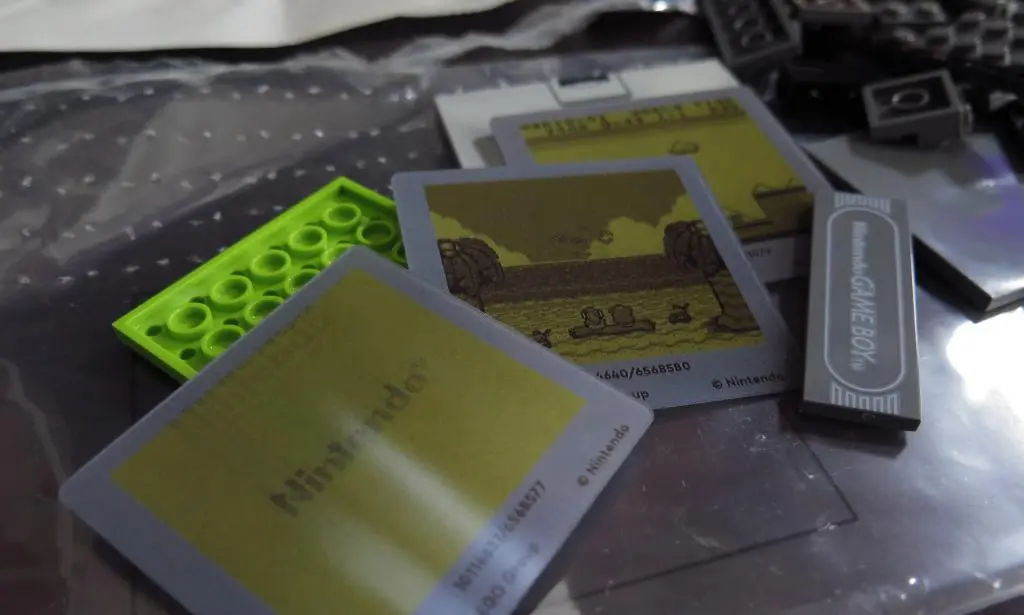
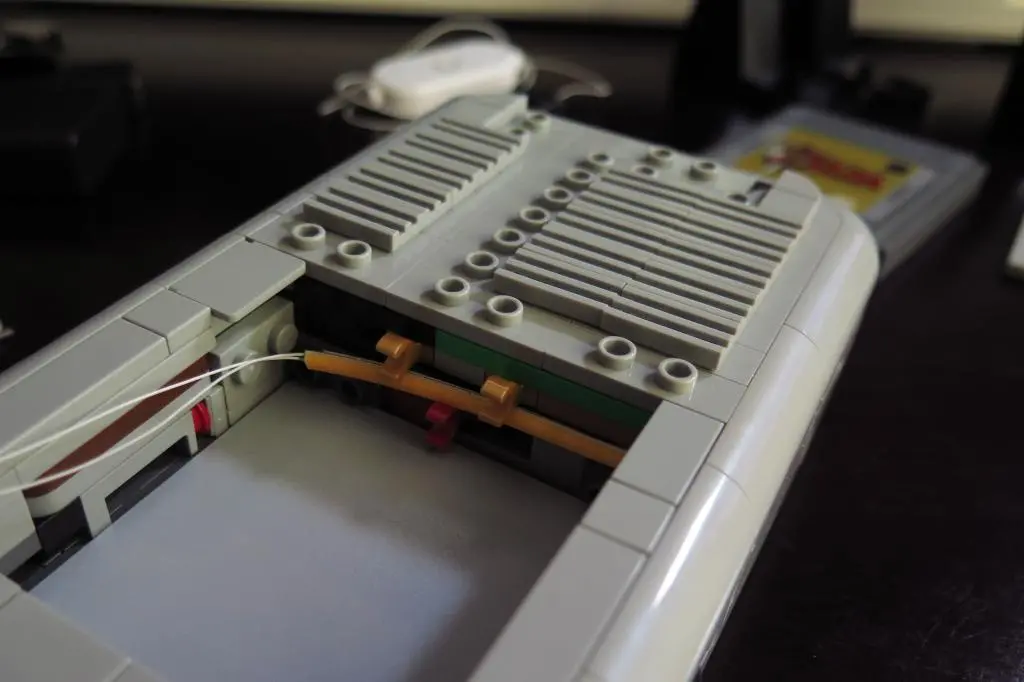
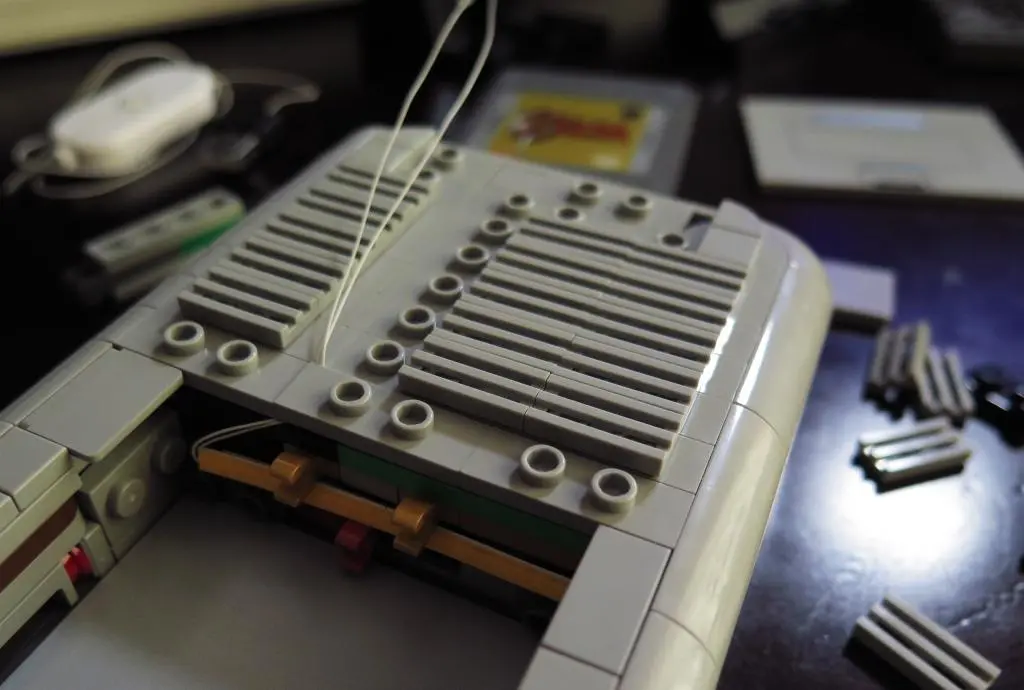
Installing the screen LED is easy, though. You just open up a path along the back and stick the LED strip along the base of the screen behind the inlay. You replace the holding bar with a small pipe piece which I think holds the inlay in place much better anyway.
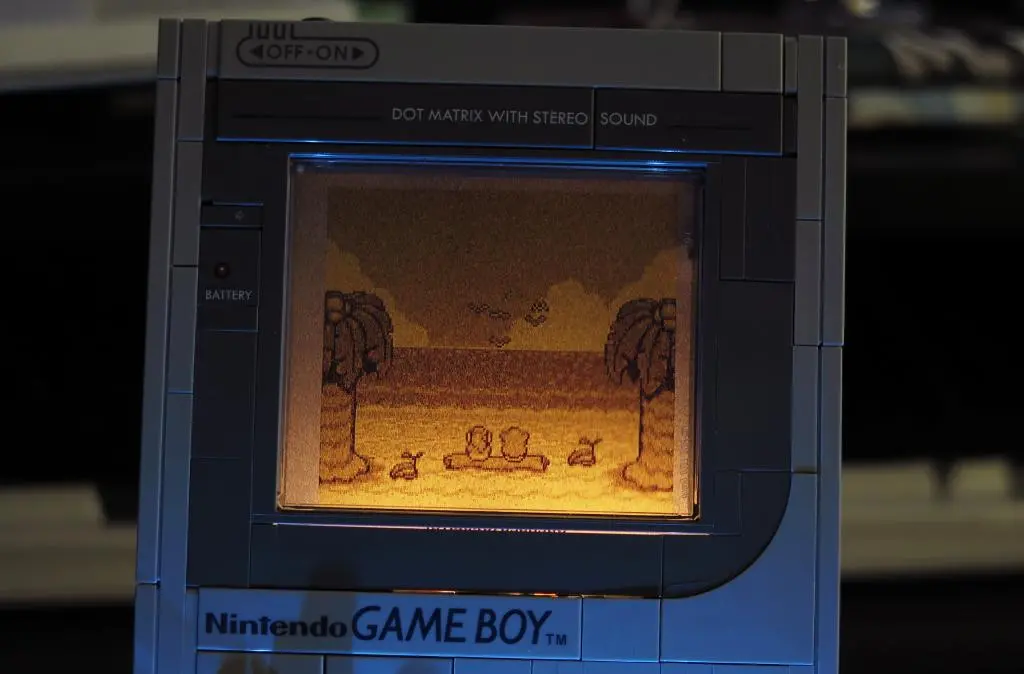
You can barely see the pipe's shadow in the upper right corner.
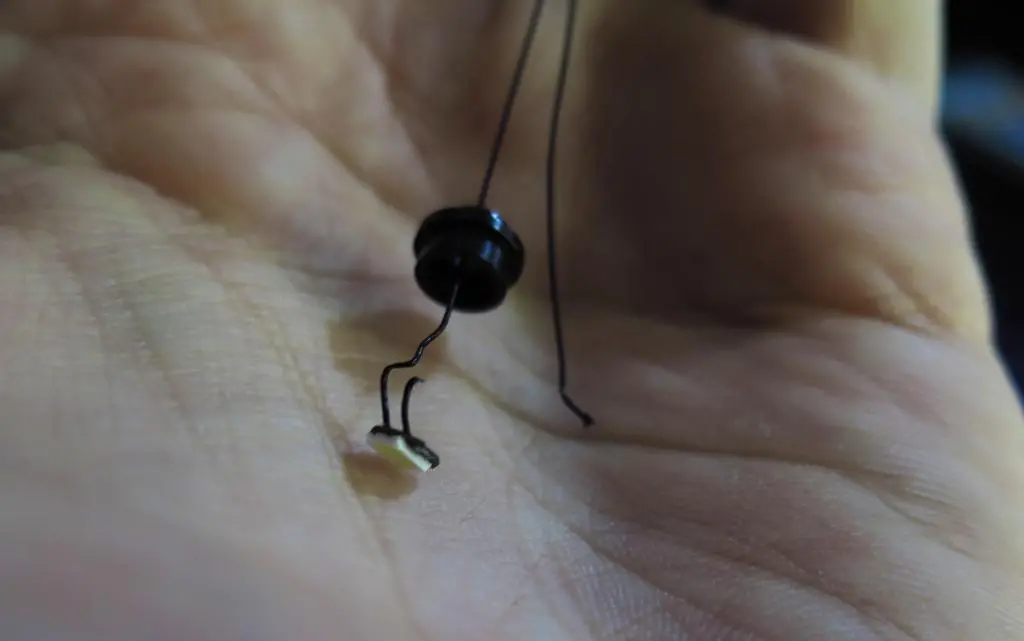
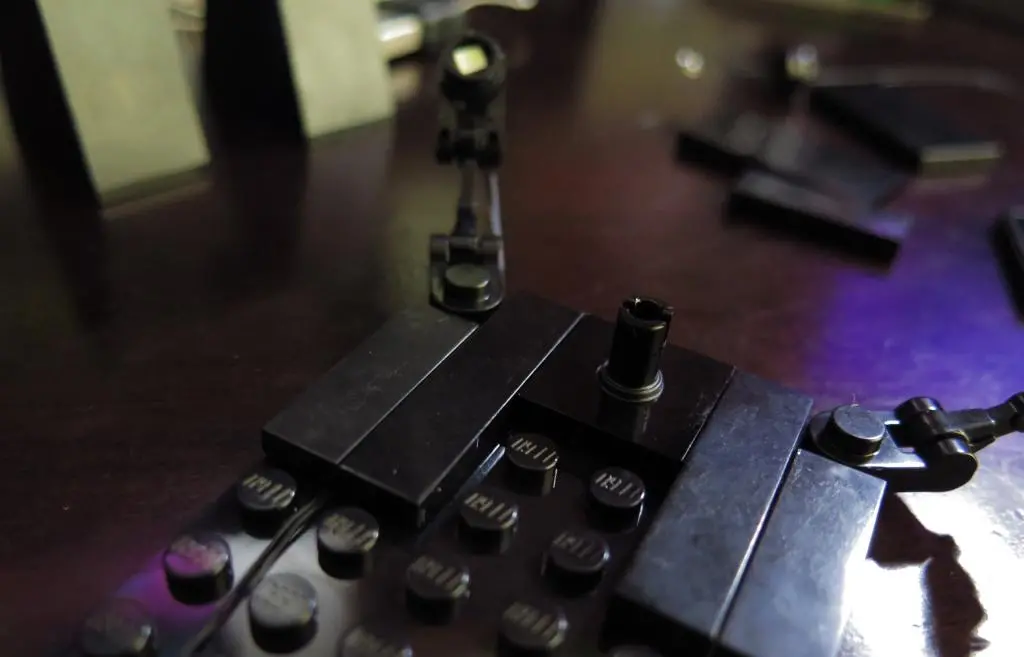
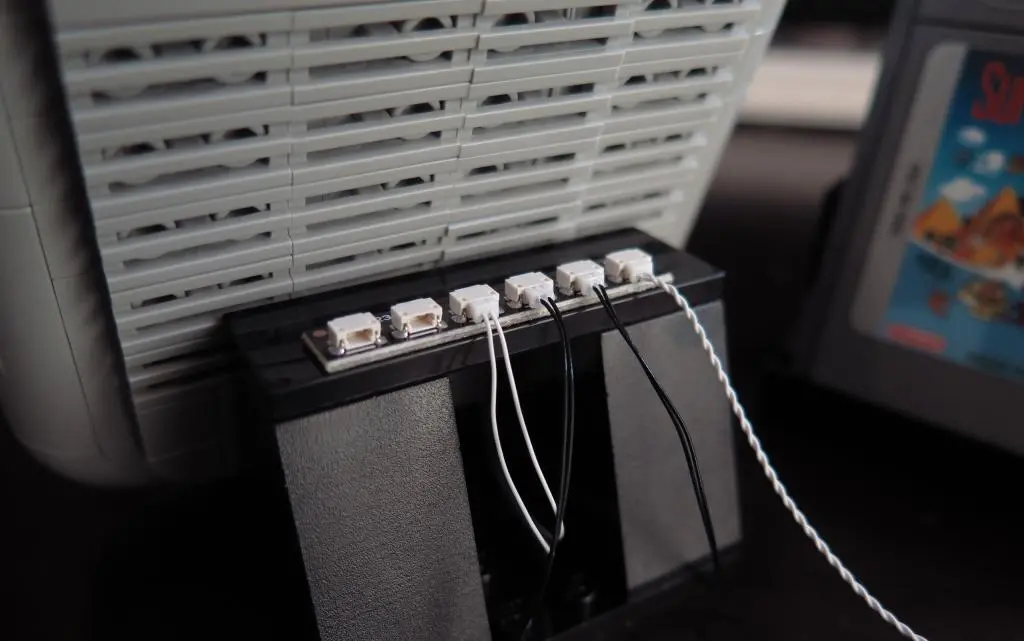
The screen LED was the whole reason I bought the kit, but I decided to put together the stand LED lights, too. Unfortunately, these tiny LEDs are very brittle. I was able to install two of them easily, but I destroyed one of them crimping the piece the wrong way. With a very tiny pair of wire strippers, this could be fixed, but I will ignore it for now.
Two out of three lights still allows me to create the modifications to the Gameboy's stand.
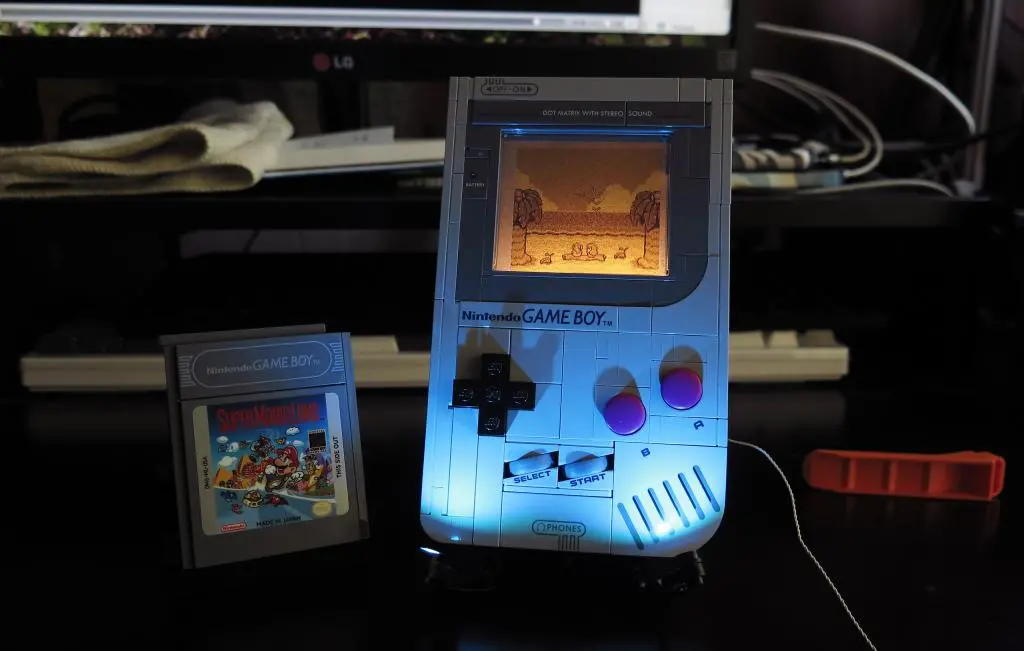
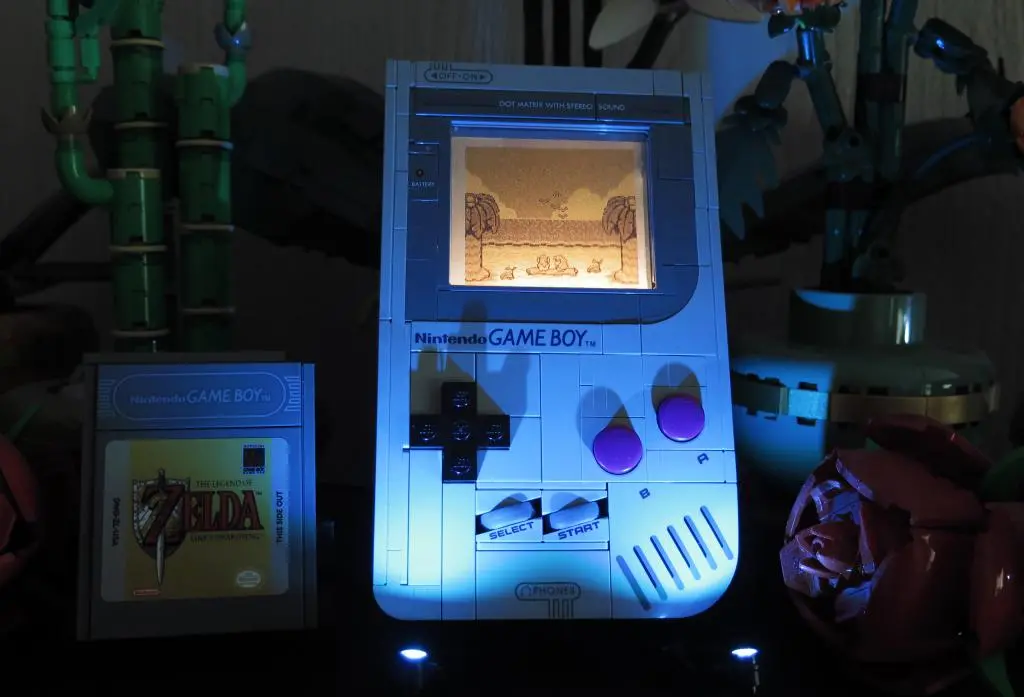
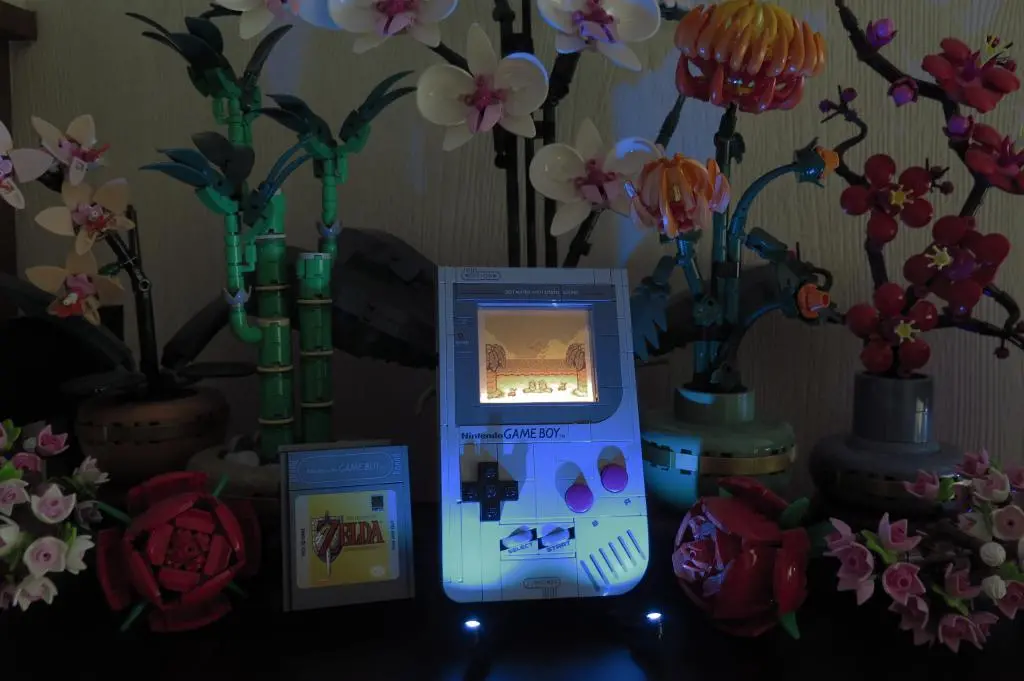
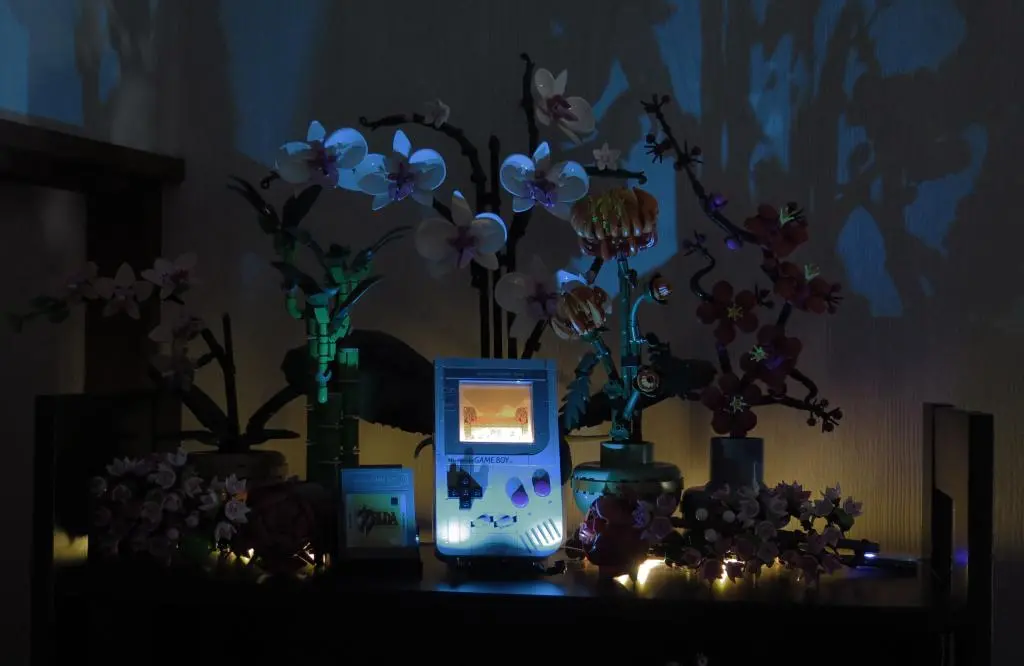
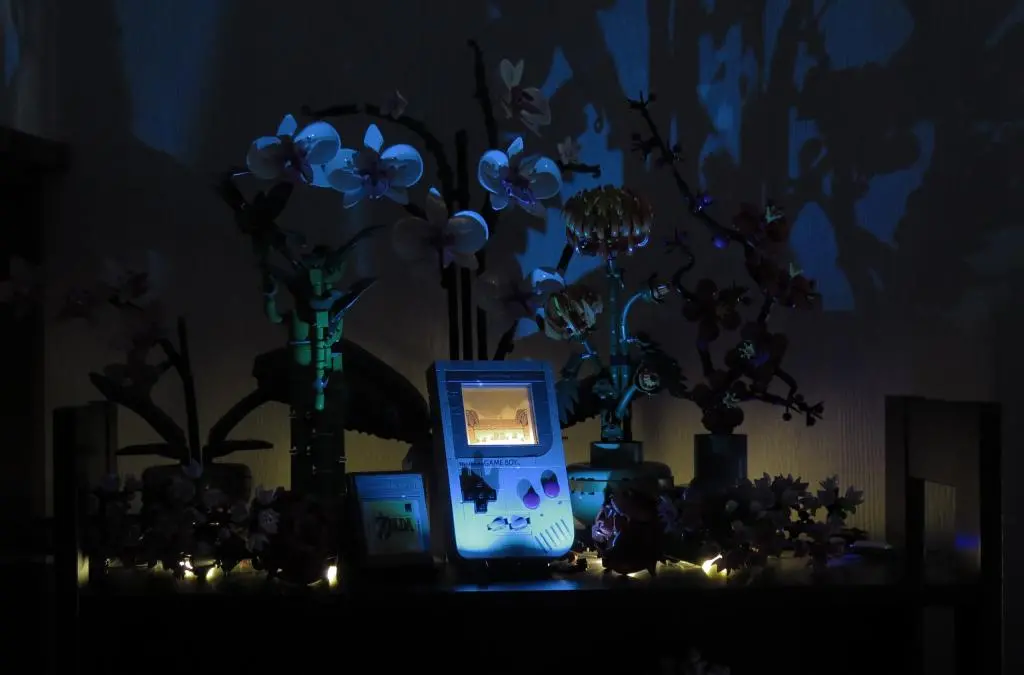
I think this light kit looks exceptional.
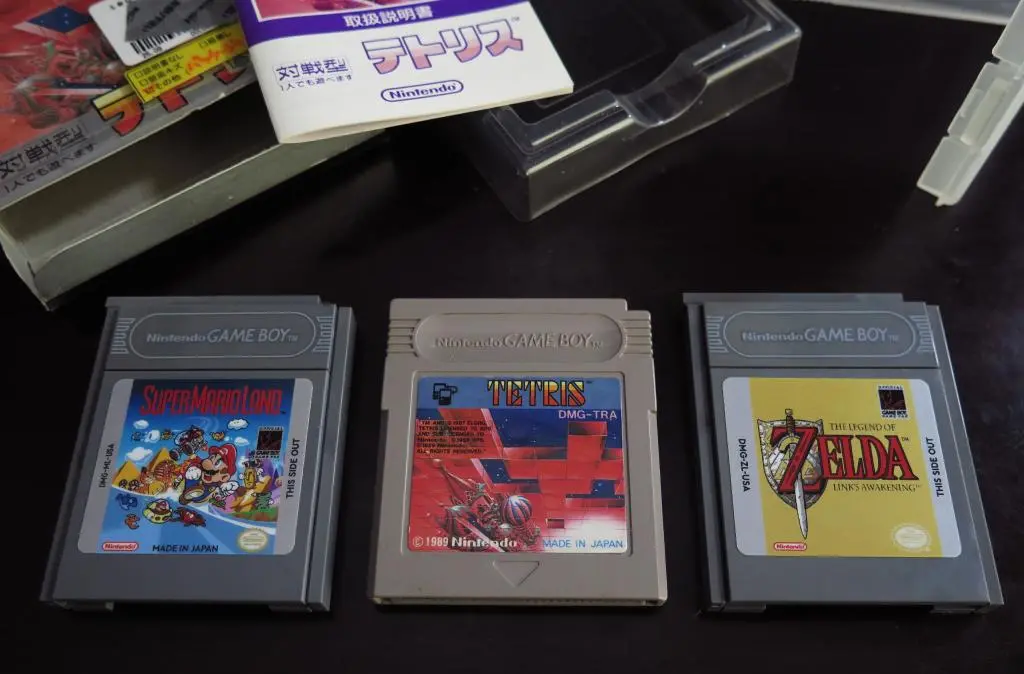
The Lego Gameboy is meant as a display piece so it makes sense to have museum style spotlights on it. The screen LED also has a consistent level orange tone that makes it look like a classic screen light, too. Either Mario and Zelda inlays look great with this mod, but I prefer Zelda. The standard Nintendo scroll doesn't look like great, in my opinion. Tetris would've been best, but getting that license would've been more difficult and expensive.
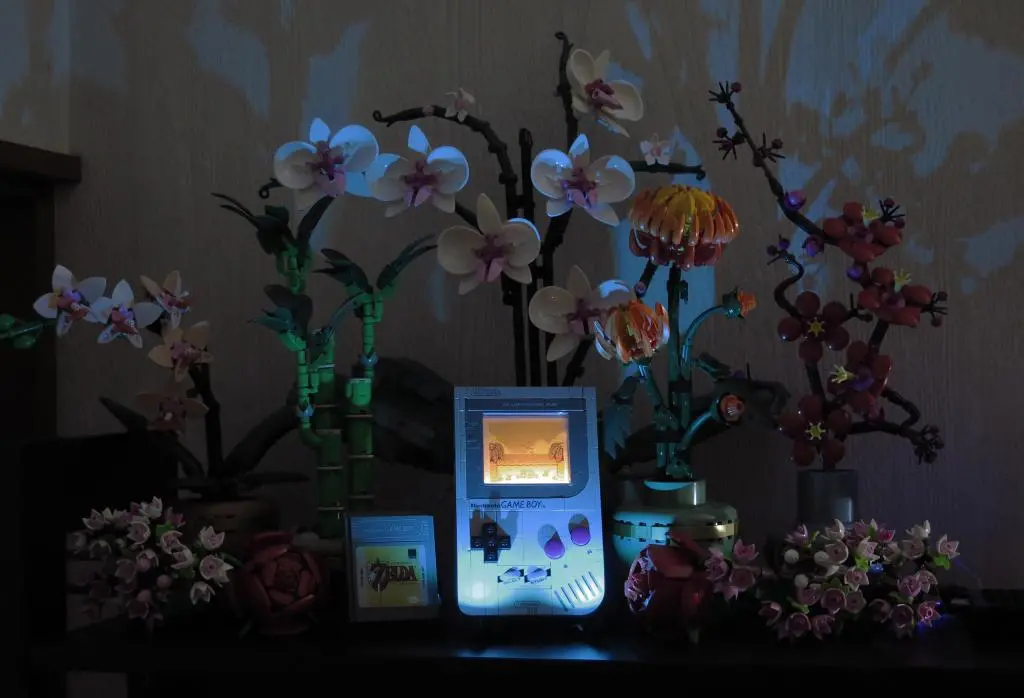
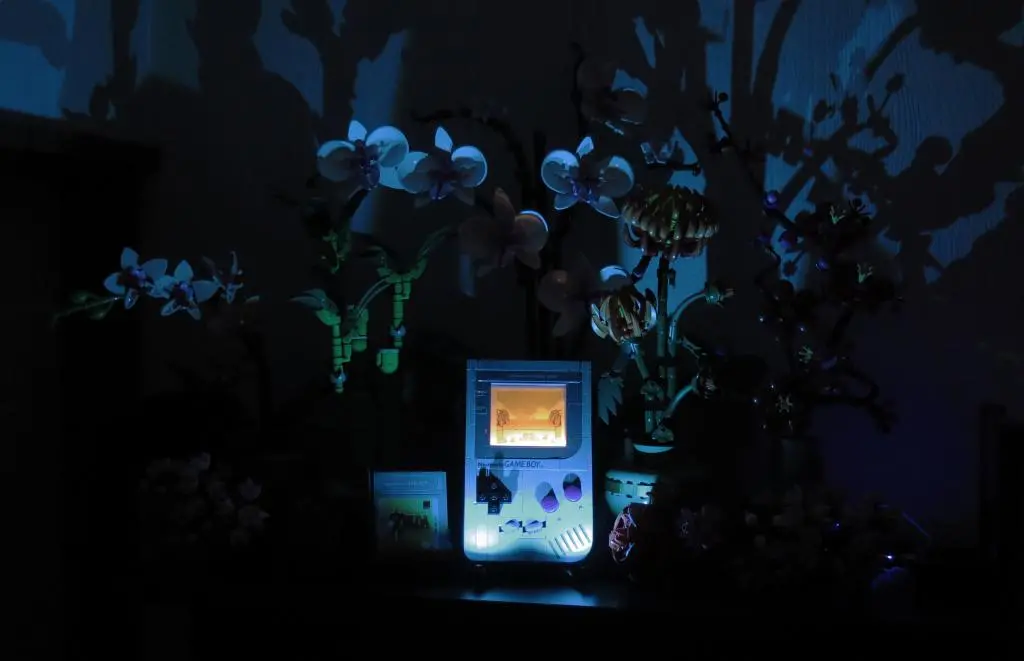
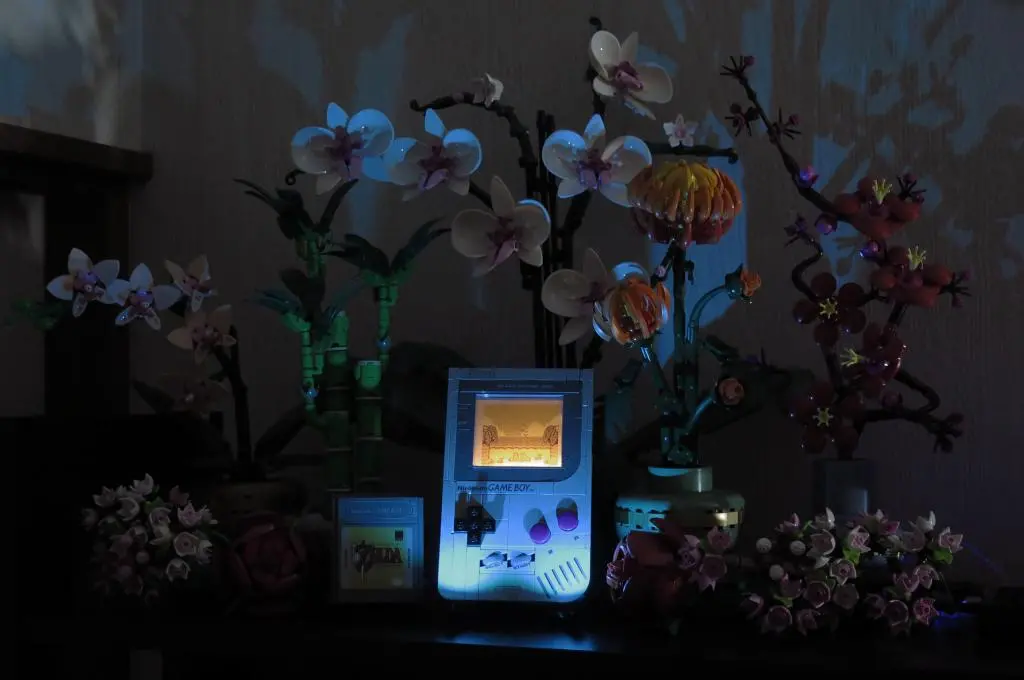
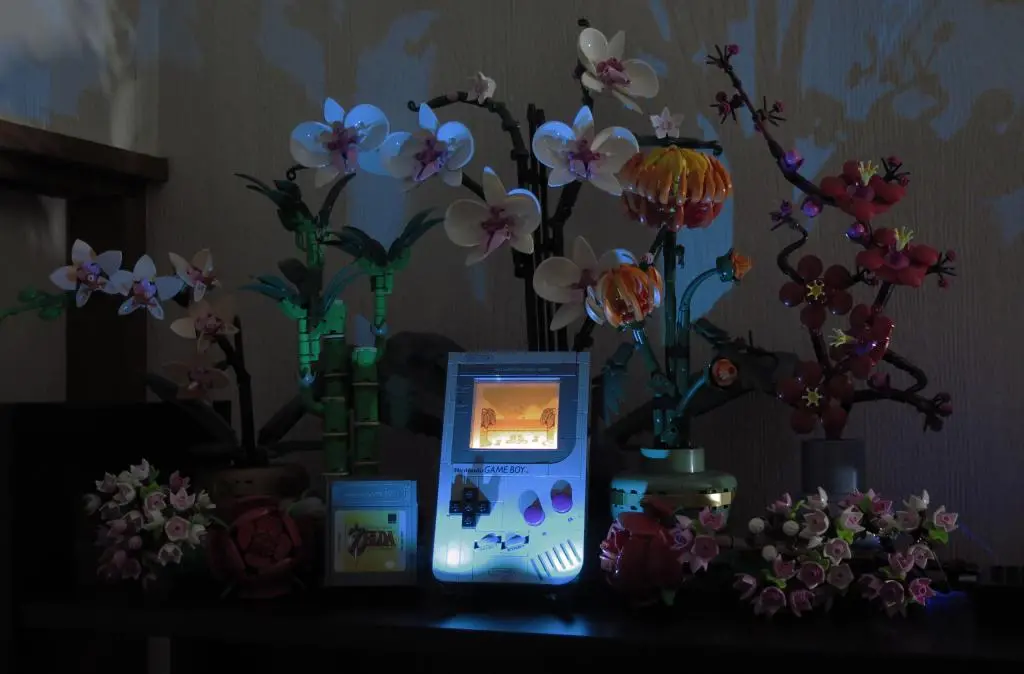
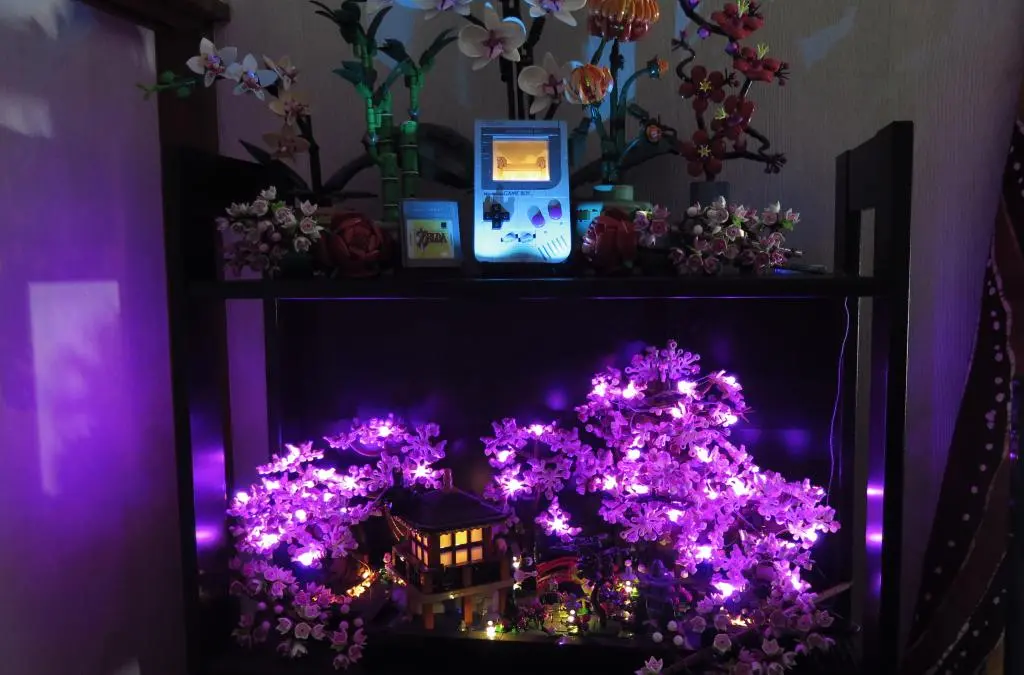
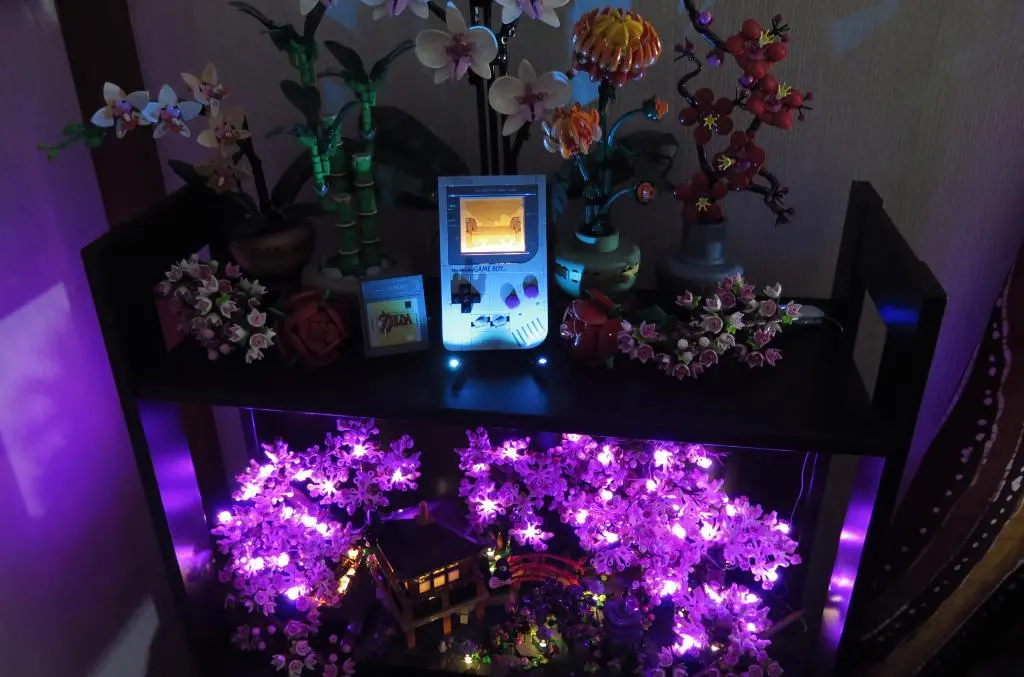
Going further, I used some leftover Lego LEDs from my bonsai trees and connected all the USB plugs together to set the Lego Gameboy among my Lego botanical collection. It works as the perfect center piece and the lights really emphasize it.
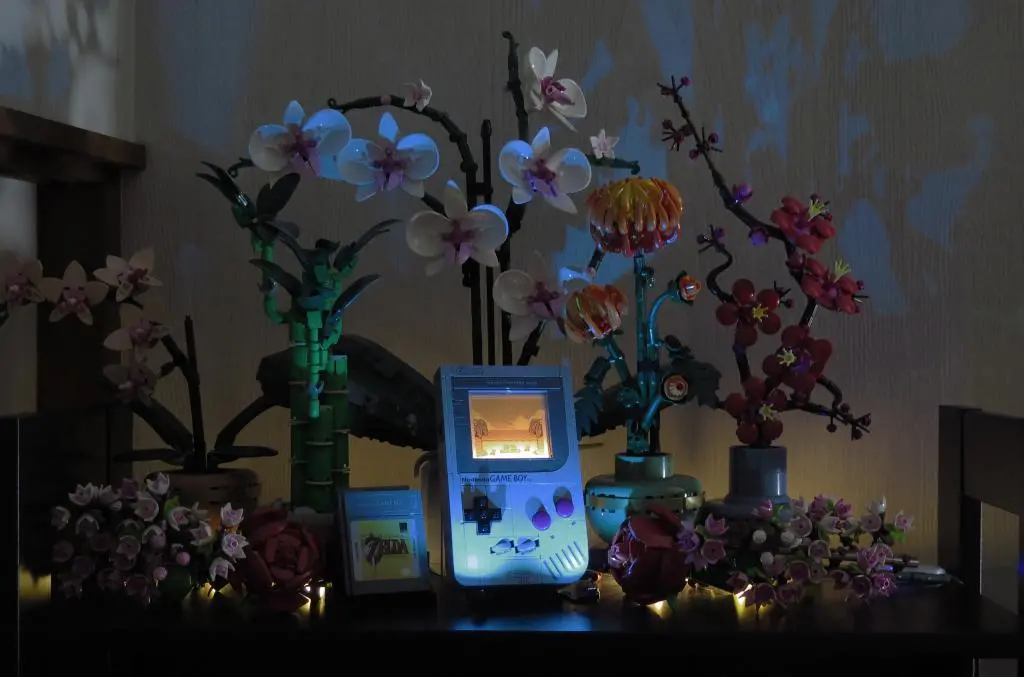
Maybe I should get some more Lego spotlights for the rest of the scene. (No no, stop spending money.)
While I'm very adverse to buying more Legos because of the price, the Lego Gameboy exceeds all of my expectations. I felt such incredible joy and accomplishment putting together the model, even though it's ultimately just a display piece (for now).
In terms of Lego, 60$ really isn't all that much compared to so many other overpriced sets. Even the new Japanese Bonsai sets are way too expensive. However, considering that I could spend that same 60$ (or less) on Death Stranding 2, Assassin's Creed Shadows, or Ghosts of Yotei, it seems so foolish to buy this.
But, I think its an incredible model that was a joy to build, looks authentic, and could become more special in the future thanks to Natalie the Nerd. If you're into video game collectibles, especially Nintendo, I think it's worth a purchase even if you don't care too much about the Gameboy.