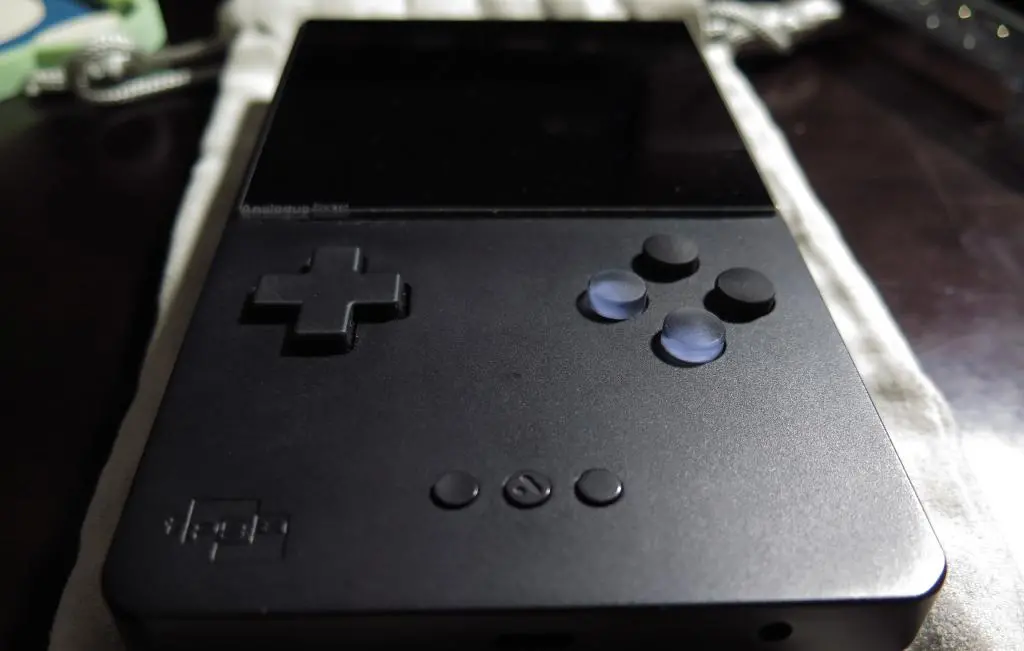
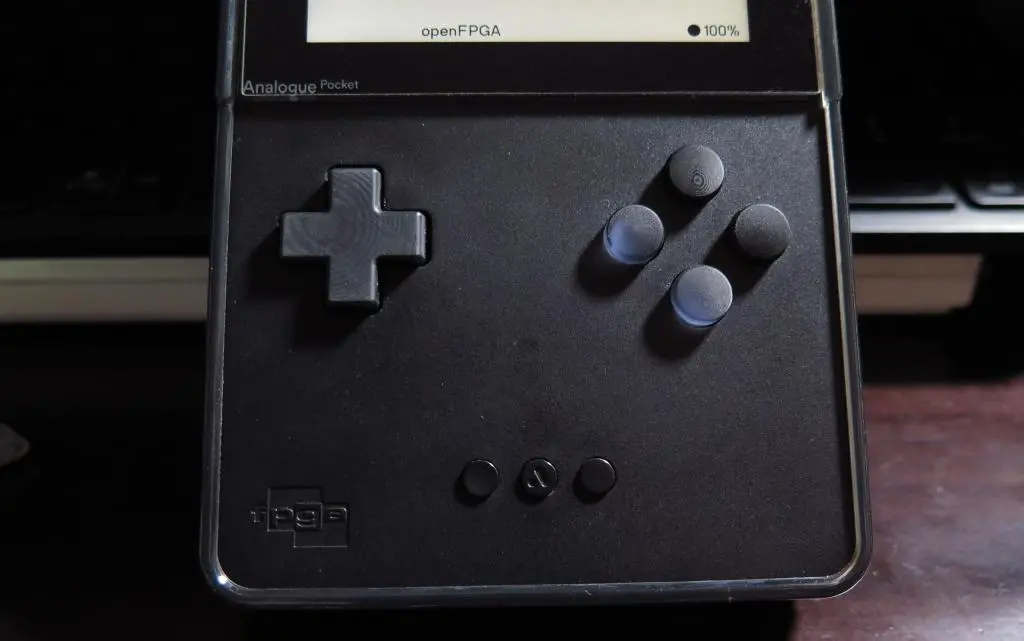
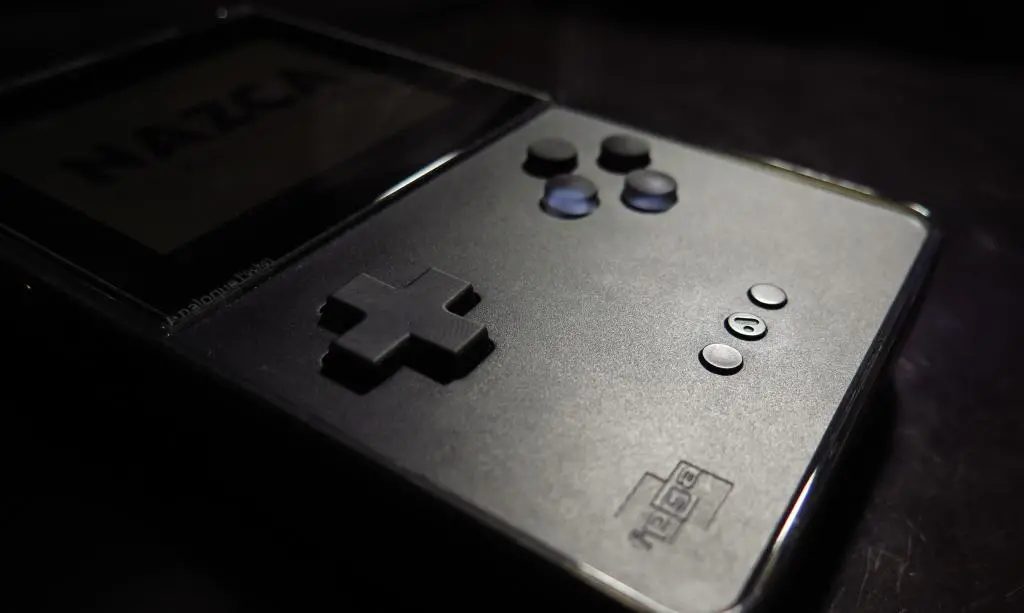
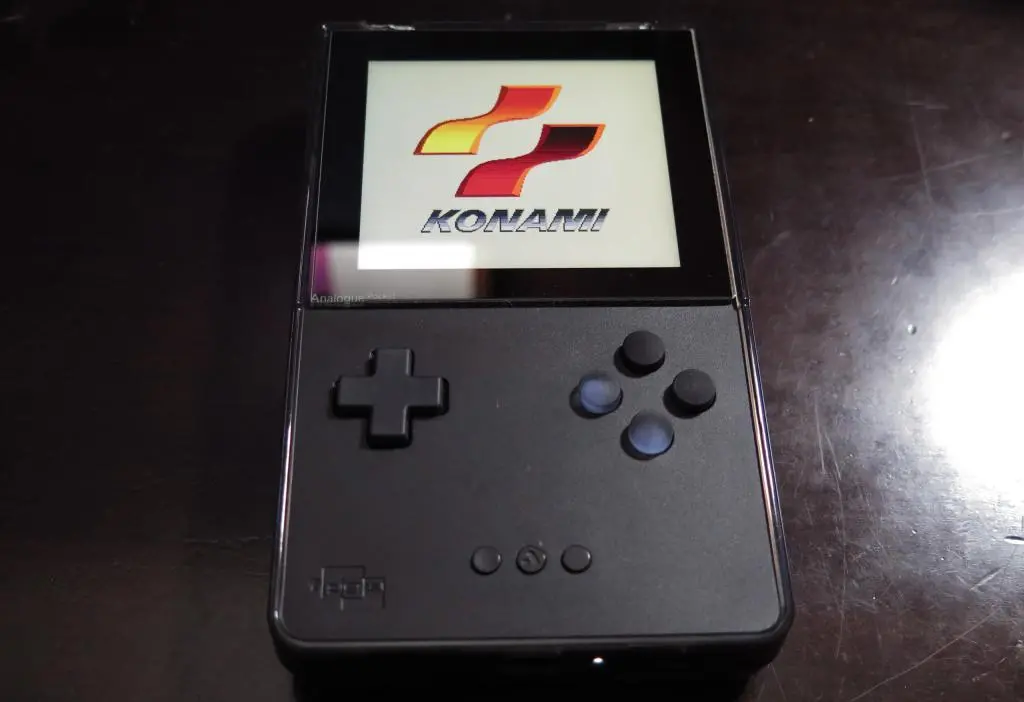
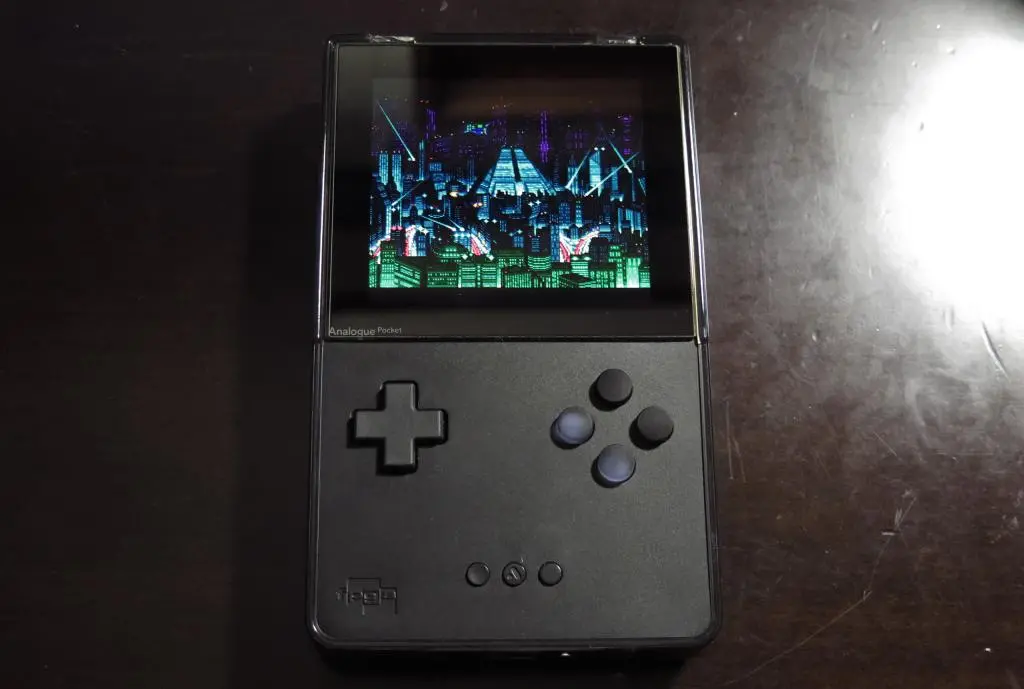
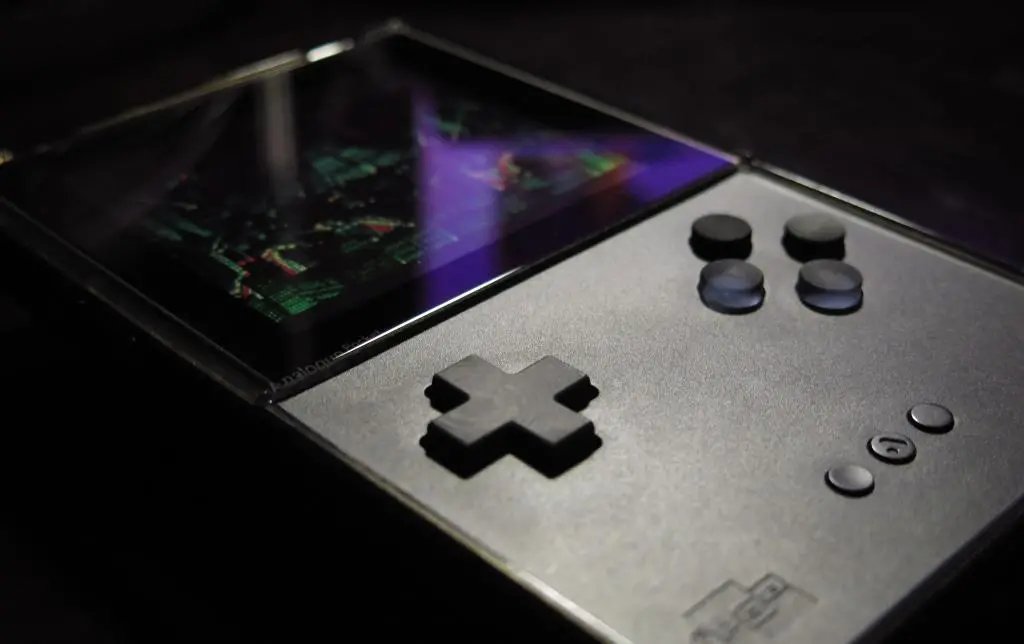
The Analogue Pocket is one of my favorite pieces of video game hardware ever. Decades of video game history have never looked, sounded, and felt better when played on this beautiful device.
The Analogue Pocket lends itself well to people wanting to customize their gaming experience both inside and outside of the platform. One of the first mods people did with their Pockets was a button swap. After the release of the Pocket and the opening of its FPGA, popularity exploded and many Etsy sellers got to work making their own buttons. I bought two different sets of replacement buttons back in 2023.
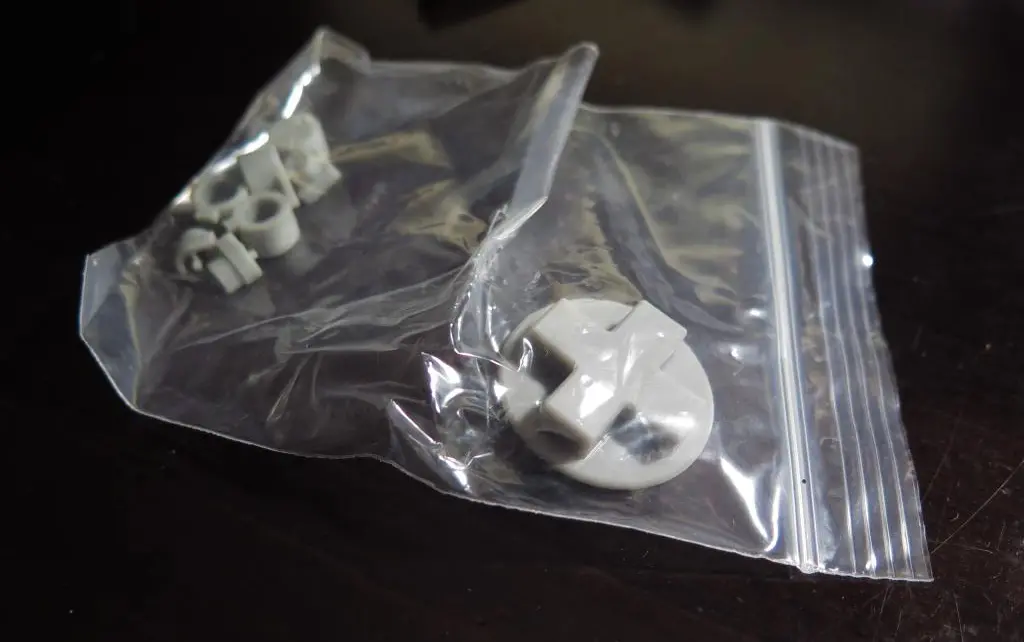
The first set was from a seller on eBay who no longer exists. This was recommended by a user on the FPGA discord. The buttons followed the convex concave pattern of an SNES controller, but are made from soft resin. The D-pad is ever so slightly enlarged to prevent wiggling in the Pocket's shell. Because of this, the D-pad and buttons felt so much better than the original ones.
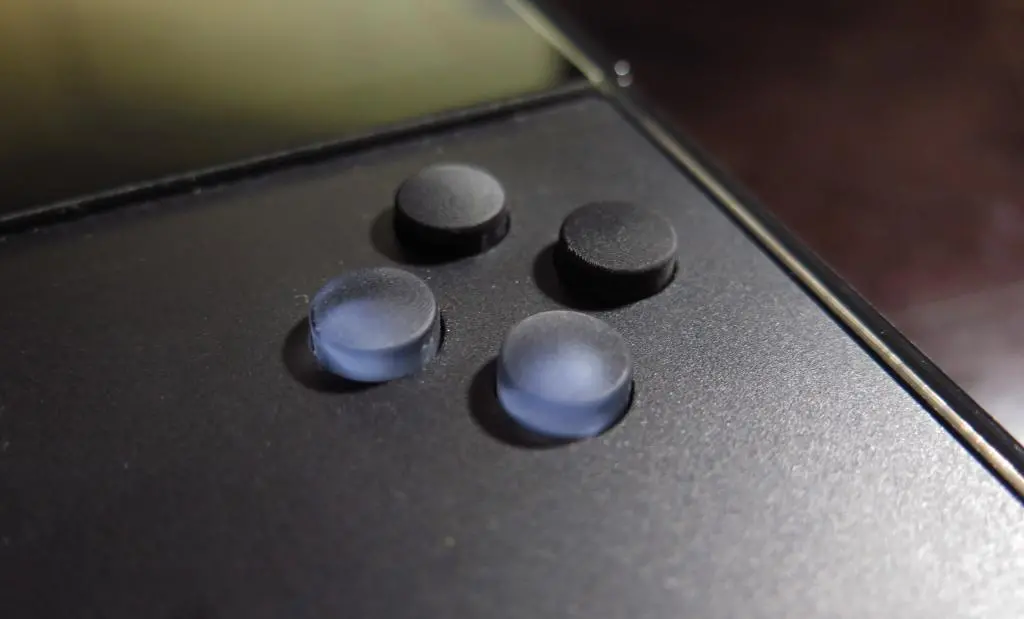
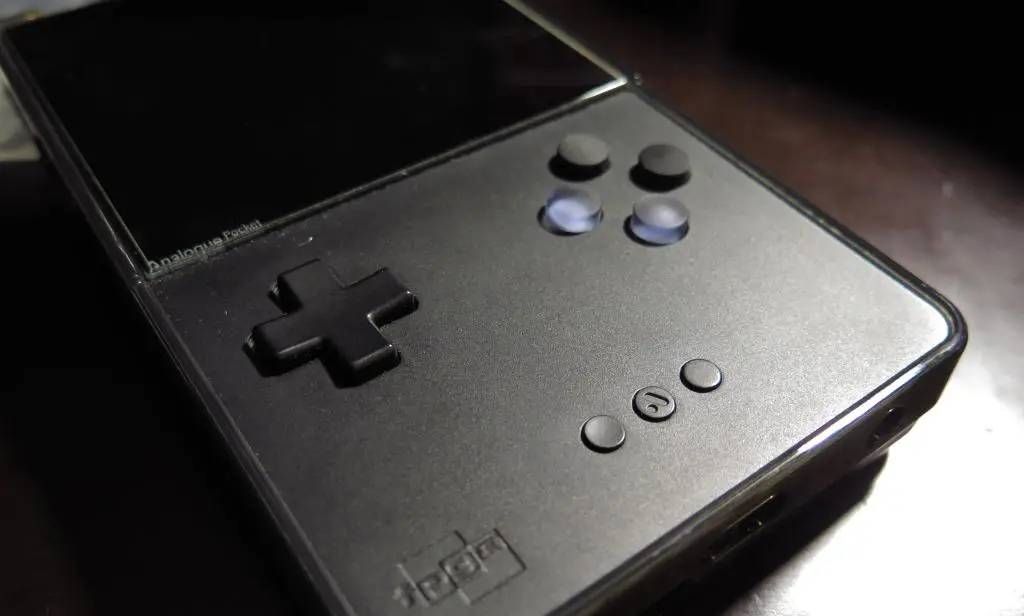
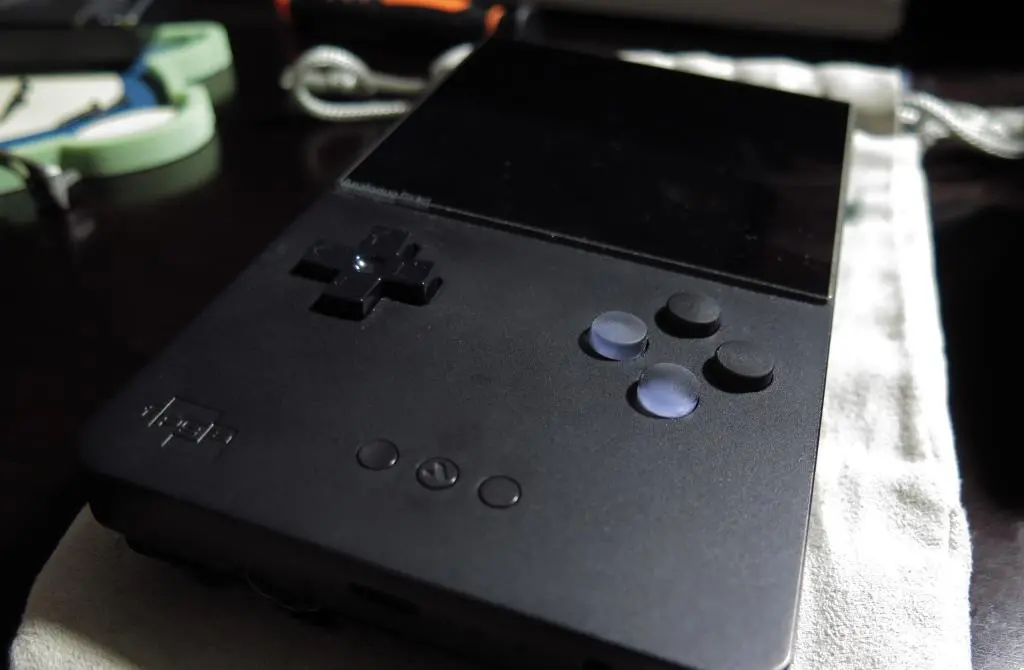
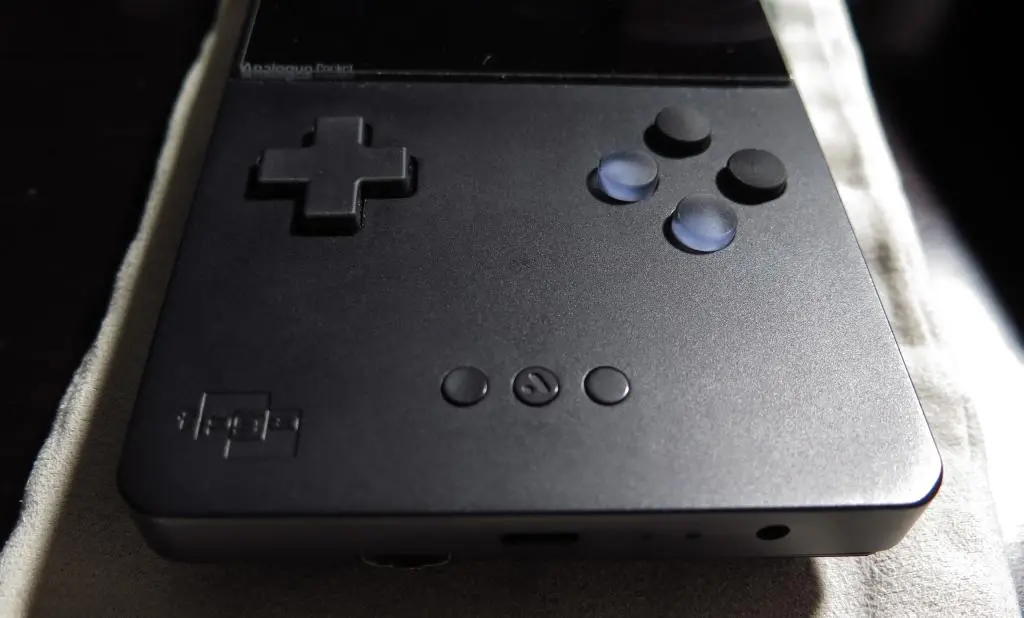
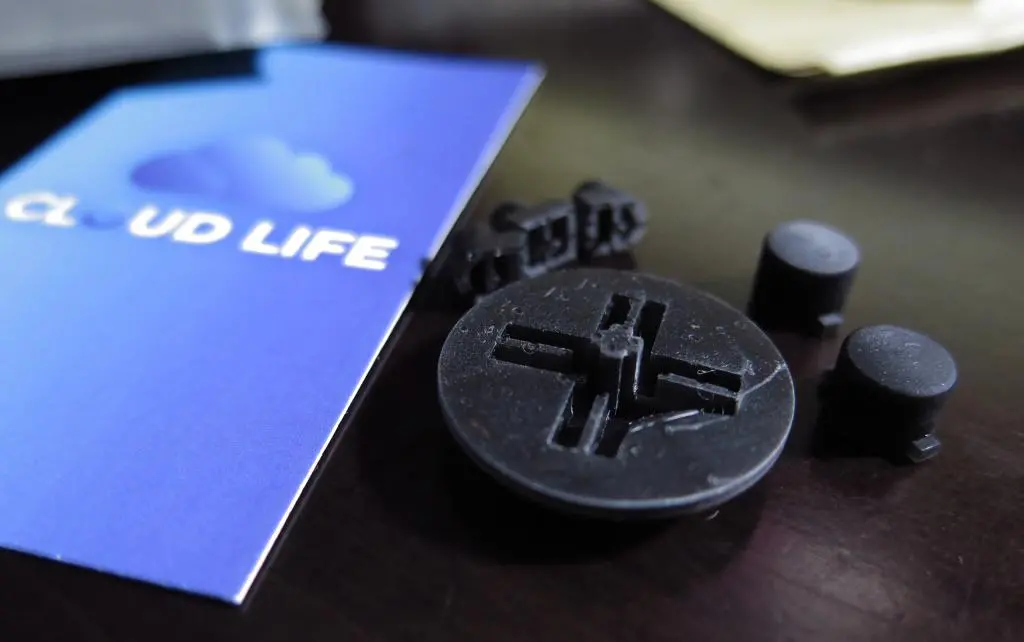
The second set was from an Etsy store called Cloud Life, which also no longer exists. This store had a lot of different colors available, but I wanted something subtle, yet different. I didn't want any flashy gaudy colors as that would take away from the Pocket's sleek aesthetics. They also accepted custom orders, so I decided to use the Black button set as a base and add two transparent buttons for Y and B.
After getting everything in Winter 2023 during a trip back to America, I finally did a button swap using the Cloud Life set.
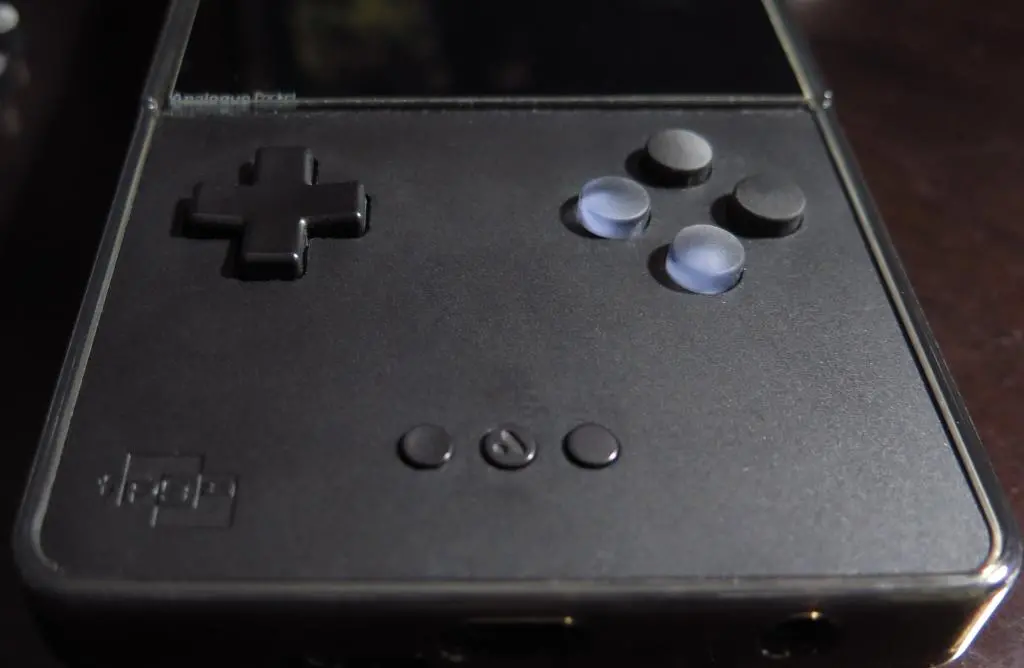
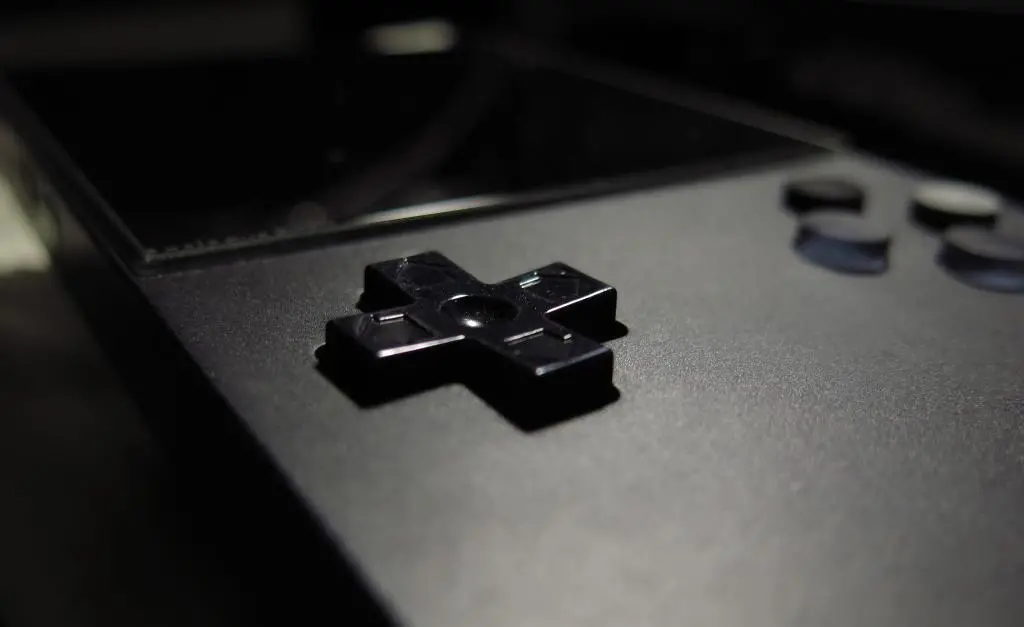
The buttons looked really nice, but there were problems in other areas. First, the menu buttons had the wrong grooves. They sent two right buttons, instead of a right and left. Also, the bottom nub on the D-pad was flat, not rounded. This meant that it would usually not register rolling movements on the D-pad. If I pressed down, then right, it would stay down. So, I only did the button replacement, shown above.
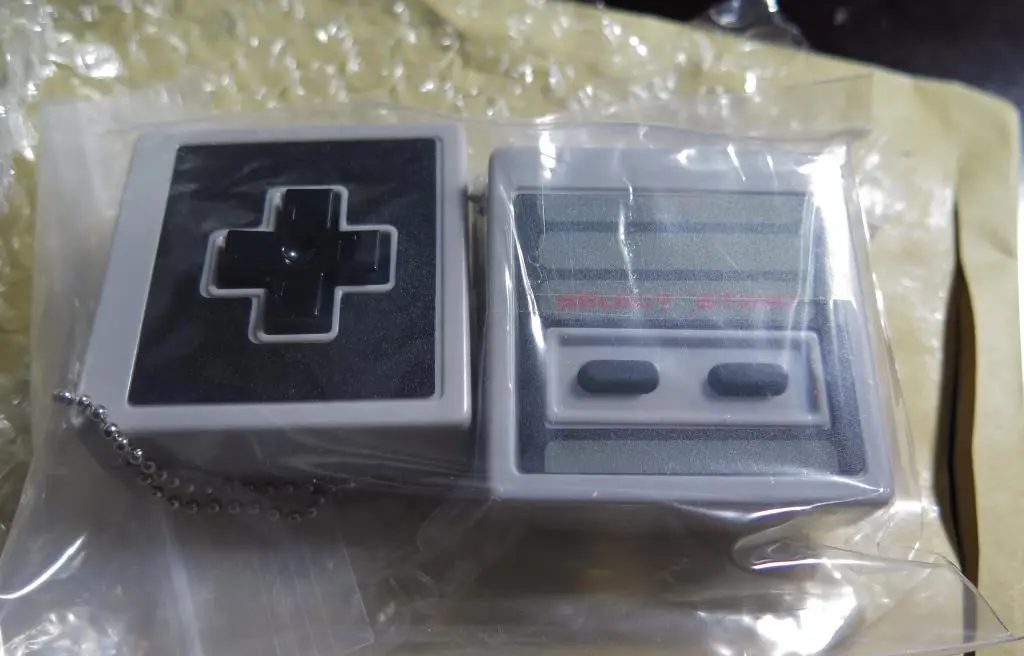
Recently, someone else on the FPGA discord mentioned something interesting. Apparently the NES D-pad on those Nintendo replica Controller Capsule toys is an exact fit for the Analogue pocket. I bought a bunch of these last year when they released the second series focusing on Super Nintendo, Gamecube, and N64. I didn't care about the NES and Famicom ones, but I wanted to give this a try.
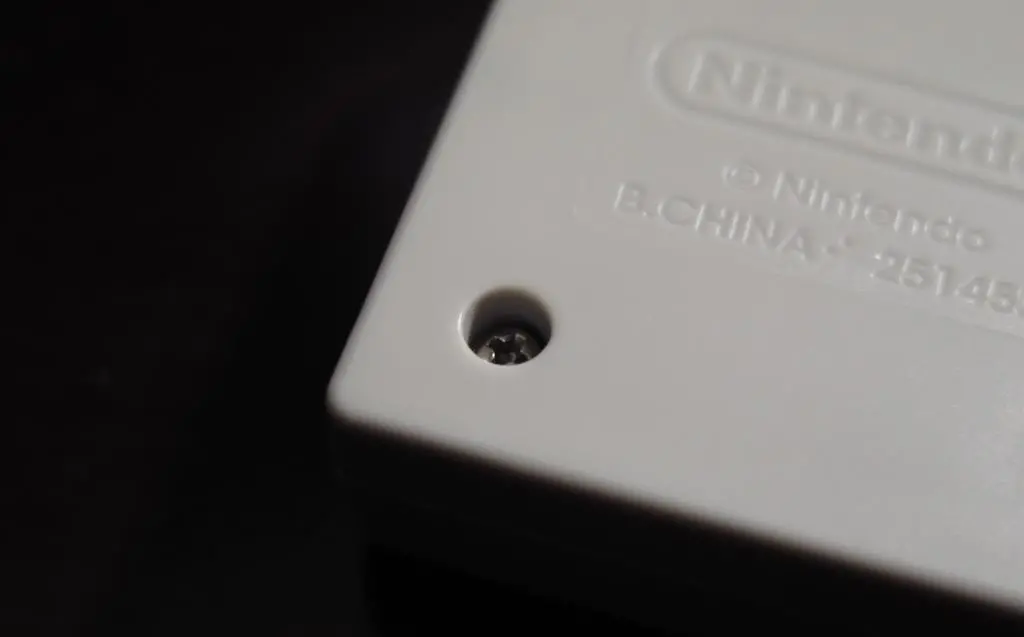
Yahoo Auctions had a cheap enough one. It can easily be taken apart with a Phillips head screwdriver.
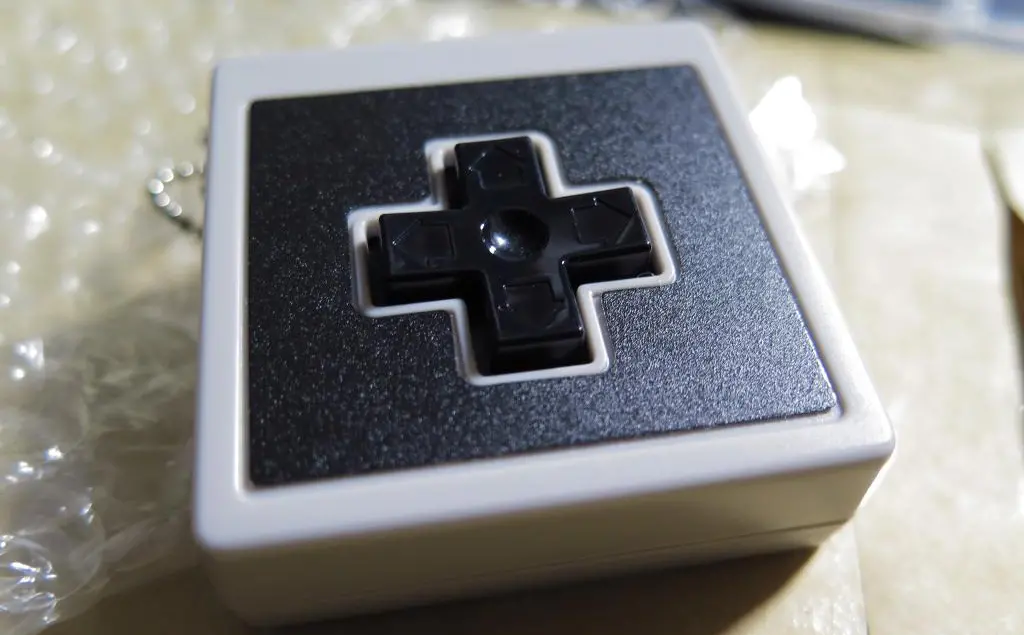
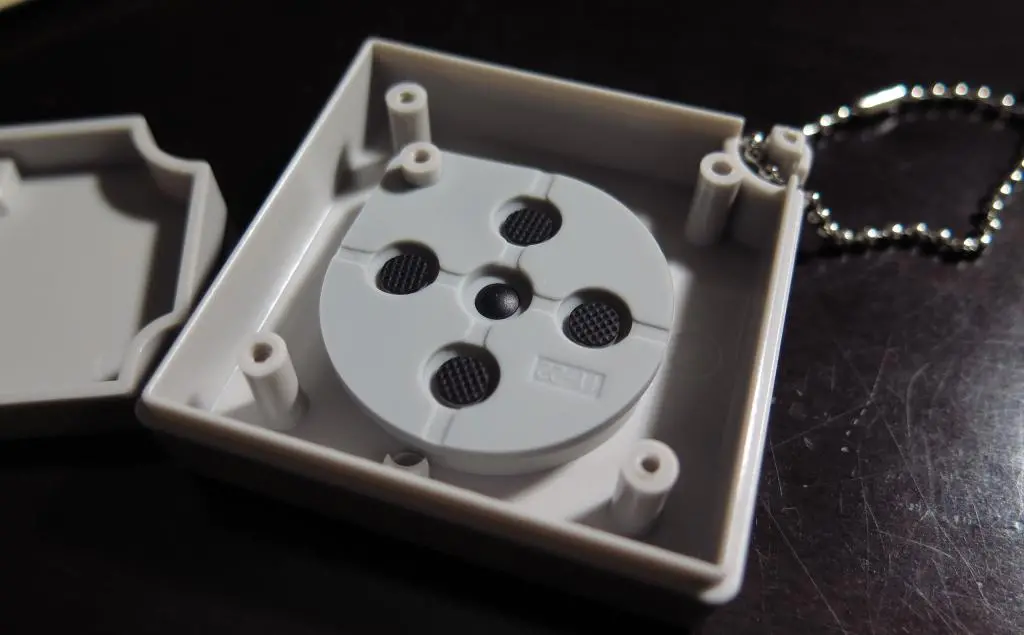
The user claimed that this D-pad felt so good when playing games. It also fixed his unfortunate problem of triggering false diagonals, a common problem among some Pocket owners. I never had this problem with my Pocket. My only problem was using that Cloud Life replacement D-pad.
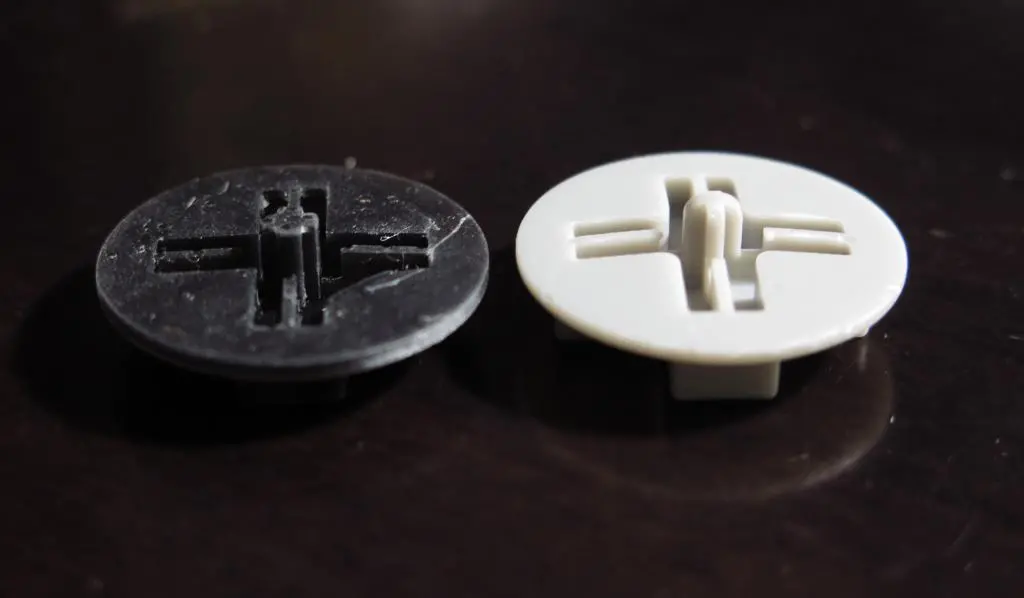
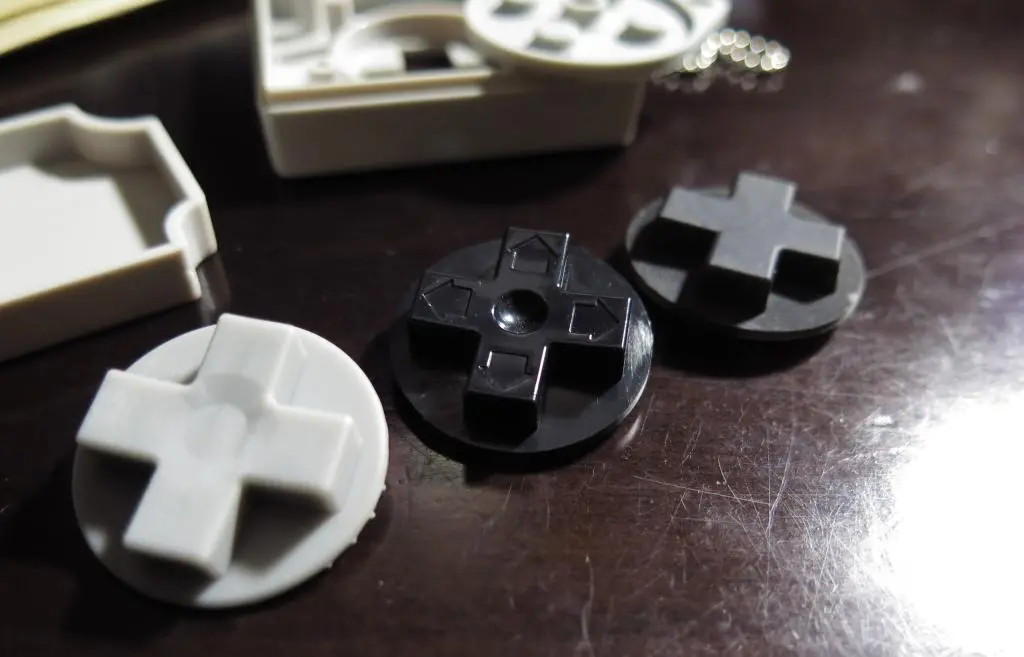
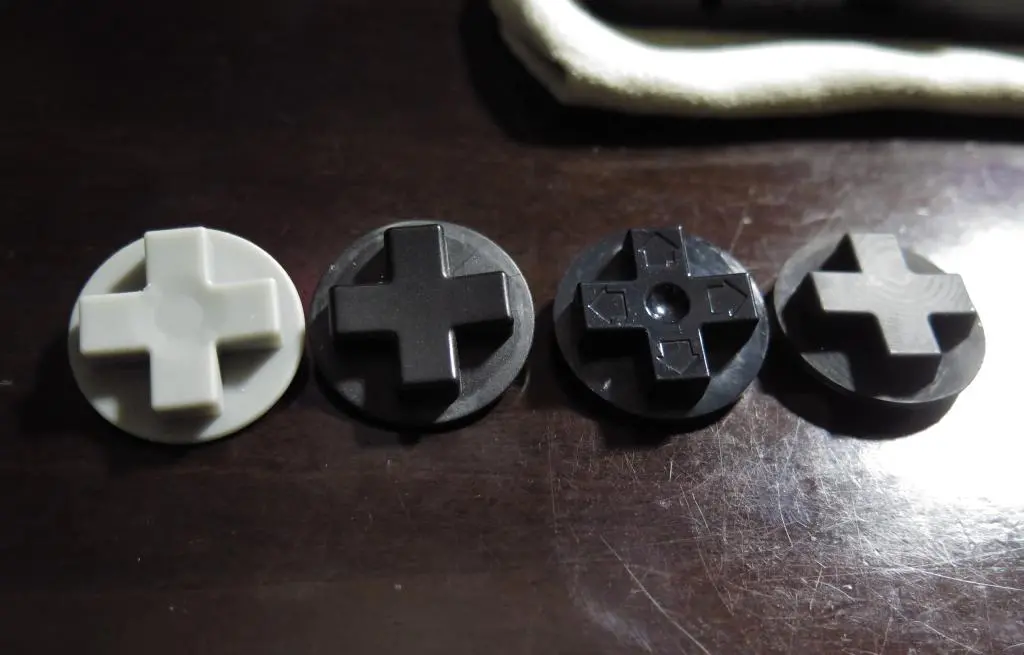
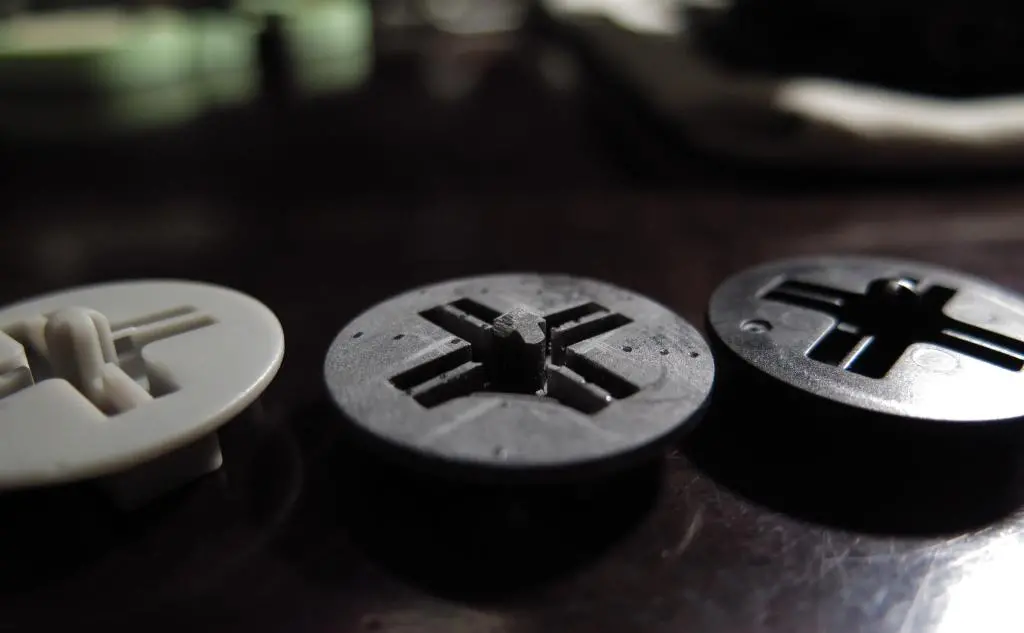
Looking at each of these D-pad, you can see where these problems could occur.
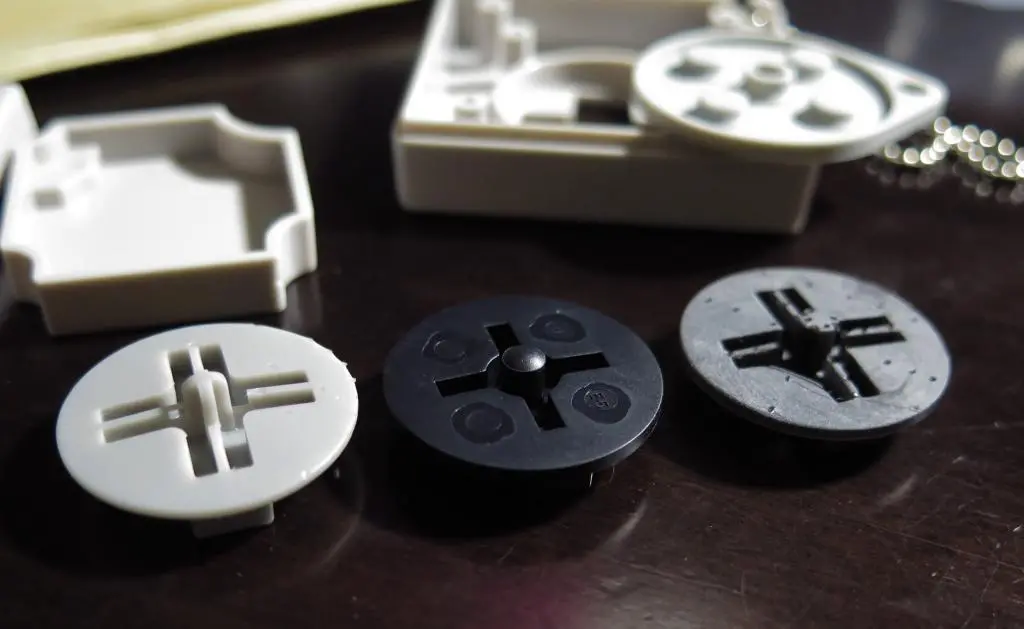
The grey D-pad is a near exact resin mold of the original D-pad. The nub in the middle is rounded, allowing for smooth diagonal movements. The stock D-pad had the same shape. The Cloud Life D-pad on the far right also has this nub, but it is not rounded. This does not allow for smooth diagonal movements, which causes some directions to become locked.
The NES D-pad looks like the best for rounded movements. It uses a stiff plastic post with a rounded ball in the middle. There are no grooves at all for diagonal movements to get stuck. This is why the NES D-pad felt the better than the stock D-pad for that user.
So, I got to work tearing down my Pocket to install the NES D-pad as its nub's shape was clearly the best out of all my options. There's a great guide on ifixit showing full teardown and button replacement that I always refer to when opening my Pocket.
The main tool you'll need a T6 screwdriver.
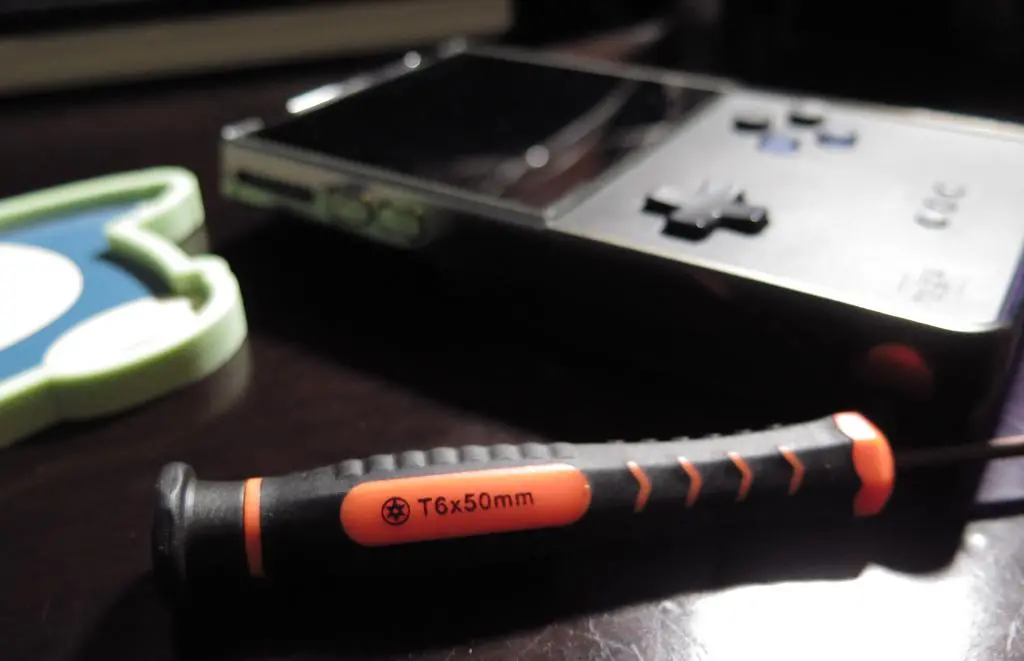
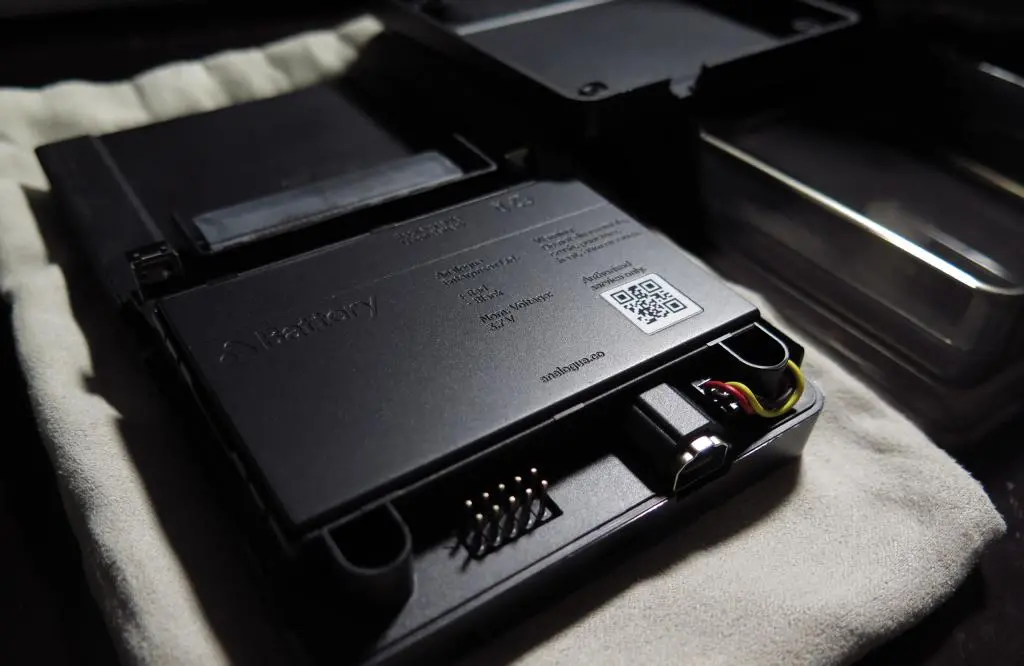
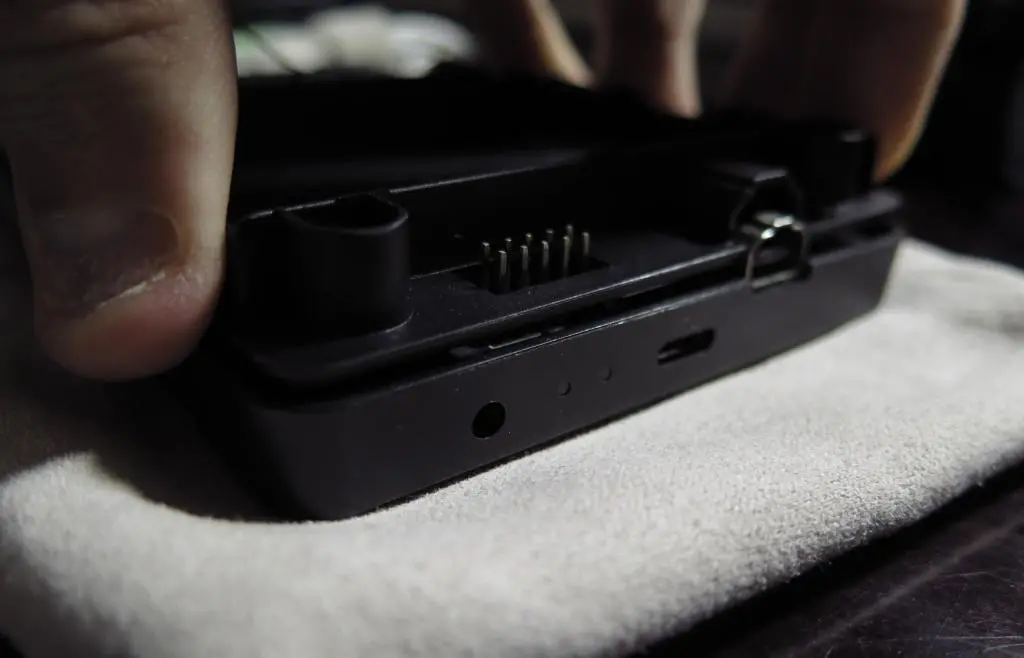
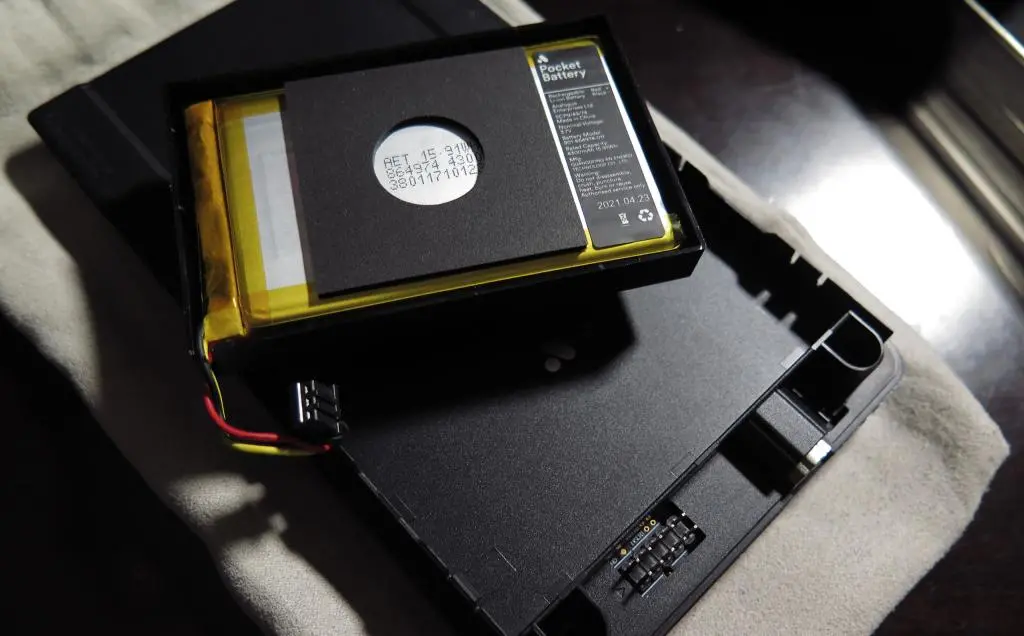
There are only five screws you'll need to remove. Four of them are immediately on the back panel of the Pocket, which is the first step of the teardown. You remove those screws and the back panel comes loose. This reveals the battery pack. Unplug the battery, and then remove it from the tabs on the side.
I have a Gen 1 first release Pocket. Later models have slightly different batteries, but the process is the same.
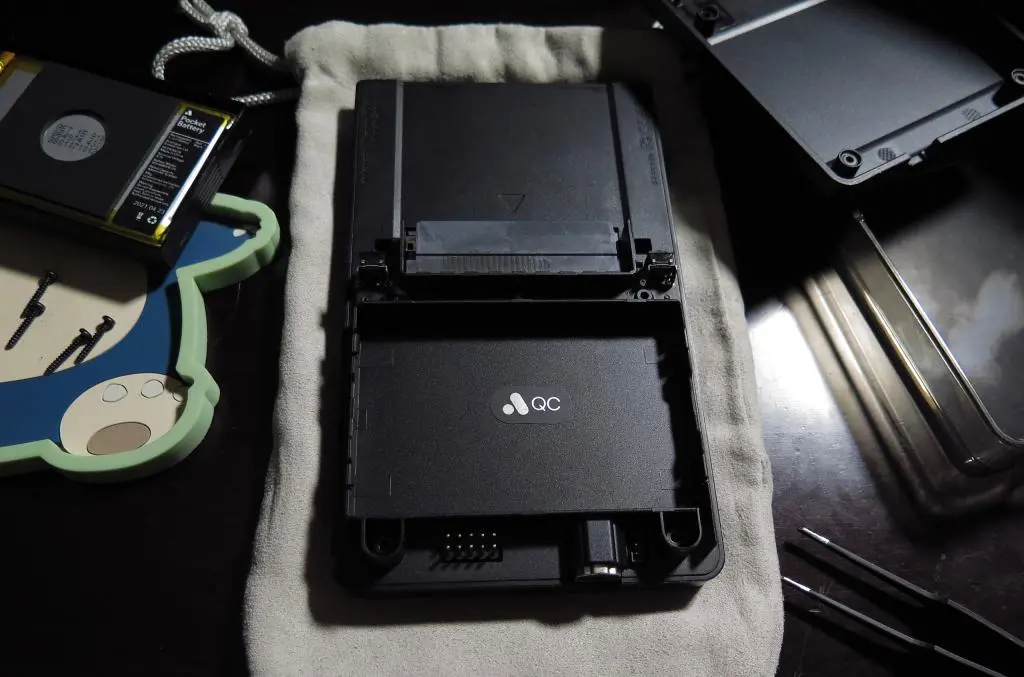
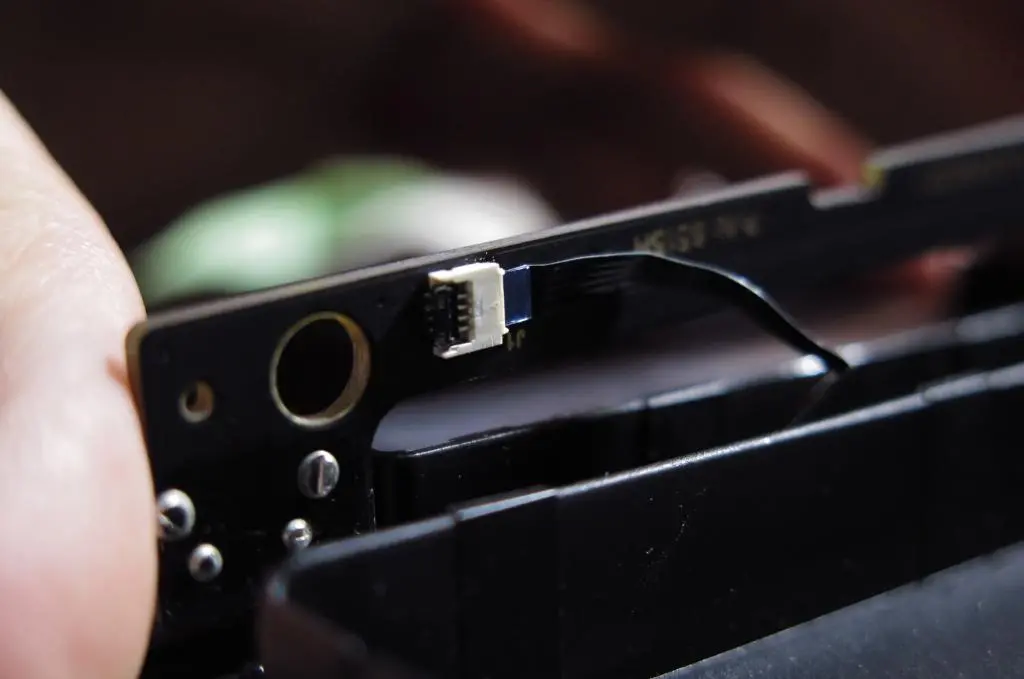
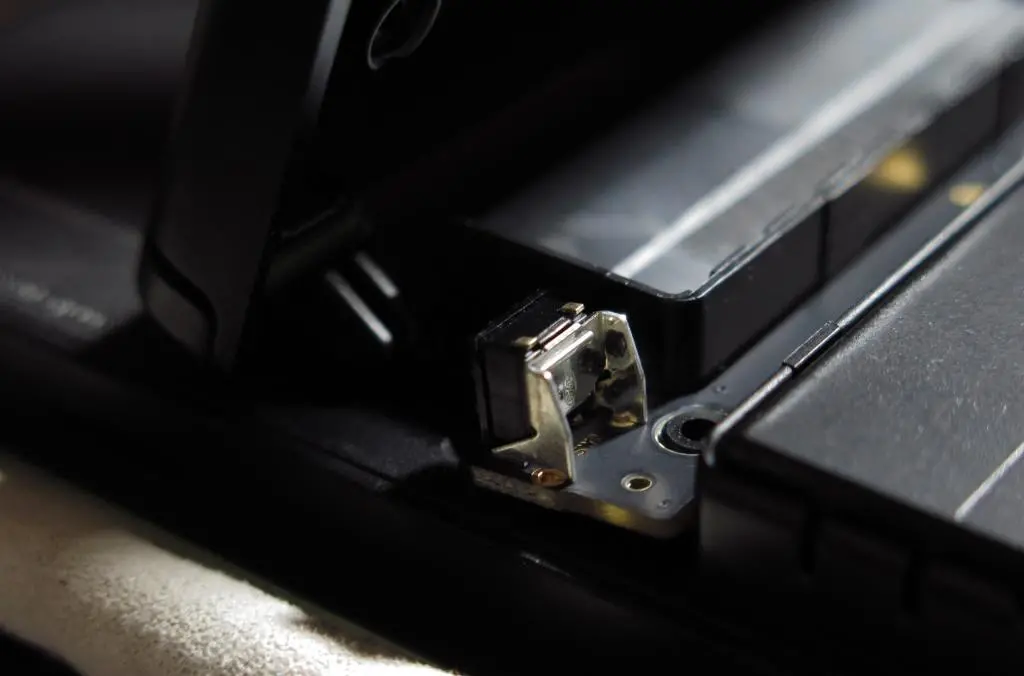
Before going further, we need to remove the PCB for the shoulder button contacts. There's a tiny plastic tab holding it in place. Pull that back with some tweezers and the board should come loose. Next, we want to remove the ribbon cable. Just pop open the gate, and the ribbon can be pulled out. (This is annoying to put back in later.)
Next, the back panel is only clipped into place. To remove it, slightly lift the bottom end of it, and then slide it down. The clips will let go of it, and you can remove it.
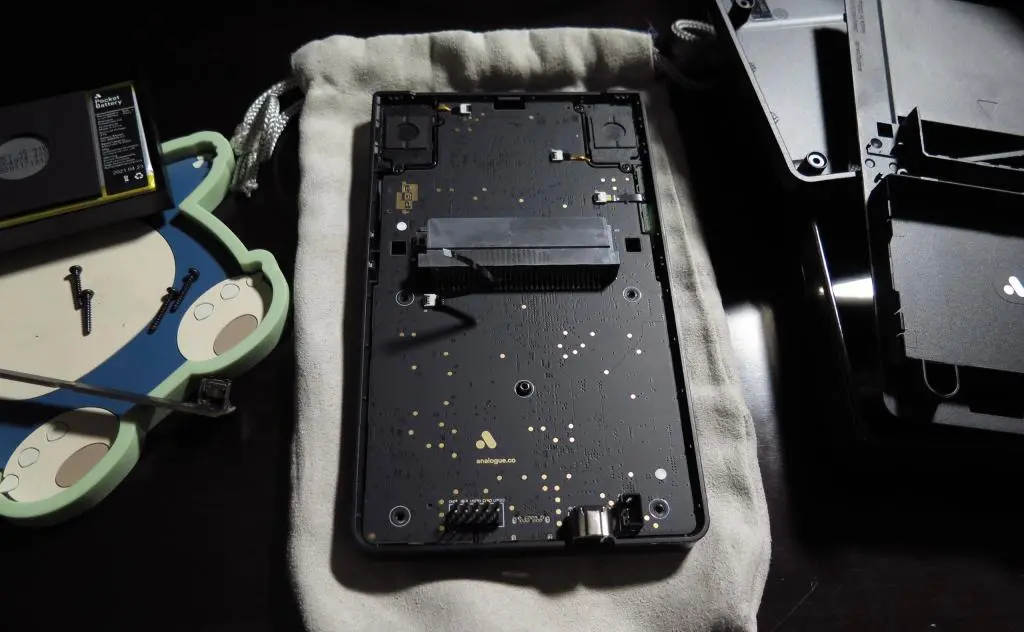
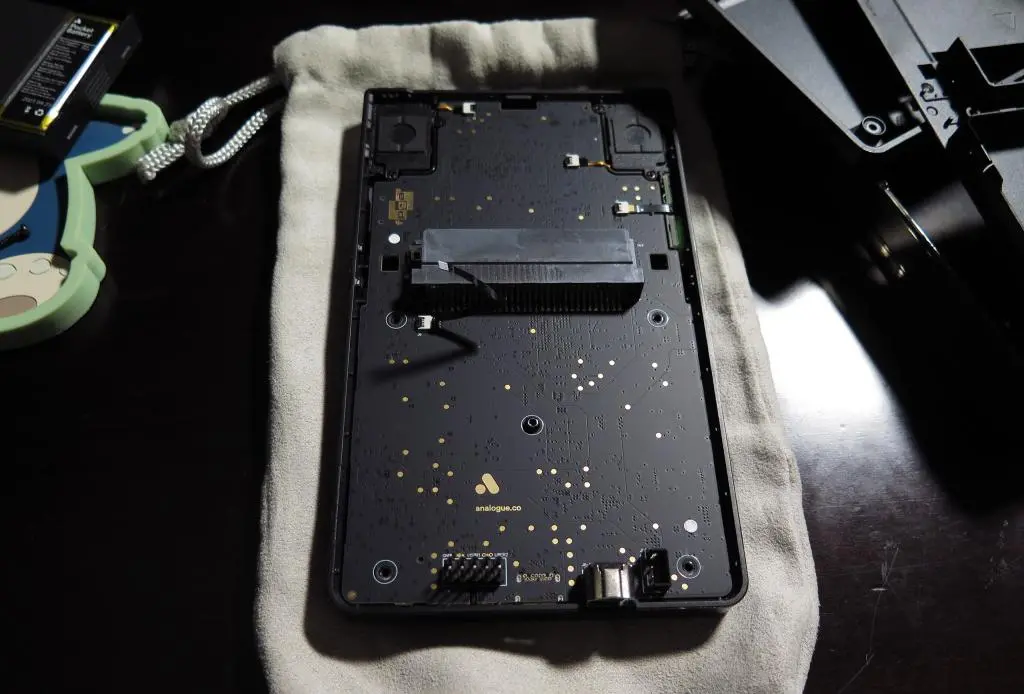
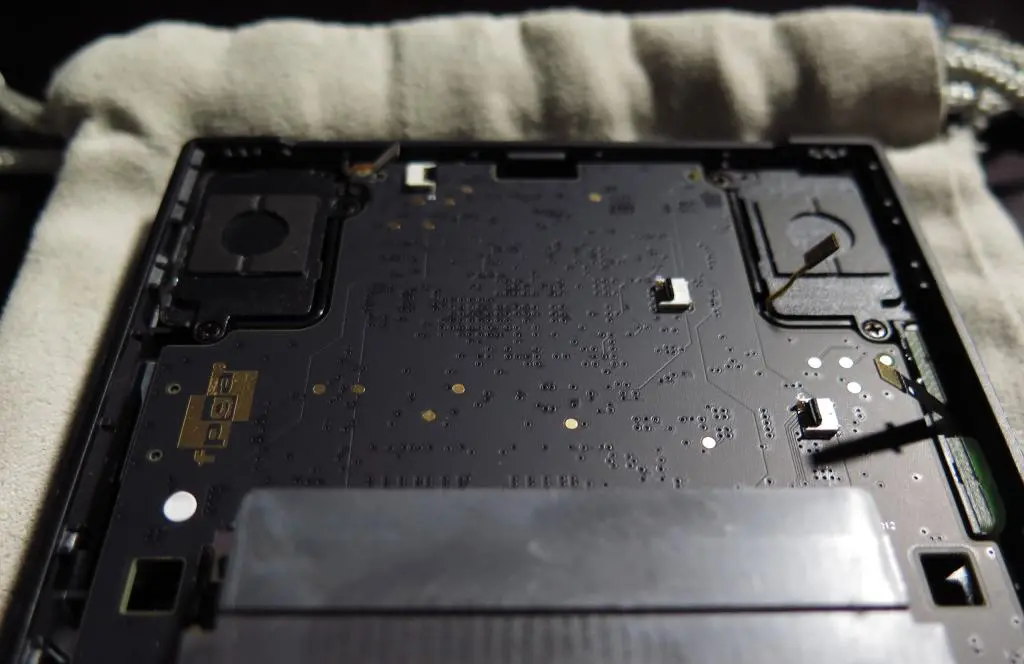
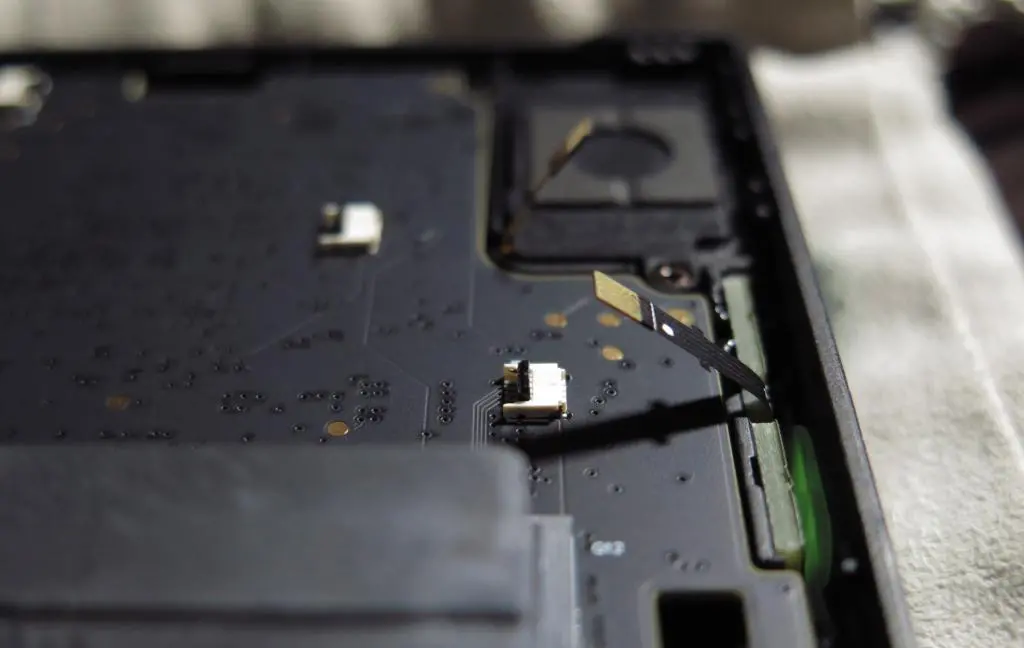
This leaves us with the back of the Pocket's main PCB. There are four points of contact now. The cables going to the top two speakers must be unplugged. Just open those gates, and pull out the cables. There's another cable going to the power button. Open that gate, and remove the cable. And, the final screw in the middle, which holds the PCB to the front shell.
The PCB can be lifted from the shell, but there is still a cable from PCB to the front screen. The ifixit instructions say to remove the plug to completely detach the front shell, but I am too nervous to do this step. It's probably completely safe, but I'm too worried about damage. I can reach the buttons easily without having to unplug it.
I remove my D-pad and put in the NES D-pad.
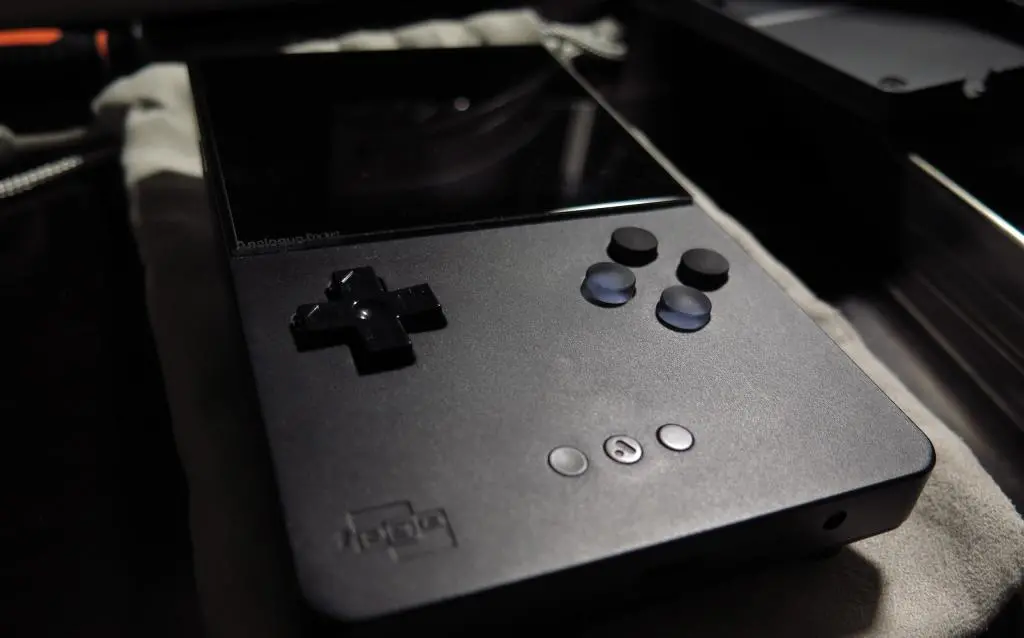
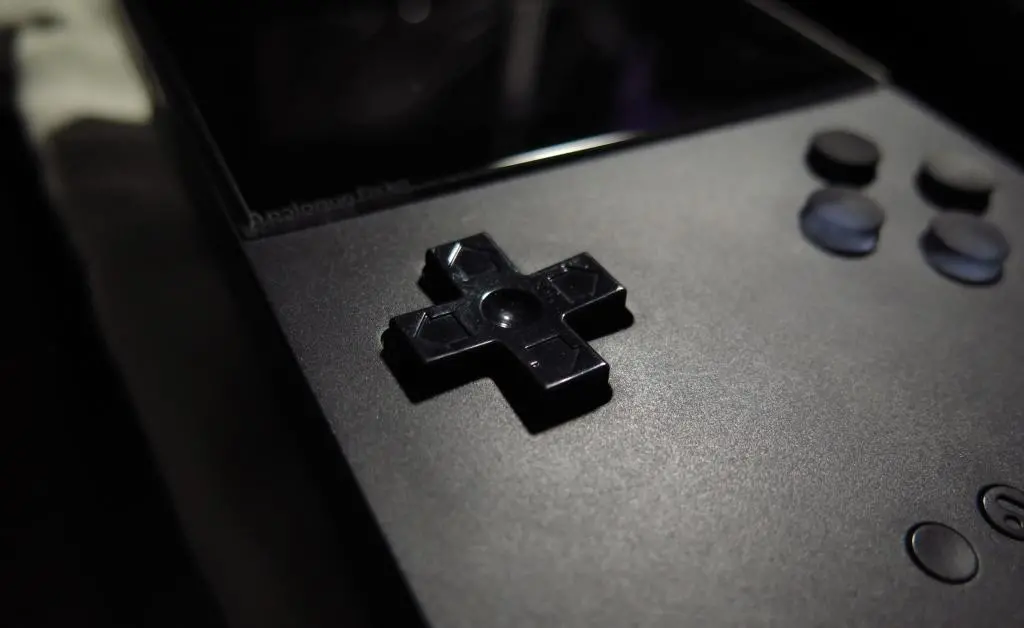
Immediately, I don't like how it looks. The plastic sheen of the NES D-pad doesn't match the matte finish of the Pocket, nor the softness of the Cloud Life buttons. It looks really out of place. Also, the arrows on the D-pad also don't match the Pocket's aesthetics. It's too busy compared with the subtleness of the presentation.
My main purpose of doing a button replacement is for the presentation. All of the stock components already felt amazing and played great, so I didn't need to do anything if I only cared about usage. Also, the NES D-pad is slightly smaller than the original one. So, it wiggled around even more than before.
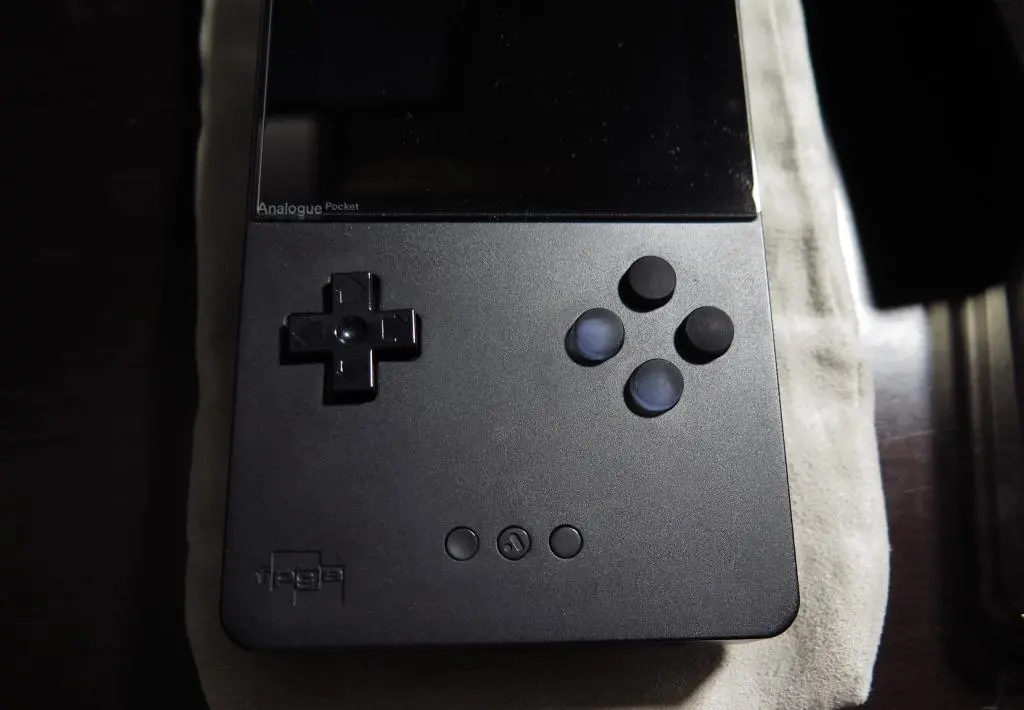
The user on the FPGA discord was using the D-pad on a White Pocket, so the aesthetics are a bit different. On the Black Pocket, it's too easy to compare black to black and see that things are wrong.
I like the aesthetics of the Cloud Life D-pad the best, but its square nub prevented the movements. Well... what if I used a nail file to round it out?
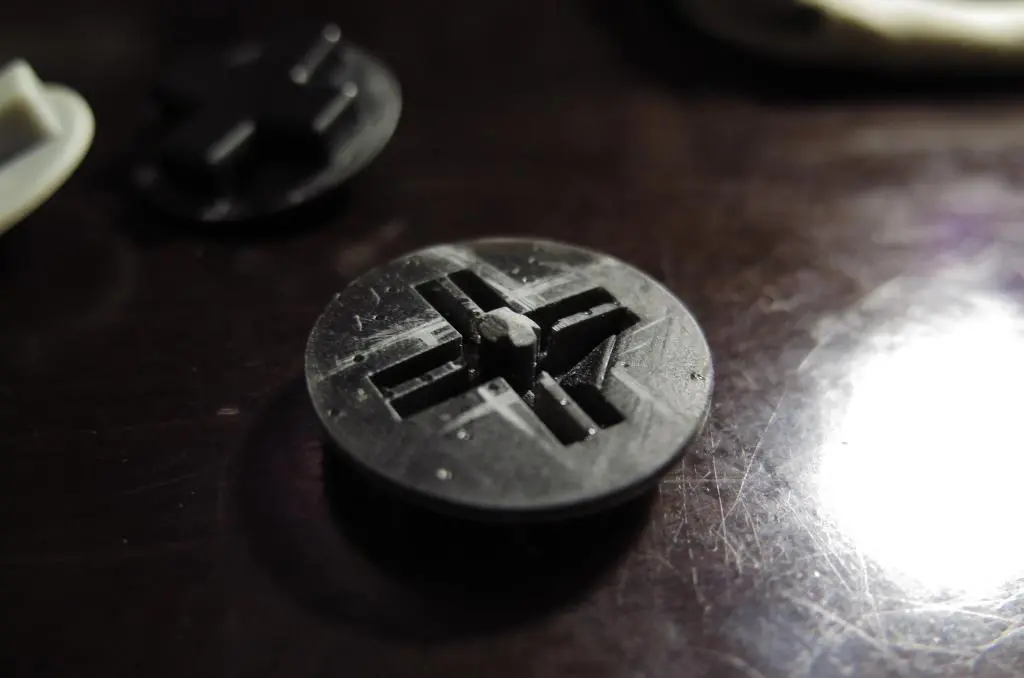
The material they used for these buttons melted away almost immediately, and I could create the rounded movement that I wanted.
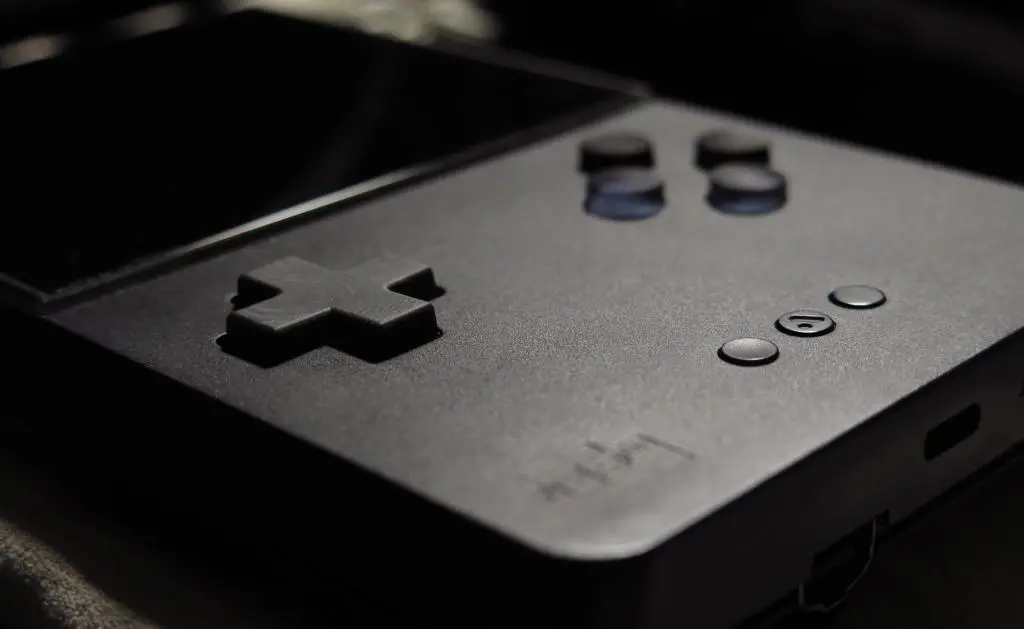
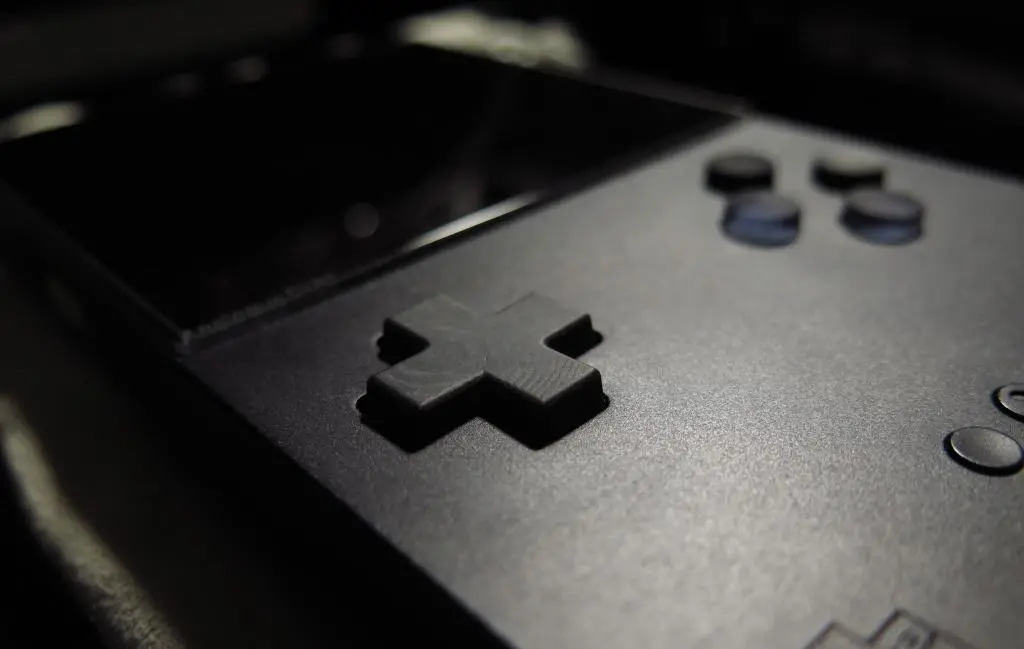
It's more square than the original D-pad, but it fits the aesthetics and matches the buttons.
The material that they used for these buttons is weirdly refractive. Depending on how the light enters the button, the weave of the material either brightens or darkens.
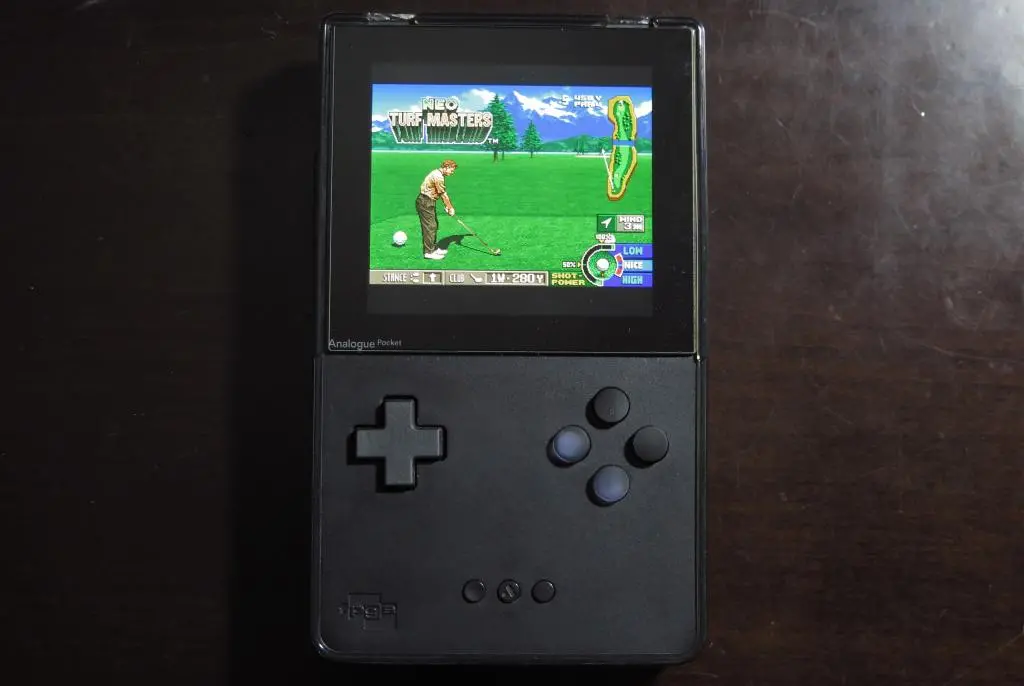
You can see this with the X and A buttons on the side. The weave of the X button is horizontal, while the weave of the A button is vertical. With the direction that I installed the D-pad, too much light is reflected. I need to open it up again and change the rotation to make it perfect. :/
At this point, Pocket-mania has really died down. Developers are still putting out some Arcade cores, but Analogue has been focusing their efforts on their Nintendo 64, and not really given much time to the Pocket.
I do occasionally play the Pocket from time to time. I'll run through a game of Dr. Mario, and see how far I can get in Gradius III or Outrun. Sometimes I'll devote a little time for a good run in Tetris Rosy Retrospective, too. Maybe someday, I'll try to get all the way through Snatcher on Turbo CD.
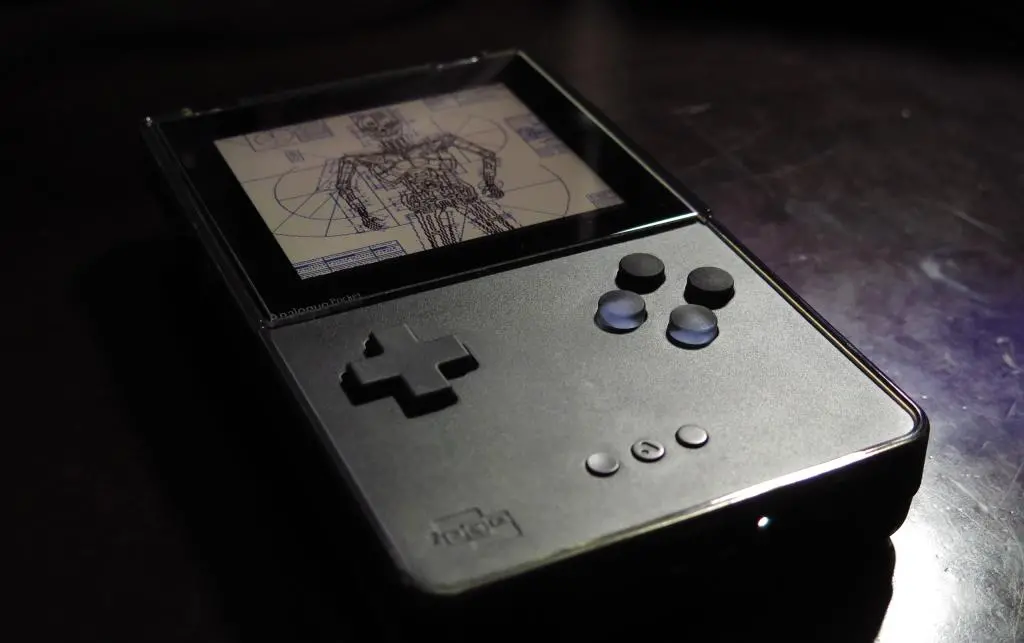
Despite having the boring Black version of the Pocket, I really love how it looks, how it plays, and how it feels.