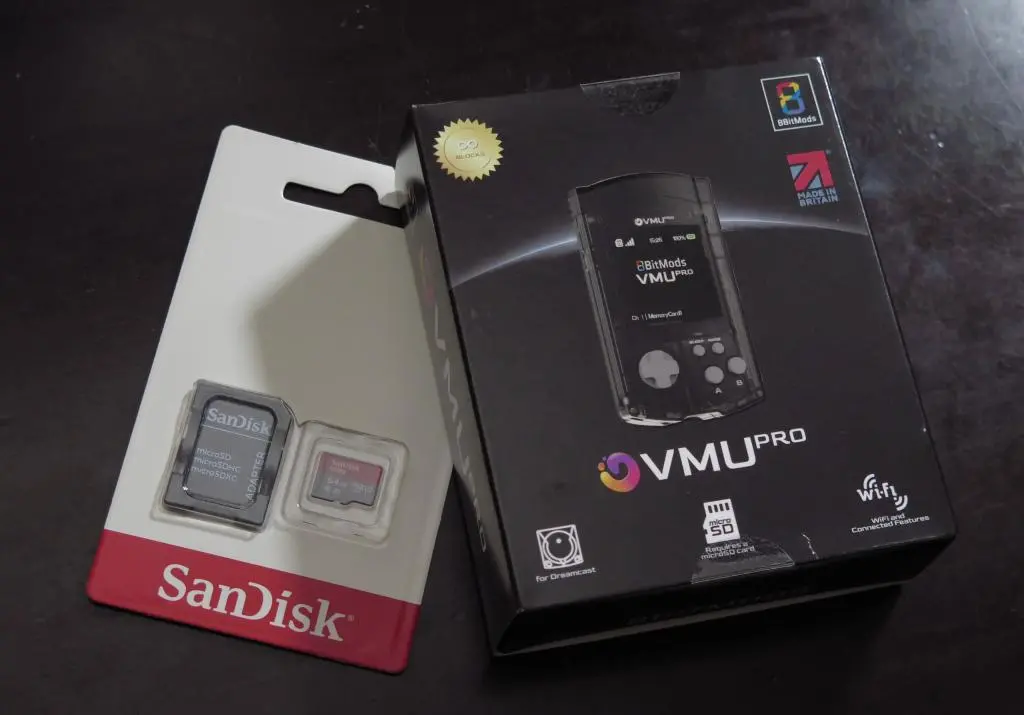
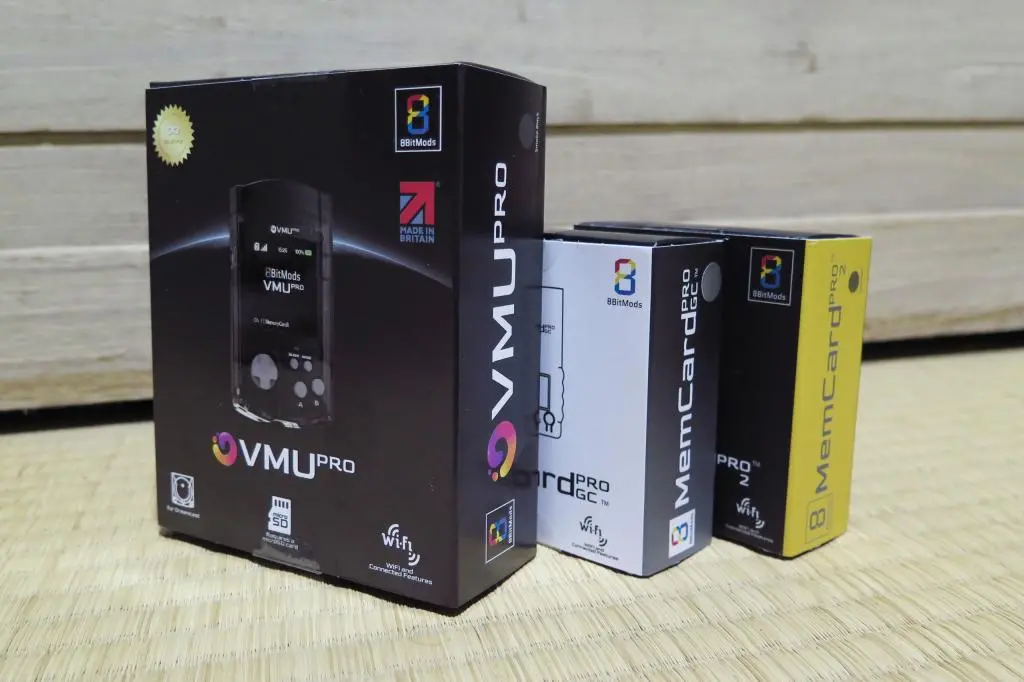
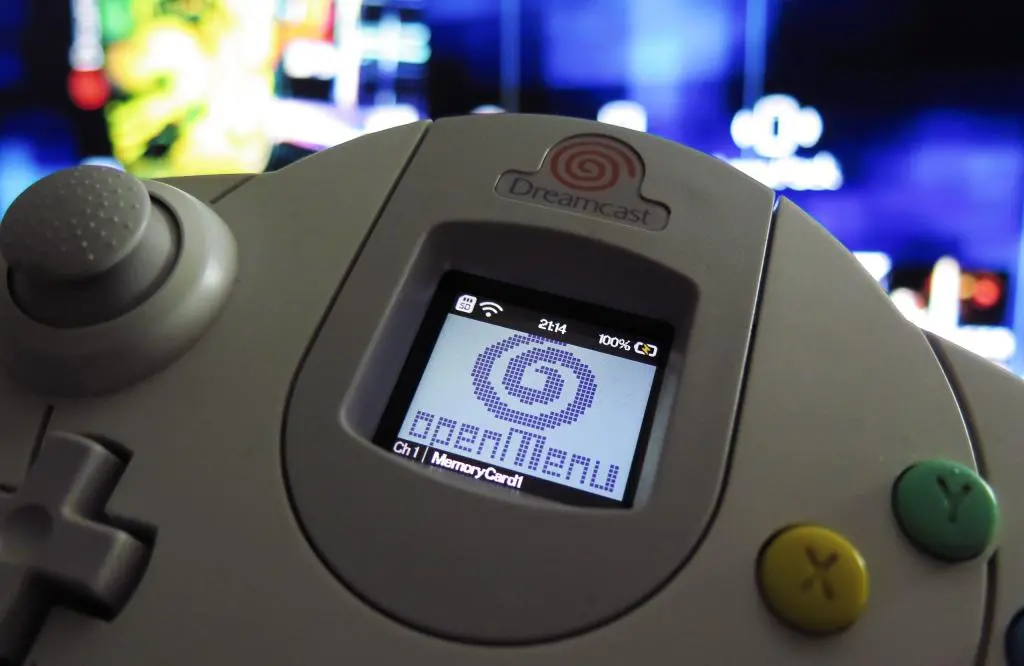
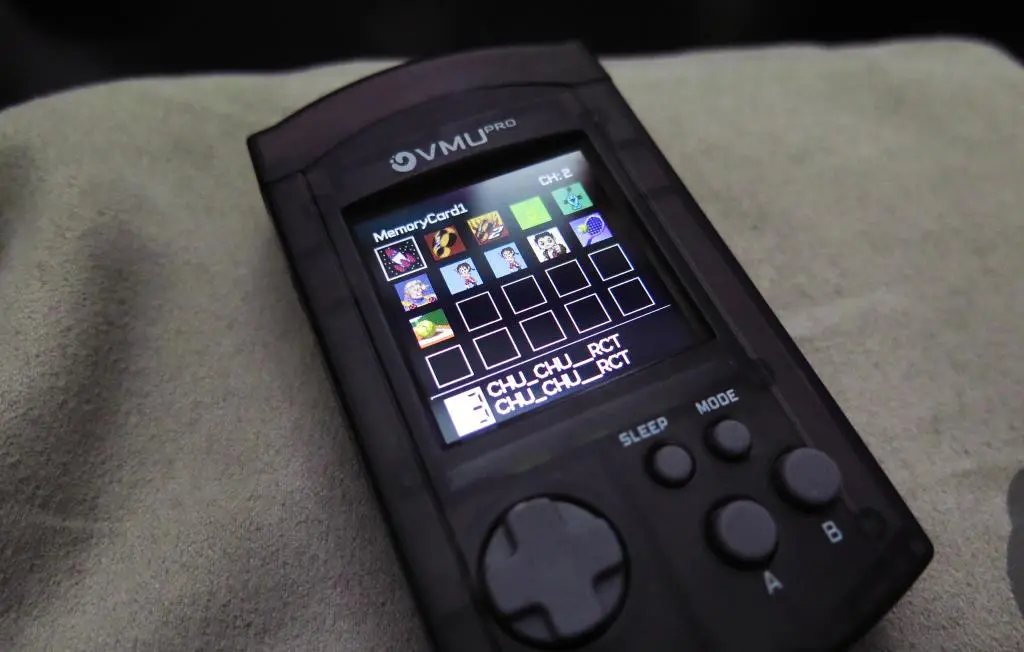
8bitmods has finally released their VMU Pro, a modern device that works in place of an original Dreamcast VMU and does so much more. It still uses Game ID to create unique memory cards for each game allowing for near infinite memory card space, like 8bitmods' other Memcard Pros. But, with its upgraded color screen, you can do full memory card management on the device itself, run 8-bit emulators for Gameboy, NES, and Game Gear, run an mp3 player, and run other apps people develop for it.
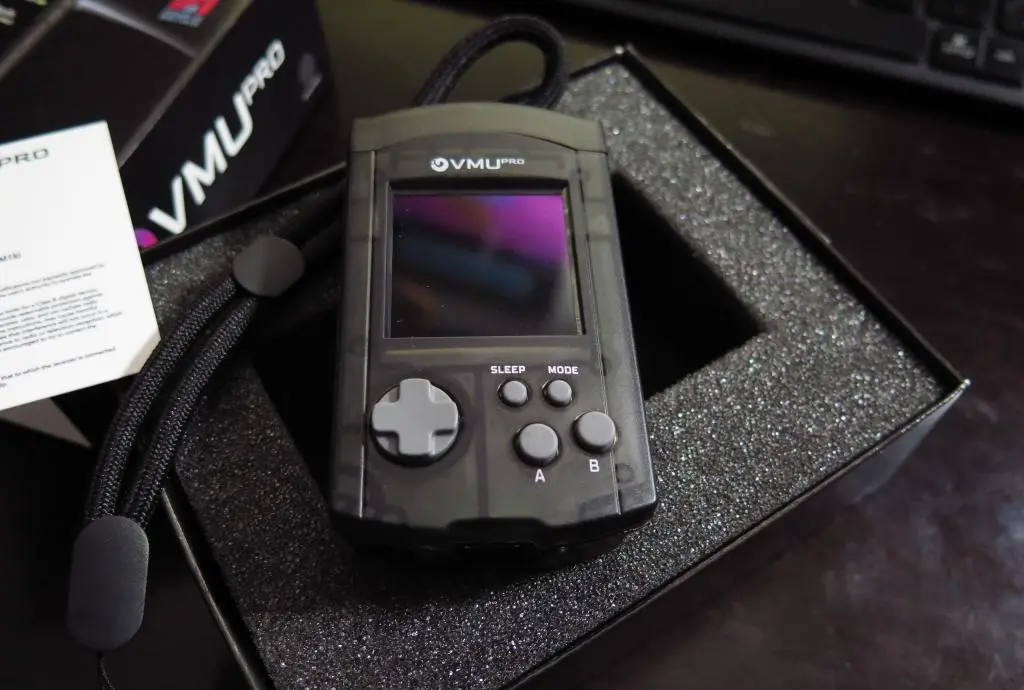
8bitmods began shipping orders around November 3rd, but they are a small operation. They are mainly shipping these by hand, and are only able to do about 100 each day. I ordered the Smoke Black VMU about 8 minutes after pre-orders went live on May 16th. It still ended up shipping around 3 weeks later on November 25th and it arrived at my house on December 2nd.
It's been a very soft launch, and this also extends to a lot of the above features not being completely ironed out. After getting mine in the mail, I began setting it up and going through everything.
Here are the CliffsNotes: (as of December 2025)
- The screen is bright and colorful. Sounds are great from 8-bit games and mp3s.
- 8-bit games look great, but it is combersome due to the size, and emulation isn't perfect.
- The D-pad is floaty and buttons feel squishy. It's hard to tell when a depress counts as an input.
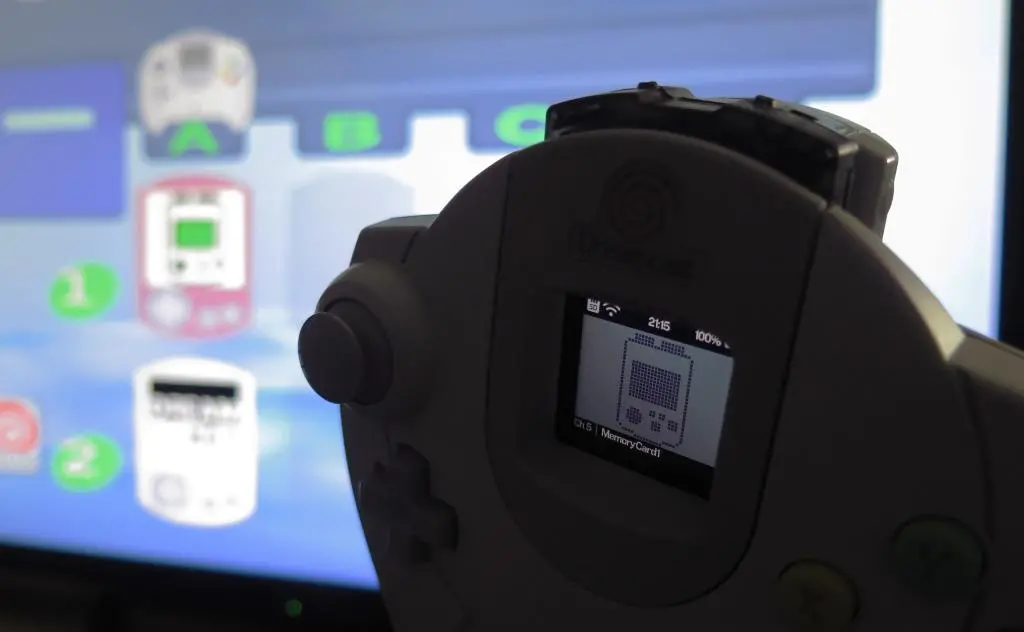
- Using the VMU Pro for its intended purpose of Dreamcast save management is excellent. There is no web interface as of yet, but using the bottom buttons to flip through memory cards while plugged in the controller is great.
- If you're using openMenu with GDemu, it requires an update to the most recent version.
- VMU Game Emulation is bad. Sounds often don't play. Games don't run at their intended speed. And games don't save!
- The VMU Pro occasionally crashes and freezes. There's a pinhole emergency off button I've used a few times.
- Apparently the VMU Pro doesn't work with some RetroFighters Dreamcast controllers.
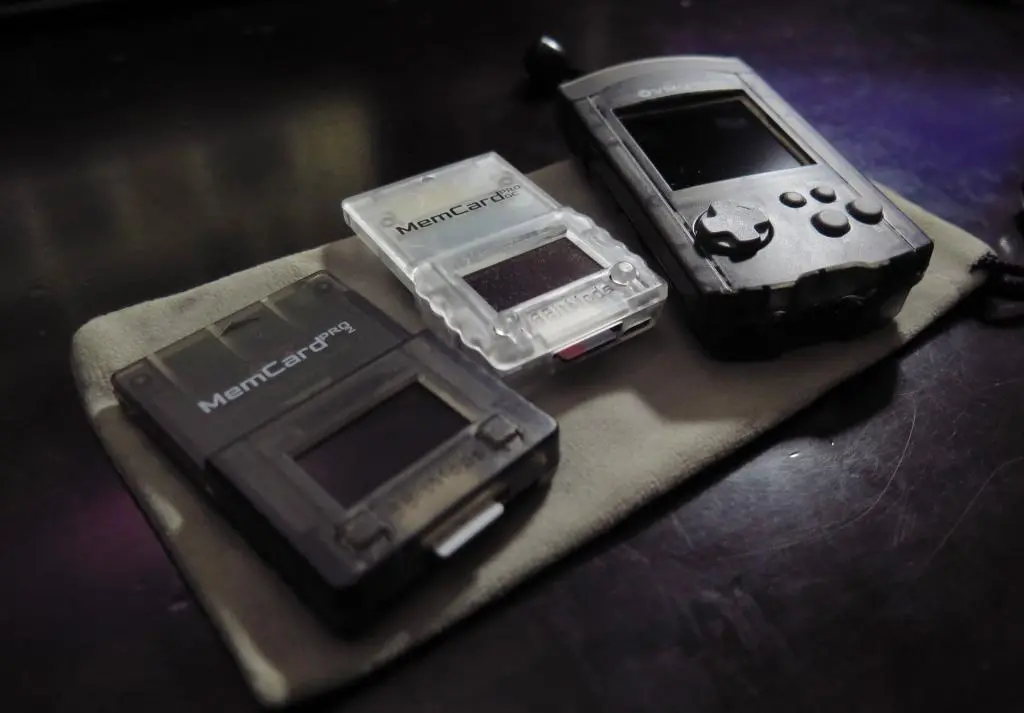
I am a huge fan of the Memcard Pro for Gamecube and the Memcard Pro2 on Playstation, so it's weird how unfinished this seems. But, both previous memcards I picked up over 2 years into their releases, so I think the VMU Pro has yet to mature.
The VMU's greatest strength back in the day was its small display and standard Gameboy style buttons. It felt like you had a full handheld in addition to your console. Ultimately, it was limited by technology at the time, so you couldn't really have a full game experience. The VMU Pro's screen is now full color, and increases the resolution from the original 48x32 to 240x240.
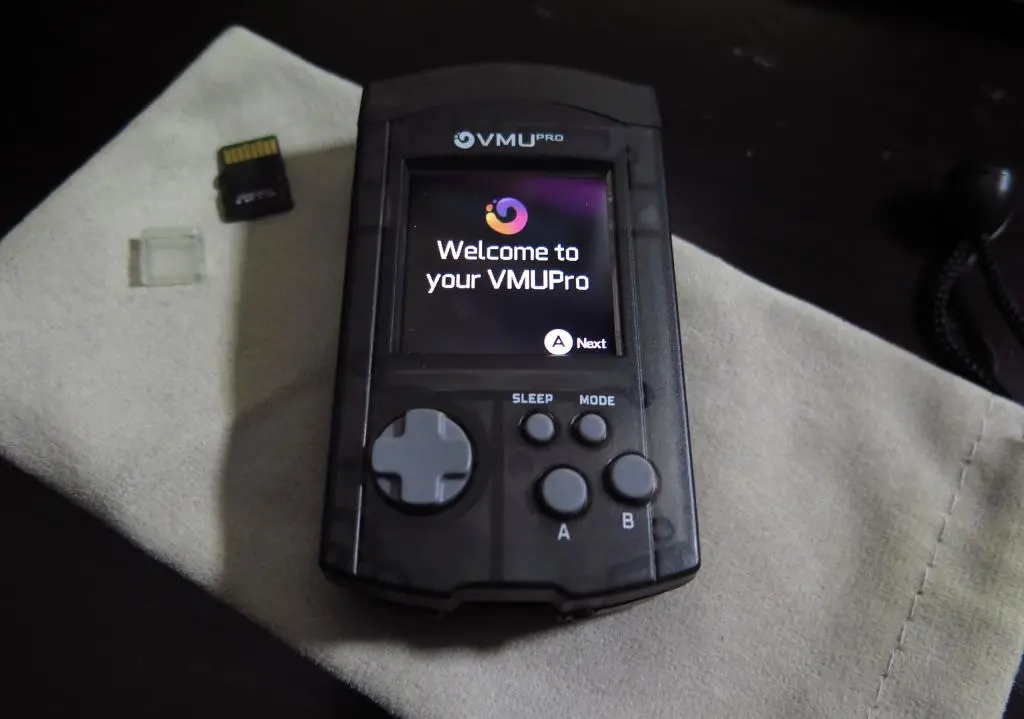
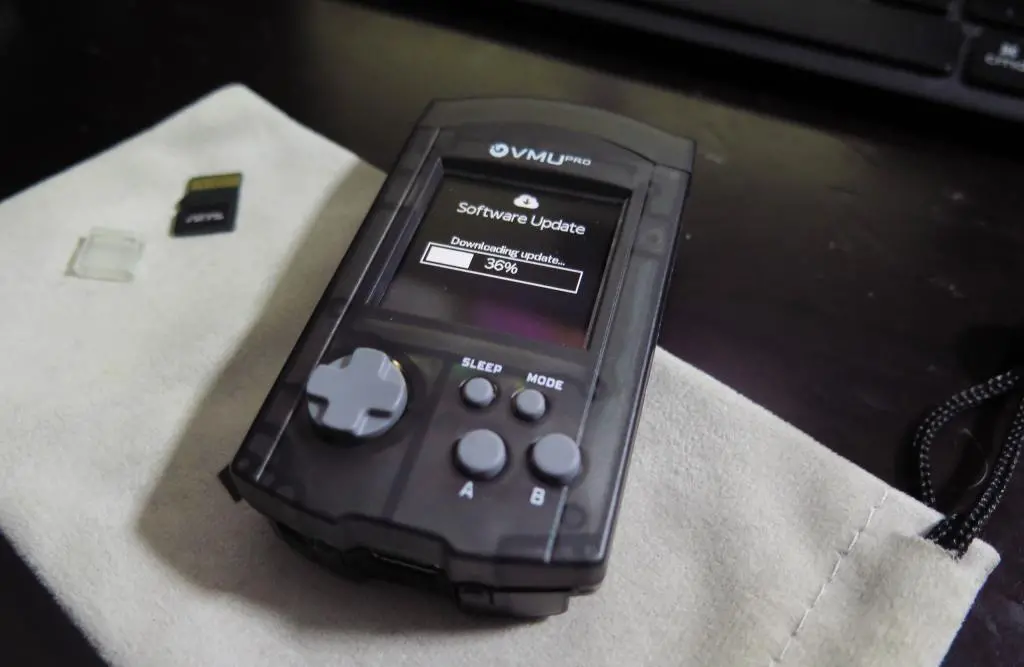
Because of the enhanced screen, you are able to go through the complete set up process on the device itself, rather than using your phone to complete the Wifi set up, as with previous Memcard Pro models. Upon initial start up, it gives you a list of nearby Wifi networks. You select yours and type in the password using the D-pad and unscreen keyboard. Unfortunately, once you connect to a network, you aren't able to change it without a factory reset of the device. (That feature is still forth coming.)
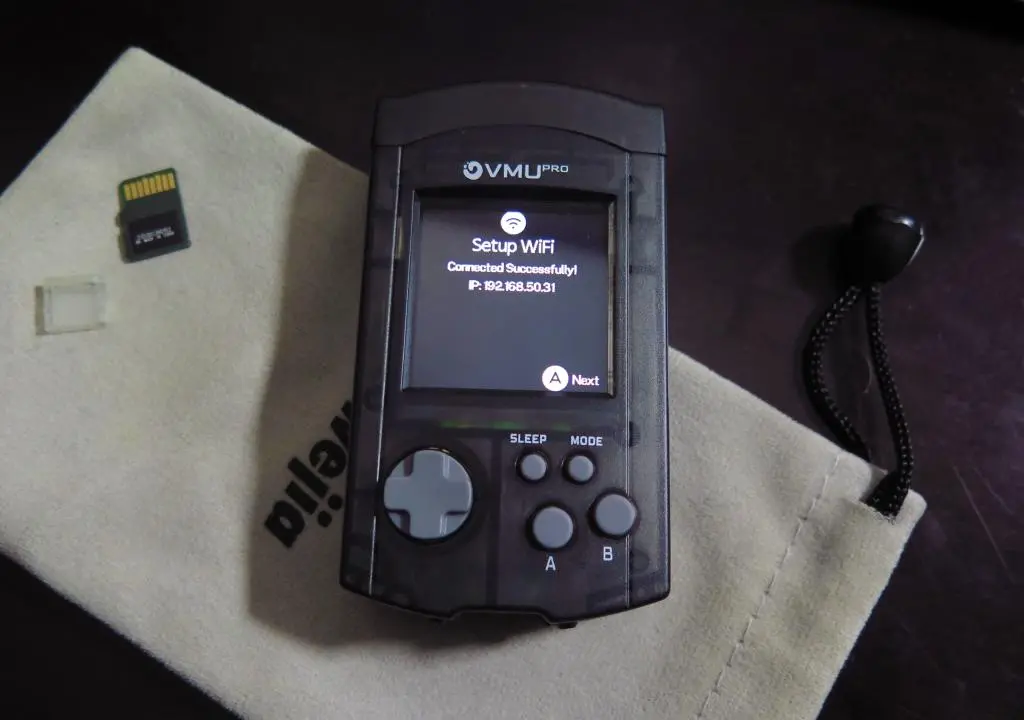
When Wifi is connected, you can start downloading any firmware updates. When that's complete, you'll arrive at the main VMU OS screen. Previous 8bitmods Memcards allowed you to connect to the memory card over your network. You were able to change settings and change the selected memory card using a Web interface. Unfortunately, this feature is not available yet.
From the VMU Screen, you have the following options: VMU Management, Emulation, Apps, MP3 Player, Settings, and Power Off.
In settings, you can set up screen dimming and sleep timers along with other standard options of the Memcard Series, like using Game ID to create unique cards and which card should be default when powered on.
The first feature I played with were the emulators.
One of the funnest most eye-catching features of the VMU Pro is being able to play your favorite 8-bit games on the tiny screen. I think this feature realizes a dream that many of us had when we first saw the VMU 25 years ago. But, this goes a step further with its full color display. Currently available are emulators for NES, Gameboy, Gameboy Color, Sega Master System, and Game Gear.
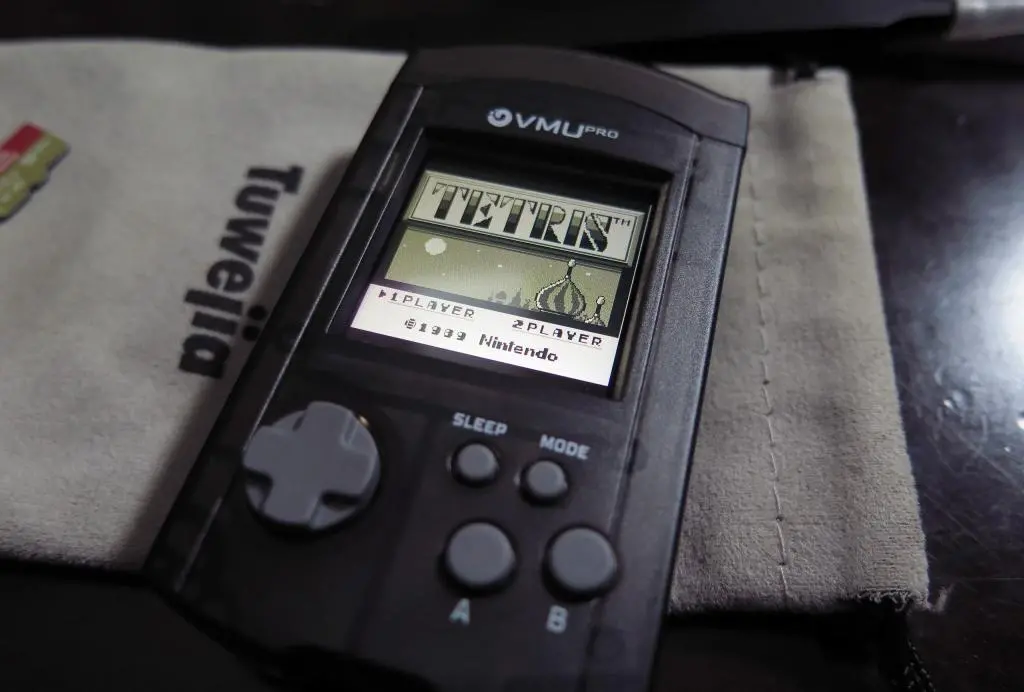
While the menu options are available by default, you need to download the emulators yourself and also supply the roms. The VMU Pro Wiki has the details on where to find them, but here are the links for each:
VMU Pro Nintendo: https://github.com/AppCakeLtd/vmupro-nofrendo/releases
VMU Pro Gameboy: https://github.com/AppCakeLtd/vmupro-gnuboy/releases
VMU Pro SMS Plus: https://github.com/AppCakeLtd/vmupro-smsplus/releases
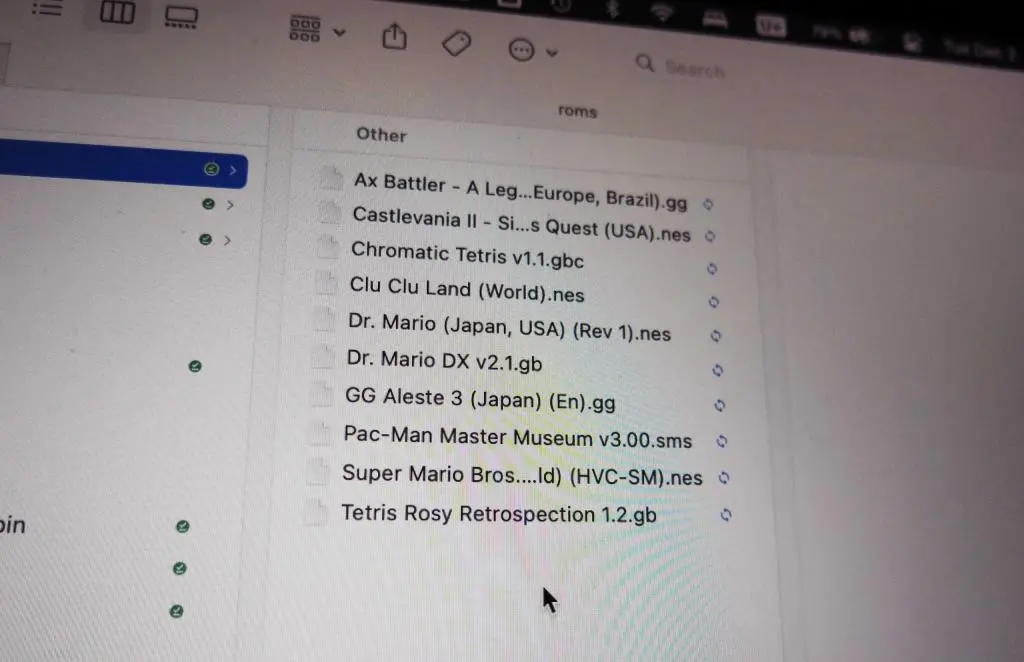
After downloaded, you place each of these in the games folder. For roms, these are placed in specific folders, but case doesn't matter. Gameboy games use roms/gameboy. NES games use roms/nes. And Sega games use roms/smsgg.
I grabbed a few games from my Analogue Pocket to test out.
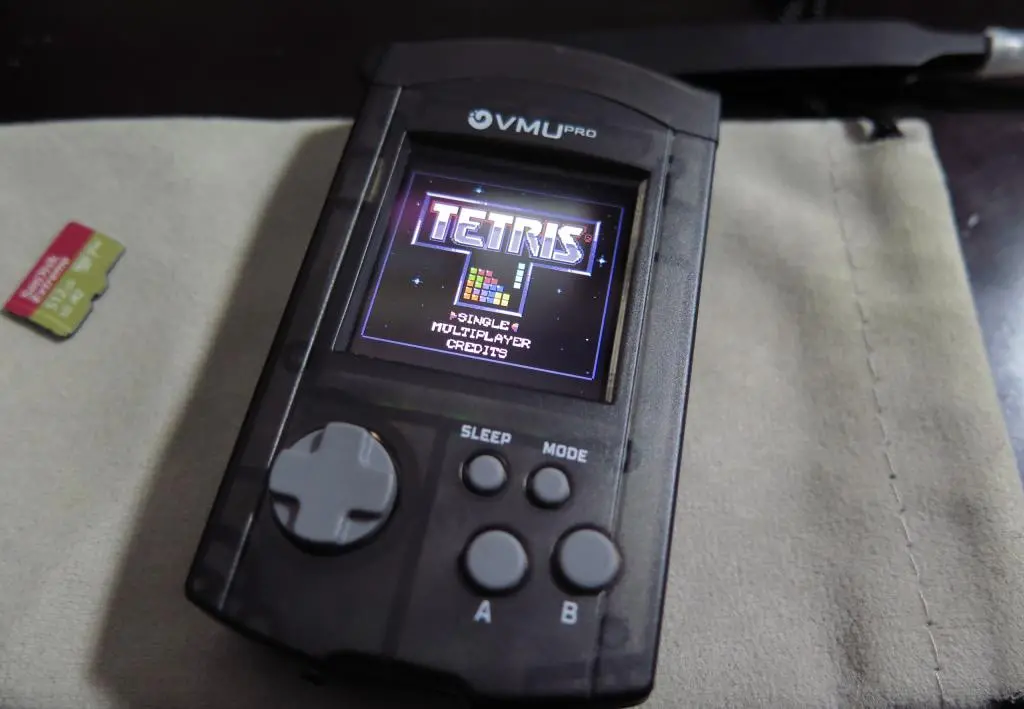
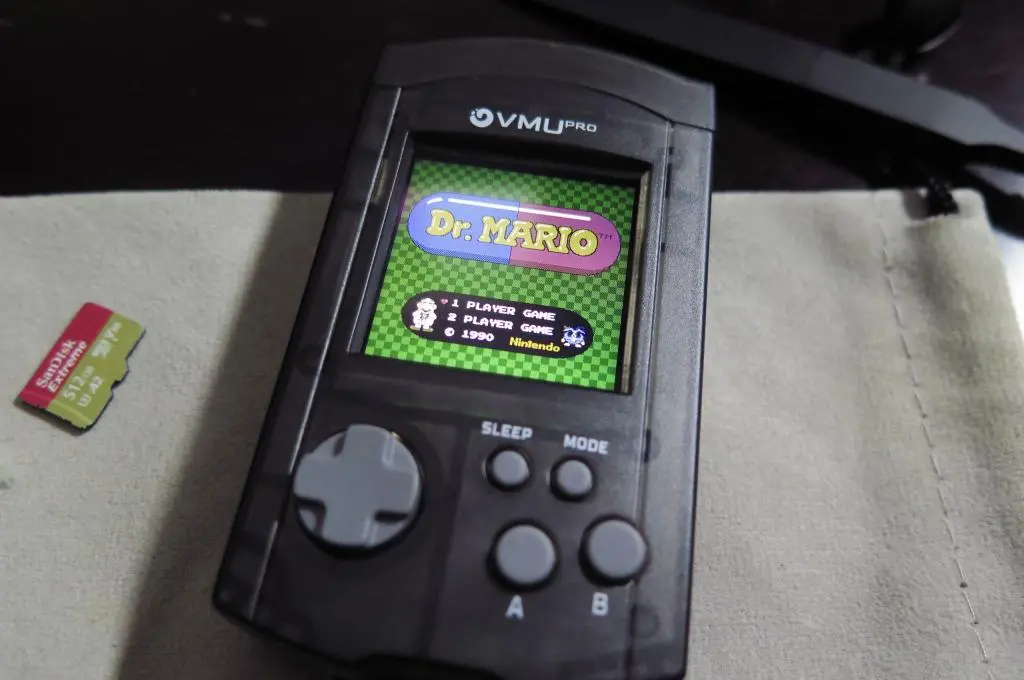
These games look and sound great on the tiny screen. :) However, it's not a perfect solution. For Gameboy, using the full screen isn't a perfect 1-to-1 ratio of the original, so there are extra pixel lines.
The D-pad on the VMU is very swimmy and floaty compared with the original VMU. In Tetris, I had a bunch of missed drops. Buttons feel weird too. It's hard to tell when the presses are actually registered. Simon's Quest had some screen flickering.
Additionally, it's not really fair to complain about this, but the experience is too small. It's a little hard to see because I'm old. And it's too small to hold like a Gameboy. It's a bit awkward to play action games. RPGs and other simulation games would be a great fit, though.
Ultimately, there are better ways to play these games. And if you have the extra money to buy a VMU Pro, you probably already have plenty of these means available to you.
Much like 8bitmods' other offerings, my main use for the VMU Pro is to use it as an actual VMU. I want all my Dreamcast saves in one place, organized, and able to be easily backed up online. I also want to play some VMU games.
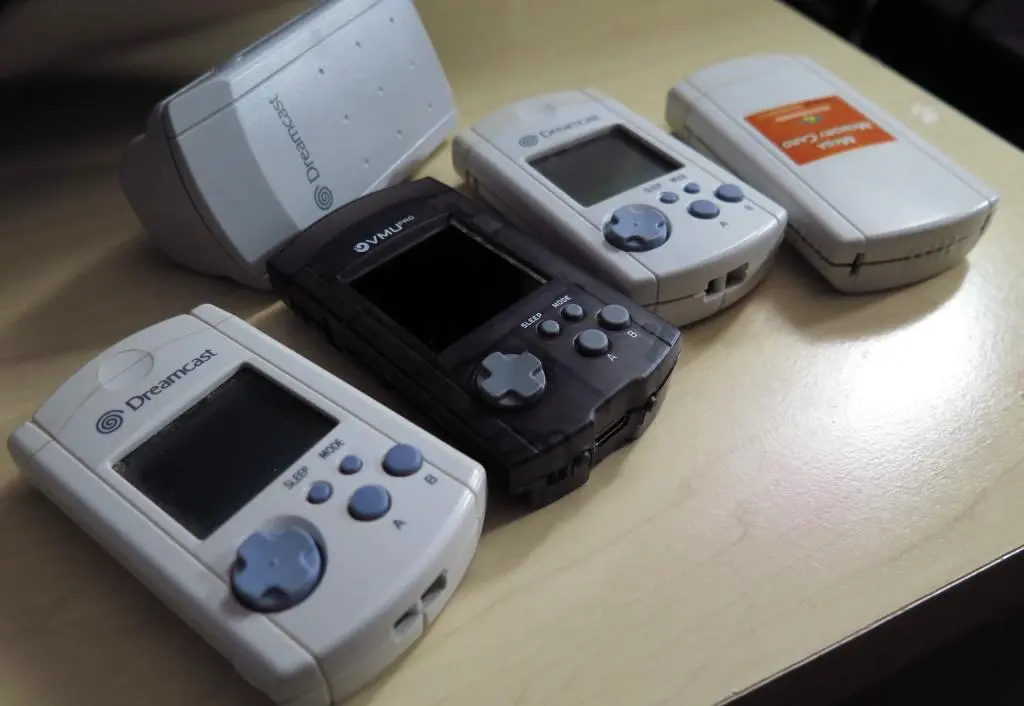
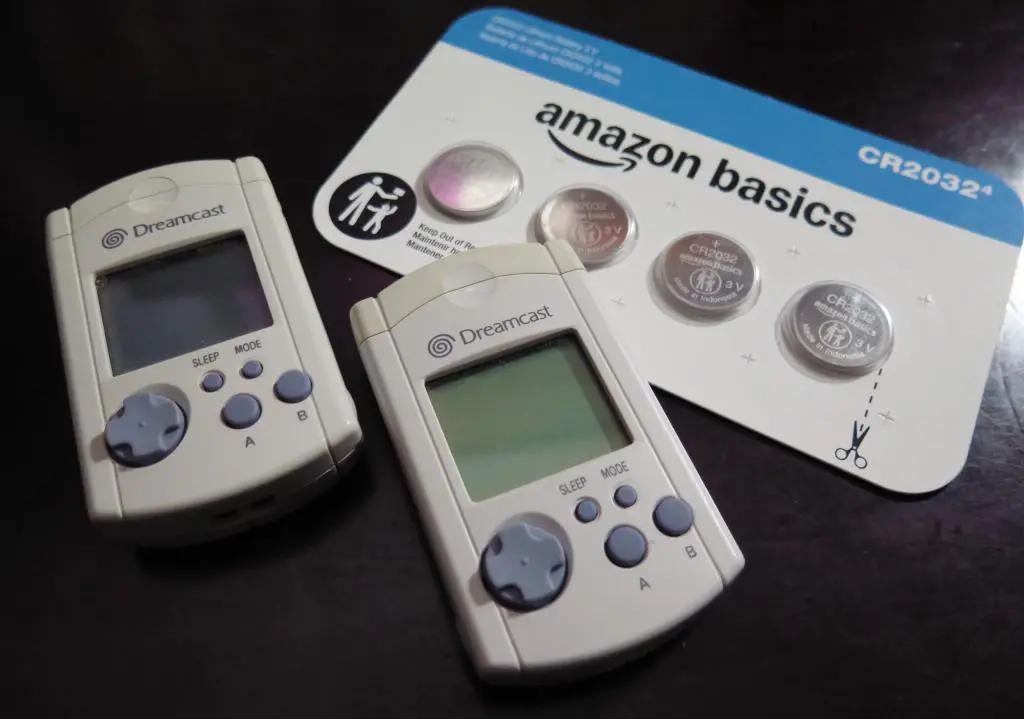
I only have two VMU from 25 years ago and a third-party knock-off. Far fewer than my five Gamecube cards and a huge stack of Playstation ones.
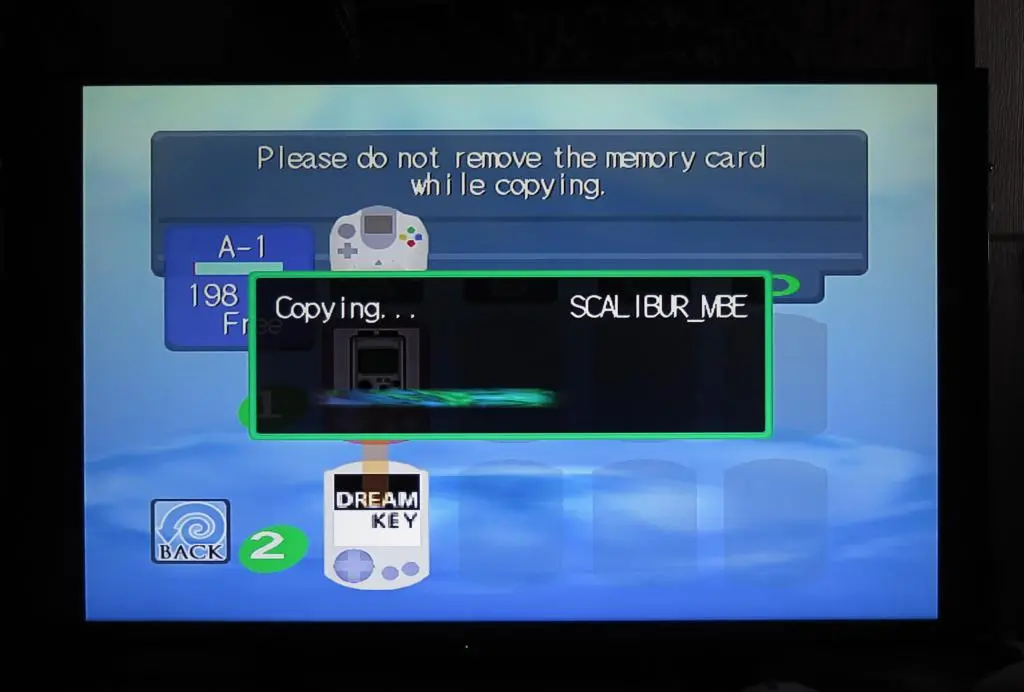
Compared with the Playstations and Gamecube, copying Dreamcast saves is super easy. You don't need to copy saves one-by-one nor worry about copy protection. Using the Memory Card manager in the Dreamcast menu, you can make a full copy of a memory card.
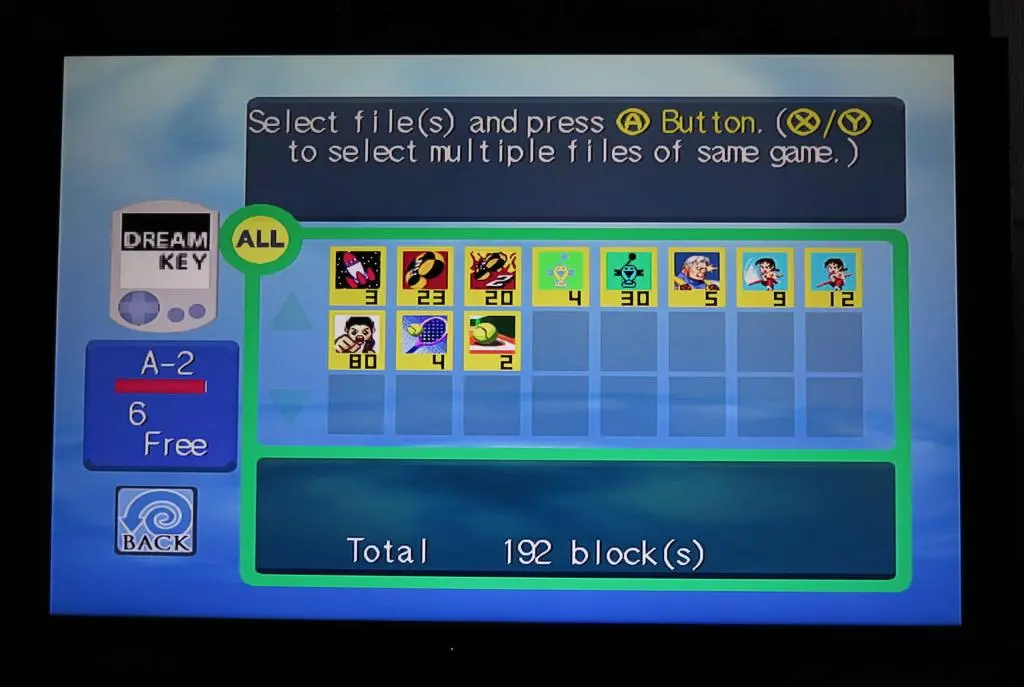
Back on the computer, when you have your copied VMU files, you can use K3zter's save splitter to break out the individual games saves into their own memory card. This is a new save splitter program written specifically for the VMU Pro. It's also still a work in progress, mainly due to some features not fully implemented on the VMU Pro.
Just run the script and go from there.
python3 vmu_splitter.py
The Save Splitter uses a CSV file to determine which saves go to which games. However, Dreamcast game saves aren't indexed by Game ID on the VMU, so it doesn't seem possible to automatically determine which region is used for each game save. So, while running the script, it will ask you for the region of each save file you intend to split.
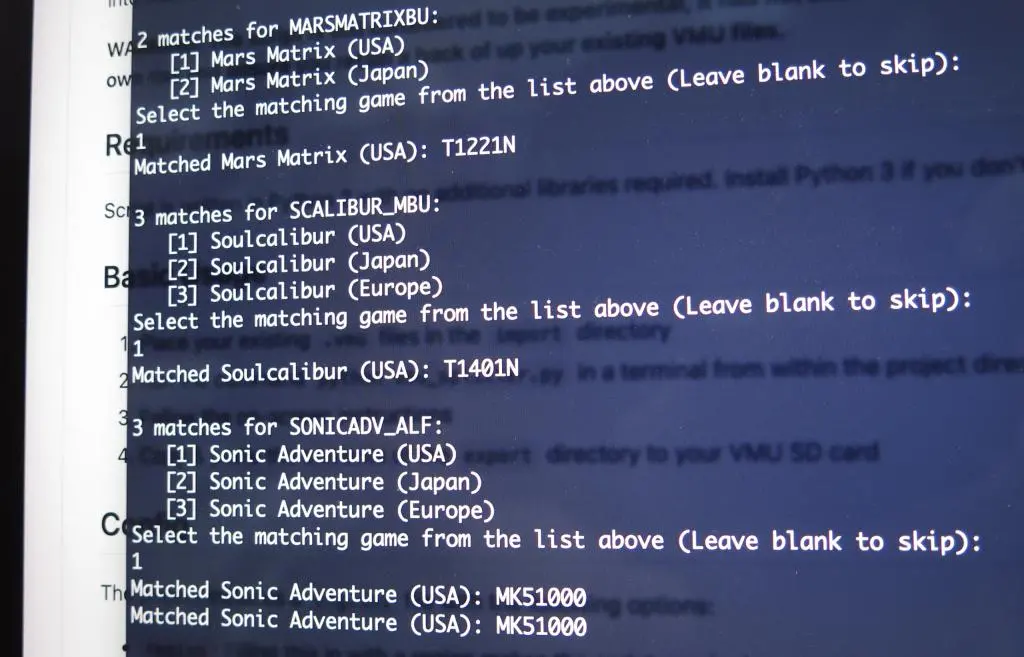
It's a little time consuming, but you probably don't have a huge pile of Dreamcast saves. In the end, I only had saves for 18 games across my three VMUs. Quite few compared to my 88 game saves on Playstation 2. If you'd like to download and take a look at my saves, you can find them on my Game Inventory page.
Ultimately, the reason that you probably don't have many game saves for the Dreamcast is because of the biggest limitation of the VMU: space. A VMU only holds 128kb of data, and Dreamcast saves take up around 5kb to 20kb each! You could only have saves for about 10 games on each card. And this locks you out of the VMU's biggest feature, VMU games. Each VMU game takes up around 60-100kb, nearly the entire card! Plus, VMUs only allowed one game per VMU.
Back in the day, I remember constantly recycling space on the card for different VMU games, and then ultimately given up because the games weren't really all that great. I'm disappointed that I didn't have more fighting game saves from college, but given that both my cards were full, it makes sense.
Overall, solving this limitation is the VMU Pro's biggest feature. The VMU pro allows easy switching between cards and games, so you can play all of the VMU games you wish. :)
By default, Game ID should work with retail games, but it does not if you have a GDemu installed with openMenu. If you're using an old version of openMenu, you need to upgrade. Sbstnc has a separate branch of openMenu specifically modified to work with the VMU Pro.
Here's the link: https://github.com/sbstnc/openmenu/releases/tag/v1.3.0. Follow the instructions at the bottom in the Usage section to upgrade your copy of openMenu. (Note: It is now February 2026, and I think Game ID for VMU Pro has been rolled into the main version of openMenu.)
With openMenu upgraded, it works!
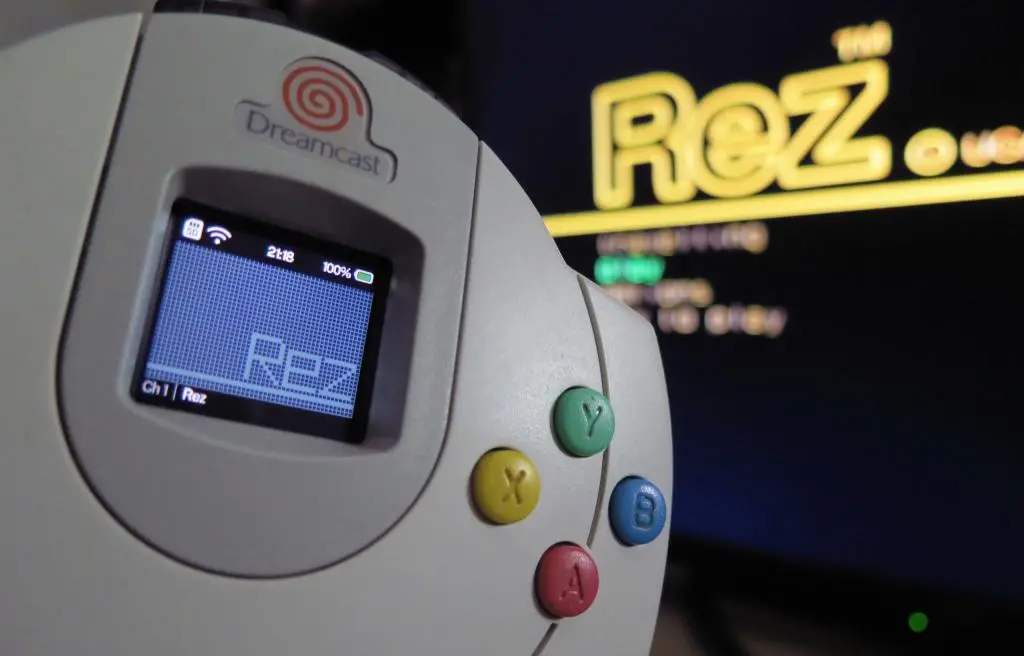
As mentioned at the top, VMU Game emulation is terrible as of this writing. Sounds often don't play. Games don't save. And there is so much button lag. I haven't done any testing on a regular VMU to compare, but this seems completely broken.
The VMU Pro has been a very slow rollout, so I think these problems should be fixed in the coming months, but it's a very disappointing start.
Software problems can be fixed, but the other big disappointment of the VMU is the build quality with the buttons. As mentioned above, they feel terrible and mushy compared with the sharper more distinct presses of an original VMU. I have no idea if this was intended, or some problem with cheap manufacturing.
I might try to do a button replacement in the future when I have time.
If you're playing Dreamcast games in 2025 and you don't have a memory card solution, I think this is an excellent choice. You have near infinite room for all your saves and games. VMU games are broken at the moment, but that should be fixed in the future.
However, if you plan on buying this as a retro novelty then I would recommend skipping it. The buttons feel terrible and the experience of playing retro games on such a small screen is too limited. There are so many other better ways to play those games.
Not to further put down this product, but this disappointment really killed the momentum I had with the Dreamcast after summer. I want to get back to playing some Dreamcast games, but that'll be on hold for a little while longer.
As of December 2025, buyer beware. :(